As one of the nation’s largest healthcare enterprises, CVS Health frequently hires work-from-home representatives across prescription benefits, insurance claims, and patient engagement divisions.
Finding a reliable work-from-home position in the healthcare industry offers long-term career stability, competitive hourly pay, and employee benefits. Read on Insiderbits.
Where to find CVS Health remote customer care positions?
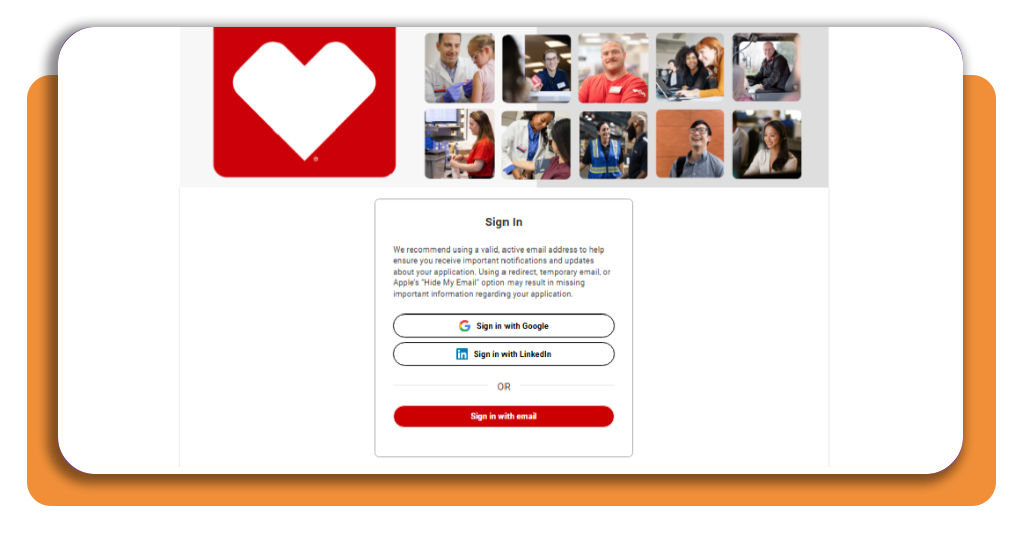
With employment scams targeting remote job seekers, verifying authentic hiring channels is critical. The primary gateway for legitimate telework roles is the official CVS Health Careers Portal.
To find current opportunities, navigate directly to the job search bar and apply the Remote / Work from Home filter under location settings.
Position titles frequently include ‘Customer Care Representative,’ ‘Member Service Advocate,’ ‘Benefit Verification Specialist,’ and ‘Claims Adjudication Agent.’
Because CVS Health operates an interconnected ecosystem of healthcare brands, many of these work-from-home customer service roles support subsidiaries like Aetna, MinuteClinic, and Caremark.
To get an authentic sense of company culture, diversity initiatives, and employee values before submitting your credentials, check out the official CVS Health Our People page.
Step-by-step: how to apply for the role
Preparing your tech setup and tailoring your resume ahead of time will help your application stand out in the applicant pool.
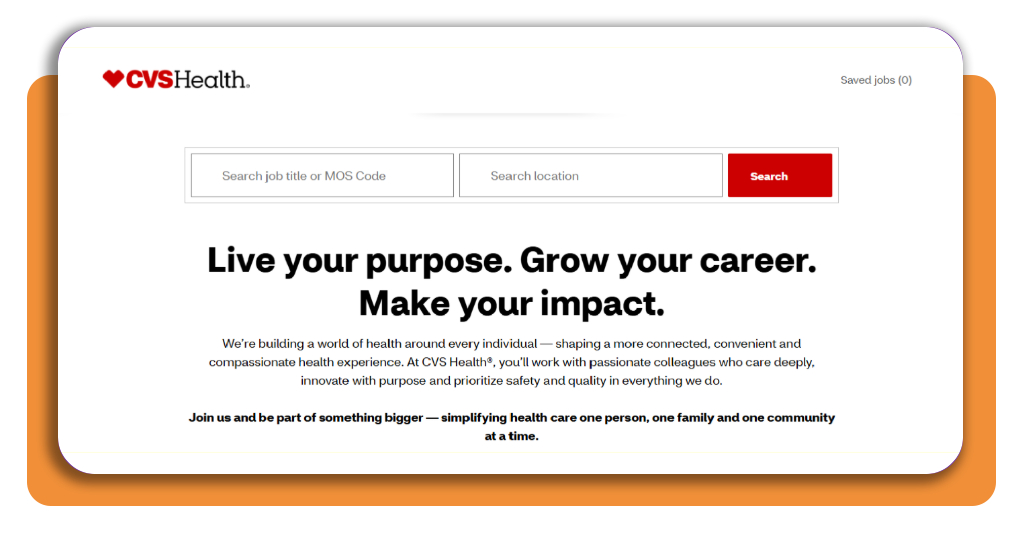
Step 1: locate verified remote openings
Visit the official portal and search for customer care openings.
Read the geographic requirements carefully—while the roles are work-from-home, specific state licensing rules or time zone shifts require candidates to reside in approved states.
Ensure your home workspace supports a high-speed broadband connection with at least 100 Mbps download and 25 Mbps upload speeds.
Step 2: customize your application and resume
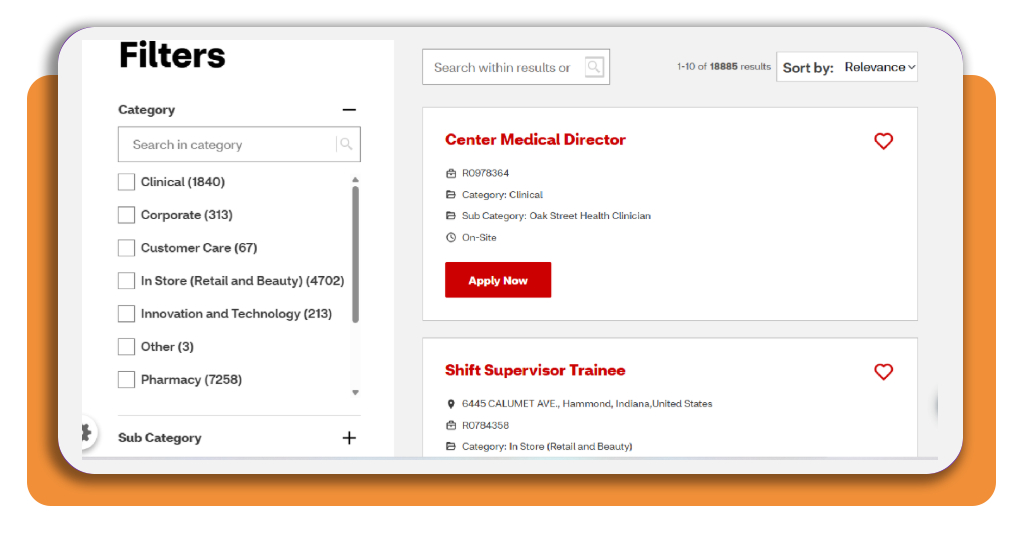
Submit your online application through the official portal.
Tailor your resume to emphasize past experience in call centers, medical billing, retail customer service, or administrative office roles. Highlight key soft skills like active listening, empathy, and multi-tasking.
Step 3: take the virtual job audition
After submitting your application, check your email for an invitation to the automated assessment.
This test evaluates your typing accuracy, problem-solving skills under pressure, basic computer navigation, and responses to real-world customer service scenarios.
Step 4: complete interviews and background screenings
Pass the assessment to move forward to a virtual video interview with a hiring manager.
Once you receive a conditional offer, complete mandatory background checks and drug screenings so CVS Health can ship your pre-configured computer hardware.
What to expect: daily responsibilities for CVS remote agents
A typical workday as a remote representative at CVS Health combines handling member calls with detailed data entry across HIPAA-compliant medical databases.
Rather than guessing your way through inquiries, agents rely on structured software tools and real-time reference knowledge bases. Your core day-to-day responsibilities will include:
- Handling Inbound call queues: answering incoming calls from health plan members regarding prescription drug coverage, copay structures, deductible status, and mail-order pharmacy tracking;
- Assisting healthcare providers: interacting with doctors’ offices, hospital billing departments, and local retail pharmacies to verify member eligibility and process prior authorization requests;
- Dual-screen multitasking: navigating multiple internal software applications simultaneously while maintaining an empathetic, professional tone with callers;
- Outbound care coordination: reaching out to Medicare or Medicaid beneficiaries to help schedule preventive health screenings, annual wellness visits, or home medication reviews;
- Accurate record documentation: logging exact details of every call into electronic medical record databases to ensure compliance with privacy laws and internal service quality standards.
Essential home office upgrades for remote customer care work
Sustaining focus and physical comfort during an 8-hour phone shift requires a dedicated, ergonomic environment.
Investing in comfort and performance-driven hardware prevents daily fatigue. Recommended equipment upgrades for remote agents include:
- Wired noise-canceling headset: high-quality USB headsets filter out background household noise, keeping your voice crystal clear for plan members;
- Dual monitor setup: using two large screens lets you view patient records on one display while referencing call scripts and policy guides on the other;
- Ergonomic desk chair: adjustable lumbar support and breathable mesh fabrics help prevent back strain during extended sitting periods;
- Uninterruptible Power Supply (UPS): a battery backup unit keeps your router powered during unexpected power glitches, protecting active calls from dropping.
If you want to sharpen your technical literacy before onboarding, taking dedicated tech courses can help master multi-screen workflows, cloud computing fundamentals, and network troubleshooting.
Best financial apps for home workers
Working remotely for CVS Health eliminates commuting costs and expensive work wardrobes, but managing your net income wisely is key to achieving financial freedom.
Leveraging personal financial tools allows you to track utility expenses, plan savings goals, and automate investments.
YNAB (You Need A Budget)
YNAB operates on the proactive philosophy of zero-based budgeting, requiring users to give every earned dollar a specific job before it gets spent.
For remote professionals, this intentional approach is particularly effective at smoothing out variable monthly utility costs by allowing you to set aside dedicated funds well in advance.
This means fluctuating electricity bills during seasonal extremes or upgraded internet plan charges
Empower (Personal Capital)
Empower focuses heavily on wealth management through automated portfolio and net worth tracking.
While standard budgeting apps focus on daily cash flow, Empower provides remote workers with a macro overview of their financial health by monitoring long-term investments, brokerage balances, and 401(k) allocations.
It features investment fee analyzers that uncover hidden administrative costs within retirement accounts, ensuring your accumulated earnings compound as efficiently as possible over time.
Monarch Money
Positioned as an all-in-one modern financial manager, Monarch Money specializes in comprehensive household expense tracking designed for complex digital setups.
Its standout capability lies in seamless multi-account synchronization, bringing bank accounts, credit cards, mortgages, and investment portfolios together into a single, intuitive interface.
Remote employees can easily build customized budget categories tailored to home office overhead, equipment upgrades, or remote work stipends, while partners and family members can collaborate on shared financial goals.
Goodbudget
Goodbudget translates the traditional envelope budgeting system into a clean digital experience.
Instead of relying solely on automated bank feeds, it encourages conscious spending habits by letting users allocate their monthly income into virtual envelopes for distinct spending categories.
The structure makes it easy to ring-fence money for predictable fixed monthly expenses, such as rent, subscription services, or recurring home office costs.
Building a successful work-from-home career
Starting a remote customer care career with CVS Health can provide a strong combination of stability, benefits, and flexibility.
With the right preparation, from creating a productive home office to practicing for the hiring assessment, you can position yourself as a competitive candidate.
Once hired, developing strong communication skills, staying organized, and managing your finances effectively can help you build a rewarding long-term career in healthcare support from the comfort of your home.