
Rather than spending hours proofreading every draft, relying on a grammar checker allows you to catch hidden errors in real time, refine your natural voice, and communicate with confidence.
English syntax, irregular verb conjugations, and subtle punctuation rules can be challenging for native speakers and language learners alike. But does it have to? Read on Insiderbits.

4.5/5
Which is the best grammar check app?
Among grammar checkers, Grammarly (iOS | Android) remains the gold standard.
Designed as an intelligent writing assistant, Grammarly (iOS | Android) works in the background of your operating system, browser, and mobile apps.
Unlike basic, built-in spell-checking features that only highlight recognized typos, a grammar checker like Grammarly understands linguistic nuances.
It analyzes sentence context to detect subtle errors, such as confused homophones (like there, their, and they’re), dangling modifiers, and passive voice overuse.
You can download the official mobile apps directly for iOS on the App Store or for Android on the Google Play Store.
Key features within Grammarly
Grammarly provides editing utilities for students, professionals, and digital creators:
- Typo and syntax correction: flags spelling mistakes, subject-verb disagreements, incorrect prepositions, and missing punctuation marks with color-coded suggestions;
- Clarity and conciseness enhancements: detects wordy phrases, unnecessary filler, and overly complex sentence structures, offering one-click edits to make your writing direct and punchy;
- Tone detector: analyzes word choices to show how your message will sound to the recipient—helping you maintain a professional, friendly, or authoritative tone;
- Cross-platform synchronization: works as a desktop background application (macOS and Windows), browser extension (Chrome, Safari, and Edge), and third-party mobile keyboard;
- Plagiarism detection and AI Copilot: compares your text against billions of web pages to ensure academic and professional originality while offering generative AI suggestions to rewrite tricky paragraphs.
Step-by-step: how to set up an AI grammar checker and fix typos
Setting up a grammar checker on your phone or laptop takes only a few minutes. See ahead:
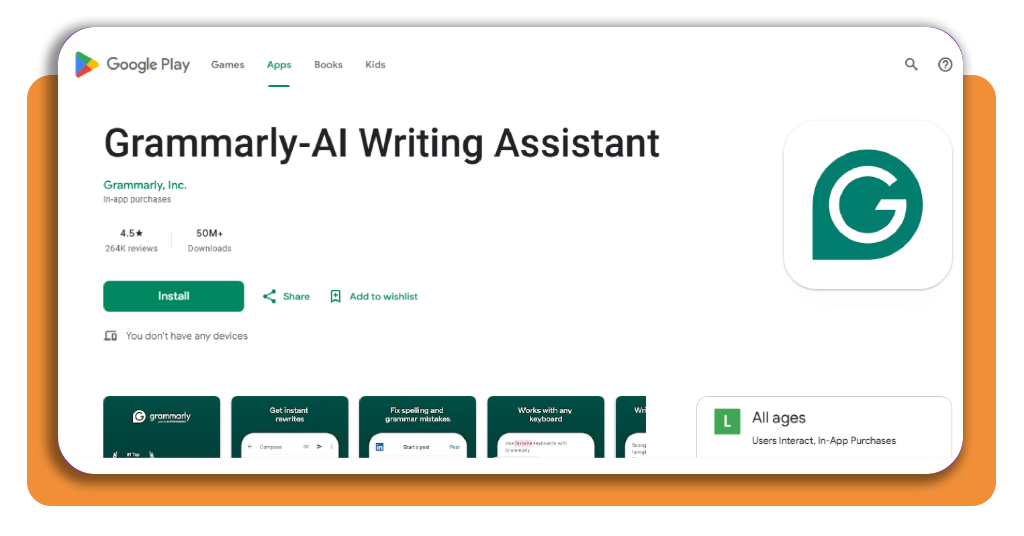
Step 1: download and install the application
Visit the App Store, Google Play Store, or official desktop portal to download the software or browser extension suited for your primary device.
Step 2: create an account and set personal preferences
Register your account and select your primary dialect (such as American, British, Canadian, or Australian English). Add industry-specific terms or custom jargon to your personal dictionary to avoid false flags.
Step 3: grant permissions and activate keyboard integration
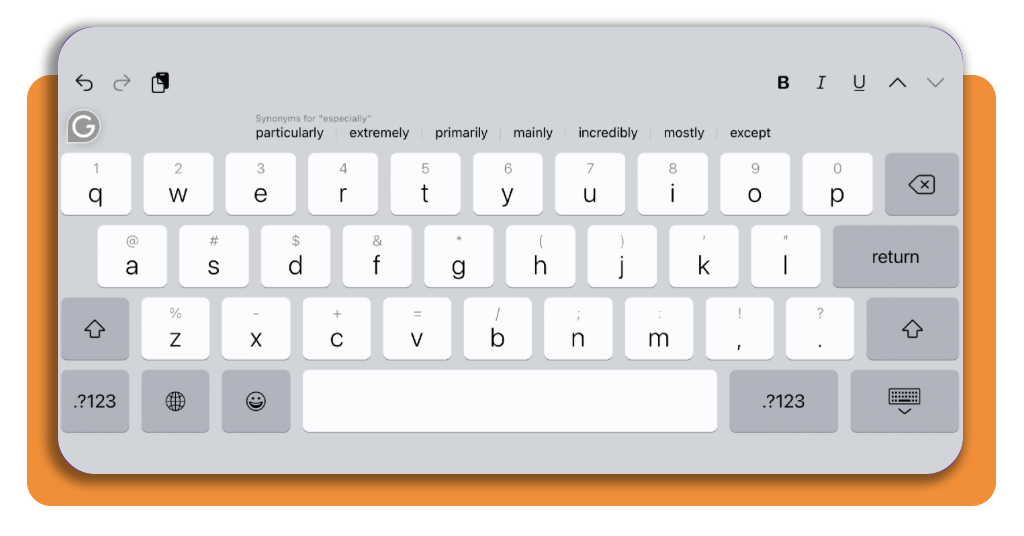
On mobile, go to your system settings, enable the custom keyboard, and toggle full access.
On desktop platforms, enable the accessibility overlay so your grammar checker can scan text boxes in email clients and messaging apps.
Step 4: write naturally and apply suggested edits
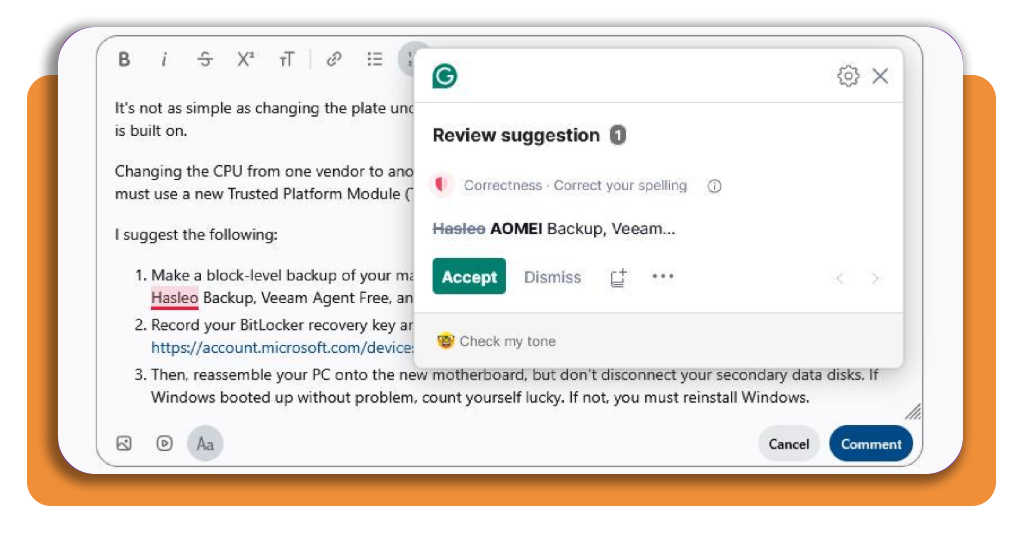
Begin typing in any text window. Red underlines signal critical typos and grammatical errors, while blue underlines indicate clarity and tone upgrades.
Click or tap any suggestion to apply the correction instantly.
From basic spell-check to semantic AI
To truly appreciate the modern grammar checker, it helps to understand how digital proofreading technology has evolved.
Early text editors relied on static dictionary matching. If a typed sequence of letters existed in the software’s internal list, it was marked correct—even if it made no sense in the context of the sentence.
The transformation of the modern grammar checker from basic dictionary lookup tools to deep-learning language models represents a massive leap in communication technology.
Using natural language processing (NLP), a next-generation grammar checker reads full paragraphs simultaneously, analyzing how clauses relate to one another.
This semantic comprehension allows the software to identify when a word is spelled correctly but used improperly within a sentence.
Furthermore, as generative artificial intelligence becomes deeply integrated into content creation, understanding how automated tools interact with human writing is critical.
If you regularly edit or review AI-assisted content, check out our free AI writing detector app guide to learn how to audit text authenticity.
Top online writing courses to build core communication skills
While relying on a real-time grammar checker keeps your documents error-free, developing long-term writing confidence requires fundamental narrative and structural principles. Following are some recommendations:
Coursera (Wesleyan University) — Creative Writing Specialization
This popular multi-course series breaks down storytelling into manageable elements, including narrative voice, character development, and plot structure.
It is ideal for writers looking to expand beyond business communication into creative essays and long-form prose.
Udemy — Business Writing Essentials
Designed specifically for working professionals, this course focuses on crafting concise emails, clear executive summaries, and structured business proposals.
It emphasizes brevity, professional tone, and logical flow.
edX (Harvard University) — Rhetoric: The Art of Persuasive Writing
Rooted in classical rhetorical principles, this course teaches students how to construct compelling written arguments, analyze audience expectations, and structure essays for maximum persuasive impact.
LinkedIn Learning — Editing and Proofreading Foundations
A course for professionals who manage internal communications or self-publish content. It covers self-editing workflows, style guide adherence, and structural revision techniques.
A grammar checker is a powerful safety net, but it should function as an assistant rather than a substitute for active learning. Cultivating strong writing habits ensures that your raw drafts improve naturally over time:
How to get better at writing without relying solely on software
- Read widely and analytically: pay close attention to how established authors structure paragraphs, vary sentence length, and transition between complex ideas;
- Separate drafting from editing: never try to edit while actively brainstorming. Write your ideas down freely without stopping, and enable your grammar checker only during the revision phase;
- Prioritize clarity over fancy vocabulary: clear thinking produces clear writing. Avoid using complex words when simpler terms convey your point faster and more accurately;
- Read your drafts out loud: vocalizing your text reveals awkward rhythm, misplaced punctuation, and run-on sentences that your eyes might miss during a silent review;
- Study recurring grammar feedback: pay attention to the specific corrections your software flags repeatedly. If you frequently misuse semi-colons or passive voice, review those grammatical rules directly.
For additional exercises and professional strategies to refine your prose, explore these eleven tips to help you become a better writer published by the Royal Literary Fund.
4.5/5
Balancing human voice with digital editing
Whether you are sending a quick message on your phone or polishing a multi-page report on your laptop, letting a grammar checker review your work ensures your ideas remain clear, engaging, and error-free every time you hit send.