The world of strategy and multiplayer gaming has been revolutionized by the creators of League of Legends, and Riot Games, with the release of Teamfight Tactics.
This innovative auto-battler game has taken the gaming community by storm, offering a fresh and exciting experience that combines the best elements of strategy, role-playing, and competitive multiplayer gameplay.
With its unique blend of strategic unit placement, deep gameplay mechanics, and intense PvP action, Teamfight Tactics has quickly become a favorite among gamers looking for a new challenge.
In this article, Insiderbits will delve into the world of Teamfight Tactics, exploring its key features, gameplay mechanics, and what sets it apart from other games in the genre.

4.5/5
Teamfight Tactics: A Tactical Masterpiece from the Creators of League of Legends – Review
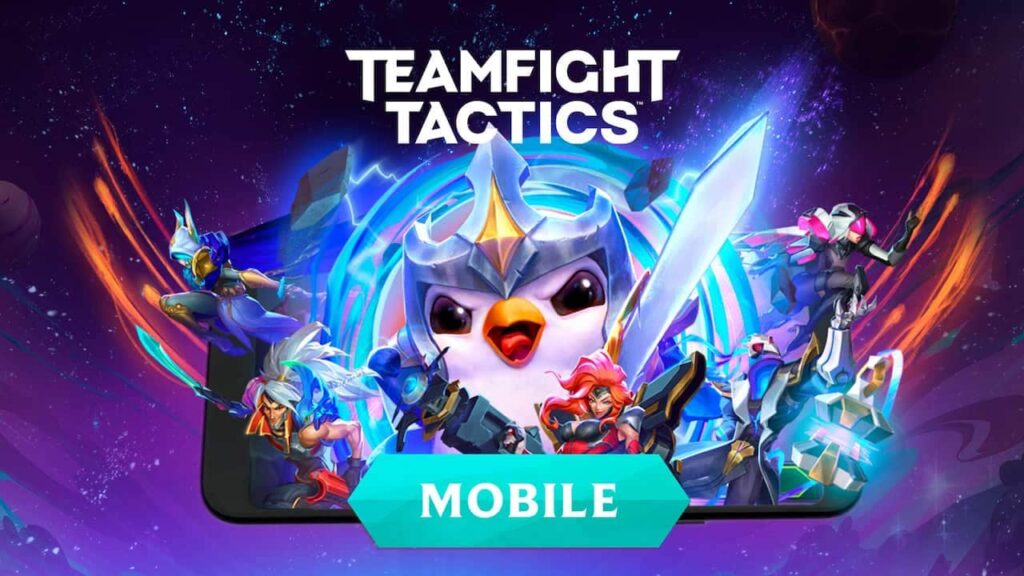
Teamfight Tactics, the latest offering from the renowned game studio Riot Games, has taken the mobile gaming world by storm. As the creators of the wildly popular League of Legends, Riot has once again proven their prowess in delivering a truly exceptional gaming experience with this innovative auto-battler title.
Teamfight Tactics is a game that seamlessly blends the strategic depth of a tactics-based game with the addictive and competitive nature of a multiplayer experience. Drawing inspiration from the beloved League of Legends universe, the game offers players a vast roster of iconic champions to choose from, each with their own unique abilities and synergies.
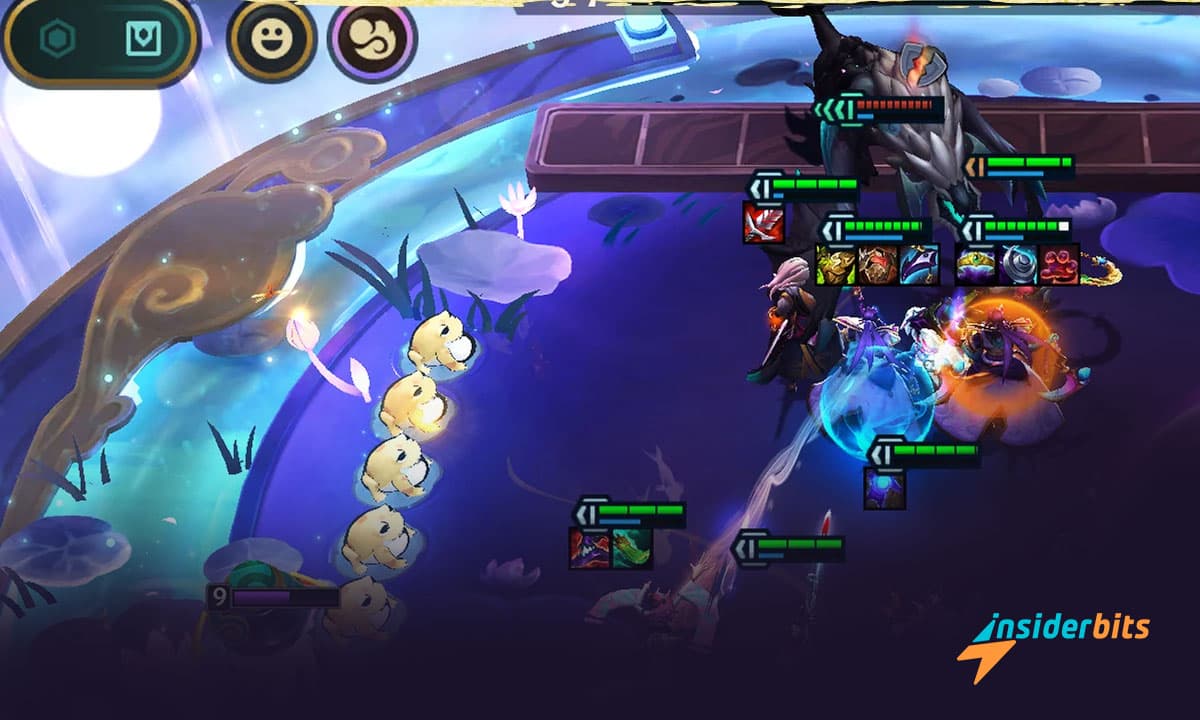
The core gameplay loop of Teamfight Tactics is both simple and deeply engaging. Players must carefully draft and position their team of champions on a chess-like board, strategically leveraging their abilities and class-based bonuses to outmaneuver and outclass their opponents.
The tactics game’s auto-battle mechanic adds an extra layer of excitement, as players watch their carefully crafted teams clash in epic confrontations, with the outcome often hanging on split-second decisions and adaptations.
With new champions, items, and gameplay mechanics introduced with each seasonal update, the game constantly challenges players to rethink their strategies and adapt to the changing landscape. This ensures that no two games are ever the same, keeping the experience fresh and engaging for both casual and hardcore players.
The game’s visual design is a true feast for the eyes, with the League of Legends-inspired art style and animations bringing the champions and their abilities to life in stunning detail. The attention to detail and the seamless integration of the game’s mechanics with its visuals create a truly immersive and polished experience.
Teamfight Tactics also excels in its multiplayer offerings, with a robust matchmaking system that pits players against each other in intense 8-player free-for-all battles. The game’s competitive nature, coupled with the ability to climb the ranked ladder, provides a compelling incentive for players to hone their skills and strive for the top.
For those seeking a more casual experience, Teamfight Tactics also offers a variety of game modes, including the recently introduced Remix Rumble, which adds a fresh twist to the core gameplay by introducing randomized champion and item combinations.
How to Play Teamfight Tactics?
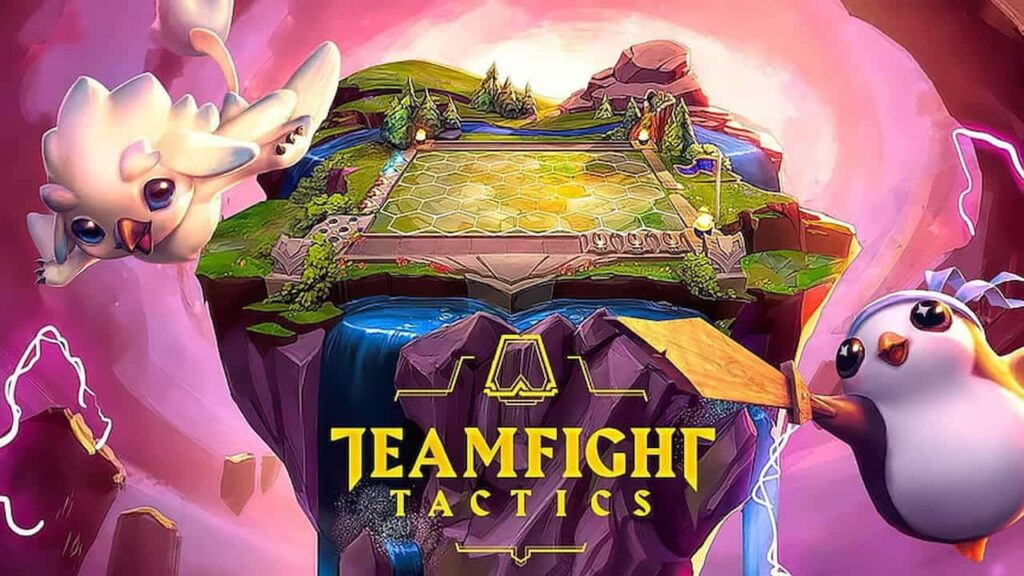
Below are the key steps to play Teamfight Tactics:
Understand the Basics
- Teamfight Tactics is an auto-battler game where players draft, position, and strategically combine a team of League of Legends champions to compete in 8-player free-for-all battles.
- The game features an ever-evolving meta with new champions, items, and gameplay mechanics introduced regularly, requiring players to adapt their strategies.
- Players can queue up for a variety of multiplayer modes, including competitive ranked play, to test their team-building skills against opponents.
- Master the Gameplay Mechanics
- During each round, players draft champions from a shared pool and position them on a chess-like board.
- Champions’ abilities and class-based synergies are key to building a winning team composition.
- The auto-battle mechanic allows players to watch their teams clash.
Utilize Resources and Guides
- Refer to resources like the Teamfight Tactics wiki and community guides to learn about champions, items, and advanced strategies.
- Watch tutorial videos and streams to pick up tips and tricks from experienced players.
- Experiment with different team compositions and playstyles to find what works best for your personal approach.
- Climb the Ranked Ladder
- Engage in competitive PvP matches to earn ranked rewards and climb the ladder from Iron to Challenger.
- A top-tier strategy and consistent performance can lead to exclusive ranked rewards at the end of each set.
Customize and Personalize
- Unlock and collect new Little Legends, arenas, booms, and emotes to personalize your in-game experience.
- Participate in limited-time events and game modes, such as Remix Rumble, to earn additional rewards and content.
How to Download Teamfight Tactics?
For Android:
- Open the Google Play Store on your Android device.
- Search for Teamfight Tactics In the search bar.
- Locate the Teamfight Tactics app by Riot Games and tap the Install button.
- Wait for the app to download and install on your device.
- Once installed, you can open the Teamfight Tactics app and start playing.
For iOS :
- Open the App Store on your iOS device.
- Search for Teamfight Tactics or in the search bar.
- Locate the Teamfight Tactics app by Riot Games and tap the Get.
- Wait for the app to download and install on your device.
- Once installed, you can open the Teamfight Tactics app and start playing.
4.5/5
Teamfight Tactics, A In-Depth Look Into this Multiplayer and PvP Tactics Game – Conclusion
Teamfight Tactics is a must-play for any fan of tactics-based games or the League of Legends universe. Its deep strategic gameplay, ever-evolving meta, and stunning visuals make it a true standout in the mobile gaming landscape.
Whether you’re a seasoned tactics veteran or a newcomer to the genre, Teamfight Tactics is sure to captivate and challenge you in equal measure.
Related: Remember Your Childhood With This Dragon Ball Z Game!
Like this article? Add the Insiderbits blog to your favorites and visit us whenever you want to learn new and exciting information about technology and much more!