
The daily pressure to post, engage, and stay relevant across multiple platforms has quietly become one of the biggest productivity drains for creators and small business owners. A social media planner app is no longer just a convenience; it has become a structural tool to avoid burnout and maintain consistency without sacrificing hours every day.
At Insiderbits, we often see the same pattern: creators start strong, then hit a wall when content planning becomes chaotic. Rather than building momentum, they end up reacting to deadlines. Tools like Buffer attempt to solve this by turning scattered ideas into a streamlined, visual workflow.
- Content Creator Equipment: Professional Results on Any Budget
- AI Writing Tools: Revolutionizing Content Creation
- Best Apps for Content Creators
What’s the best social media planner app?
Choosing the best social media planner app depends less on hype and more on how well it fits into your routine. Among the most widely used options, Buffer stands out for its simplicity and cross-platform integration.
Available for both iOS and Android, Buffer supports a wide range of platforms, including Instagram, Facebook, TikTok, LinkedIn, Pinterest, YouTube, and newer spaces like Threads and Bluesky.
This cross-platform coverage may be one of its strongest points, especially for users managing multiple audiences, but what really sets Buffer apart is its focus on workflow.
Instead of treating scheduling, idea storage, and analytics as separate tasks, the app integrates them into a single environment.
A social media planner app like this becomes less of a tool and more of a control panel for your content ecosystem.

4.7/5
Features available in the Buffer app
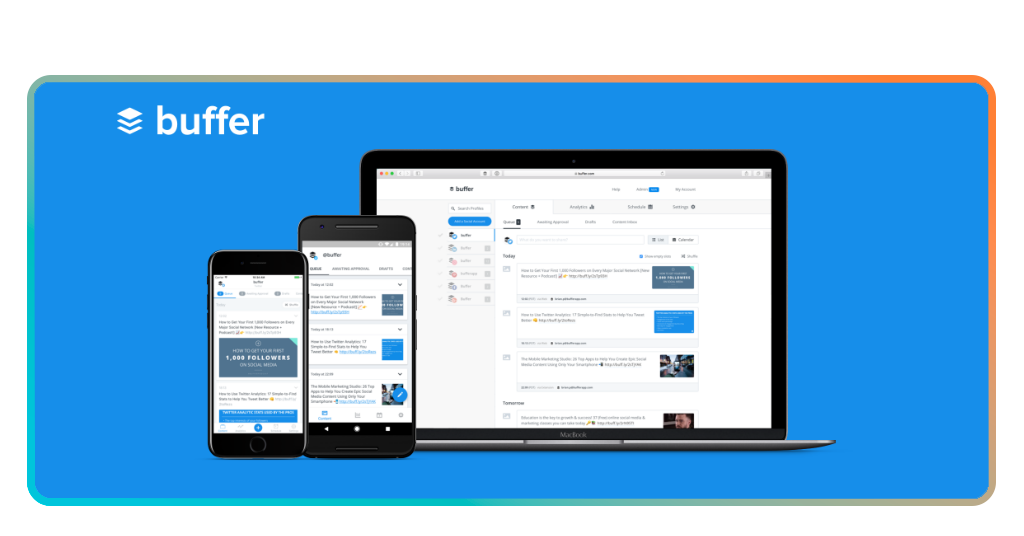
The scheduling system allows users to plan, preview, and automate posts across platforms, eliminating the need to manually publish content at specific times.
Cross-posting is another key feature. A single piece of content can be adapted and distributed across multiple platforms, increasing reach without duplicating effort.
That is particularly useful for creators who want to maintain a presence without producing entirely new content for each channel.
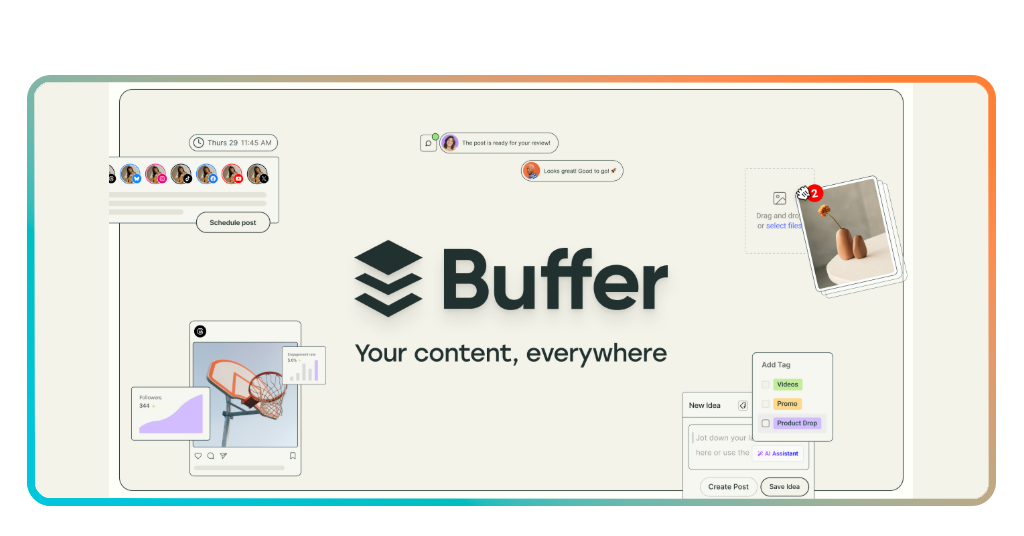
The Create space works like a digital notebook. Ideas can be stored, tagged, and organized into campaigns, making it easier to capture inspiration and revisit it later.
No more losing ideas in scattered notes—now everything lives in one place.
Analytics are presented in a straightforward dashboard. Users can track engagement, identify what types of posts perform best, and adjust their strategy accordingly.
It is not an advanced data lab, but it provides enough clarity to support informed decisions.
The visual calendar ties everything together. It offers a bird’s-eye view of scheduled content, helping users balance frequency and variety. For anyone trying to avoid repetitive posting patterns, this feature becomes essential.
There are also extras like browser extensions for Chrome, Safari, Firefox, and Opera, allowing users to save content directly from the web. Combined with 24/7 support, Buffer positions itself as accessible rather than intimidating.
Limitations and trade-offs
Still, it is not without limitations. Advanced automation, deep analytics, as said before, and AI-driven suggestions are more restricted compared to enterprise-level tools.
For some users, this simplicity is a strength; for others, it may feel limiting.
Step-by-step: how to schedule 30 days of posts using Buffer
Planning an entire month of content might sound ambitious, but the process becomes manageable when broken into clear steps.
A social media planner app helps transform what feels like a daily scramble into a structured workflow.
Step 1: define your content themes
Once you download it to your iOS or Android, start by identifying the main themes your content will revolve around.
These could include education, entertainment, personal insights, or product-focused posts. This step creates a foundation for consistency.
Step 2: collect and organize ideas
Use Buffer’s Create space to store ideas as they come. Add tags or group them into campaigns so you can quickly find and use them later when building your calendar.
Step 3: batch your content production
Set aside time to create multiple posts in one session. This reduces daily pressure and allows for more focused creativity. A social media planner app works best when content is prepared in advance.
Step 4: schedule and preview your posts
Upload your content into Buffer and place it within the visual calendar. Preview how posts will appear on each platform and adjust formatting if needed.
Step 5: set your publishing schedule
Define your posting times and let Buffer automate the process. Once scheduled, your content will be published without manual intervention.
Step 6: monitor performance and refine
Use Buffer’s analytics to track engagement and performance. Over time, this data helps refine your strategy and improve results.
Tips for choosing the best calendar
Not all calendars are created equal. The best social media planner app should feel intuitive, not like another task to manage. Look for a clean interface, flexible scheduling options, and compatibility with your main platforms.
Another important factor is scalability. Even if you are a solo creator today, your needs may grow. Choosing a tool that can handle multiple accounts or team collaboration can save you from switching platforms later.
What’s the best frequency schedule for content
Posting frequency is one of the most debated topics in content strategy and reality is that there is no universal answer. However, research suggests that consistency outweighs intensity.
Smaller accounts benefit from posting a few times per week, while larger or more established profiles can sustain daily content—key may be sustainability.
Check the Buffer Resources guide for a detailed look at optimal posting frequencies across platforms.
A social media planner app allows you to test different schedules without disrupting your workflow. You can experiment with frequency, analyze results, and refine your strategy over time.
It is also worth noting that each platform behaves differently. Instagram may reward consistency and visual storytelling, while LinkedIn favors fewer but more substantial posts.
TikTok, on the other hand, often benefits from higher frequency but lower production complexity. If your goal is growth, combining consistency with experimentation is the safest path.
And if you are aiming for virality, understanding trends and timing is equally important. For more insights on that, this guide on Insiderbits’ How to Go Viral explores practical approaches to increasing reach.
4.7/5
Turning noise into rhythm
Managing accounts without a plan feels like conducting an orchestra where every musician plays at a different tempo. A social media planner app acts as the conductor, bringing order to what would otherwise be noise.
Buffer is not the most advanced tool on the market, nor does it try to be. Its strength lies in usability, making it a solid choice for individuals and small teams who want to regain control over their content workflow.
In the end, the question is less about finding the perfect tool and more about building a system you can sustain. And sometimes, the simplest tools are the ones that quietly keep everything in motion.