
To remove personal info from the internet, check what details data brokers and people-search sites reveal about you, including your address, phone number, and family connections.
Requesting removals can help reduce unwanted contact and the risk of identity theft. Although not all information can be erased, some steps give more control over your digital footprint. Read on Insiderbits.

4.3/5
Which is the best app to remove personal info online?
If you want to remove personal info from old online accounts, Just Delete Me (iOS | Android) can help simplify the process.
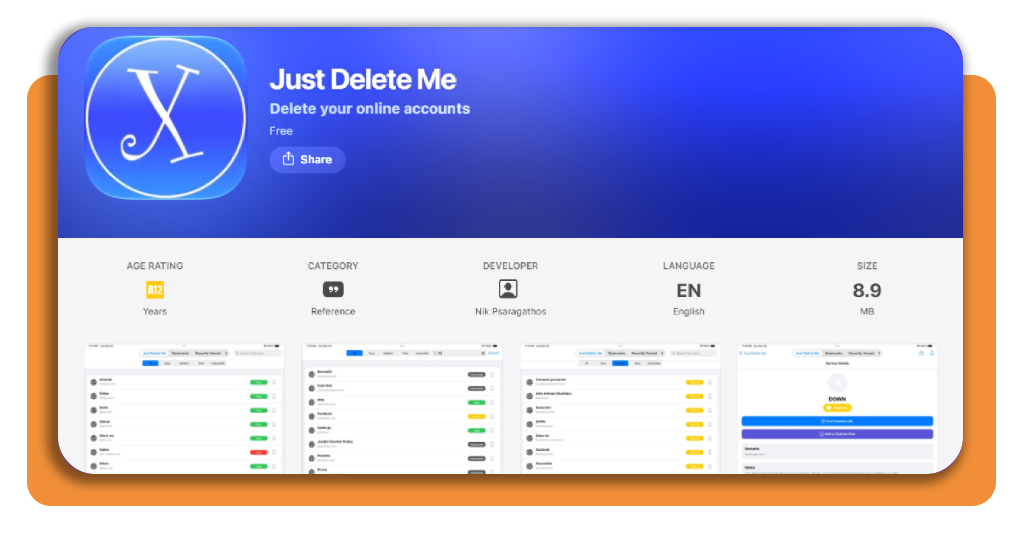
The platform brings together direct account deletion links and difficulty ratings for hundreds of websites, social networks, and online services, so you can find the right steps without digging through menus or privacy policies.
Deleting accounts you no longer use can reduce the amount of personal data you leave scattered across the web, although it doesn’t guarantee that all your information will disappear.
You can access Just Delete Me through the iOS App Store or Google Play Store.
Key features within Just Delete Me
The Just Delete Me app (iOS | Android) offers practical tools to help you remove personal info and make it easier to manage your digital footprint:
- Direct deletion links: access verified direct URL pathways to account cancellation and deletion pages for over 500 web platforms, eliminating navigate-through-settings guesswork;
- Color-coded difficulty indicators: instantly see how difficult a service makes account removal—ranging from Green (simple one-click deletion) to Black (deletion impossible under platform rules);
- Offline access directory: browse deletion instructions and service guides completely offline without transmitting browsing activity to external servers;
- No Registration Required: Built with a privacy-first approach, the utility requires zero user accounts, personal logins, or sensitive permissions to function.
To keep an eye on: to explore scanning tools and deep-web leak monitoring services, consult our dedicated guide on using a data leak scanner.
Step-by-step: how to scan for exposed personal data
Want to remove personal info from the internet?
Start by searching your name on major search engines and checking public records to see what information is exposed. Follow these steps to audit your online presence and identify what you can remove.
Step 1: perform search engine audits
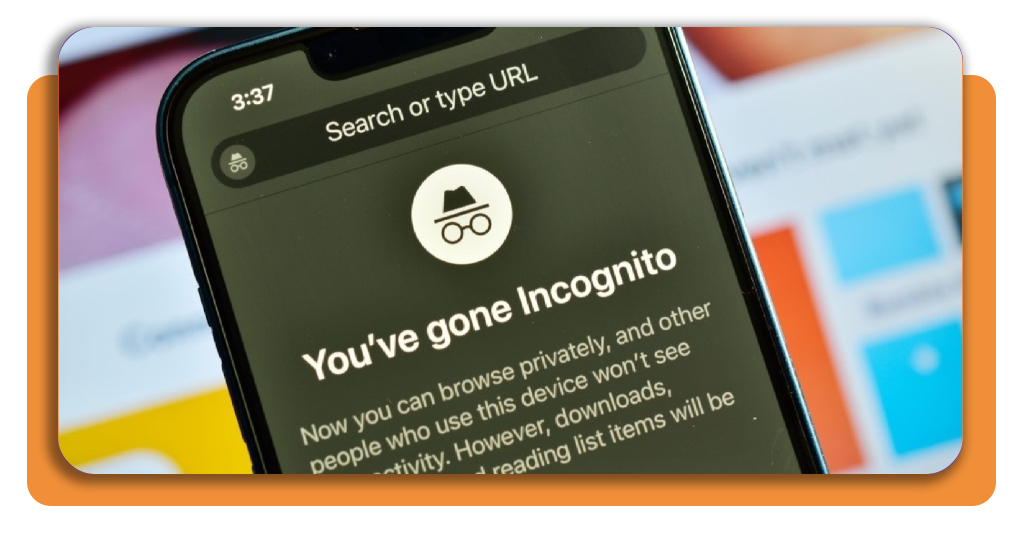
Open search engines in incognito mode. Query your full legal name, phone number, and street address inside quotation marks (e.g., ‘Jane Doe’ ‘555-0199’) to locate public index pages containing your details.
Step 2: audit people-search data brokers and submit opt-out deletion requests
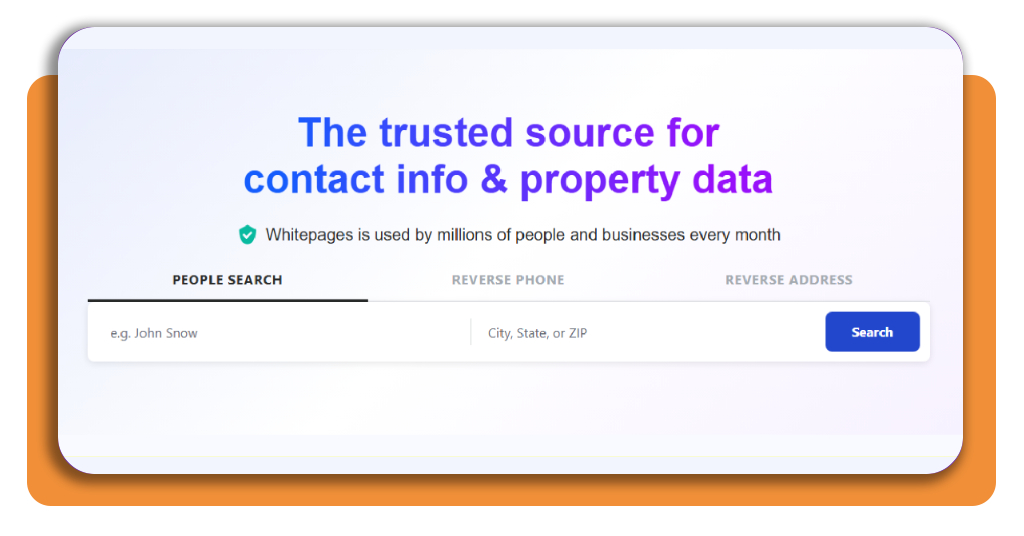
Search major broker sites (such as Whitepages, Spokeo, BeenVerified and FastPeopleSearch) to locate public profiles displaying your age, relatives, address history, and contact numbers.
Navigate to each data broker’s designated ‘Opt-Out’ or ‘Privacy Policy’ footer link. Fill out the removal request form and confirm the verification link sent to a temporary or alias email account.
Step 3: request Google Search removals for sensitive data
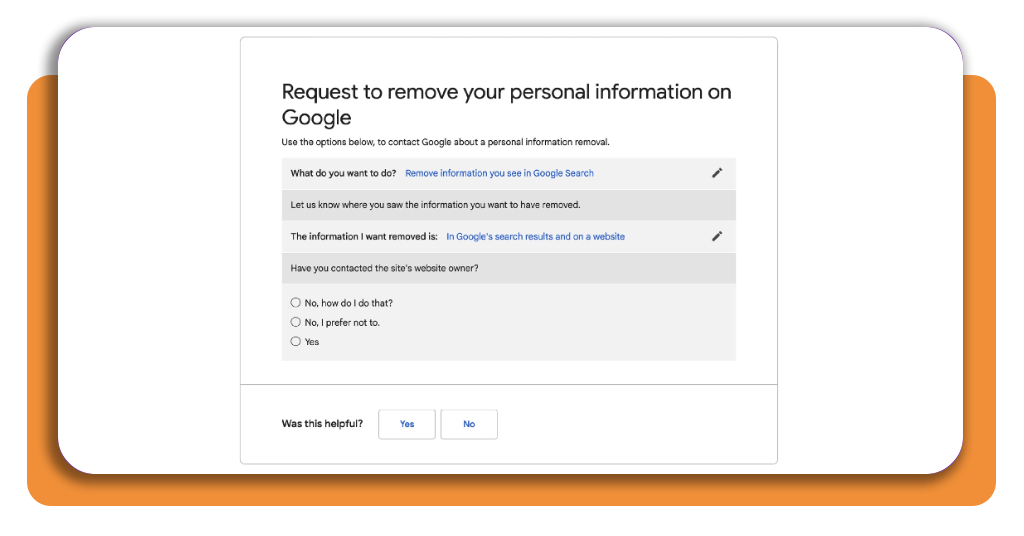
If a website publishes personally identifiable information (such as your SSN, bank details, explicit images, or phone number), submit a direct removal request via Google’s ‘Results about you’ tool.
Step 4: close inactive accounts with Just Delete Me
Launch Just Delete Me (iOS | Android) to locate direct deletion links for old shopping, social media, and forum accounts you no longer use, closing potential backdoor entry points for credential stuffing.
Top identity theft protection platforms
When manual removal proves insufficient or when facing persistent data exposure across hundreds of sites, personal data removal services and identity protection suites automate the opt-out process:
Incogni and DeleteMe
Incogni and DeleteMe are leading subscription-based removal services that send legally binding opt-out demands to hundreds of commercial data brokers on your behalf, providing recurring reports on removed profiles.
To review independent technical comparisons of automated removal tools, explore PCMag’s guide to the best personal data removal services.
Aura
An all-in-one digital safety suite that combines automated data broker removal requests with real-time dark web surveillance, credit monitoring, and financial transaction alerts.
Kanary & Privacy Bee
Kanary and Privacy Bee are privacy-focused automated agents that continuously scan for exposed phone numbers, email addresses, and voter records, automatically filing deletion notices under state privacy acts.
Best options for removing personal phone numbers
Personal phone numbers are frequently scraped from web forms, domain registrations, and public records, leading to constant robocalls and SMS phishing attempts.
Consider these options to erase your phone number from public access:
- Registry opt-out forms: submit direct removal requests to major phone directory brokers like FastPeopleSearch, TruePeopleSearch, and NumLookup. Most process phone number deletions within 24 to 48 hours;
- National do not call registry: register your mobile and landline numbers with the FTC’s official DoNotCall.gov database to prohibit legitimate telemarketers from contacting your line;
- Utilizing virtual secondary numbers: replace your real phone number on public accounts, delivery apps, and store loyalty programs with temporary or virtual numbers (such as Google Voice, Burner, or Cloaked) to prevent future leaks;
- Carrier spam shielding services: activate free network-level spam blocking services offered by major cellular carriers (such as AT&T ActiveArmor, Verizon Call Filter, or T-Mobile Scam Shield) to block flagged data-broker telemarketers.
4.3/5
Reclaiming your online privacy
Removing your digital footprint takes time, but taking steps to remove personal info from the internet can help reduce unwanted exposure, spam, and the risk of identity theft.
Start by reviewing search results, closing unused accounts, and using tools like Just Delete Me (iOS | Android) to find out how to delete old profiles.
You can also request removal from data broker websites that collect and publish personal information.
While no single step can erase everything online, regularly reviewing your digital presence and updating your privacy settings can help you maintain greater control over your personal data.