

For a lot of people, numbers are already a frustration long before the calculation even begins, and tasks involving math are usually stressful moments. Living with dyscalculia or strong math anxiety could mean that everyday situations demanding numbers will feel confusing and exhausting. That’s why a dyscalculia app has started gaining attention for people looking for practical ways to make math easier to understand.
Today, Insiderbits will uncover Photomath, an app that offers a different way to approach calculations by turning abstract equations into clear visual explanations that show each step of the solution. From now on, instead of staring at numbers and trying to guess the logic behind them, you’ll be able to point your phone camera at a math problem and immediately see how the solution unfolds.
- Best Dyslexia-Friendly Resources for Adults
- MathGPT: Free AI Tutor for Students Online
- Basic math apps for adults to improve numeracy
Where to download a dyscalculia app on your phone?
A reliable dyscalculia app makes a noticeable difference for people who struggle with numbers when calculating expenses or checking homework, for example.
With this app, you face numbers with confidence, and a good app will make problems transform into visual steps that make the reasoning easier to follow.
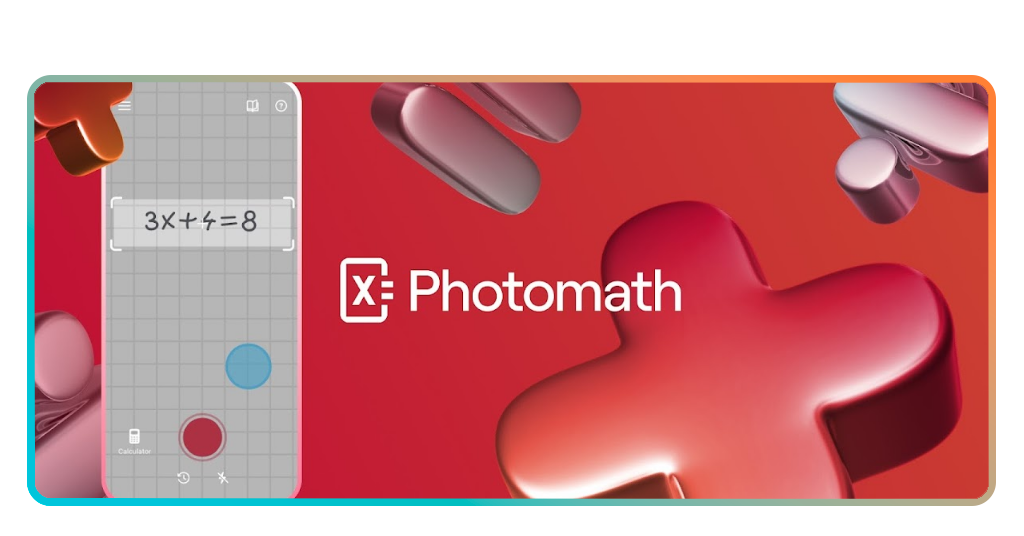
Photomath (iOS/Android) aims to help users understand math problems through camera recognition and step-by-step explanations.
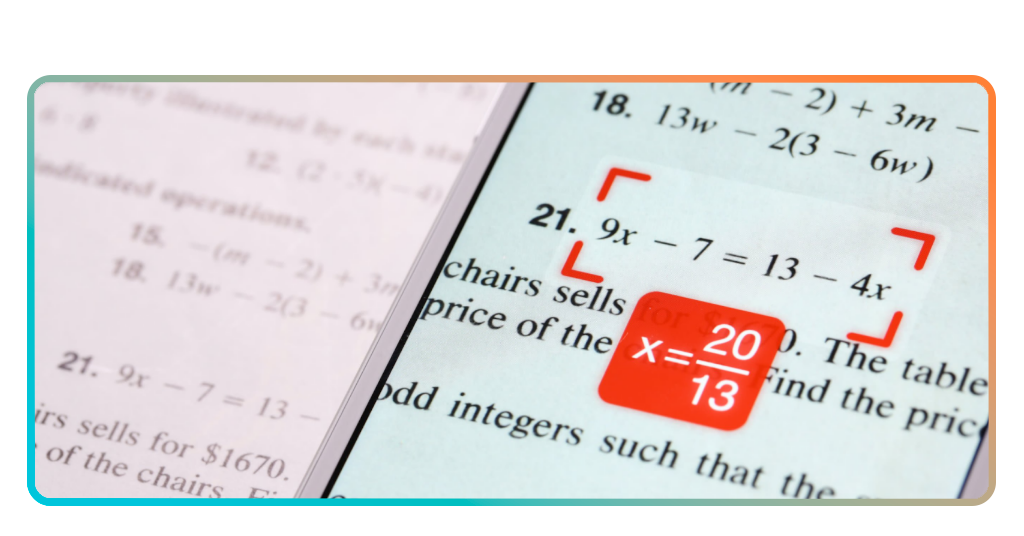
The app allows users to point their phone at a printed or handwritten equation and instantly see how the solution unfolds.
This visual feature is what reduces the mental overload that many people with dyscalculia experience when trying to interpret numbers in traditional formats.
To start using it, you can find Photomath available for download on both the Apple App Store and Google Play, making it accessible for most smartphone users.

Resources released for users
This dyscalculia app contains tools that make math problems easier to understand. Focused on users who experience dyscalculia or strong math anxiety.
One of the most useful resources is the camera-based scanner that makes users point the phone at a math equation and receive a breakdown of the solution right at the moment.
Therefore, the app presents the reasoning behind the calculation step by step, which teaches you and does not just give answers away.
The visual explanations transform complex equations into logical sequences, helping follow the thinking process behind the answer.
Besides that, Photomath (iOS/Android) also supports handwritten problems, making it possible to scan notes from notebooks or whiteboards.
This feature gets particularly helpful for students reviewing school exercises or practicing calculations at home.
The app also includes interactive explanations that allow learners to revisit each step of a solution whenever they need clarification.
Overall, these are some resources that make the learning experience more flexible and accessible for people who need additional support when working with numbers.
Step-by-step guide to installing and using the Photomath app
Installing and using a dyscalculia app like Photomath is quick and turns a confusing math problem into easy, unfolded solutions. Check the guide below to learn how to use it:
- Step 1: open the App Store or Google Play, search for Photomath, and install it on your phone;
- Step 2: now, launch the app and allow camera access so it can recognize math problems through the device lens;
- Step 3: hold your phone over a printed or handwritten math problem until the app highlights the numbers;
- Step 4: the, keep the phone steady so the scanner can read the equation accurately;
- Step 5: after that, the app will display the answer along with the breakdown of the calculation;
- Step 6: tap the solution steps to understand how the problem was solved;
- Step 7: finally, scroll through the explanation to see the reasoning that leads from the original equation to the final result.
Tips on how to deal with dyscalculia in everyday life
People who deal with dyscalculia can feel overwhelmed by tasks involving numbers.
It is normal to feel this way in situations that require quick mental calculations, like budgeting, checking change, or reading numerical information.
However, small strategies combined with Photomath (iOS/Android) can make these situations more manageable and reduce the stress associated with math-related tasks.
Breaking numerical problems into smaller visual steps instead of trying to solve everything mentally at once helps in this matter.
Consequently, using supportive technology will make a meaningful difference during your routine.
Another useful habit is writing numbers down when making financial decisions, and seeing values on paper makes comparisons clearer and reduces the pressure of mental math.
In addition, you can practice by calculating grocery totals or checking discounts during shopping to gradually build up number recognition.
With patience, everyday interactions with numbers can be more comfortable and less stressful.
Making Math Easier with the Right Dyscalculia Support
For people living with dyscalculia or strong math anxiety, the difficulty commonly comes from the way numbers are processed and understood.
Throughout this guide, we learned how Photomath (iOS/Android) shows how technology makes math more accessible by transforming equations into clear visual explanations.
If you want extra support for calculations, learning, or everyday number tasks, downloading a dyscalculia app may be a simple step toward building more confidence with numbers.
Related: MathGPT: Free AI Tutor for Students Online
Enjoyed this article? Save Insiderbits to your favorites and discover the most useful tech tips!