
Exploring UHG remote jobs is one of the most rewarding paths for nurses, customer service representatives, data analysts, case managers, and IT specialists seeking location flexibility.
With competitive compensation, health benefits, and strong career mobility, UnitedHealth Group expands its telecommute workforce across the U.S. and globally. Read on Insiderbits.

4.9/5
Why choose a remote career at UnitedHealth Group?
As one of the world’s largest healthcare enterprises, UnitedHealth Group (UHG)—which encompasses UnitedHealthcare and Optum—is a major employer of work-from-home professionals.
Landing UHG remote jobs gives professionals the stability of a Fortune 5 company combined with the convenience of working from a home office.
Corporate career profiles on UnitedHealth Group Careers show that telecommute roles span clinical, administrative, customer care, and technical divisions.
Candidate reviews on Indeed’s UnitedHealth Group company page frequently highlight the company’s commitment to work-life balance and comprehensive remote onboarding.
If you are exploring broader work-from-home options across healthcare and corporate sectors, review our comprehensive guide to finding remote jobs from home.
Which is the best app to find UHG remote jobs?
When searching for active UHG remote jobs, having direct access to verified corporate openings gives candidates a major advantage over generic job boards.
While third-party aggregators list thousands of openings, finding verified UHG remote jobs quickly requires using specialized corporate recruitment platforms and official mobile applications.
The SparqGo platform by UnitedHealth Group is the primary mobile ecosystem designed to connect job seekers and employees with career advancement opportunities, internal mobility listings, and corporate news.
SparqGo (iOS | Android) allows prospective applicants and current team members to track job requisitions, receive real-time notifications, and manage professional profiles directly from a mobile device.
Features available in the SparqGo platform by UnitedHealth Group
- Real-time telecommute job alerts: set instant push notifications for new remote openings in clinical care, coding, IT, and customer operations before they hit external job boards;
- Direct requisition tracking: monitor your application progress, recruiter reviews, and interview scheduling stages in real time;
- Personalized candidate matching: upload your resume and receive AI-curated job recommendations based on your skill set, certifications, and preferred telecommute arrangements;
- Corporate culture and onboarding resources: access exclusive videos, employee testimonials, and benefits overviews to prepare for candidate interviews.
Step-by-step: how to filter and apply for UHG
Securing UHG remote jobs requires navigating UnitedHealth Group’s recruitment pipeline with precision—follow this step-by-step to find, filter, and submit winning applications:
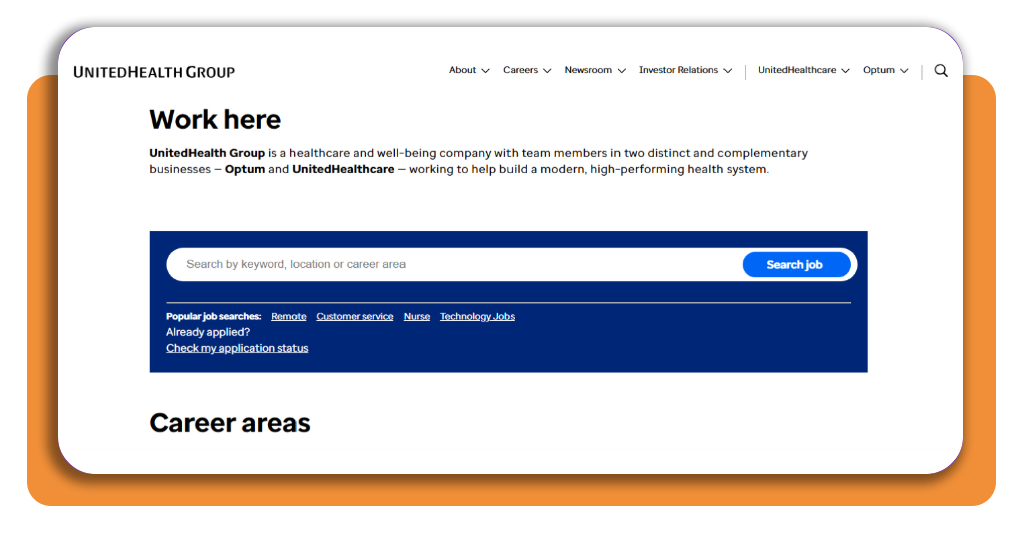
Step 1: set up profile and download SparqGo
Install SparqGo on iOS or Android or visit the official UnitedHealth Group portal. Create a candidate profile and upload your current resume.
Step 2: filter for telecommute and remote positions
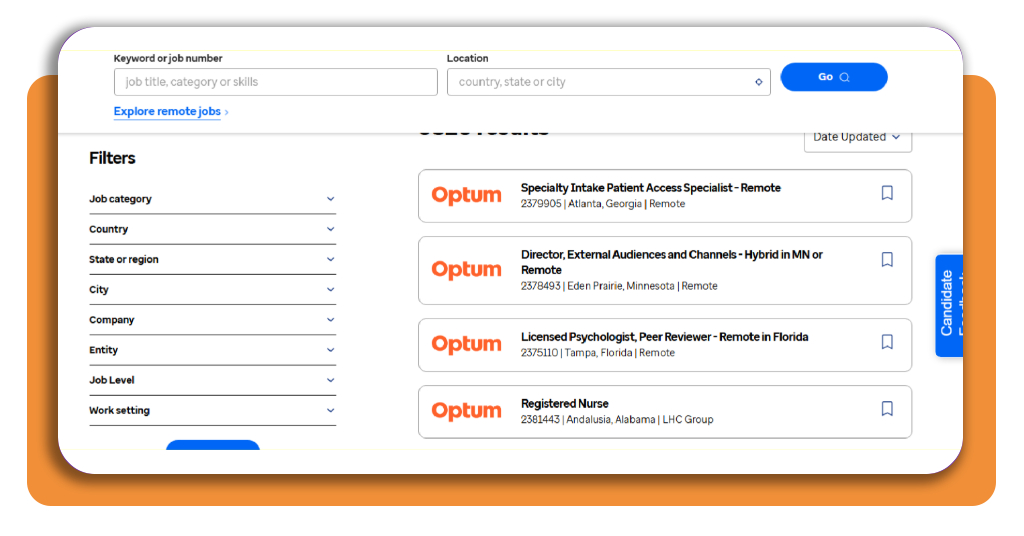
Inside the search console, filter available UHG remote jobs by selecting ‘Telecommute’ or entering keywords such as ‘Remote,’ ‘Work from Home,’ or ‘Virtual.’
Specify your state or region, as certain telecommute clinical roles require state-specific licensure (such as RN or LCSW credentials).
Step 3: customize your resume for ATS screening
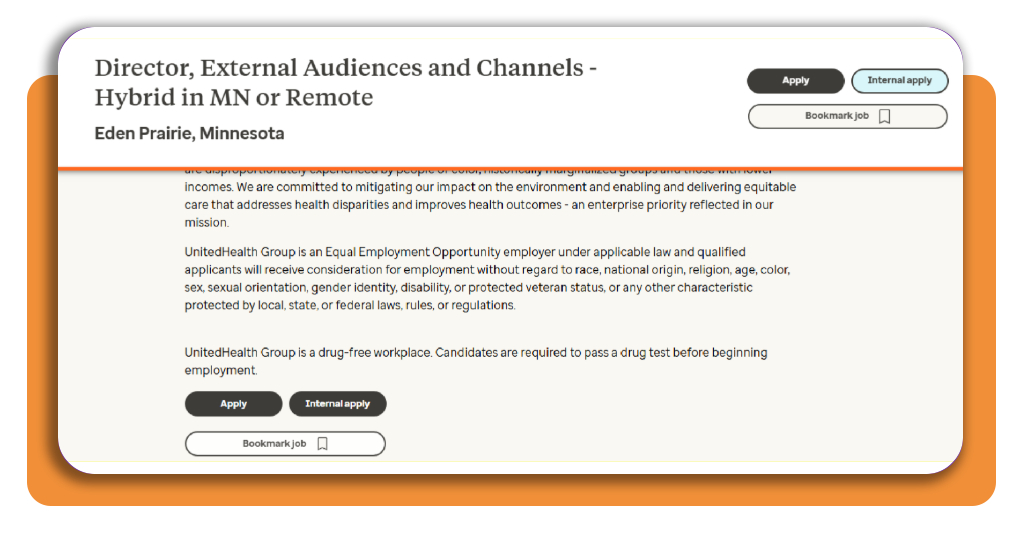
Before submitting your application, match your resume keywords to the job description requirements. UHG utilizes Applicant Tracking Systems (ATS) to screen candidates on core competencies, clinical licenses, and technical certifications.
Step 4: prepare for behavioral and digital interviews
Candidates selected for UHG remote jobs often participate in digital pre-screening assessments or video interviews.
Prepare STAR-method (Situation, Task, Action, Result) answers that demonstrate patient care excellence, remote discipline, and team collaboration.
Top resume builders and AI optimization tools
Tailoring your application for UHG remote jobs with AI optimization software drastically improves your chances of passing initial ATS filters.
Large healthcare employers receive hundreds of submissions per open requisition, making keyword alignment essential.
Kickresume’s guide on top resume builders says that using AI-driven formatting tools helps candidates structure accomplishments, highlight clinical metrics, and match resume text to employer requirements.
Ahead, some key resume optimization practices for UHG roles:
- Clinical and technical keyword matching: include exact terms from the post, such as ‘Case Management,’ ‘ICD-10 Coding,’ ‘Epic Systems,’ or ‘Telephonic Patient Care’;
- Quantifiable achievements: highlight measurable impacts (e.g., ‘Managed 40+ patient calls daily with a 98% satisfaction rating’);
- Clean ATS-friendly templates: avoid heavy graphic elements, multi-column tables, or non-standard fonts that disrupt automated parsing software.
Best remote work apps
Working in UHG remote jobs requires seamless communication, disciplined time management, and robust digital productivity tools.
Because telecommute employees collaborate across multiple time zones, mastering remote team software ensures a smooth transition into your new role.
Exploring curated collections of the best productivity apps for remote teams highlights essential digital tools utilized in modern work-from-home environments:
- Communication and collaboration: tools like microsoft Teams and Webex power daily virtual huddles, team chats, and clinical case conferences across UHG departments;
- Task and workflow management: platforms like Asana, Trello, and Jira help remote healthcare teams assign service tickets, track project milestones, and ensure HIPAA-compliant workflows;
- Focus and time tracking: apps such as Todoist and Forest assist remote workers in maintaining daily focus, organizing shift priorities, and preventing work-from-home burnout.
4.9/5
Launch your remote healthcare career at UnitedHealth Group
Transitioning into UHG remote jobs opens new doors to long-term job security, excellent employee benefits, and professional flexibility.
When using tools like the SparqGo platform, tailoring your resume for ATS compatibility, and mastering virtual interview techniques, you position yourself as a top-tier candidate in the competitive telecommute job market.
Download SparqGo today, set up your personalized job alerts, and take the next step toward landing your ideal work-from-home role at UnitedHealth Group.