
You may be able to find unclaimed money from an old paycheck, forgotten bank account, insurance payment, deposit, or other property that was eventually transferred to a state.
Read below how Credit Karma (iOS/Android) provides an unclaimed money resource that directs users toward the appropriate state database and explains how the claim process works.

4.8/5
Which is the app to scan your name and find unclaimed money?
Credit Karma (iOS/Android) is the app highlighted in this guide for people who want to find unclaimed money and understand where to search for it.
Its unclaimed money resource explains how property can end up with a state and directs users toward the appropriate official search process.
Still, we must say that the app itself is broader than an unclaimed property finder.
Credit Karma (iOS/Android) mainly focuses on credit, accounts, financial monitoring, and personalized financial information.
All that while its unclaimed money content acts as a starting point for locating state-held properties.
This distinction is important since the actual records are usually held by state agencies.
That said, Credit Karma (iOS/Android) can point you in the right direction, but the search and claim ultimately depend on the official database responsible for the property.
Intuit Credit Karma
Key features within Credit Karma
Credit Karma (iOS/Android) gives users access to financial information from one account, including credit monitoring and tools designed to organize different parts of their financial profile.
That said, if you’re looking to find unclaimed money, its main value is guidance.
The platform explains what unclaimed money is, why funds may be transferred to a state, how to research, and where users should search for possible records.
After you find a possible match, the next step takes place through the state or official portal handling the property.
That is where you confirm ownership and submit the required information. Then, if all is correct, you follow the claim process.
Consequently, Credit Karma (iOS/Android) works best here as an entry point to find unclaimed money.
THat’s because it gives the user a clear place to start without replacing the official agencies that hold and release unclaimed funds.
Step-by-step: how to scan for unclaimed property and submit a claim
Credit Karma (iOS/Android) can introduce you to the unclaimed property process, but the actual search and claim happen through official state databases.
Follow these steps to search your name and start a claim:
Step 1: access Credit Karma
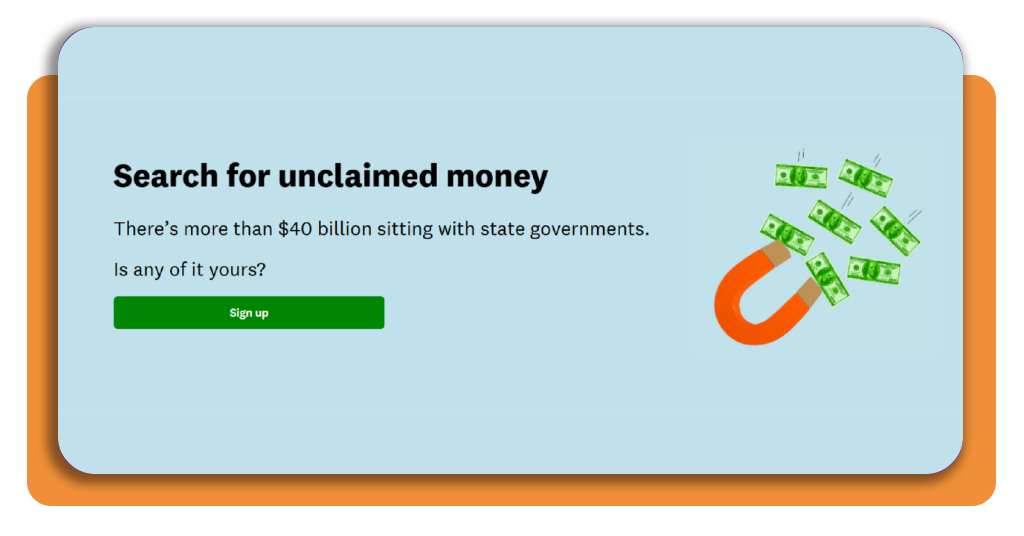
Your first step is accessing the Credit Karma page to find unclaimed money. Once there, click on ‘Sign up’.
After that, select the state where you currently live or where you previously live, so it will redirect you to the state program responsible for unclaimed property in that jurisdiction.
Step 2: access the state database
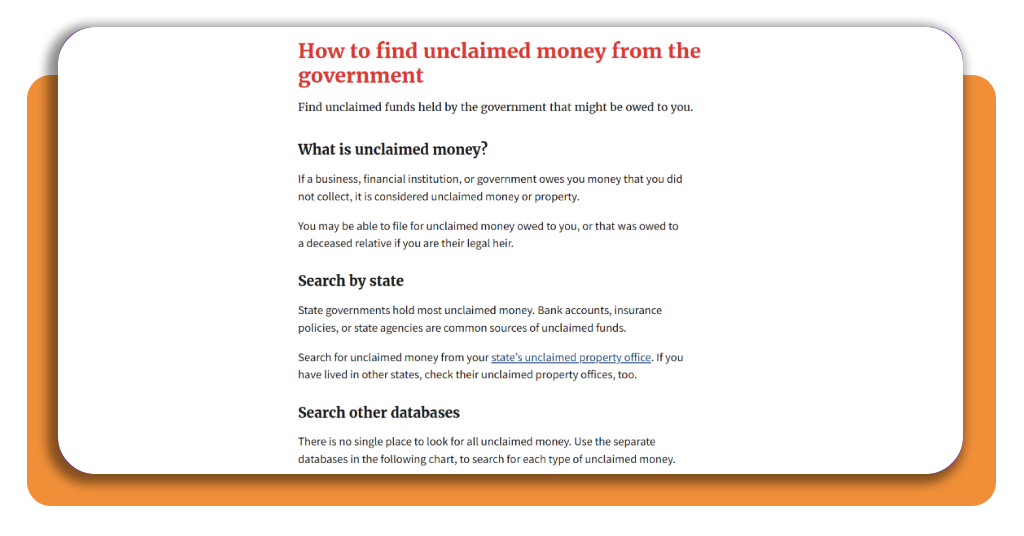
Now, use the Official Unclaimed Money government platform that allows you to search for property at no cost.
On this page, you will click on ‘State’s unclaimed money property office’.
Step 3: search in your state
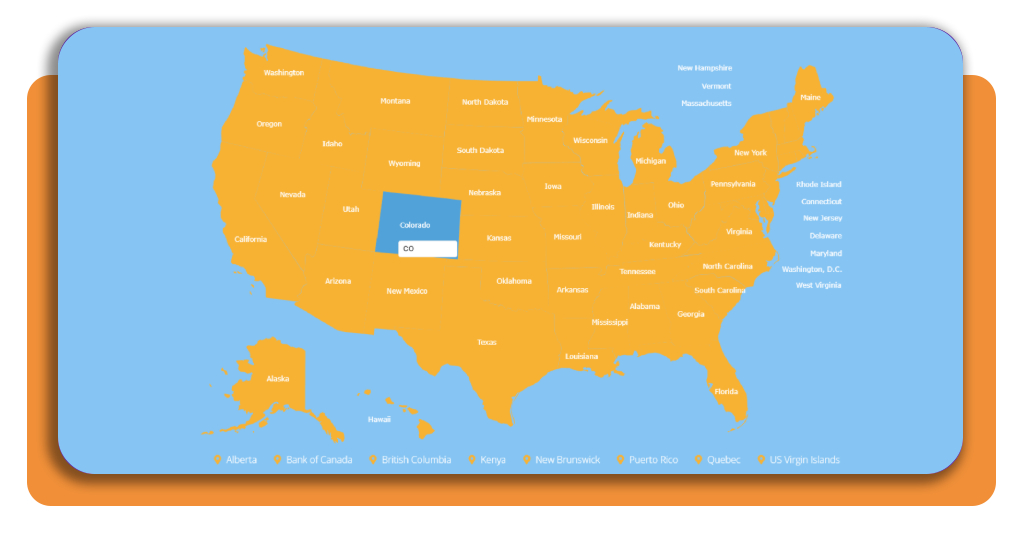
After that, you will be directed to the official NAUPA page. At this page, a map will appear, and then you click on your state to continue your search.
Step 4: start the claim
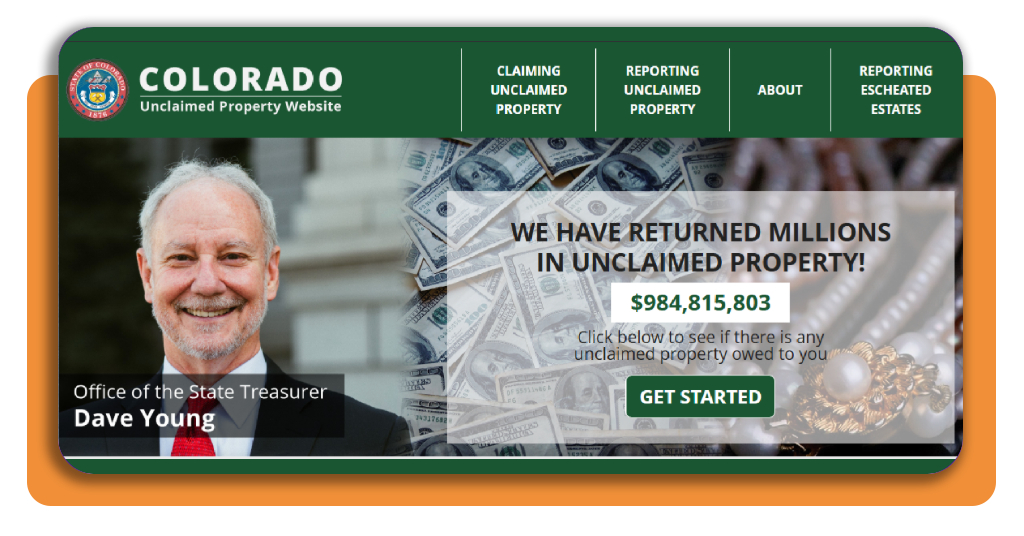
After choosing the state portal, you will be directed to the following page. Click on ‘Get started’ to start your claim.
Top national unclaimed property portal
The National Association of Unclaimed Property Administrators, or NAUPA, is the ideal starting point for a nationwide search to find unclaimed money.
This platform connects users with official state programs instead of relying on third-party databases.
NAUPA explains that unclaimed property can include payroll checks, stocks, credit balances, and other assets that eventually end up under state control.
Its website provides direct links to the official unclaimed property program for every state and participating jurisdiction.
For people who have lived in more than one state, NAUPA also points to MissingMoney.com.
The site searches participating state databases from one place, which is more practical than checking several individual portals separately.
The good side is both routes are free to use.
You can start with the NAUPA unclaimed property portal and move directly to the government program responsible for any property you find.
In case you want another overview of the search process, this Insiderbits’ unclaimed money guide explains additional ways to look for property that may be registered in your name.
Best options for submitting identity verification
Identity verification is part of when you want to find unclaimed money because the state needs proof that the claimant is the rightful owner.
Depending on the portal, this may involve a government-issued ID, personal information, document uploads, or other checks.
Persona
Persona verifies identity through tools for document checks, biometric verification, and customizable identity workflows.
Its platform is designed for organizations that need to confirm real-world identities during online interactions.
Incode
On the other hand, Incode uses document capture, facial recognition, biometric checks, and liveness detection as part of its verification process.
Their tools are designed to confirm that the person submitting an identity document is actually its owner.
This is especially relevant when financial or government services require remote verification.
4.8/5
From lost funds to money back in your hands
Trying to find unclaimed money using Credit Karma (iOS/Android) is only the beginning of this whole process that can take a long time.
After you locate a possible match, the next step is confirming that the property belongs to you and following the official claim process.
State portals will ask for identification and many other documents before releasing the funds. The requirements depend on the property and the agency handling the claim.
Using official databases first reduces the risk of relying on third-party services. From there, follow the instructions provided by the state and keep track of any additional requests.
Enjoyed this article? Save Insiderbits to your favorites and discover the most useful tech tips.