
Losing a job is stressful, especially if you were laid off in cash and aren’t sure whether you qualify for unemployment benefits. Cash wages alone don’t determine eligibility.
In this Insiderbits guide, you’ll learn how to review your wage records, check benefit eligibility, and use Propel (Android | iOS) to manage available government benefits.

4.9/5
Which is the app to track government benefits and check unemployment eligibility?
Propel (Android | iOS) is designed to help users manage government benefits, including EBT, WIC, TANF cash benefits, Social Security, and other programs.
The app can show benefit balances, updates, deposit information, and available resources.
However, Propel (Android | iOS) does not determine whether you qualify for unemployment insurance.
Unemployment benefits are administered separately by each state, and eligibility generally depends on factors such as why you became unemployed and your work and wage history.
If you were laid off in cash, you should still check your state’s unemployment requirements instead of assuming that cash payment automatically disqualifies you.
Key features within the Propel mobile platform
Propel (Android | iOS) brings several government-benefit resources together in one place. Its current features include:
- EBT, WIC, and TANF cash-benefit tracking;
- Benefit updates and notifications;
- EBT balance and transaction history;
- Deposit information;
- Job and gig opportunities;
- Discounts and savings offers;
- EBT security features in supported locations.

Checking benefit information online can help workers review available assistance and prepare the documents needed for an unemployment claim.
Step-by-step: how to verify cash wages and check benefit eligibility
If you were laid off in cash, start by gathering your employment and wage records before checking which benefits may be available. Propel (Android | iOS) can help you manage supported benefits.
Step 1: visit the Propel website
Go to the Propel website (Android | iOS) and click ‘Sign In’ at the top of the page. You can also use the Propel mobile app (Android | iOS) if you prefer to manage your benefits from your phone.
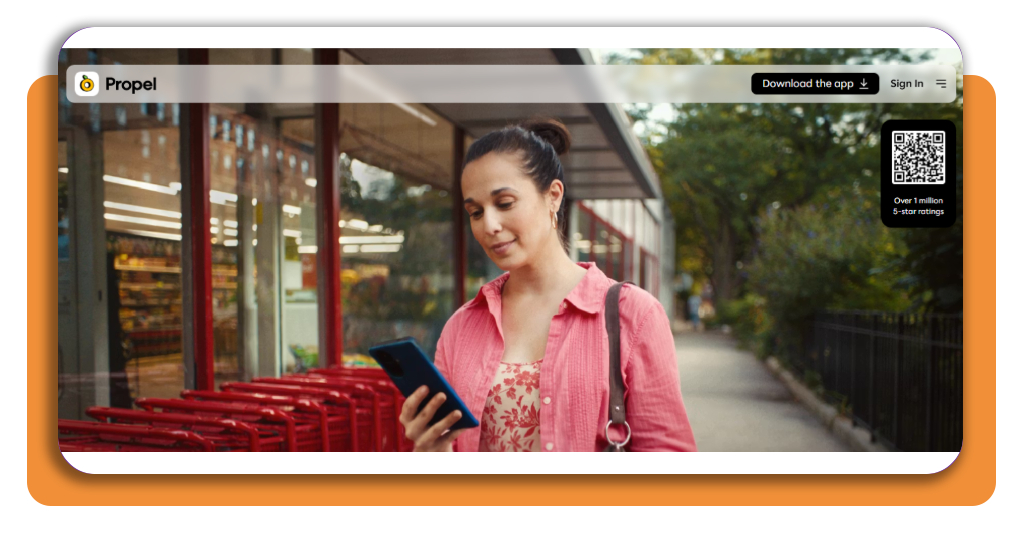
Step 2: sign in to your account
Enter your account information and follow the prompts to access your Propel (Android | iOS) account. The service connects to your state’s benefits portal with your permission.
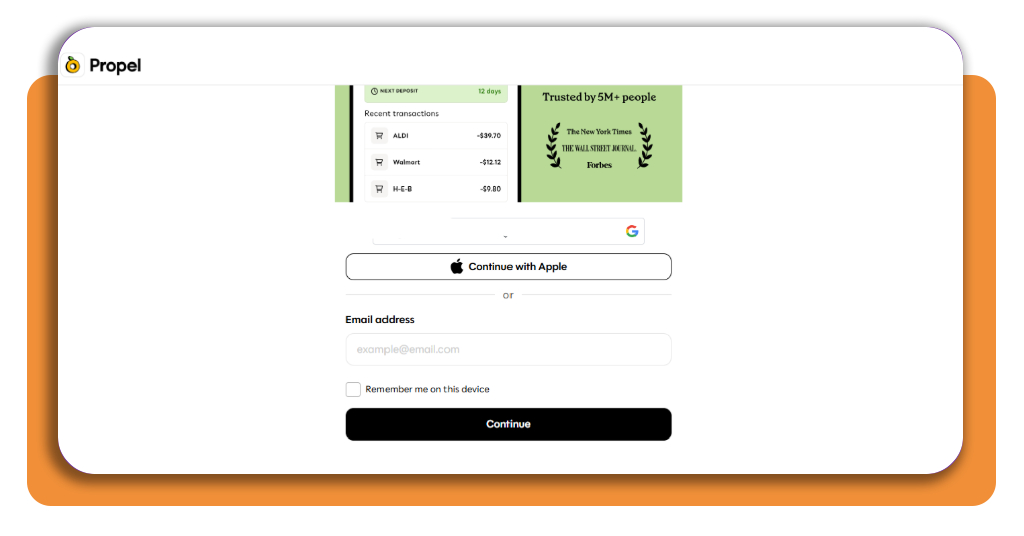
Step 3: review your benefit information
After signing in, check the benefit information available through your account. Propel (Android | iOS) can display EBT balances, transaction history, deposit information, and benefit updates.
Step 4: gather your cash wage records
Collect pay stubs, tax documents, bank records, or other evidence of your employment and earnings. If you were laid off in cash, keep any records showing when you worked and how much you were paid.
Step 5: check unemployment eligibility
Propel (Android | iOS) is not an unemployment eligibility checker.
Unemployment insurance is handled by state agencies, so visit your state’s official unemployment website to review its requirements and apply if you may qualify.
If you were laid off in cash, review the requirements carefully before assuming you are not eligible.
Step 6: continue monitoring your benefits
You can return to Propel (Android | iOS) to check supported benefits, deposit updates, savings offers, and other available resources. The platform also provides job and gig opportunities.
If you’re looking for additional resources after losing your job, you can also explore this social benefits app guide from Insiderbits.
Understanding employee misclassification, tax reporting, and labor laws
Cash payment and illegal employment are not necessarily the same thing. An employer may legally pay workers in cash while still being responsible for reporting wages and handling applicable taxes.
If you were laid off in cash, reviewing your employment and wage records can help you identify discrepancies before contacting your state’s unemployment agency.
The more important question is whether your employment and earnings were properly reported. If your employer classified you incorrectly or failed to report wages, that can complicate an unemployment claim.
Keep your own records and compare them with documents such as your pay statements and tax forms. If the information doesn’t match, contact your state unemployment agency for guidance.
The U.S. Department of Labor notes that each state has its own unemployment insurance eligibility rules, so requirements can differ depending on where you worked.
For additional context on what recently laid-off workers should know when applying for unemployment, see this CNBC guide to unemployment benefits.
Best emergency financial assistance tools
If unemployment payments don’t cover your immediate expenses, several types of resources may help you manage the transition.
- Government benefit programs: Check whether you qualify for SNAP, TANF, WIC, or other state programs;
- Emergency savings: A dedicated emergency fund can help cover rent, utilities, food, and transportation while you’re between jobs;
- Community assistance: Local nonprofits and community organizations may offer food, housing, utility, or emergency financial support;
- Job resources: Employment platforms and local workforce agencies can help you search for new work while your benefits application is being processed.
Propel (Android | iOS) can help users track supported government benefits and discover job opportunities, discounts, and other resources through its platform.
4.9/5
What to do after a cash-paid job ends
Being laid off in cash does not mean you should automatically assume that unemployment benefits are unavailable. Eligibility depends on your state’s rules, employment history, and reported wages.
Gather your records, check the requirements for your state, and apply through the appropriate unemployment agency if you may qualify.
Propel (Android | iOS) can also help you keep track of supported government benefits and related resources while you look for your next source of income.