
Starting an IT career can feel difficult when you don’t have a technical background or a four-year degree. CompTIA A+ prep can help you build the foundation for entry-level IT support roles.
The right study routine can make exam preparation more manageable. Insiderbits shows how to use a practice app and explore possible technology career paths.

4.8/5
Which is the best CompTIA A+ prep app?
The CompTIA Test Practice 2026 (Android | iOS) app is designed to help candidates prepare for several CompTIA certifications, including A+.
The app currently offers more than 1,000 practice questions, realistic exam simulators, adaptive learning, detailed explanations, performance analytics, and progress tracking.
It also supports offline studying, which can be useful if you want to review questions without relying on a constant internet connection.
The app is an independent preparation tool and is not the official CompTIA certification platform.
Features available in the CompTIA A+ Exam Prep app
The app provides several features designed to make CompTIA A+ prep (Android | iOS) more structured.
You can answer practice questions, review explanations, track your performance, and use a timed simulator to become more familiar with exam conditions.
Its adaptive learning feature can adjust questions according to your performance, while analytics help you monitor your progress over time.
Step-by-step: how to study for the exams online
A CompTIA A+ prep (Android | iOS) routine can be easier to maintain when you divide your preparation into daily goals and practice sessions. The app lets you customize goals and question difficulty during onboarding.
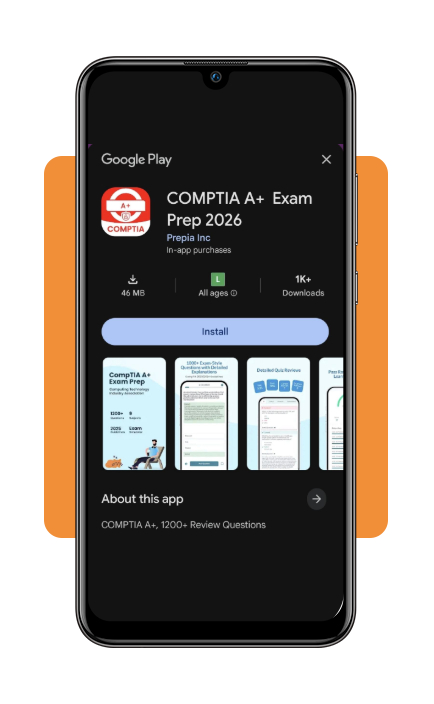
Step 1: download the app
Download COMPTIA A+ Prep 2026 (Android | iOS) and open it on your device.
Step 2: set your study goals
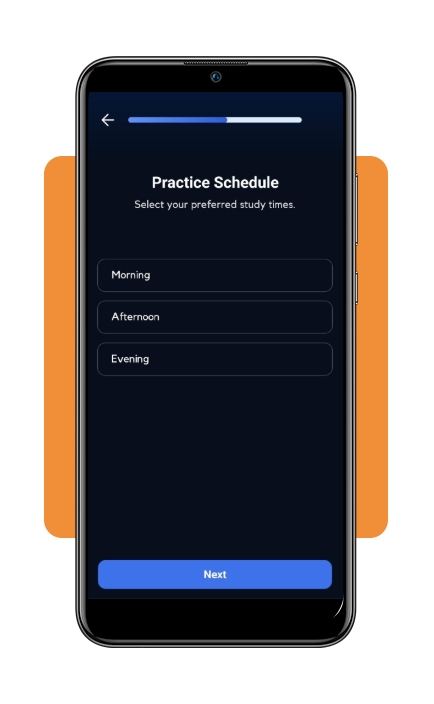
Follow the onboarding process and configure your study preferences.
The app lets you set daily study goals and adjust the difficulty of the questions according to your preparation level.
Step 3: answer practice questions
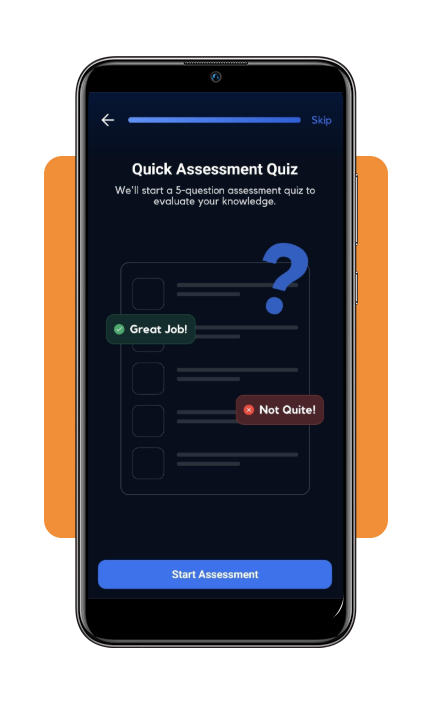
Start a practice session and answer the available questions.
The app provides personalized questions to help you review the knowledge required for the CompTIA A+ exams.
Step 4: review your answers
Check the feedback after answering each question.
The app provides explanations that can help you understand why an answer is correct and identify concepts that need additional review.
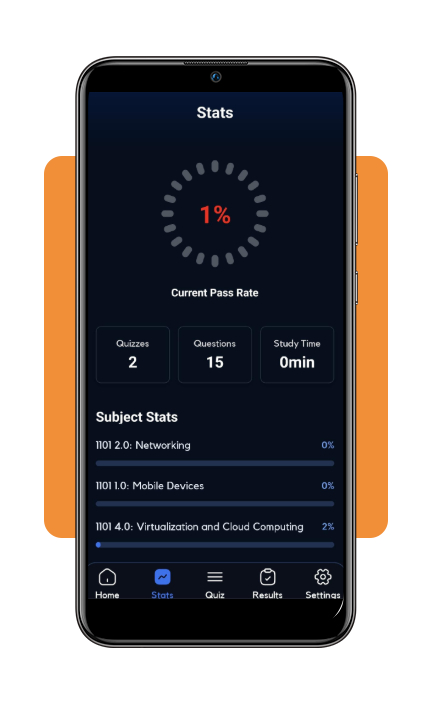
Step 5: track your progress
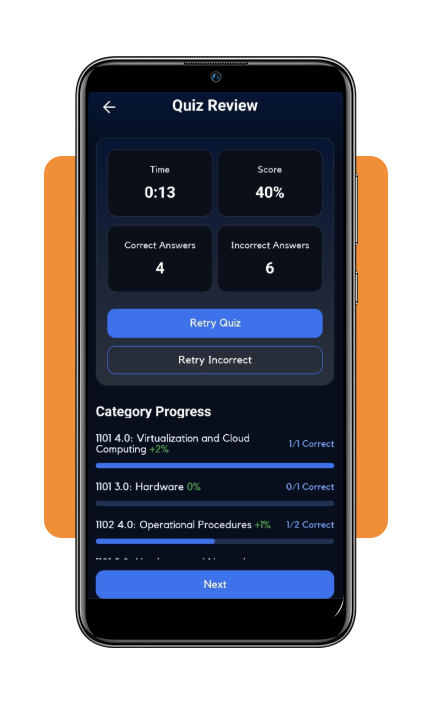
Use the statistics and progress features to monitor your preparation.
You can follow your quiz performance and daily study activity to see how consistently you are progressing.
Top tech companies hiring entry-level help
Passing a certification exam is only one part of starting an IT career.
Entry-level positions can include help desk technician, IT support specialist, technical support representative, and other roles focused on troubleshooting and user assistance.
You don’t necessarily need to start with a major technology company. Small businesses, managed service providers, schools, healthcare organizations, and government agencies can also employ IT support professionals.
Coursera’s guide to entry-level tech jobs offers an overview of technology positions that can be accessible to people starting their careers.
When searching for positions, pay attention to the experience requirements.
Some employers may value certifications such as CompTIA A+, while others may emphasize customer service, troubleshooting experience, communication skills, or knowledge of specific technologies.
Other good fields in tech you can study for
IT support is only one possible technology career.
After building foundational knowledge, you could explore areas such as cybersecurity, networking, cloud computing, software development, or data-related roles.
If you’re comparing different career options, U.S. News’ technology jobs rankings can help you explore technology roles and compare their career prospects.
The best option depends on your interests and the type of work you want to do.
You can also explore Insiderbits’ entry-level IT career guide if you’re still deciding which technology path to pursue.
What to know before taking CompTIA A+
The CompTIA A+ certification currently involves two exams: Core 1 and Core 2.
The preparation app can help you practice, but candidates should always check the official CompTIA exam objectives and requirements before scheduling an exam.
A preparation app also shouldn’t be considered a substitute for hands-on experience.
Combining practice questions with practical troubleshooting exercises can give you a more complete foundation for an IT support career.
For another perspective on technology careers, you can also review U.S. News’ best technology jobs rankings.
4.8/5
Turn your study time into IT experience
Starting CompTIA A+ prep (Android | iOS) gives you a structured way to review foundational IT concepts and measure your progress.
The CompTIA Test Practice 2026 app (Android | iOS) combines practice questions, explanations, performance analytics, progress tracking, and timed exam simulations in one mobile study tool.
Use the app consistently, focus on your weakest areas, and research the entry-level positions you’re interested in while preparing.
That way, you’re not just studying for an exam—you’re building a foundation for your next step in technology.