
Trying to clean phone storage sometimes is frustrating when thousands of photos, screenshots, recordings, and videos are competing for space.
However, CleanMy®Phone (iOS) scans an iOS photo library and organizes potential clutter into categories so users can review what is consuming storage before deleting anything.

Which is the best file manager app to clean phone storage fast?
Today, we will explore CleanMy®Phone (iOS), our recommendation for iPhone users who want to clean phone storage.
The app is more accurately described as a photo and video cleanup app than a traditional file manager, but it will serve a similar purpose.
CleanMyPhone (iOS) works by scanning the Photo Library for duplicate images, blurry shots, screenshots, screen recordings, large videos, and other media that are taking up space.
After the scan, the app doesn’t delete files automatically. It groups potential clutter into categories and lets users review what should stay or go.
That makes it useful for people who want to recover storage without manually scrolling through thousands of photos and videos.
It is also important to mention that storage problems are not always related to malicious software, but unusual behavior can raise other concerns.
If that’s your problem, check this Insiderbits’ guide on how to clean phone viruses and learn what to check when the issue appears to go beyond normal storage clutter.
Key features in the CleanMy®Phone app
CleanMy®Phone (iOS) main use is to clean phone storage. The main features of the app are:
- Identifying duplicates, blurred images, screenshots, screen recordings, app-created photo folders, and the largest videos in the library.
In addition, the app can also compress videos and convert Live Photos into still images to reduce the amount of storage they use.
To do all of that, the app uses on-device AI to organize photos into categories.
With this feature, users are able to mark important media as Sensitive so those items are excluded from future cleanup suggestions.
Storage analytics are available as well, making it easier to see the types of media that are consuming the most space.
CleanMy®Phone (iOS) can be downloaded for free, but the free version limits cleanup mainly to larger videos and screenshots.
Meanwhile, the full access to the remaining cleanup categories and tools requires Premium or the available free trial.
Step-by-step: how to clear junk files and free up storage on your phone
CleanMy®Phone (iOS) focuses on photos and videos. Its Declutter section groups media that may be taking up unnecessary space so you can check it before deletion.
Follow these steps to free up to free storage on your phone:
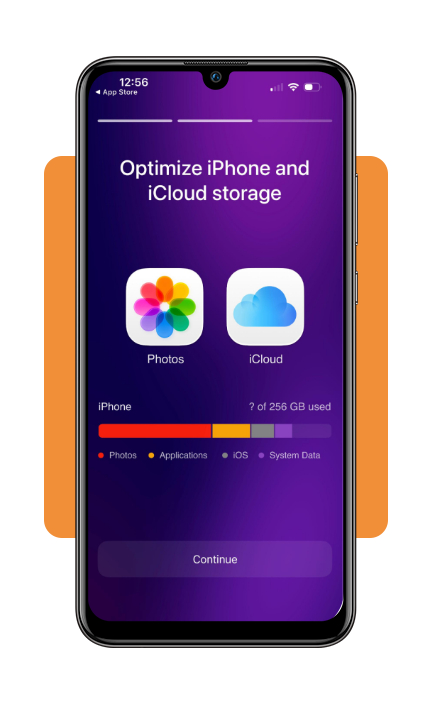
Step 1: download and open CleanMyPhone
The first thing to do is download CleanMy®Phone (iOS). Note that the app is only available for iOS devices.
After installing, open the app and click on ‘Continue’ to start the process.
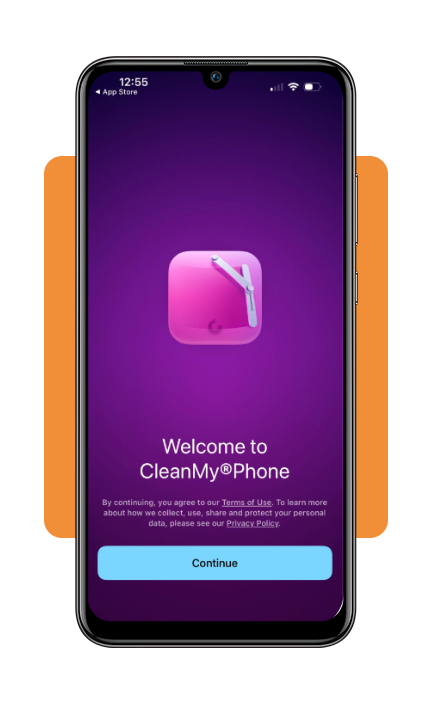
Step 2: click on Declutter
On the home page of the app, you will find this screen. Then, click on ‘Scan’ to declutter your library.
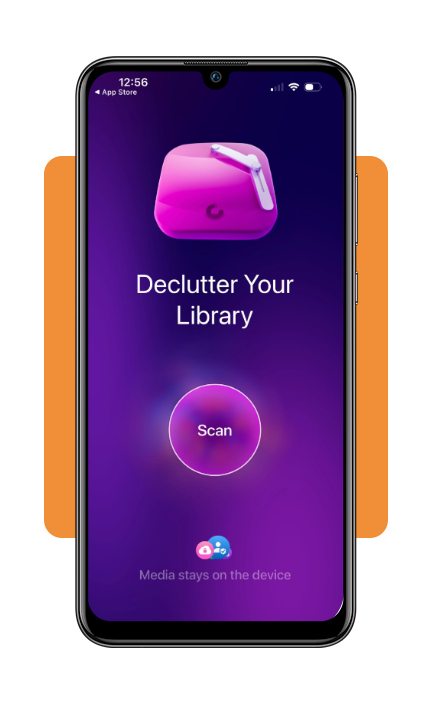
Step 3: check the selected files
Check each duplicated photo and don’t forget to deselect anything you want to keep.
CleanMy®Phone (iOS) automatically selects much of the clutter it finds, so reviewing the selection is important.
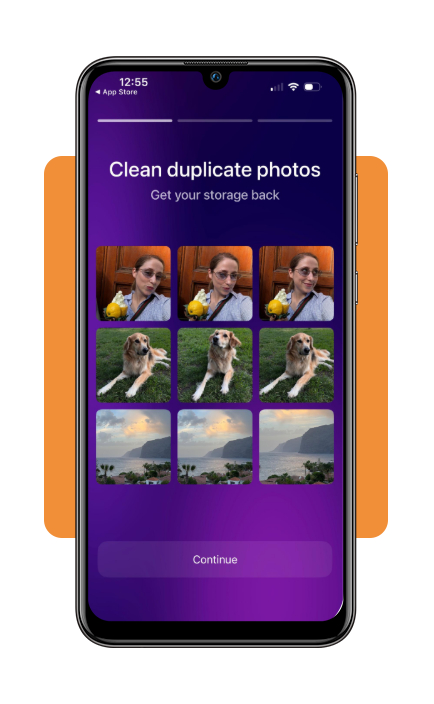
Step 4: delete unwanted media
Tap ‘Clean’, then tap ‘Delete’ or choose to compress large videos to remove the selected items from that category.
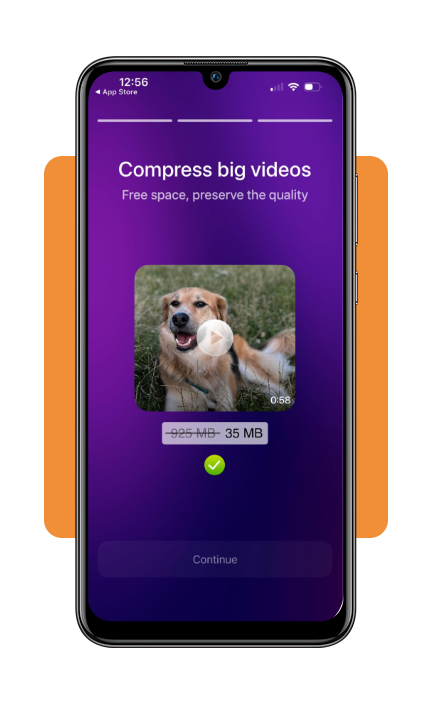
Step 5: check the space you recovered
After cleanup, CleanMy®Phone (iOS) shows how much storage was reclaimed. Deleted media is moved to the iPhone’s Recently Deleted album, where it remains recoverable for 30 days.
Best cloud storage plans to sign up for
We are talking about how to clean phone storage, but in some cases, cloud storage is also helpful.
Even more so when media and documents are taking up too much local space. However, it works differently from a cleanup app.
Those types of platforms give you another place to keep important files so you can reduce what remains stored directly on the phone.
Proton Drive
Proton Drive is our first recommendation, and it addresses people who prioritize privacy.
This platform is highly ranked for personal cloud storage. This is because files are protected with end-to-end encryption and zero-access encryption.
In other words, Proton itself cannot read the stored content, keeping your privacy.
When it comes to plans, the free version offers 5 GB, while Drive Plus increases storage to 2TB + VPN.
Proton Drive can store photos, documents, and other files, and it also supports syncing and secure sharing across devices.
For someone trying to clean phone storage, it works best as a place to preserve files that do not need to remain locally accessible all the time.
Dropbox
Dropbox is better suited to users who want a large amount of storage and easy access across multiple devices.
Its personal Plus plan currently includes 2 TB of storage, file syncing, and up to 30 days to restore deleted files.
Dropbox is highlighted for its ease of use, broad device compatibility, and integrations with Google Workspace and Microsoft 365.
Its free plan gives 2 GB of storage space and basic file syncing and sharing across your devices.
On the other hand, paid plans start higher than many competitors, however, so it makes more sense for people who expect to store a substantial amount of data.
The Advanced plan, which is the most expensive, offers 15 TB of storage.
Keep your iPhone storage under control
Using CleanMy®Phone (iOS) to clean phone storage makes it easier to identify duplicate photos, screenshots, large videos, and other media that no longer need to occupy space.
If you use this app and make regular checks, you will also reduce the chance of waiting until the iPhone is nearly full before taking action.
When storage remains tight, moving important photos and videos to the cloud can be another option instead of deleting them.
For more information, Which.co also provides a guide on freeing up space on a smartphone, and the guide cover additional ways to manage apps, downloads, documents, and media.
Enjoyed this article? Save Insiderbits to your favorites and discover the most useful tech tips.