
Being denied for credit can be frustrating, especially when you don’t know what caused the decision. A Credit Score analysis can help you identify what may be affecting your credit profile.
In this Insiderbits guide, we’ll show you how to use Credit Sesame (iOS | Android) to analyze your credit, understand denial reasons, and find practical ways to improve your score.

4.8/5
Which is the app for credit score analysis and fixing credit denials?
Credit Sesame (iOS | Android) is designed to help users monitor their credit and understand the factors affecting their scores.
Its free tools include daily TransUnion score updates, a credit report summary, monitoring alerts, and personalized recommendations.
The platform can be useful after a credit denial because it gives you a clearer picture of your current credit situation. You can review your score, credit usage, payment history, accounts, and inquiries.
Credit Sesame (iOS | Android) provides free credit monitoring, score updates, and personalized recommendations.
Its tools make Credit Score analysis easier when you’re trying to understand your financial profile.
Credit Sesame (iOS | Android) also shows a letter grade through its Sesame Grade feature, based on the major factors affecting your credit.
You can access Credit Sesame (iOS | Android) through its website or mobile app. For this guide, however, we’ll use the website at creditsesame.com for the step-by-step process.
Key features within the Credit Sesame platform
Credit Sesame (iOS | Android) offers several tools that can help with Credit Score analysis:
- Daily credit score: check your TransUnion score and refresh it daily for free;
- Credit report summary: review open accounts, debts, and factors affecting your score;
- Credit monitoring: receive alerts about important changes to your credit profile;
- Sesame Grade: see a letter grade based on five major credit factors;
- Personalized actions: get recommendations for steps that may help improve your credit;
- Financial offers: browse products matched to your credit profile.
Credit Sesame (iOS | Android) says checking your own score is a soft inquiry and doesn’t lower your credit score.
Step-by-step: how to analyze credit denial reasons and boost your score
You can complete this process through the Credit Sesame (iOS | Android) website, although the same platform is also available as a mobile app.
The website currently lets new users sign up for free and access their credit score and report summary.
Step 1: p+open the Credit Sesame website or download the app
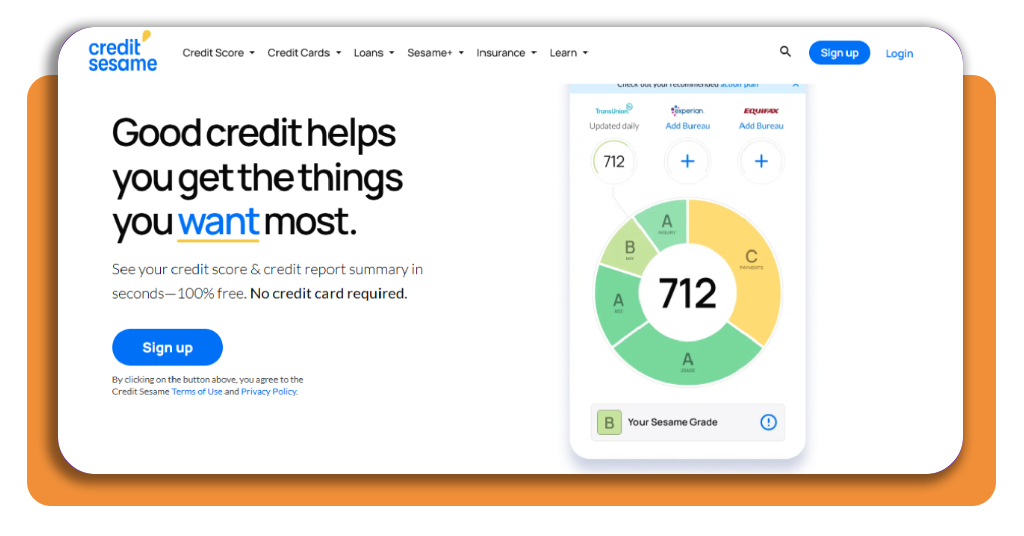
Go to CreditSesame.com and select Sign up or download the app.
The platform says you can access a free credit score without providing a credit card.
Step 2: create your account
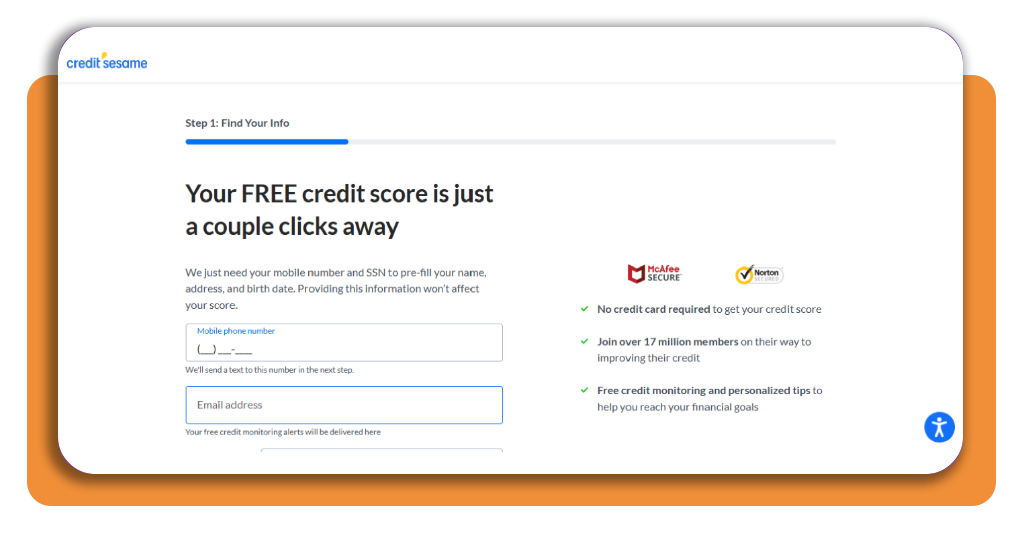
Enter the information requested by Credit Sesame to create your account.
According to Credit Sesame (iOS | Android), signing up requires information such as your email address, legal name, date of birth, home address, phone number, and the last four digits of your Social Security number.
Step 3: check your credit score
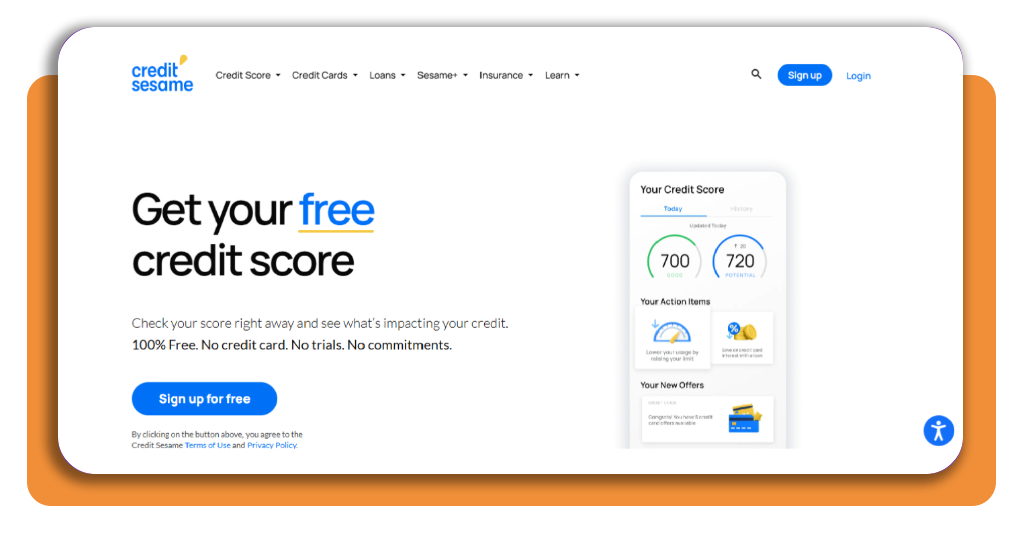
Once your account is ready, open your credit score dashboard.
Credit Sesame (iOS | Android) provides a free TransUnion credit score that can be refreshed daily. Checking your own score is considered a soft inquiry and doesn’t affect your credit standing.
Step 4: review your credit report summary
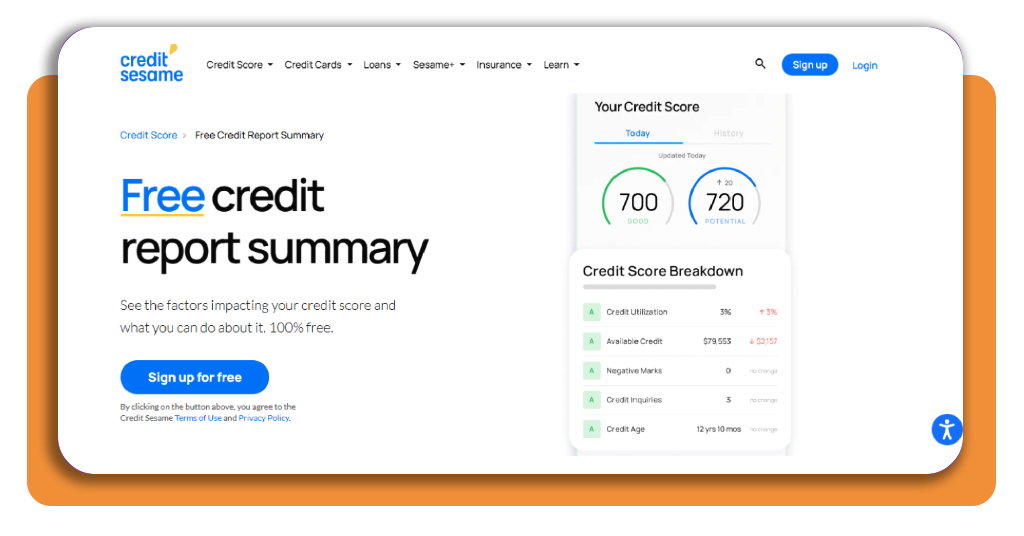
Open the credit report summary to see information about your credit history.
The summary can show open accounts, debts, and other factors that may be affecting your score.
Step 5: analyze your credit factors
Review the factors shown in your Credit Sesame (iOS | Android) dashboard.
These can include payment history, credit usage, new inquiries, open accounts, and account age. The platform gives these factors letter grades to help you identify areas that may need attention.
Step 6: check for errors
Look for accounts, balances, inquiries, or other information that you don’t recognize.
If you find inaccurate information, don’t assume Credit Sesame (iOS | Android) can simply remove it.
You generally need to dispute incorrect information with the credit reporting company and the company that supplied the information.
The CFPB explains that consumers can dispute inaccurate information with the credit reporting company and the information provider.
Step 7: review your denial notice
Don’t rely only on your Credit Sesame (iOS | Android) score to determine why you were rejected.
If a lender denies your application, it generally must provide the main reasons for the decision or explain how you can request them.
If the decision was based on your credit report, the notice should also provide information about the score used and key factors that affected it.
Step 8: follow the recommended actions
Use the information from your credit score analysis to decide what to work on first.
For example, you may need to focus on making payments on time, reducing credit utilization, correcting inaccurate information, or limiting unnecessary new applications.
Credit Sesame (iOS | Android) provides personalized actions designed to help users understand what they can do to improve their credit.
Inside credit analysis: understanding why you were denied
A credit score analysis can show factors affecting your score, but the score itself doesn’t necessarily explain every lending decision.
Lenders can consider information beyond the number displayed by Credit Sesame (iOS | Android).
Income, existing obligations, employment, application details, and the lender’s own requirements may also influence an approval decision.
Credit utilization is one factor worth examining. If you’re using a large percentage of your available revolving credit, paying down balances may help your credit profile over time.
Payment history is another major factor. Credit Sesame identifies payment history as the factor with the biggest impact on its Sesame Grade.
Recent credit inquiries can also matter. Multiple applications within a short period may affect your credit profile, depending on the type of credit and scoring model involved.
A lender must explain the main reasons for denying your application. The CFPB explains your rights after a credit denial and what information you should receive.
You can then use Credit Sesame (iOS | Android) to investigate the relevant parts of your credit profile.
If you discover inaccurate information, take action rather than simply waiting for your score to change.
For another tool focused on credit disputes, you can also check this credit dispute app guide.
Top credit repair agencies
Some consumers choose to work with a credit repair company when their reports contain multiple inaccuracies or they want help managing disputes.
Money’s current 2026 list includes Credit Saint, MSI Credit Solutions, Safeport Law, The Credit People, and Sky Blue Credit Repair among its top picks.
Credit Saint is highlighted for comprehensive plans and clear pricing, while Sky Blue Credit Repair is Money’s value pick.
However, credit repair companies cannot legally remove accurate negative information simply because it hurts your score.
The CFPB recommends disputing information that you believe is inaccurate with the credit reporting company and the company that provided the information.
Before paying for a repair service, compare pricing, cancellation policies, services, and guarantees. You can also consider handling legitimate disputes yourself.
Best credit builder credit cards
A credit-builder card may be useful if your goal is to establish or rebuild positive payment history.
Experian’s current 2026 list includes options such as the Capital One Quicksilver Secured Cash Rewards Credit Card, Capital One Platinum Secured Credit Card, and OpenSky Secured Visa.
Secured cards generally require a refundable deposit that can determine your credit limit.
Experian recommends looking for cards that report to all three major credit bureaus and offer a path toward upgrading to an unsecured card.
When comparing cards, look at the annual fee, APR, security deposit, rewards, reporting practices, and upgrade potential.
A card can help build credit when used responsibly, but carrying high balances or missing payments can work against that goal.
4.8/5
Turn a credit denial into a plan
A credit denial doesn’t necessarily mean you can’t improve your financial profile. A detailed Credit Score analysis can help you understand which areas deserve attention.
Start with the lender’s denial notice, then use Credit Sesame (iOS | Android) to review your score, credit report summary, and major credit factors.
If you find inaccurate information, dispute it through the appropriate channels. If your credit is accurate but needs improvement, focus on consistent payments, manageable balances, and responsible use of new credit.