

Guided tax filing makes tax season less stressful by helping you avoid common mistakes, and complete your return accurately. Errors or missing information can delay refunds and lead to costly issues.
These platforms use simple questions to guide you through your tax return. They can help calculate your taxes and submit your return electronically to the IRS. Read on Insiderbits.

4.8/5
Which is the guided tax filing app to avoid errors on your taxes?
When it comes to guided tax filing, TaxSlayer (iOS | Android) is worth considering if you want to prepare and submit your tax return without navigating complicated forms on your own.
Its mobile app walks you through the process with step-by-step instructions and supports both federal and state tax returns.
Whether you’re filing a straightforward return with W-2 income or reporting freelance earnings, TaxSlayer (iOS | Android) offers different filing options to accommodate a range of tax situations.
The platform also helps users identify deductions and tax credits they may qualify for, including education-related tax benefits and credits for eligible dependents.
Depending on the plan you choose, you can access features for different income types, import information from W-2 and 1099 forms, and get additional guidance for self-employment income.
The platform also offers support by phone and email, with live chat and access to tax professionals available through certain plans.
Keep in mind that features, eligibility requirements, and prices vary by product, and you’ll still need to review your information carefully before submitting your return.
To compare plans and check which features fit your needs, visit the TaxSlayer website.
Key features within the TaxSlayer mobile
TaxSlayer (iOS | Android) comes with several features designed to make guided tax filing more manageable. Here are some of the features that can make the process easier:
W-2 and 1099 Import
The platform lets users import eligible W-2 and 1099 information to help fill in income details automatically. You can also upload a previous year’s tax return to bring over certain basic information.
Refund status tracking
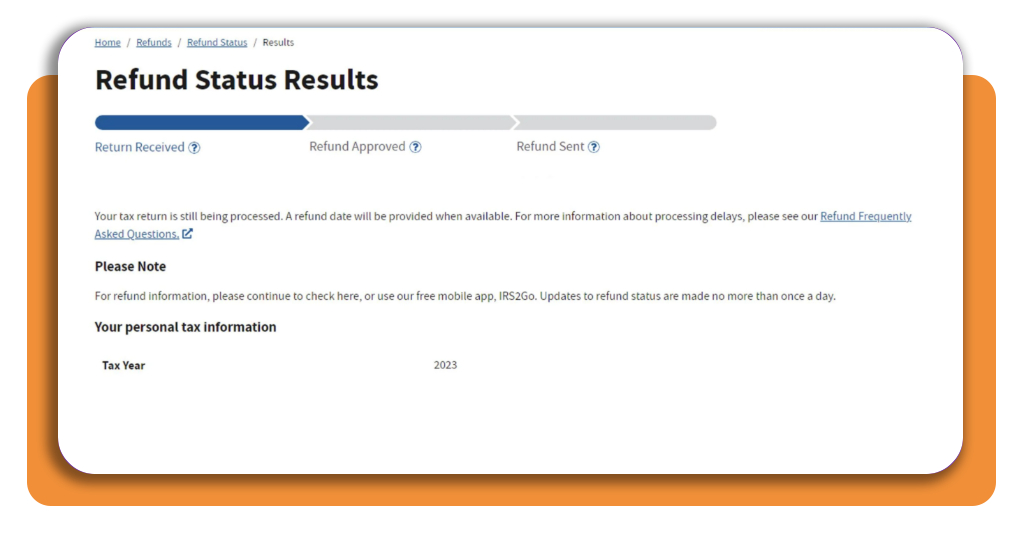
Once you’ve filed, TaxSlayer (iOS | Android) provides access to information and links to help you track your federal refund through the IRS’s Where’s My Refund? tool.
This service shows whether your return has been received, whether your refund has been approved, and whether it has been sent.
Keep in mind that refund status updates depend on IRS processing, not just the information displayed in the app.
Return review and error checks
Before submitting your return, review the information you’ve entered and address any issues the software identifies.
TaxSlayer (iOS | Android) provides return status updates and explains why an electronically filed return may be rejected, helping you identify problems that need correction.
These checks can catch certain errors, but they don’t guarantee that every entry is correct or that the IRS will accept your return without further review.
Prior-year data transfer
If you’ve used the platform before, you may be able to transfer eligible information, such as dependent details and certain form information, into your new return.
This feature is available with the Classic, Premium, and Self-Employed editions, but not the Free Edition. Income, withholding, and refund amounts generally need to be entered again because they can change from year to year.
Even though these features make the whole thing easier, we recommend taking time to verify your personal details, income, deductions, and credits before filing.
TaxSlayer (iOS | Android) can guide you through the process, but you’re responsible for ensuring the information on your return is complete and accurate.
Step-by-step: how to complete error-free tax filing
Follow these steps to prepare your return, review your details, and submit your forms.
Step 1: gather all income and expense document
Organize all official tax forms (such as W-2s, 1099-NEC/MISC forms, 1098 interest statements, and childcare records) alongside Social Security cards for all listed dependents.

Step 2: launch the app and complete guided interview
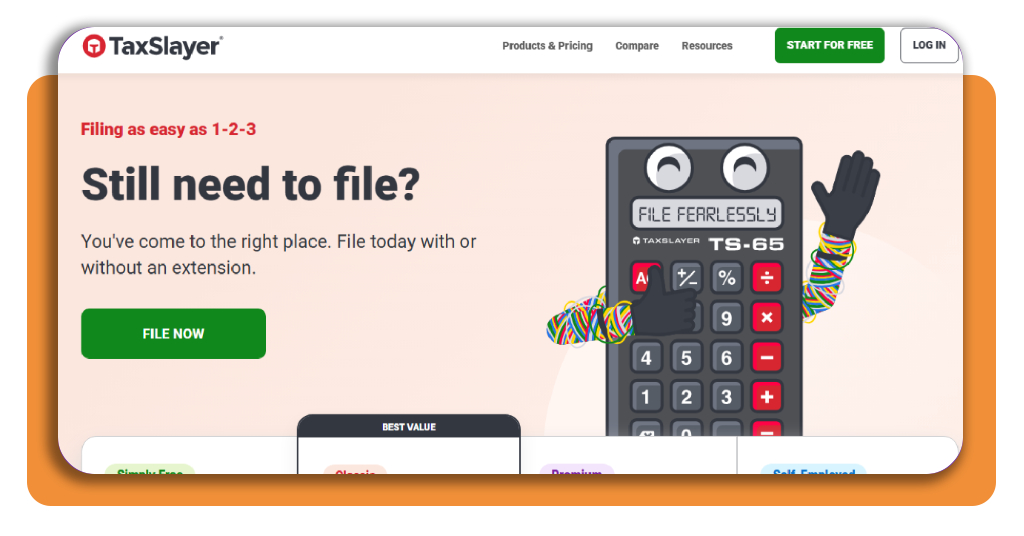
Open the TaxSlayer app (iOS | Android) and answer simple questions regarding your marital status, job income, life events, and dependent claims.
Step 3: optimize deductions and credits
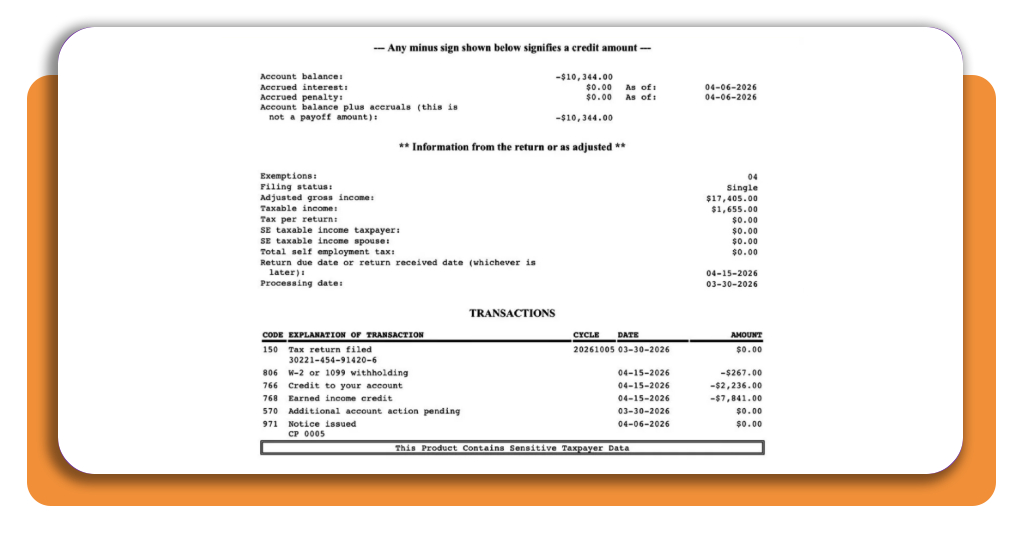
Review recommended tax credits and deductions. The software automatically calculates whether taking the standard deduction or itemizing expenses yields a larger refund.
Step 4: perform final audit check and e-file
Run the app’s automated error check to confirm data accuracy. Enter your bank routing and account numbers for direct deposit, then e-file your return directly to the IRS.
Top professional tax software
In addition to TaxSlayer (iOS | Android), other leading tax preparation platforms offer comes with features that can come in hand, depending on your filing needs and business structure:
- TurboTax: offers extensive drag-and-drop document importing and ‘TurboTax Live’ assistance where a certified CPA or EA reviews your return before filing;
- H&R Block: an online platform backed by the option to visit a physical office if complex tax questions arise;
- FreeTaxUSA: a budget-friendly filing tool that provides full federal filing support for self-employed individuals, freelancers, and rental property owners at a fraction of the cost of premium software.
If you are a foreign-born worker or non-citizen navigating employment, tax identification numbers (ITIN), or workforce rules, explore our guide on jobs for immigrants.
Best financial planning tools
Pairing guided tax filing software with personal budgeting and financial tracking tools helps you maintain accurate record-keeping year-round, making tax preparation fast and effortless:
- Rocket Money: automatically tracks recurring bills, organizes deductible business expenses, and monitors cash flow throughout the year to simplify tax-time organization;
- Quicken Simplifi: delivers personal finance tracking, allowing you to flag tax-deductible expenses, charitable donations, and medical receipts in real time.
4.8/5
File with total confidence
Using guided tax filing tools can make tax season easier to manage, especially if you’re unsure where to start.
Taking time to check your income, deductions, and personal information can help prevent avoidable delays or corrections. When you’re ready to file, consider choosing direct deposit if you’re eligible for a refund.
The IRS generally issues refunds faster through direct deposit than by paper check, although processing times vary and no method guarantees a specific arrival date.