

Prices keep going up, and new clothes are usually the first thing that gets cut when the budget is tight. Still, there’s a program inside a popular shopping app that lets selected users receive clothing items at home without paying for them.
This guide from Insiderbits shows you how the SHEIN Free Trial Center works, how to apply for free clothes to try in a few taps, and what you need to send back if you get picked. Read ahead.
Related: App to receive donated items in your city: register now!

4.7/5
How to get winter clothes to try for free
The SHEIN app (Android and iOS) runs a Free Trial Center, where customers can apply to receive clothing items and write a review about them.
The items on the list change every week, so seasonal pieces may show up as new collections arrive. You pick an item, choose your size and send your application.
If you’re selected, the piece ships to your address and the shipping cost is covered by the store. In return, you share an honest review with photos.
Who can take part
Any active account can apply, as long as you are 18 or older and live where the program is allowed by law. The delivery address must be in the same country as the store, so US shoppers need a US address.
Why applying early helps
Processing takes about one week, and shipping takes extra days after that. Sending your applications early gives the item time to arrive while it’s still cold outside.
Step-by-step: send your application from your phone
Everything happens inside the app. Some details can’t be changed after the order is created, so review each field before you submit.
Step 1: get the app and sign in
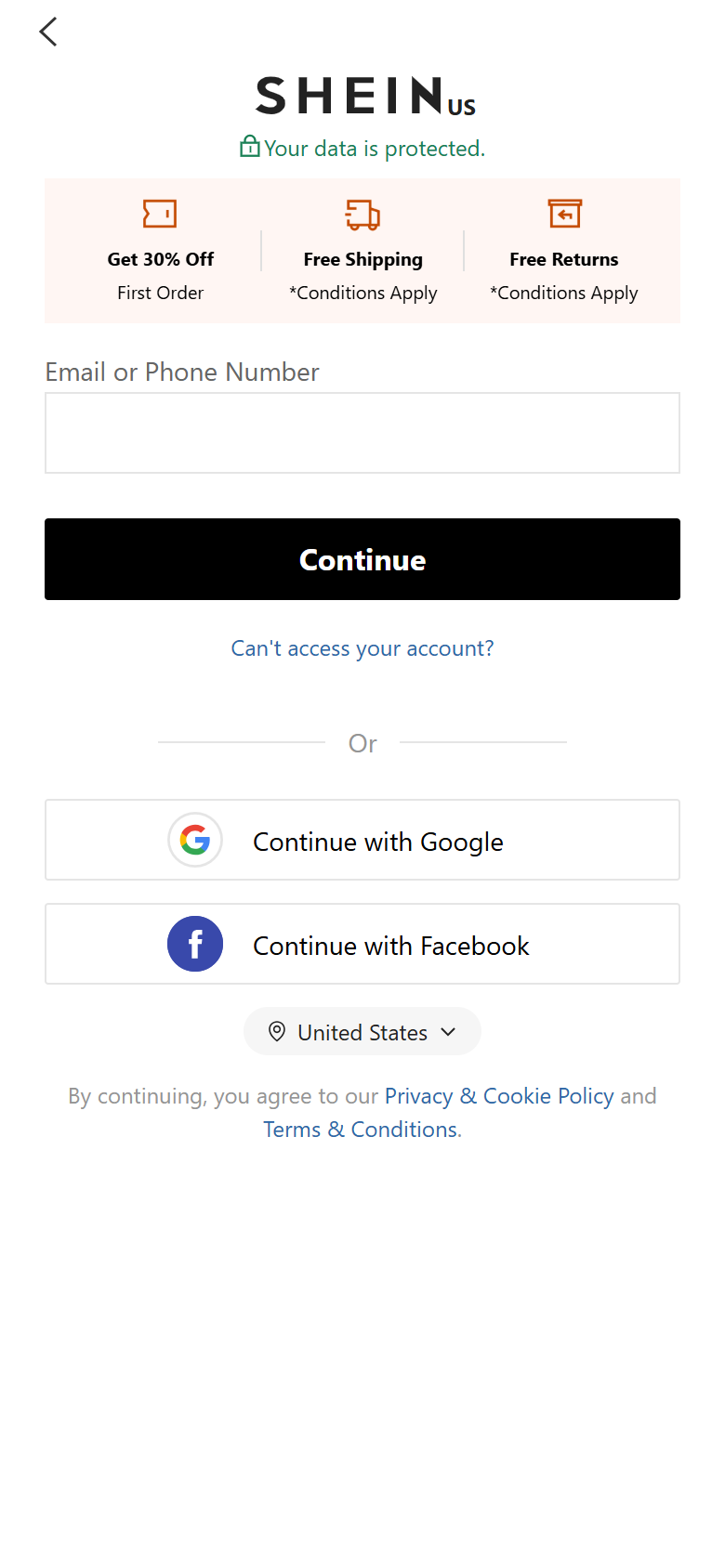
Download it from the App Store or Google Play, then log in or create your account.
Step 2: go to the Free Trial Center
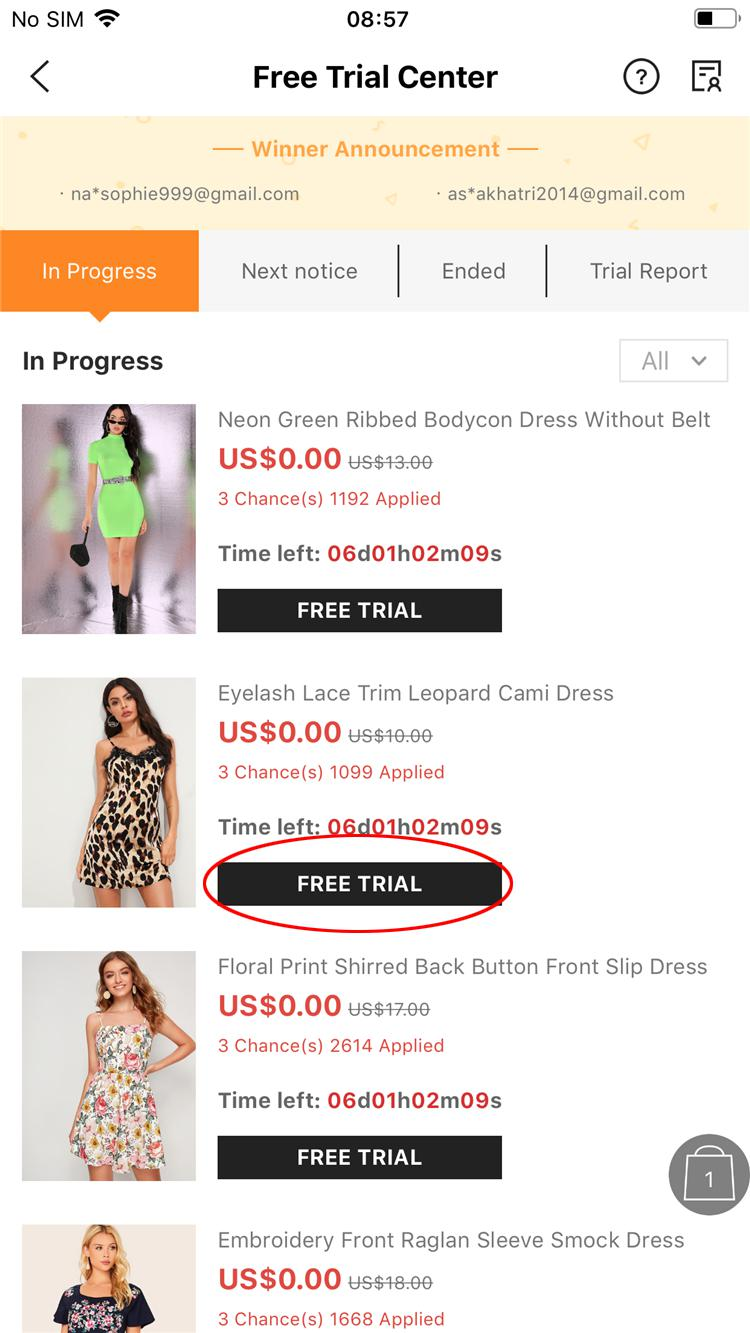
Open your Personal Center, tap ‘More Services’, then ‘Other Services’, and choose ‘Free Trial Center’ to see the items open this week.
Step 3: apply for the piece you want
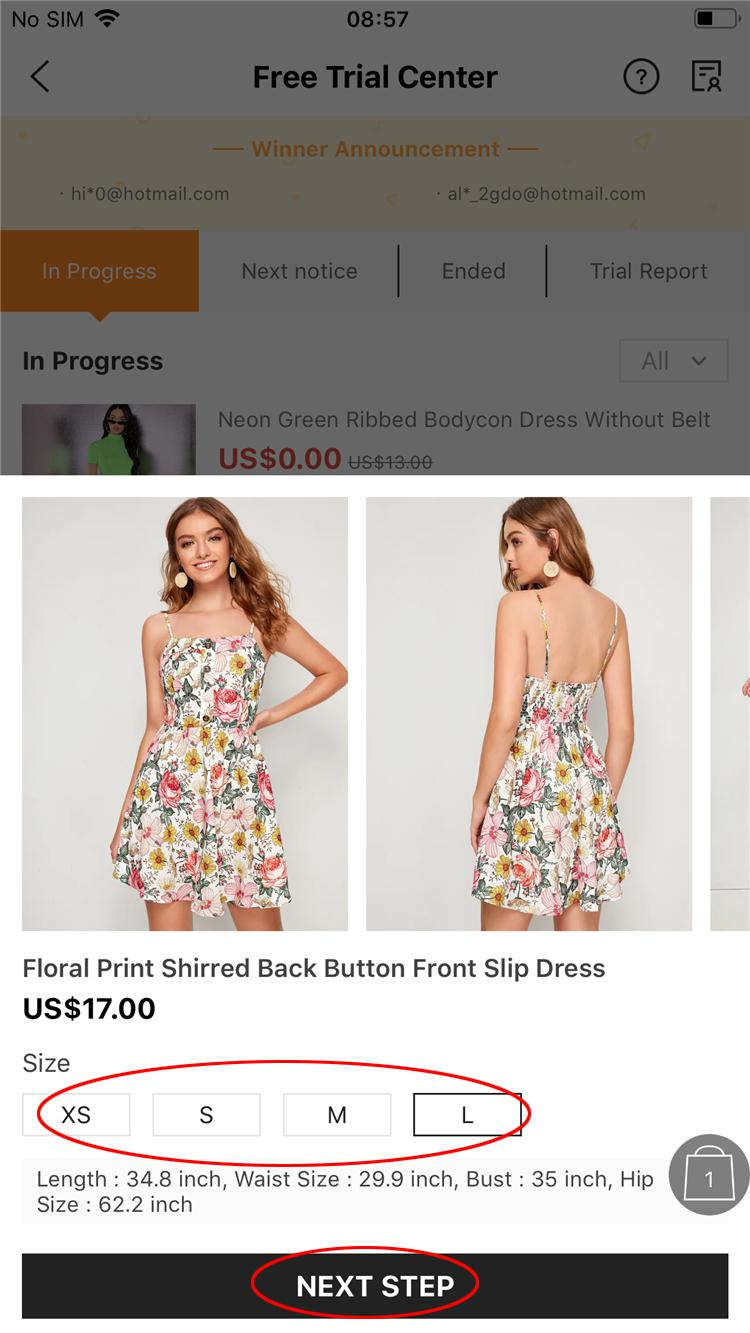
Tap ‘Free Trial’ on the item, select your size, confirm the Trial Delivery shipping address and tap ‘Submit’.
Step 4: check your status
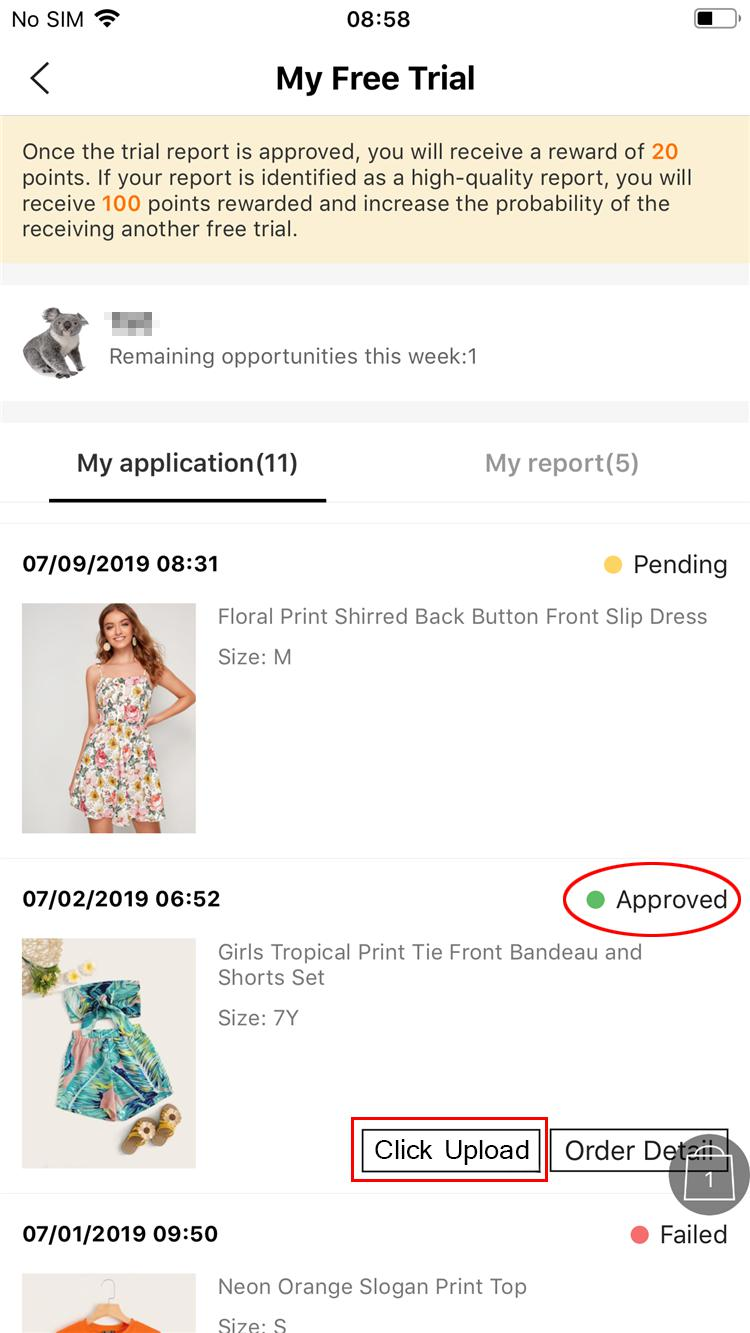
In ‘My Free Trial’, open ‘My Applications’. The status moves from ‘Pending’ to ‘Approved’ or ‘Failed’, and selected participants are also listed on the main Free Trial Center page.
Picking the right size for cold-weather pieces
Size and address can’t be changed after the order is generated, so this choice deserves a little attention before you tap ‘Submit’.
Think about layering
Coats and jackets are often worn over sweaters or hoodies. Check the item’s size information and think about what you usually wear underneath before choosing.
Use your three chances wisely
You can apply for up to 3 items per week, and unused chances don’t roll over. Spreading them across different pieces can help, since each item has its own group of applicants.
What happens after your item is approved
Once your application is approved, the order is created and shipped automatically. When it arrives, try the piece on and pay attention to warmth, fabric, fit and construction.
You’re asked to post a detailed and honest review, ideally within 10 days of receiving the item, including a full-body shot and two detailed photos.
Points you can earn
A review that meets the requirements earns 20 SHEIN Points. A review rated as a ‘Quality Review’ earns an extra 100 points.
If the review needs changes
If your first review doesn’t meet the requirements, you may get one more chance to amend it and send it again.
Rules that apply to every trial item
Participants are picked at random by an automated system, and the odds depend on how many people applied for the same item. Being selected is never a sure thing, so it’s worth applying every week.
Fake or extra accounts are not allowed, and accounts caught using them can be banned. Photos must be your own, because stolen or fake images can get a review removed.
Shipping is covered by the store, but customs duty may apply in some cases and is the participant’s responsibility. If an item hasn’t arrived after more than 30 days, contact customer service.
4.7/5
Stay warm without stretching your budget
Cold weather already brings enough extra costs. Applying for winter clothes to try at home takes only a few minutes a week and can add something new to your closet.
In this Insiderbits guide, we showed how the Free Trial Center works, how to apply from your phone and what to send back after delivery.
Be sure to read other Insiderbits articles for more apps and programs that help you save during the colder months.