
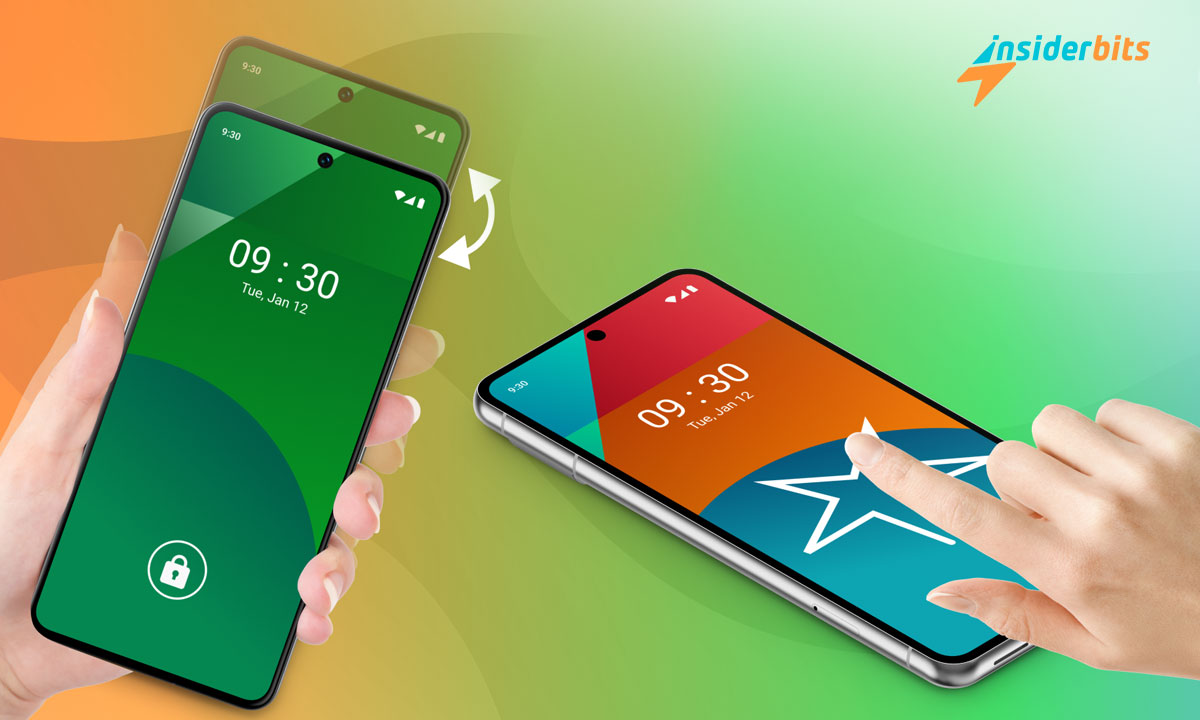
Controlling your mobile device with a screen gesture no longer sounds like science fiction. With Screen On/Off, you can turn on or stop your mobile with just a few taps. I can tell you in advance that this app is not a technological whim but a solution to make your life easier.
The app turns basic movements into instant actions. If you are looking for something simple that takes the work out of it, you are in luck. At Idées d'initiés, I will tell you how this application can completely change your relationship with your phone.

3.8/5
What is a screen gesture?
A screen gesture is tapping or swiping the display to make it do something specific. In Screen On/Off, these gestures focus on turning your phone on and off. They are perfect for those who hate using buttons and want a quick solution.
The app uses your device’s sensors, such as the accelerometer and gyroscope, to detect your movements. In practice, a simple tap can translate into a precise command. It’s so easy that even your grandmother could use it without problems.
The app also offers complete configuration. You can adjust the precision of taps or activate attributes such as turning on the phone with a shake. These options allow you to adapt the app to your style and needs.
Another striking aspect is its integration with the proximity detector. This detector senses whether you pick up or leave the phone on a surface, automatically turning the screen on or off. So, it’s functional, saves battery energy, and offers more efficient device use.
Main functions of the On/Off Screen application
Turn On/Off Screen is designed to improve your digital life. Its star feature is the double-tap screen gesture, which allows you to turn your phone on or off without touching everything. A trick that not only saves wear and tear on the power button but makes everything more comfortable.
Another feature you’ll love is shaking your phone to turn the display on or off. Using the internal sensors, the app recognizes your movements on the fly. The best thing is that you can adjust the sensitivity to respond just as you want.
As if that weren’t enough, it includes a gesture lock system that will protect your privacy. To protect your data, you can create a unique pattern on the screen, as if you were a spy.
For those who love aesthetics, the app includes customization options for the floating button. You can modify its color, size, shape, and even level of transparency so that it doesn’t interrupt your other activities. All this contributes to a more fluid user experience adapted to your preferences.
How do you set up a screen gesture for screenshots or unlocks?
Setting up a screen gesture is easy. It will take you less than a couple of minutes.
- The first step is opening the app and entering the settings section. There, you will find many options to customize your phone. It’s like having a super remote control for your phone.
- Do you want to use the double-tap gesture to unlock the screen? Nothing could be easier. Activate the function and adjust the precision so that the phone understands you the first time. The good thing is that you can calibrate it so that it doesn’t go crazy if you carry it in your pocket or inside a case.
- To set up the gesture lock, go to the app’s settings. You can create a personal and non-transferable pattern. The app allows you to define the complexity of the gesture and set the time it will remain active.
All of these gestures can be modified or deactivated at any time. The app’s flexibility allows you to experiment until you find the most comfortable and practical configuration.
Using the shake gesture to turn the screen on or off
Le Shake Screen feature stands out for its innovation and practicality in Screen On/Off. With presence sensors, such as the accelerometer, the app notices the activity and executes the corresponding actions.
To activate this feature, you need to enable it in the settings. Once activated, you can adjust the sensitivity of the shake gesture. This setting determines the intensity of movement required for the phone to respond. With a high setting, a gentle movement will suffice; at a low sensitivity, you will need to shake the phone harder.
This tool is convenient when your hands are busy or you want to preserve the power button. It also offers a quick unlock during constant movement.
The ability to customize the sensitivity level makes this feature versatile for any user. It is an efficient solution for non-traditional interaction methods with their mobile device.
Lock gestures: Enhanced security with a personalized touch
Tired of anyone being able to open your phone? Screen On/Off lock gestures are your best friend. Forget about boring codes and brutal strokes. Now, you can create your secret pattern, as straightforward or complex as you want. The important thing is that you can do it almost without thinking about it.
The app is not just another security program. It gives you total control. Do you want your gesture to be valid for an hour without repeating it? Done and worried about sensitive apps? You can lock them without any problems. The best part is that it detects suspicious movement and alerts you.
Best of all, you don’t sacrifice convenience for security. Lock screen gestures combine functionality and privacy practically and simply.
How to change a screen gesture in the app?
Changing your screen gesture in Wake/Sleep is very simple. You go into the settings section and can easily modify your settings. If you have been using a zigzag stroke to unlock your screen until now and want something faster, use a straight line. Select the current gesture and modify it directly from the customization menu.
The app allows you to combine several gestures for different tasks. For example, a double tap can turn on the screen, while shaking the phone can turn it off. This flexibility helps you find the configuration that best suits your daily routine.
After you finish making the changes, I recommend trying out the new gestures you have configured. This way, you can make sure that they work correctly. The app is designed to offer dynamic adjustments that adapt to each type of user.
Customizing the floating button and other visual settings
Le floating button is the ace up this app’s sleeve. It allows you to quickly access key functions without interrupting what you’re doing on your phone. You have complete freedom from the settings to modify the button’s size, shape, and color.
If you prefer something discreet, you can shrink it and choose a neutral color. Opt for a more striking shade if you want it to be more visible. The key is to adjust the transparency of the button. You keep it visible without covering the content of your screen. You can even set it to hide itself when you’re not using it.
This flexibility shows that the app is designed to adapt to you. Customization goes so far that you can make the button behave precisely how you want it to—almost invisible when you don’t need it but within reach of your finger when you do.
Technical requirements and compatibility with Android devices
Before installing Screen On/Off, checking if your device meets the basic requirements is a good idea. The app runs on Android 6.0 and above, which means it will be compatible with most modern phones.
Le présent screen gesture app requires basic hardware, such as an accelerometer, gyroscope, and proximity sensor. These sensors allow your phone to detect movements and know its position.
You should also have at least 100 MB of free space to download the app. Although its size isn’t excessive, having enough storage ensures automatic updates are installed without problems.
Permission is required for the use of the application and its function
To offer all its functionality, Screen On/Off requires specific permissions essential to properly functioning. Accessibility permission is crucial. It allows the app to detect your gestures on the screen and interpret your movements to execute the corresponding actions.
The Device Administrator permission gives access to more advanced features, such as turning off the screen with a gesture. With this permission, many features would be unlimited.
It also uses the proximity sensor to activate automatic functions. For example, it can turn on the screen when you pick up the phone or detect you are close to using it. This improves your experience and helps optimize your device’s power consumption.
Yes, it may seem like many permissions, but each one is designed to make your experience smoother and more efficient. The screen gesture app seeks to work with you, not against you.
Advantages of using a screen gesture over traditional methods
Using a screen gesture gives you a faster and more modern experience than old-fashioned methods.
- The double-tap gesture is a relief from physical buttons. It frees them from constant wear and tear, preventing you from ending up with a half-dead button after a few months of use. Simple and yet brilliant.
- Commodité is another big plus. If your phone is in a thick case, you must juggle to press a button. With a screen gesture, you solve everything with a simple movement. No more fumbling or failed attempts.
- Caractéristiques like shake to power off make using your phone more natural. It’s as if your cellphone understands your movements by responding very intuitively.
- Gestures offer a high level of customization. You can adjust each movement to your liking, adjusting the sensitivity or changing the patterns according to your needs. This not only improves accessibility but also allows you to take full advantage of your device’s capabilities.
The screen gesture is especially grand for those struggling with traditional buttons. They completely transform how we interact with our phones, making everything smoother and more manageable.
How to download and start using On/Off Screen
Downloading Screen On/Off is very easy. Search for it in the Google Play Store, tap “Install,” and you’re ready. All you need is free space and Android 6.0 or higher—nothing fancy.
When you open the free trial, you’ll be asked to subscribe. A wizard will guide you through granting the necessary permissions, such as accessibility and device administrator. Don’t worry; the process is more straightforward than it seems.
3.8/5
Simplify your life with a screen gesture!
Making screen gestures part of your daily routine is helpful in this interconnected and dynamic world. The Screen On/Off app not only improves the functionality of your device but also offers a more innovative way to use it.
This tool is for you if you want to take your phone to new levels. It is perfect for those wanting to feel more technological without many complications. Do you want more tips and tricks for your phone? Here at Insiderbits, you will find everything you need. I recommend the following post: “Easy Tips for Taking Screenshots on Android Devices.”




