
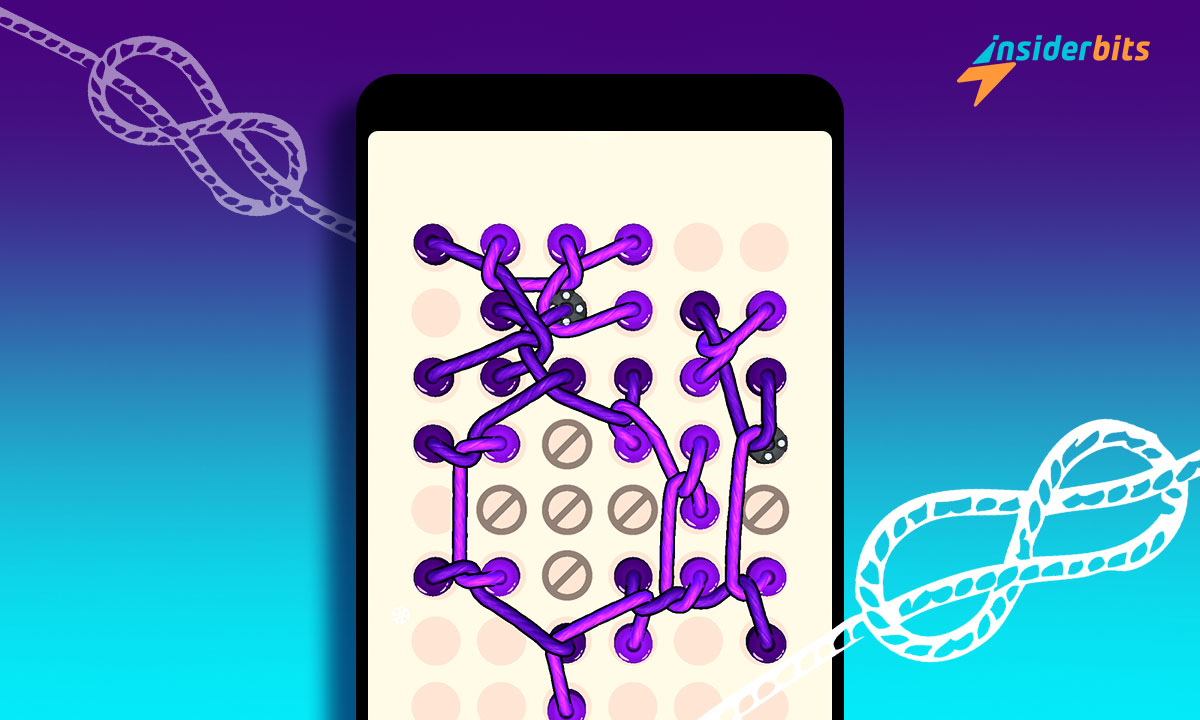
There is no shortage of unique puzzle games with inspiration from real-life events. Do you remember the tangling of the thread whenever you fly a kite? Didn’t it take some real effort to untangle it? Now there is a mind-teasing game based on this concept.
We are talking about Twisted Tangle – a popular mobile game that takes its users on a journey filled with challenges that require creative thinking to solve them.
So, are you wondering what this game is all about? Then let us at Insiderbits show you what this game has to offer you, its pros and cons, and where to download it.
Twisted Tangle: App Overview and Features
Twisted Tangle gives you a unique puzzle experience with immersive 3D knot-solving mind teasers. Thus, get ready to twist your brain to untie the knots with ever-increasing tangles. But it is not that simple.
As you play, many more nuances will be added to make the game more interesting. For example, initially, you can move both ends of a rope. But fixed pins will be introduced after some levels where only one end can be moved.
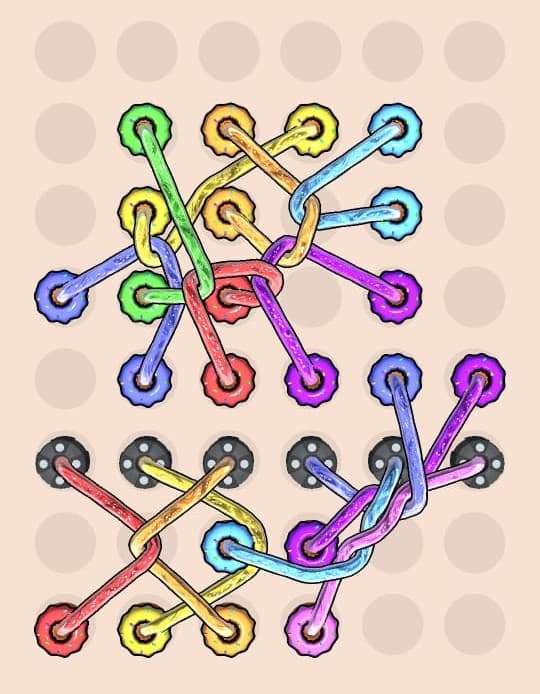
With each puzzle solved, get ready to face the next one even more challenging. And once in a while, you will have to confront the hard, epic, and boss levels that will truly test your mettle to overcome them.
Caractéristiques :
- Mind teasers added every week – With new puzzles added every week, your experience with the Twisted Tangle game will be never-ending and more mind-teasing.
- Time limit for each game – Each puzzle has to be solved within a varying amount of time limit. For instance, a simple puzzle is made harder by giving you a very short duration to complete it, keeping you on edge.
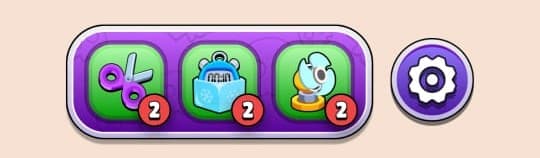
- Boosters – Just like lifelines, boosters will come to your rescue by making the challenge easier.
It has got 3 boosters – a Scissor to cut one rope of your choice, a Time Freeze to freeze time for a short period, and a Shuffle to flip the game map with a fan.
- Retry a puzzle – You can quit your puzzle anytime to retry solving it. However, quitting or being unable to solve the puzzle within the time limit will cost you a Heart. You will have 5 of them initially (max limit).
- Collection arena – To customize the look of the game, Twisted Tangle offers you a collection of ropes, pins, and backs which you can purchase for coins.
Twisted Tangle: Pros and Cons
Pour :
- Nice interface – We found the UI of Twisted Tangle to be intriguing. It is full of colors and real-life physics. So, it not only twists your brain but also soothes your eyes.
- Brain training – The good thing about puzzle games is that they train your brain to think creatively. This is one such game. Here you will have to untie the ropes within a tight deadline and there is other way to do it than focusing and thinking hard.
Cons :
- No leaderboard – Unlike many other puzzle games, Twisted Tangle doesn’t show you where you stand among other players. Thus, an element of competition is missing.
- Trop de publicités – You will be shown ads as you move through levels and throughout the app. However, you can remove them with a one-time small fee.
How to Download and Play This Puzzle Game
Étape 1 : Click on any of the below links to go to the Google Play Store/App Store and download this app.
Download Twisted Tangle (Android)
Étape 2 : Open the app and you will head straight to its home page. No login is required. Click PLAY to start to start your first puzzle – the easiest one.
Étape 3 : Untangle the ropes to solve the puzzle. Keep playing to reach higher levels.
Étape 4 : You will unlock boosters on the 5th, 10th, and 15th levels which you can use at the time of crisis.
En rapport : 5 Best Escape Games For Puzzle and Mystery Lovers
Conclusion
Twisted Tangle gives a new twist to the age-old tradition of puzzles. Thus, if you are looking for some new activity to train your mind during everyday pastimes, then this game is for you. Download it now and start untangling.




