
For many families in the U.S., stories of distant Indigenous ancestors are passed down with a sense of pride, often without written proof to support them. In recent years, the search for Native American lineage verification has grown as more people try to separate family lore from documented history. Without official records, narratives remain uncertain, creating gaps in identity and, in some cases, limiting access to cultural recognition or benefits.
Unter Insiderwissen, we noticed digital tools began to change how this verification is done—online archives now offer access to historical records that were once difficult to obtain, so individuals can trace lineage with greater accuracy. What used to require months of manual research can now be approached from home. While the process still demands care and documentation, it has become more accessible for those willing to navigate the details.
- Apps zur Suche nach Ihren Vorfahren
- Organisieren Sie Ihr Familienleben mit FamilyWall
- Organisieren Sie Ihr Leben mit den besten Familienmanagement-Apps
Where to do a free online Native American lineage verification?
When it comes to authenticating indigenous roots, general search engines are often insufficient; you need a platform that specializes in historical census data and federal enrollment records.
And Archives.com is the premier utility for this task, offering a streamlined interface that connects users to millions of vital records, including the Dawes Rolls and the Indian Census Rolls.
This is particularly effective for Native American lineage verification because it aggregates rare collections, such as the Oklahoma and Indian Territory marriage and citizenship records spanning from 1841 to 1927.
The platform functions as a centralized gateway, allowing you to cross-reference surnames, birth years, and locations against 671 distinct collections.
Whether you are looking for ancestors among the Five Civilized Tribes or searching for broader indigenous heritage, the search engine provides a professional-grade environment for your research.
Currently, the service is accessible via any web browser, and while it requires a subscription for full access, you can start searching for free to see if your ancestors appear in the initial digital indexes before starting a trial.
Understand how the search works
To find a match in the digital archives, the system looks for specific historical markers that were used by federal agencies and tribal authorities to document inhabitants:
- Oklahoma and Indian territory records: this specialized database includes citizenship and census records that are vital for tracing families that moved during the late 19th and early 20th centuries;
- Vital statistics: access to billions of birth, death, and marriage records that act as the essential “paper trail” linking your generation to your documented ancestors;
- Military and cemetery listings: these secondary sources help confirm the identity and residence of ancestors, providing a more robust profile for Native American lineage verification.
Step-by-step guide to checking your background on the ancestry website
Once you have identified a potential ancestor through a general search, you may want to use a broader platform like Ancestry to build out the full branches of your family tree.
To ensure your Native American lineage verification is accurate, follow this chronological guide.
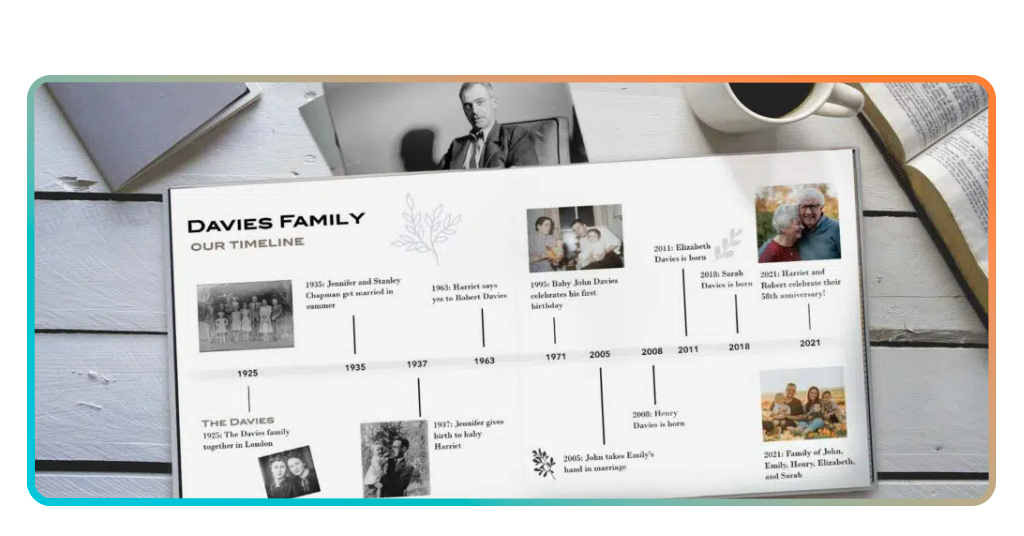
Step 1: document your immediate family
The first action is to record everything you know about your parents and grandparents, including their full names and maiden names, to create a solid starting point for your research.
Step 2: start an online family tree
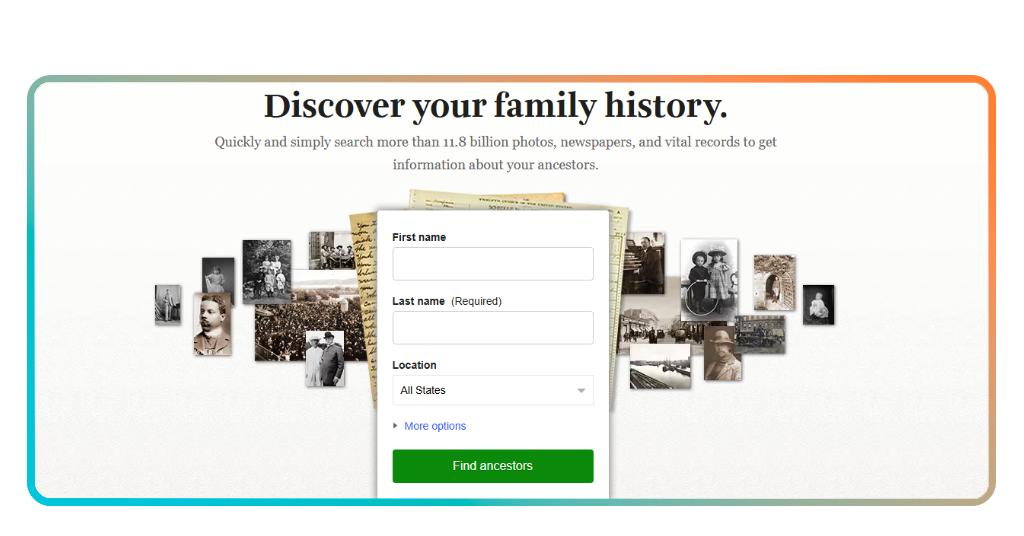
Use a specialized site or the Archives.com portal to enter your data; the system will automatically begin “hinting” at records that match your family members.
Step 3: search the indian census rolls
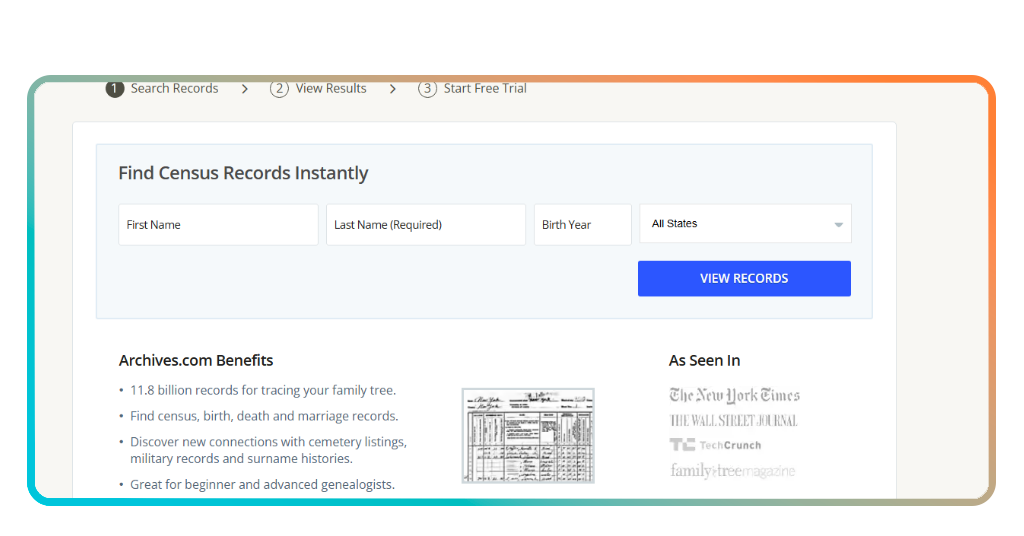
Navigate through specific collections and search for the names of your ancestors among 11.8 billion records to see if they were registered with a tribe.
Tips for accurate results and data privacy
One of the most common errors in Native American lineage verification is assuming that a “Native American” DNA result is enough for tribal enrollment.
Most tribes require “lineal descent”, meaning you must prove through paper records—not just genetics—that you are descended from a specific person on an official roll.
Additionally, when searching, always check for “Indian names” or phonetic misspellings, as government agents in the 19th century often spelled indigenous names incorrectly in the official records.
Regarding data privacy, when you use a professional service like Archives or Ancestry, your family tree is usually private by default.
However, it is a high-utility practice to double-check your privacy settings before uploading sensitive documents like modern birth certificates.
If you are looking for more tools to help with your search, you can check out our list of apps to find your ancestors, which covers everything from digital graveyards to military records.
Other interesting features offered by ancestry
Beyond simple record searching, modern genealogy platforms offer immersive features that bring your history to life.
For example, some tools provide “historical insights” that explain the migration patterns of specific tribes, helping you understand why your family moved from tribal lands to major cities.
And if you want to dive deeper into the technical side of your search, you can explore the Archives.com genealogy library for tutorials on interpreting 19th-century handwriting and land allotment maps.
Reclaiming the story of your people
Verifying your heritage is a journey of reclaiming a piece of yourself that was once lost to time.
Whether you are seeking a formal tribal connection or simply want to know the truth behind the family legends, a Native American lineage verification provides the clarity you deserve.
Start your search today and honor the legacy of those who came before you.