

Creating a school uniform no longer requires a designer’s desk, expensive software, or hours spent wrestling with fabric samples. Today, digital tools make it possible for anyone—teachers, students, parents, or small business owners—to experiment with colors, logos, textures, and full mock-ups in minutes.
With the right platform, you can transform a simple idea into a polished school uniform concept ready to share or print. This shift toward digital creativity has made customization more accessible than ever. Whether you’re updating an existing look, developing a brand-new identity for a school, or launching a small uniform business, design apps bring quick experimentation and intuitive tools to the table.
- 5 Best Note-Taking Apps For Students and Professionals
- AI Study App: Review of the Uknow.AI Homework & Math Solver App
- Ace Your Exams with Vaia App: Study Help & AI Tools
How to create custom designs with no experience
Designing a school uniform used to be a task dominated by professionals with access to complex programs. Now, platforms like Canva simplify the entire process.
Their interface offers drag-and-drop tools, editable templates, and real-time previews that make uniform creation as natural as assembling a digital collage.
What makes this approach so accessible is the template-based workflow. Apps provide pre-designed shirt layouts, sweatshirt models, emblem placements, and color palettes.
You simply choose a base, insert your school’s logo, adjust tones, and refine typography. If you’re new to visual design, you’ll still get polished results—without dealing with complicated layers or vector paths.
This is particularly useful for teachers, school administrators, and small uniform suppliers who need dependable results quickly.
By combining digital mock-ups with the practical understanding of students’ daily needs, these tools help you produce uniforms that are visually appealing and functional for real use.
And if you want to enhance your editing skills further, platforms like Insiderbits offer guides such as the Photoshop course overview to help you expand your technical confidence.
Best school uniform design app for Android and iOS
While various creative apps can help you sketch ideas, Canva stands out for one essential reason: it’s built for non-designers but robust enough for professional creators.
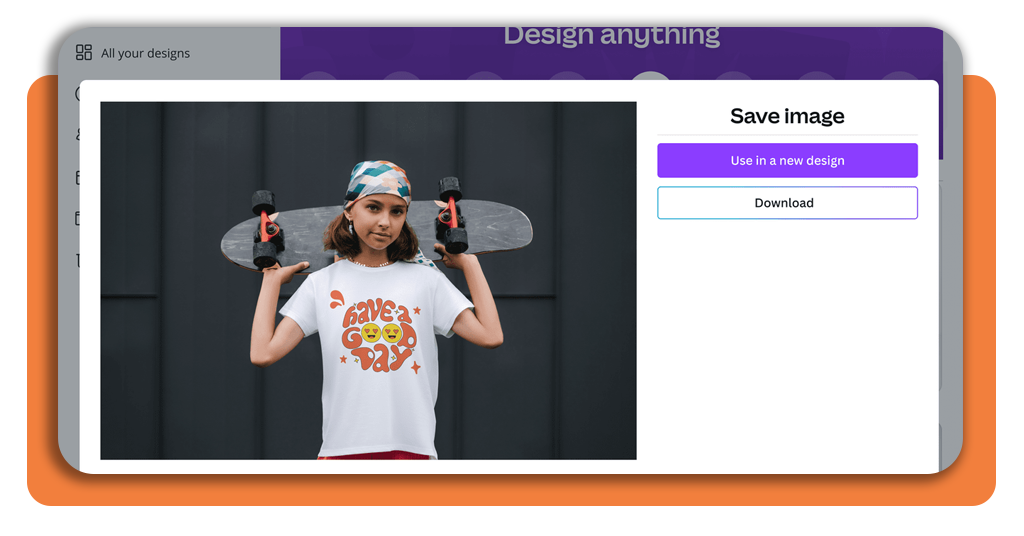
Using the platform’s dedicated T-shirt and apparel templates, you can build a school uniform from a fully editable base and preview it instantly.
Through its web platform and mobile apps, Canva (available for Android and iOS) allows you to upload your school emblem, experiment with different color combinations, and structure placement with grid and alignment tools.
With real-time collaboration, teachers and administrators can review changes simultaneously, making the approval process dramatically faster.
And if you want to fine-tune or print your design, Canva provides step-by-step guidance through resources such as its lessons on using and customizing templates.

Tips to choose fabrics, colors, and logos
A polished school uniform goes far beyond the layout on your screen. While design tools let you explore creative combinations, thoughtful decision-making ensures the final uniform is practical, durable, and visually consistent with your school’s identity.
Consider the following guidelines:
- Pick colors that contrast well for visibility and brand recognition;
- Use vector versions of your logos to maintain sharpness when printed;
- Test several fabric textures digitally, but remember to confirm real-life comfort with physical samples;
- Balance aesthetics with functionality, especially for students who participate in outdoor or high-movement activities;
- Always check print guidelines to ensure colors remain consistent across fabric batches.
Digital platforms like Canva’s print delivery guide can help ensure your final choices meet production standards.
How to share or print your final design
Once your school uniform is ready, it’s time to export, share, or print. Design apps streamline these final steps: you can download your uniform in high-definition PNG, PDF, or vector formats and forward it to school boards, suppliers, or uniform manufacturers.
Sharing is simple. Canva, for instance, allows you to collaborate through live links, enabling team members to comment, adjust, or approve designs directly in the workspace.
If you want a physical sample, the platform’s lessons such as print like a pro outline everything you need for a professional-quality output. This ensures your uniform looks as good in fabric as it does on your screen.
For educators or small enterprises aiming to diversify their design library, Canva’s creative assets tutorials also provide valuable insights into expanding branding kits, vector elements, and layout variations.
Start designing your school uniform today
Custom uniform creation no longer belongs exclusively to designers or manufacturing companies.
With intuitive tools, accessible templates, and cross-platform availability, modern apps empower schools and creators to transform their ideas into polished visuals quickly.
No matter if you want a classic polo, a modern jersey-style shirt, or a fully branded set for your institution, digital platforms streamline every step—from concept to print-ready production.
If you’re ready to craft your own school uniform, experiment freely, explore different looks, and create a design that truly represents your community.
Design, preview, and share your uniform before ordering. Start designing today.




