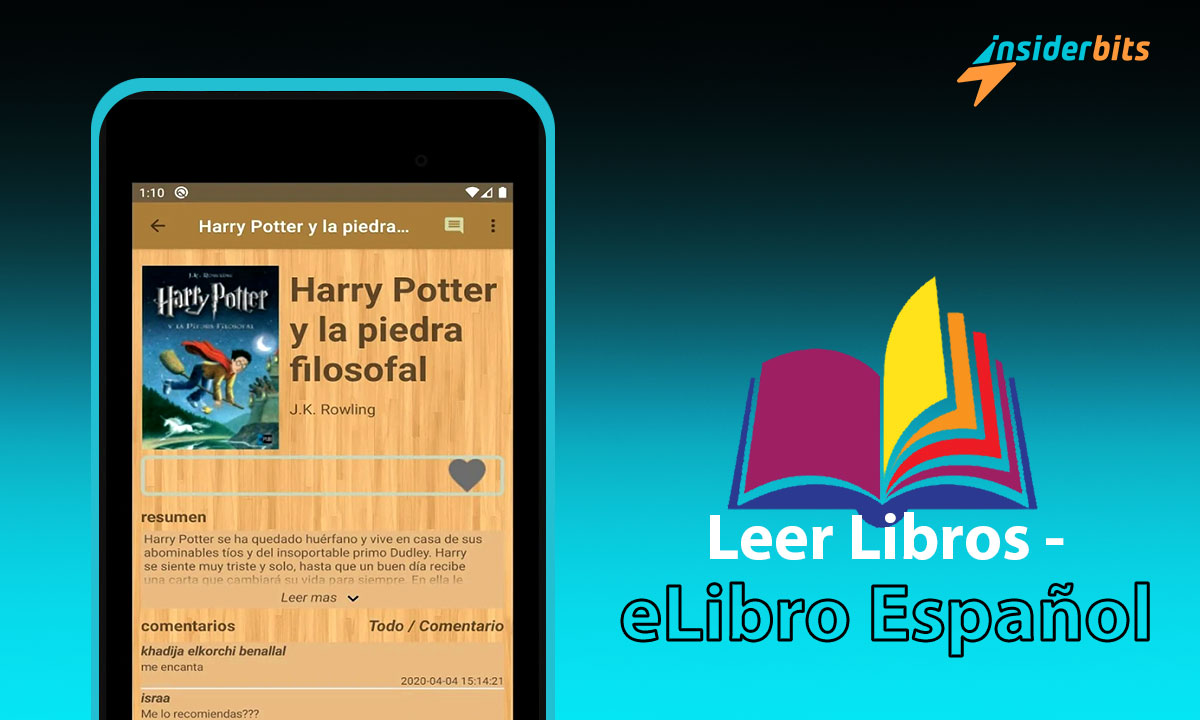
Are you looking for the perfect app to read books in Spanish for free? Look no further than Leer Libros – eLibro Español!
In this article, Insiderbits will explore the benefits of reading in Spanish, the convenience of Spanish reading apps, and how Leer Libros – eLibro Español can enhance your reading experience.
Leer Libros – Books in Spanish for Free Review
This app allows you to download and read books in Spanish for free without the need for any other application. With a catalog that includes Spanish and English books, novels, short stories, and poetry, Leer Libros – eLibro Español is perfect for readers of all levels.
You can save the books you want and read them later, take notes on the book, and even create book lists. The app is available for Android devices running version 5.0 or higher and has a 4.6-star rating on Google Play with over 1 million downloads.

4.7/5
Leer Libros – Books in Spanish for Free – Features
Here is a description of the features of Leer Libros – eLibro Español :
New books without the Internet:
Users can download new books without the need for an internet connection
Roman, short story, poetry, child, etc. many kinds of e-books:
The app has a vast library of books in Spanish and English, including classic novels, short stories, and poetry by famous authors
Reading e-books:
Users can read e-books in Spanish for free directly from the app
Take notes on the book:
Users can take notes on the book they are reading
Books by categories:
The app has a powerful search and sort feature that allows users to find books based on specific criteria
Create book lists:
Users can create book lists to keep track of the books they want to read
Free books for kids:
The app includes free books for kids
Free love books:
The app includes free love books
Free horror books:
The app includes free horror books
Backup of your library:
Users can backup their library to ensure they don’t lose their saved books
Free pdf:
The app includes books in Spanish for free in pdf
Free epub:
The app includes free epub books
How to Download Leer Libros – Step by Step
- Open the Google Play Store on your Android device.
- Search for Leer Libros – eLibro Español in the search bar.
- Click on the app and then click on the “Install” button.
- Wait for the app to download and install on your phone.
- Once the app is installed, open it and start reading books in Spanish for free.
How to Download Books in Spanish for Free – Step by Step
To download books in Spanish for free on Leer Libros – eLibro Español app, follow these steps:
- Open the app on your Android device.
- Use the search and sort feature to find the book you want to download based on specific criteria such as author, title, or category
- Once you find the book you want to download, click on it to open the book details page.
- On the book details page, click on the “Download” button to download the book to your device
- The book will be saved to your library, and you can read it later without the need for an internet connection
4.7/5
Reading Books in Spanish For Free – Benefits
Reading Spanish books for free has many benefits that can help improve language skills and enhance personal growth. Here are some of the benefits of reading books in Spanish for free:
Expand your vocabulary: Reading Spanish books can help you learn new words and phrases, which can expand your vocabulary and improve your language skills
Improve language skills: Reading in Spanish can help improve all the skills that you must master when you learn a language, such as listening, speaking, reading, and writing
Connect with the culture: Reading Spanish books can help you immerse yourself in the language and connect with the culture that surrounds it
Stress-free activity: Reading is a stress-free activity that can help you learn a language without feeling anxious or overwhelmed
Exposure to new vocabulary: Reading Spanish books can expose you to new vocabulary and grammar structures, which can help you learn the language more effectively
Enhance personal growth: Reading Spanish books can help you gain knowledge, improve critical thinking skills, and enhance personal growth
Free access to books: Reading Spanish books for free can help you save money while still enjoying the benefits of reading
The Perfect App to Read Books in Spanish For Free – Conclusion
Overall, reading Spanish books for free is an excellent way to improve language skills, connect with the culture, and enhance personal growth.
With many free Spanish books available online and through apps like Leer Libros – eLibro Español, it is easy to access a wide variety of books and start reaping the benefits of reading in Spanish.
Like this article? Add the Insiderbits blog to your favorites and visit us whenever you want to learn new and exciting information about technology and much more!