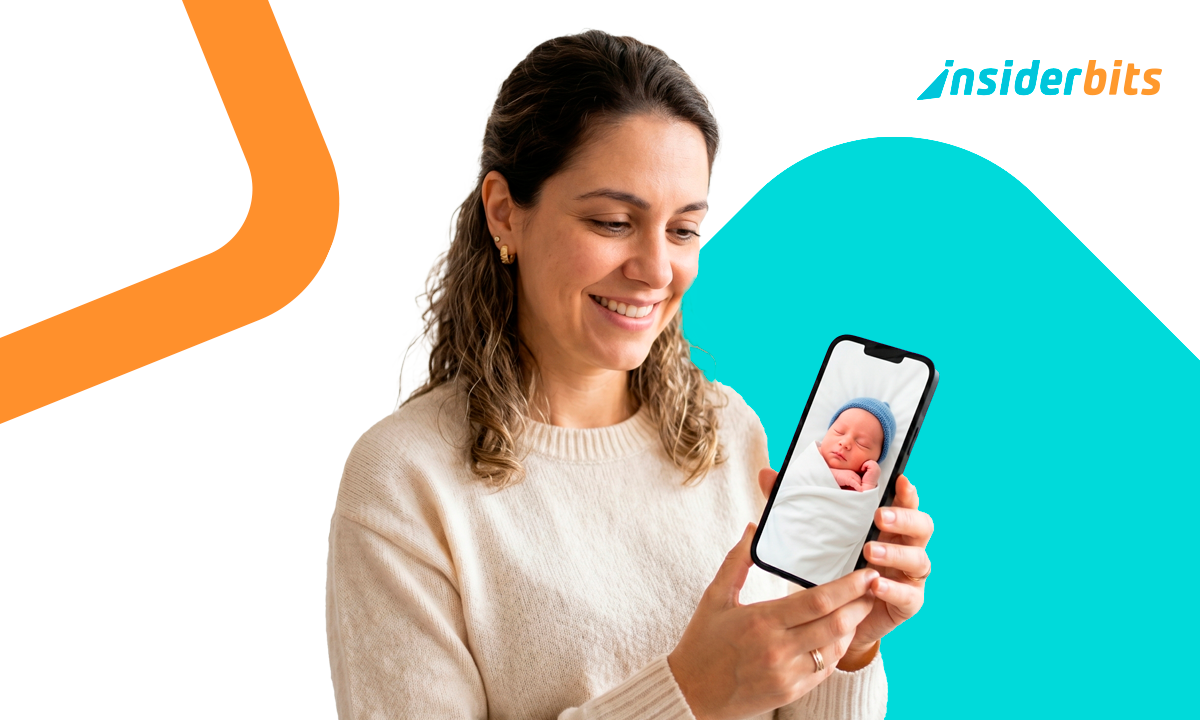
What You Are Going To Learn
Setting up a secure monitoring system doesn’t have to be complicated or expensive. In just a few minutes, you will discover how to turn any two devices into a powerful nanny cam that keeps you connected to your nursery around the clock.
- Transform any spare smartphone or tablet into a high-definition camera unit;
- Receive instant notifications the moment your child moves or makes a noise;
- Use two-way audio to soothe your baby with your voice from another room;
- Monitor your child from anywhere in the world using secure internet connections.
With these simple steps, you will gain total peace of mind while you handle household chores or get some much-needed rest. Start your journey toward a smarter and safer nursery today with this easy method.
TIP: KEEP THE CAMERA AT A SAFE DISTANCE
Always position the baby unit at least three feet away from the crib to ensure all charging cables remain completely out of your child’s reach. This distance also provides a wider viewing angle so you can see the entire sleeping area on your screen. Securely placing the device on a stable shelf or wall bracket prevents it from being accidentally knocked over during the night.
What You’ll Need

Two compatible devices
Any combination of smartphones, tablets, or computers running iOS or Android.

Annie Baby Monitor App
The app must be installed on both the parent unit and the baby unit.

Internet connection
A reliable Wi-Fi network or mobile data plan like 4G, 5G, or LTE.
Power source
Access to chargers for both devices to ensure the connection stays active during long naps.
Who Will Benefit?
This solution is perfect for anyone looking for a flexible, high-tech way to stay connected to their child without the clutter of traditional hardware. It is designed to fit seamlessly into the busy lives of modern American families.
- Exhausted new parents can check on their sleeping infants without risking waking them up by opening a creaky nursery door.
- Work-from-home professionals can keep a watchful eye on their toddlers while focusing on important meetings in a quiet room.
- Grandparents and babysitters can be easily invited to monitoring sessions to provide extra safety when the parents are away.
- Budget-conscious families can save hundreds of dollars by repurposing old electronics into a professional-grade security system.
WARNING: ONLY USE SECURE PRIVATE NETWORKS
Avoid using public Wi-Fi networks at coffee shops or airports to monitor your baby as these connections are often unencrypted. Always use a password-protected home network or a private mobile hotspot to ensure your video feed remains private and secure from outside access.
Ready To Start Monitoring?
You don’t need expensive gadgets to keep your baby safe and sound. By following this simple guide, you can enjoy professional monitoring features for free and gain the peace of mind you deserve starting today.
Frequently Asked Questions
Can I use an old phone that doesn't have a SIM card?
Yes, as long as the device can connect to Wi-Fi, it will work perfectly as a baby unit. This is a great way to give a second life to an old smartphone you have sitting in a drawer.
Does the app work over long distances?
The app works anywhere you have an internet connection, whether it’s Wi-Fi or mobile data. You can be at the grocery store or even in another city and still see your baby’s live feed.
Is the connection secure from hackers?
Annie uses industry-standard encryption to protect your video and audio streams. To maximize security, always ensure your home Wi-Fi is protected by a strong, unique password.
Will the app drain my battery quickly?
Streaming live video does consume battery power, which is why we recommend keeping the baby unit plugged into a charger. The app also features a low-battery alert to notify the parent unit if the baby device is running out of power.
Can more than one person watch the baby at the same time?
Yes, you can invite family members like your spouse or grandparents to join the monitoring session. One subscription covers all devices in your family, making it easy for everyone to stay connected.