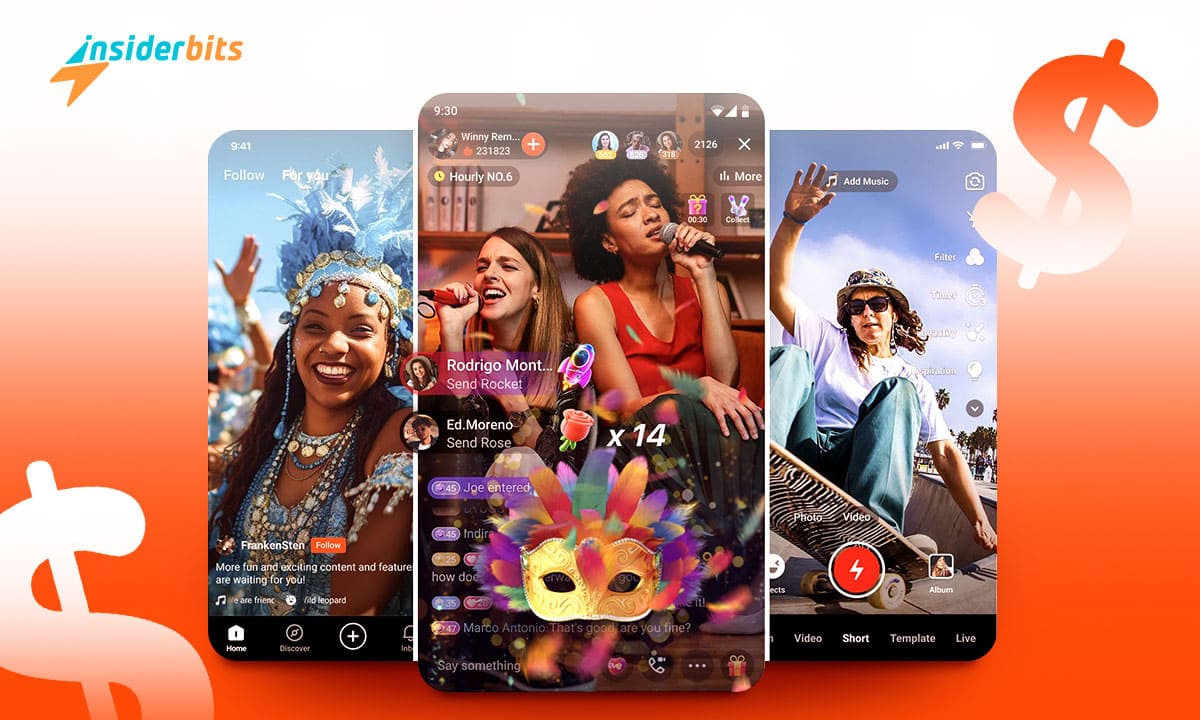
Kwai is a revolutionary short video-sharing social platform that has gained immense popularity globally, offering users a platform to create and share engaging videos with a vibrant community
With its unique features and interactive interface, Kwai has become a go-to app for content creators and video enthusiasts. The platform is based on continuous satisfaction of user needs and aims to provide a short video social networking experience based on geographical location.
Kwai’s content distribution mechanism is slightly different from other platforms, allowing users to follow hot content of the day, as well as see friends’ updates and recommendations in the local community.
This means that not only head creators are being paid attention to, but ordinary creators can also gain recognition and monetize their content.

4.6/5
Some key aspects of Kwai include:
A large and engaged user base: Kwai has over 120 million daily active users, with a diverse range of content creators and a wide variety of topics covered
A focus on local content: Kwai’s Local page emphasizes short video social networking based on geographical location, allowing users to connect with their community and share their experiences
Bonus opportunities for creators: Kwai offers various ways for creators to monetize their content, including the Sports Creators Program and a $10 million investment to support sports content creators
How to Download the Kwai App
To download the Kwai app on Android, you can follow these steps:
- Visit the Google Play Store.
- Search for Kwai in the search bar.
- Select the Kwai app from the search results.
- Click on the Install button.
For iOS, the steps are as follows:
- Open the App Store on your iOS device.
- Search for Kwai in the search tab.
- Select the Kwai app from the search results.
- Tap the Get button next to the app to download and install it.
Kwai Short Videos App – Social Earning Methods
Kwai is a popular short video-sharing social platform that offers various ways for content creators to earn money through their content creation, engagement, and challenges. Some of the earning methods on Kwai include:
Verified Creator Programs: One of the most popular ways to make money on the platform. Creators with a talent for creating engaging content can apply to become verified, and as their following grows, they can earn money through advertising revenue and brand sponsorships
Ad Revenue: Once a creator has built a loyal following on Kwai and consistently creates engaging content, they can monetize their efforts through ad revenue
Brand Partnerships: Creators with a significant following on Kwai can collaborate with brands for sponsored content, earning money through their partnerships
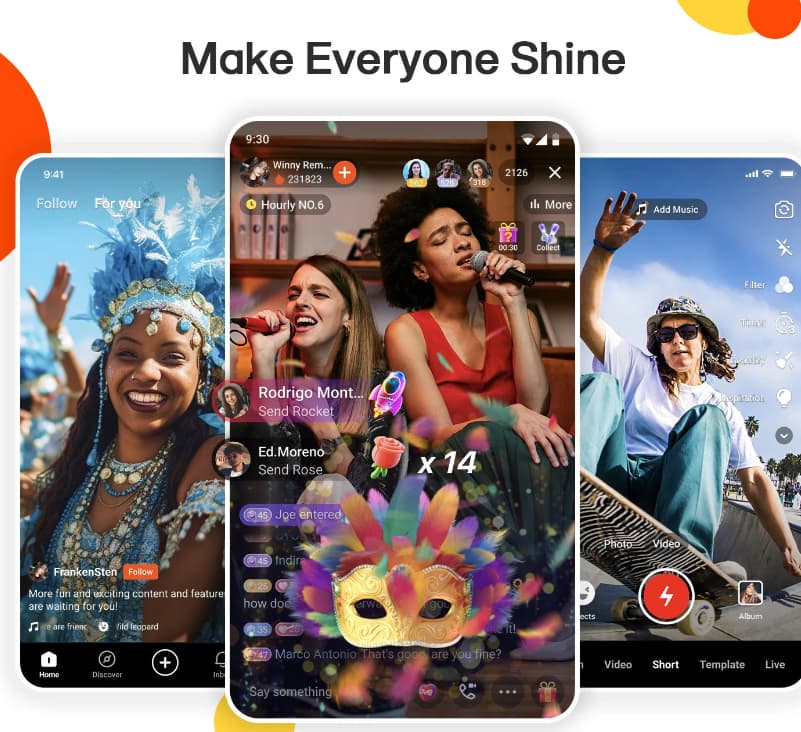
Virtual Gifting: Kwai allows users to reward their fans with virtual gifts, which can be exchanged for real money
Kwai Live Streaming: Creators can earn money through live streaming on Kwai, where they can interact with their audience and receive virtual gifts
Daily Activities: Participating in daily activities on Kwai, such as checking in daily or consuming videos posted by other users, can also lead to earnings
Inviting Friends: Creators can invite their friends to join Kwai and earn money through the platform’s referral system. By inviting 25 friends to sign up and use the app, creators can earn up to $80 per friend
Kwai Short Videos App – Tips to Maximize Earnings
To maximize your earnings on Kwai, consider the following tips:
Create engaging content: Focus on producing entertaining, informative, or valuable content that resonates with your target audience. Experiment with different formats, such as lessons, tutorials, challenges, or stories, to cater to diverse viewer preferences
Build an engaged audience: Consistently upload videos and engage with your audience by responding to comments, liking, and sharing their content, and collaborating with other Kwai users. Fostering a sense of community will help you establish a loyal following that supports your endeavors on the platform
Leverage Kwai’s monetization features: Utilize Kwai’s virtual gifting system, brand partnership programs, and other monetization options to earn money directly on the platform
Cross-promote your Kwai content: Promote your Kwai content on other social media platforms and websites to attract more followers and increase your visibility
Invite friends to join Kwai: Invite your friends to sign up for Kwai and use the platform’s referral system to earn money. You can earn up to $80 per friend when they sign up and use the app
Participate in daily activities: Engage in Kwai’s daily activities, such as checking in daily or consuming videos posted by other users, to earn additional earnings
Use unique and creative effects: Enhance your videos with unique effects, creative content, and interesting themes to make them more appealing and attract more viewers
4.6/5
Social Earnings and Short Videos With Kwai App – Conclusion
In conclusion, Kwai is a dynamic and rapidly growing short video-sharing social platform that offers a plethora of opportunities for content creators to earn money and showcase their talent.
As Kwai continues to expand globally, it presents an exciting prospect for individuals looking to unleash their earning potential and succeed in the world of short video content creation.
Related: Snapchat Beginner’s Guide
Like this article? Add the Insiderbits blog to your favorites and visit us whenever you want to learn new and exciting information about technology and much more!