Are you worried about hackers stealing your card info? Stop exposing your data and start using the world’s most secure payment tools on your phone. Choosing between Apple Pay or Google Wallet ensures that your real financial records stay hidden from malicious scanners at checkout counters. Instead of swiping traditional plastic, deploying a modern smartphone application transforms your physical device into an encrypted vault.
Currently used by over 100 million people in the US, these systems leverage military-grade encryption for every transaction you make. They are widely recognized by major banks as the safest payment method available for daily transactions. When evaluating Apple Pay or Google Wallet, you are choosing a framework that updates standard shopping habits into a protected experience. Read ahead.
- Exodus and Trust Cryptocurrency Wallets Review
- Google Wallet Passport: The Smartest Way to Travel
- How to Enable Samsung Wallet Tap to Send Feature
What is the best choice between Apple Pay or Google Wallet?
Deciding whether to rely on Apple Pay or Google Wallet comes down to your primary mobile ecosystem and how you prefer to lock down your data.
Both platforms eliminate the risk of physical skimming devices, which identity thieves install over traditional card slots to copy magnet-strip details.
To help you compare the safety architectures of Apple Pay or Google Wallet, we highlighted how each provider handles data insulation across core threat parameters:
| Safety Parameter | Apple Pay | Google Wallet |
| Primary Protection | Secure Element Chip | Device Account Tokenization |
| Biometric Requirement | Always mandatory per purchase | Customizable based on screen lock |
| Cloud Storage | Isolated locally on device hardware | Encrypted within the Google Account |
| Lost Device Tracking | Via Find My network | Via Find My Device network |
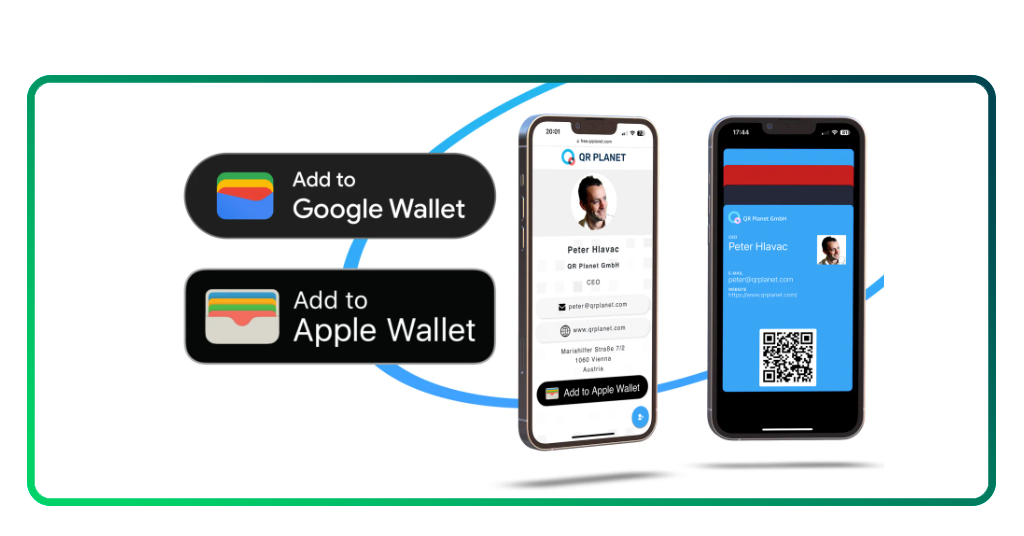
Apple Pay: advanced security features
While evaluating Apple Pay or Google Wallet, users notice Apple’s strict hardware isolation model.
Apple Pay saves your data on a Secure Element, an industry-standard certified chip separate from the main operating system. This data never touches Apple servers or backs up to standard iCloud drives.
You can configure and manage your cards using the native Apple Wallet App. Every single time you make a purchase, the Secure Enclave demands direct biometric confirmation via Face ID or Touch ID.
If the biometric scan fails, the app blocks the transaction cryptogram completely, making it impossible for a thief to buy items even if they grab your unlocked phone.

4.5/5
Google Wallet: two-step verification
Looking closely at the differences between Apple Pay or Google Wallet highlights Android’s flexible dynamic authentication model.
Google Wallet utilizes device tokenization, which replaces your real card data with a virtual account number known as a DPAN.
The merchant never sees your actual banking numbers, meaning a store database leak can never compromise your real account. You can set up this payment model easily using the official Google Wallet App.
To maximize protection, Google connects the system to its robust cloud infrastructure, allowing you to use two-step verification and automatic screen timeout rules.
If you ever lose your phone, your virtual tokens stay linked to your main line of credit, meaning you can continue using the digital token safely even if your bank suspends the physical plastic card.
Essential safety tips to protect digital cards from theft
To maximize the protection offered by Apple Pay or Google Wallet, certain configurations must be adjusted on your phone.
Even though the application architectures are strong, poor personal safety habits can leave an accidental opening for local bad actors.
- Enforce strict phone timeouts: program your device screen to lock immediately after 30 seconds of inactivity to prevent physical grab-and-run thefts;
- Avoid shared pin passcodes: never use simple combinations like ‘1234’ or ‘0000’ as your master backup sequence, as thieves can easily memorize these patterns over your shoulder;
- Audit your connected cards: periodically review your wallet inventory to remove expired store loyalty rewards or old debit cards you no longer actively monitor.
If you want to maximize your phone’s defense network, exploring an editorial review of the top 5 apps to protect your digital wallet delivers fantastic additional tools to secure your automated assets.
Secure your payment tokens
Within either Apple Pay or Google Wallet, there’s a checklist you can try:
- Activate biometric security locks: navigate to your primary system settings menu. Set up your fingerprint profile or face scan authentication as the mandatory gateway to unlock your device;
- Import card details via camera reader: open your chosen wallet application client. Position your physical credit card within the camera frame to securely parse the numbers without saving photos locally;
- Authorize the identity check step: submit the secure verification request to your bank network. Input the single-use passcode sent to your phone via SMS text to approve the account linkage;
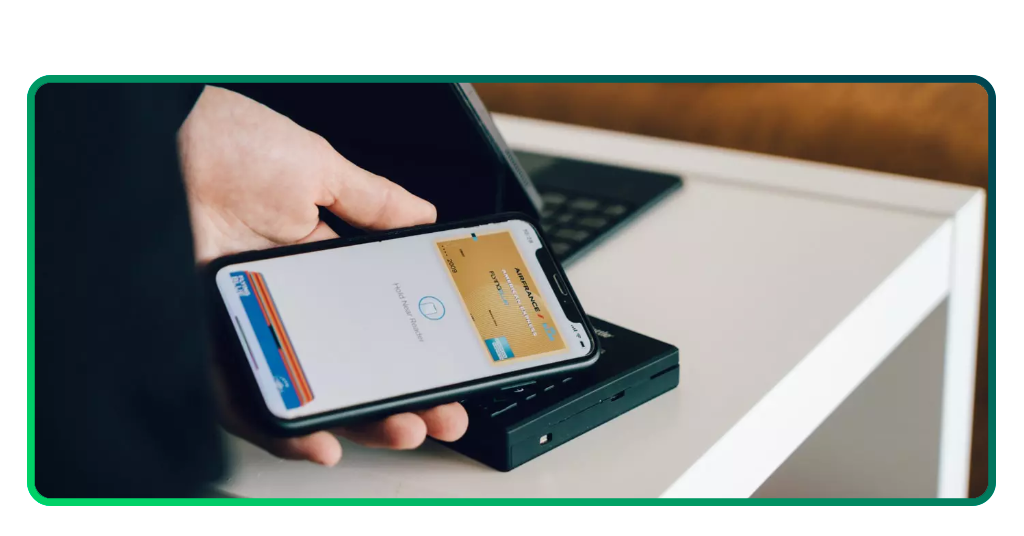
- Test terminal proximity read connection: hold your active phone near a store payment terminal. Confirm that the system requests your face scan or fingerprint before executing the payment check.
For a broader look at how these Apple Pay or Google Wallet operate, check out the general financial definitions of a digital wallet in this guide.
Freedom from physical card fraud
Ultimately, selecting Apple Pay or Google Wallet grants you instant access to military-grade encryption systems that traditional plastic cards simply cannot provide.
Both platforms deliver elite, modern protection, meaning your ultimate decision depends entirely on whether you prefer Apple’s hardware-isolated architecture or Google’s flexible cloud integration.
For more guides and tech life hacks, check Insiderbits.