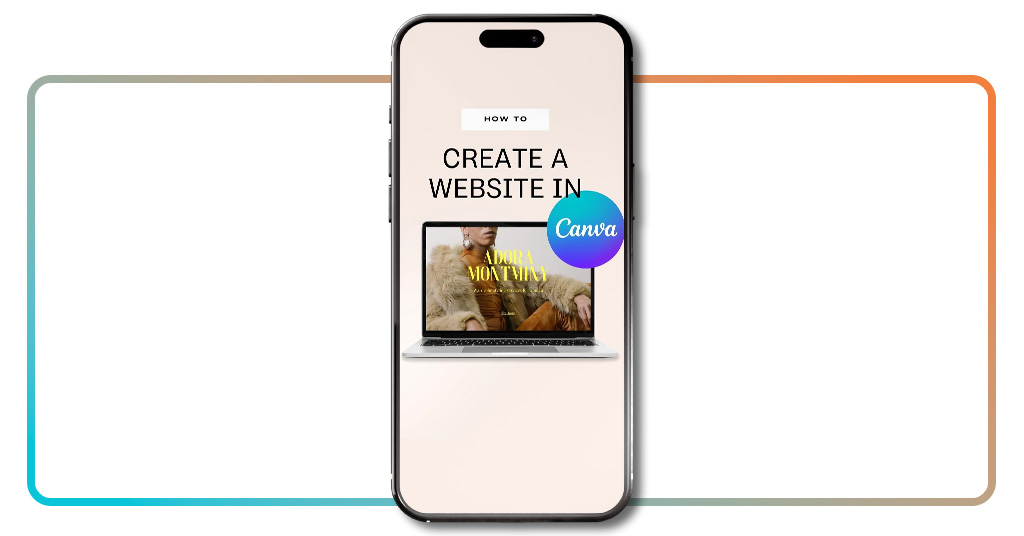
Creating a free website with Canva feels almost like cheating the system, but in a good way. That’s because in the past, we needed to be technology experts to create a simple website, but now, all you need to do is click and drop, and suddenly you’ve got something that looks like you actually know what you’re doing. All with no code and no late-night YouTube tutorials, just results.
It’s hard not to love how Canva turns complicated design tasks into an almost relaxing activity. You start with a blank page, and a few minutes later it looks like a professional designer visited your screen while you were sipping coffee. The magic lies in how it removes all the barriers people usually face. Instead of learning HTML, you learn where the “Publish” button is. That’s what we call progress. If you are interested, don’t waste any time! Read the article below and create your free website with Canva today.
- I 5 migliori siti web per il lavoro a distanza per gli spazi di co-working virtuale
- 6 Signs Your Website Was Hacked and How to Fix It
- 8 motivi che rendono le app migliori dei siti web
Creating a Free Website With Canva: A Practical Guide
The word website still scares some people because it sounds technical, full of dark screens and blinking code.
Canva, however, treats it like a craft project. It’s so simple that all you need to do is log in, type “Website”, and you’re greeted with a colorful buffet of templates begging to be customized.
Then, you pick one, and suddenly you’re in creative mode. You start to change the background, swap the fonts, drop a few photos that make you look way more professional than you feel, and voilà, it starts coming together.
And there’s more: every section to create a free website on Canva is editable. You can move buttons around or stretch images that would make you ask yourself how you did it.
So, even if you don’t consider yourself artistic, Canva gently guides you toward something that looks clean, organized, and surprisingly well put together.
When you preview your site, it’s almost like trying on an outfit before leaving the house. Desktop? Perfect. Mobile? Even better.
Step-by-Step: From Template to Published Page
- First, open Canva, available for iOS e Android, and type “Website” in the search bar, and choose a template that matches your style;
- Now, replace placeholder text with your own content, shaping headlines and sections to tell your story in your own words;
- To add personality, bring life to the page with photos, icons, or visuals that reflect who you are or what your project stands for;
- You can also adjust fonts and colors until everything feels balanced. Canva’s built-in color palettes and font pairings make it almost impossible to mess up;
- To check the preview, switch between desktop and mobile modes to ensure your site looks perfect everywhere, because people will check from their phones;
- Now, all you need to do is click Publish as Website and watch your page go live in seconds. Canva gives you a free domain without any technical setup;
- Want to fix a typo or add a new photo at midnight? Just log back in, make the change, and republish.

4.9/5
Features That Make Canva Easy and Powerful
Canva’s hosting system is the quiet hero behind the curtain. Everything is saved, backed up, and served online without you needing to understand what any of that means.
You can also track how people interact with your site through simple analytics. See who’s visiting, how long they stay, and which pages get the most love.
This tool is surprisingly addictive, and you might find yourself checking the stats like it’s your social media feed.
Collaboration is another win. You can invite teammates to edit with you in real time. Everyone sees the updates instantly, which saves you from version chaos.
And because Canva keeps updating its template library, there’s always something new to try. You may start with a personal portfolio and end up designing your business landing page or something like a digital cookbook, all without ever switching platforms.
Where to Access Canva for Free
You can start building your free website right now at canva.com/websites. The interface works perfectly in any browser.
But if you’re more of a phone person, the mobile app for iOS e Android gets the job done beautifully.
Once you log in, everything feels familiar. The path is pretty much the same as we listed above.
Choose “Website”, pick a design that speaks to you, and start creating. It’s that simple. You don’t need to download anything.
Canva gives you creative freedom wrapped in simplicity. Open Canva, make something beautiful, and watch your idea come to life faster than you can finish your coffee.
4.9/5
How to Create a Free Website With Canva: Easy Tutorial – Conclusion
In a world full of complicated platforms and overpriced builders, Canva feels like a breath of fresh digital air. It takes away the fear of breaking something online and replaces it with the excitement of seeing your name on a real website.
For freelancers and small business owners, Canva is that friend who helps you to start everything from the ground.
Now you know Canva, you are sure that it’s possible to design and publish your site in minutes — no coding required
Correlato: Imparate il design velocemente con questo corso gratuito su Canva!
Enjoyed this article? Save the Insiderbits blog to your favorites for the latest tools, creative tech tips, and photo editing breakthroughs.