
We have officially entered the era of “Subscription Fatigue”. For the modern creator or small business owner, the monthly bank statement is a graveyard of recurring $20, $50, and $100 charges for “Pro Tools” that promised to revolutionize your workflow but now mostly collect digital dust. Those hidden SaaS costs can drain thousands of dollars from you every year.
Selecting tools that meet your real needs rather than your goals will help you cut costs without compromising quality. In 2026, the gap between “Pro” software and free software alternatives has shortened. By auditing your expenses and switching to high-utility platforms, you can reclaim your budget without losing your professional edge.
- Are You Being Overcharged? Scan Bills, Fees and Find Hidden Costs
- Free prescription drug programs: lower your medication costs
- Efficienza energetica della casa: Applicazioni per ridurre i costi delle bollette
How to replace pro tools with powerful free software alternatives like Canva
For years, the industry standard for design meant high-cost subscriptions to Adobe or specialized desktop publishing software.
However, in 2026, Canva (available for Android e iOS) has evolved from a simple template site into a full-scale Creative Operating System.

4.8/5
With the recent integration of Affinity Studio—which is now completely free for all users—Canva offers professional-grade photo editing, vector design, and page layout tools at zero cost.
Why move your design workflow to Canva?
- Zero barrier to entry: unlike Pro Tools that require weeks of training, Canva is built for speed and intuition;
- Unified workspace: from social media graphics to full-scale marketing campaigns and even AI-powered code generation, you can manage your entire brand in one tab;
- Collaboration at scale: free accounts allow for real-time team editing, which usually costs a premium in “Pro” suites.
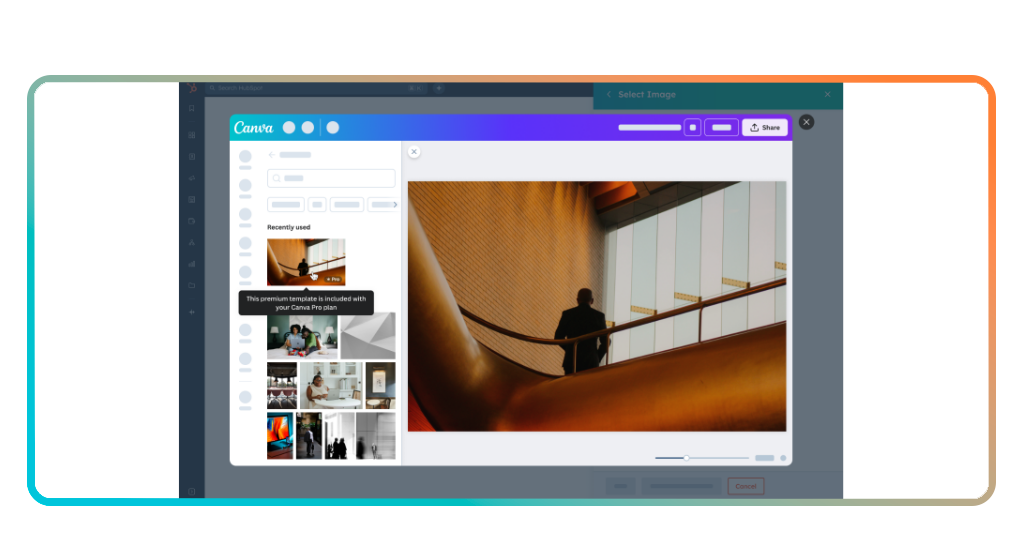
Moving your design workflow to Canva: better results with zero cost
The transition from expensive software to a free software alternative like Canva is about efficiency.
Professional suites often suffer from “feature bloat,” where the interface is so cluttered that simple tasks take five times longer than they should. Canva strips away the complexity while keeping the power.
By 2026, Canva’s Magic Studio has become a game-changer for professionals. Features like “Magic Resize” and “AI Background Remover” (often paid add-ons elsewhere) allow you to produce high-end content in seconds.
User reviews on G2 shows that teams switching to Canva report a 30% boost in productivity simply because they spend less time fighting with the software and more time creating.
4.8/5
Why thousands of professionals are quitting expensive SaaS subscriptions
The mass exodus from high-cost subscriptions in 2026 is driven by a stark realization: the “Pro” label is increasingly a marketing tactic rather than a guarantee of superior quality.
After a decade of explosive growth, the SaaS (Software as a Service) industry is facing a structural “crash” as enterprise buyers and independent professionals alike hit a breaking point with “subscription fatigue”.
Zylo’s 2026 SaaS Management Index reveals that organizations now spend an average of $55.7 million annually on software, managing over 300 separate applications.
However, the gloss is wearing off. Professionals are moving toward free software and open-source alternatives not just to save money, but to reclaim control over their data and workflows.
The “SaaS traps” professionals are escaping in 2026
The shift away from traditional subscriptions is fueled by a desire to avoid three predatory “traps” that have become standard in the industry:
The “idle seat” & license waste crisis
Perhaps the most significant driver of the exodus is the sheer amount of wasted capital.
In 2025, reports indicated that a staggering 52.7% of software licenses went unused in any given 30-day period. For a mid-sized company, this translates to roughly $19.8 million to $21 million in wasted spend annually.
Traditional “per-seat” pricing models punish companies for growth. In the age of AI, where one person using an automated tool can do the work of five, paying for five “seats” makes zero economic sense.
Gartner predicts that 70% of businesses will pivot toward usage-based or outcome-based pricing by the end of 2026 to escape this “Seat Apocalypse”.
The upgrade trap & feature bloat
Many “Pro” tools have become bloated with features that the average user never touches.
SaaS vendors often lock basic, essential functions—like high-resolution exports, 2FA security, or increased cloud storage—behind expensive “Enterprise” or “Pro” tiers.
Professionals are finding that tools like Canva o LibreOffice provide 90% of the utility with 0% of the monthly overhead.
When a free tool allows you to accomplish your core tasks without a paywall popping up every ten minutes, the $300/year “Pro” subscription begins to look less like an investment and more like a tax.
The “learning curve” & integration debt
Proprietary “Pro” software often prides itself on complexity, requiring hours of expensive staff training. In 2026, the “Learning Curve Cost” is a major deterrent.
If it takes seven hours to onboard a new employee to a complex design suite versus 15 minutes on a streamlined alternative, the hidden labor cost of the “Pro” tool is massive.
Furthermore, “walled garden” ecosystems make it difficult to move data between apps.
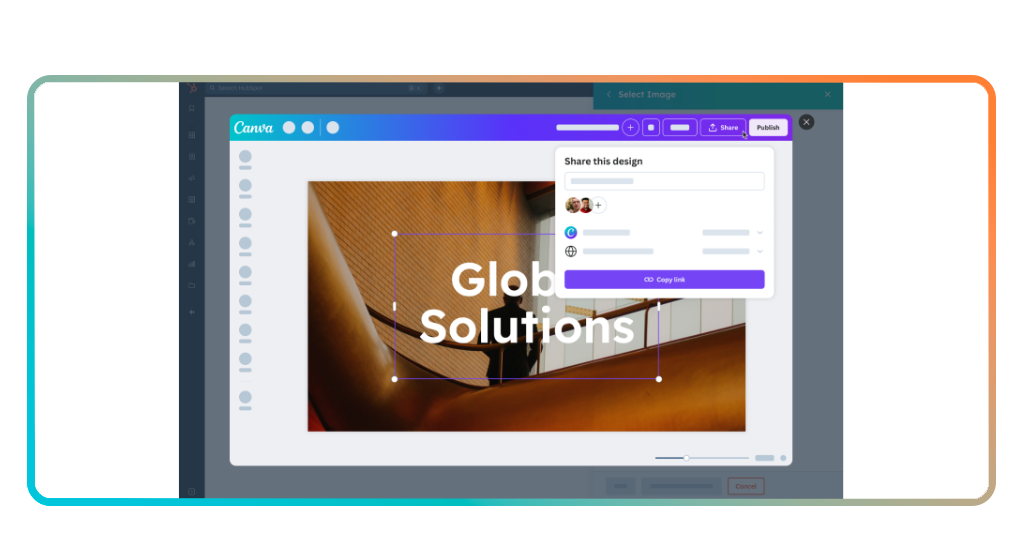
Auditing your expenses: how to cut your software costs by 90% today
If you want to see an immediate impact on your cash flow, you need to conduct a “Digital Audit”. This simple process can identify where your money is leaking and how to replace those leaks with free software.
Step 1: list every subscription
Open your bank statement and list every recurring software charge from the last 90 days.
Step 2: usage check
Ask yourself, “Did I use every feature I paid for this month?” If the answer is no, you are overpaying.
Step 3: swap and save
Search for the free alternative.
| Expensive Pro Tool | Best Free Alternative (2026) | Annual Savings |
| Adobe Photoshop | Affinity Photo (Free via Canva) | ~$240 – $600 |
| Microsoft Office | Google Docs / LibreOffice | ~$70 – $150 |
| Pro Video Suite | Canva Video / DaVinci Resolve (Free) | ~$300 – $500 |
| Total Potential Savings | $600 – $1,250+ |
Stop paying, start creating
Your talent isn’t defined by the price of your tools.
The best creators are the ones who maximize their resources and minimize their overhead. By making the switch to high-quality free software, you are taking control of your financial future and your creative process.