
Perfect smartphone photos somehow started feeling a little too perfect lately. Now they have ultra-sharp images, and besides that, they count on aggressive beauty filters that make any picture look professionally photographed for a luxury magazine. With that, retro photography aesthetics are getting popular again, mainly among people searching for photos that feel more instead of endlessly polished, and that’s what an analog camera app brings to you.
In this article, Insiderbits will show how Dazz Cam (iOS) recreates the visual style of old film cameras directly on your phone, adding grain, light leaks, vintage flash effects, faded colors, and textures that resemble classic disposable cameras from the 90s and early 2000s. Read the article below and discover how blurry lights, soft focus, and slightly washed-out colors start looking like cool nostalgic memories.

4.5/5
What’s the best analog camera app?
There are many vintage photography apps available today, but, of course, there’s one that stands out from other apps.
DazzCam is the favorite for people chasing that nostalgic film-camera aesthetic without carrying actual disposable cameras everywhere, like it is suddenly 1998 again.
The app recreates the visual of classic analog photography through grain effects, faded colors, light leaks, flash simulation, timestamp overlays, and textures from old cameras.
One reason users enjoy the experience is the spontaneity, since photos inside the analog camera app tend to feel emotional when compared to ultra-polished smartphone pictures.
When it comes to the interface, it also keeps things simple enough for casual use.
With that, people can switch between retro camera styles quickly without spending half an hour adjusting complicated editing controls first.
For users, the charm comes from how the app makes pictures look strangely nostalgic, even when the photo was technically taken five minutes ago in a grocery store parking lot.
Features available in the DazzCam app
One of the biggest reasons DazzCam became so popular is the way it recreates old-school camera aesthetics without making users edit every photo manually afterward.
The app has multiple retro camera styles inspired by disposable cameras.
Containing VHS aesthetics, instant film photography, and classic analog lenses that produce different moods depending on the filter selected.
It also adds realistic visual effects such as film grain, light leaks, faded colors, blur, date stamps, and flash textures that make photos feel much closer to genuine vintage shots.
Another feature people tend to enjoy is the live preview system.
With this system, users can see the retro effect while taking the picture instead of applying filters only after the photo is captured.
Lately, the analog camera app also supports video recording with analog-style effects.
That feature explains why so many short-form videos online suddenly look like they were recorded during somebody’s summer vacation in 2003.
Step-by-step: how to take vintage photos using DazzCam
Taking retro-style photos with an analog camera app can be more fun if you stop trying to make every picture technically perfect and start leaning into the imperfect analog aesthetic.
Learn how to do it with the tutorial below:
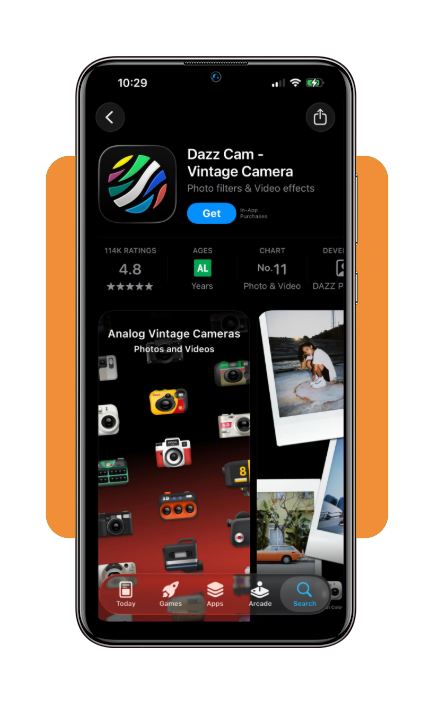
Step 1: download and install the analog camera app
To begin with, open your App Store and download Dazz Cam – Vintage Camera & 3D. Notice the app is only available for iOS devices.
Step 2: choose a retro camera style
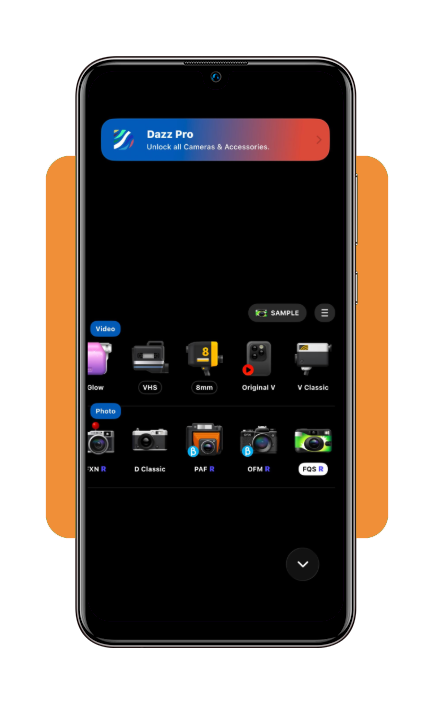
After installing, open the app and test different analog camera presets until you find a visual style that matches the mood you want for the photo.
Step 3: use softer lighting when possible
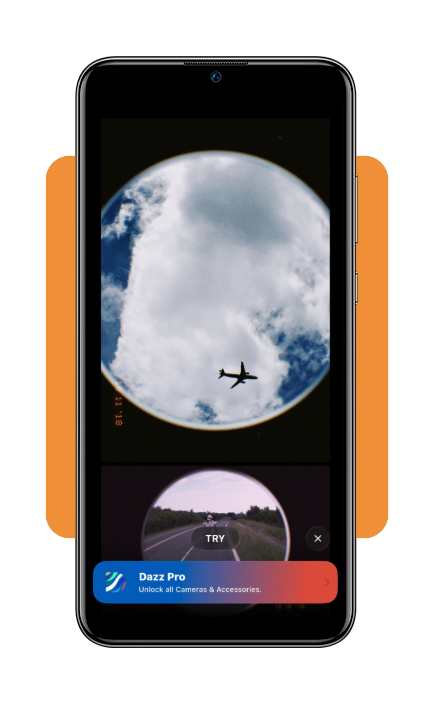
Choose between natural light, sunsets, street lights, or dim indoor lighting that usually works well with vintage filters and film-style textures.
Step 4: frame the shot naturally
Then take photos with more spontaneous angles and relaxed composition so the image feels closer to real disposable camera photography.
Step 5: experiment with flash and grain effects
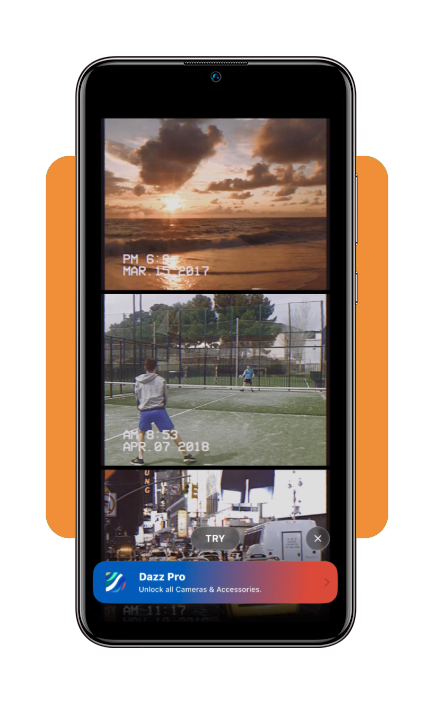
Try built-in flash simulations, blur, grain, and light leak options to give the image a stronger retro atmosphere.
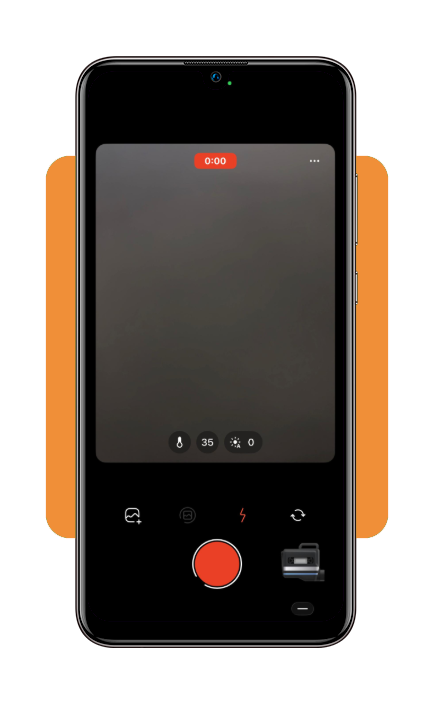
Step 6: save and share the final image
Export the photo directly from the app and keep the original retro effects without needing extra editing apps afterward.
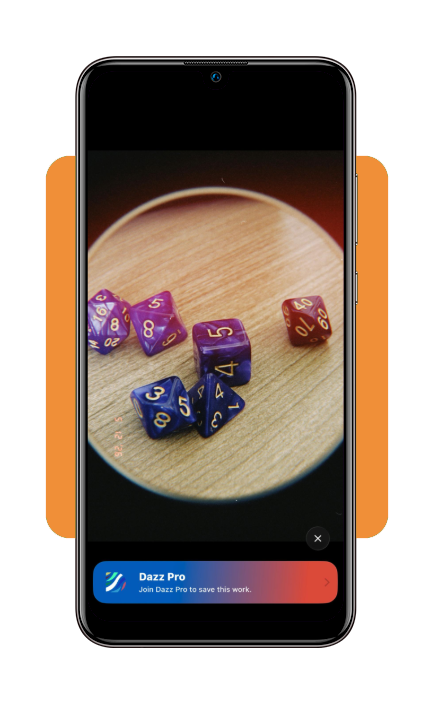
Main filters available in the app
One of the most entertaining parts of an analog camera app is experimenting with different retro filters because each one changes the mood of the photo in a completely different way.
Su DazzCam, some filters recreate disposable camera aesthetics.
The app does it with strong flash effects, warm tones, grain textures, and slightly overexposed highlights that resemble casual photos from the late 90s and early 2000s.
Other presets imitate old film cameras through softer colors, faded contrast, and light leak effects that make ordinary scenes feel unexpectedly nostalgic and cinematic.
There are also VHS-inspired and camcorder-style filters that add blur, digital noise, timestamp overlays, and low-resolution textures similar to videos recorded years ago.
Black-and-white filters remain popular as well for portraits and street photography, since the monochrome aesthetic tends to highlight lighting and composition in a more dramatic way.
Half the fun comes from testing random filters on completely normal situations and suddenly making a coffee shop trip look like a forgotten memory from another decade.
Tips for better shots and compatibility
You might know, but vintage-style photography works best when the environment already has some atmosphere naturally.
That is exactly why lighting and movement create some small imperfections that often matter more than camera resolution itself.
For example, warm lighting conditions like sunsets, neon signs, street lamps, or indoor ambient lighting combine well with analog filters and film-style grain effects.
It also helps to avoid overediting after taking the photo, since the retro look tends to lose part of its charm once the image becomes artificially cleaned afterward.
For smoother analog camera app performance, keeping enough storage space available on the device can make a noticeable difference.
Still, some older smartphones may process filters more slowly depending on hardware limitations, although the app works well across modern iPhone models.
4.5/5
Bringing retro photography back to everyday moments
Analog camera apps are so popular because people started missing the nostalgic feeling older photos carried before every image became ultra-polished and heavily optimized.
Con Dazz Cam, moments gain grain textures, vintage lighting, faded colors, and film-inspired effects that transform photos into something that feels more atmospheric.
The experience also stays approachable for casual users, since creating retro-style images no longer requires expensive film cameras or advanced editing knowledge.
Sometimes a slightly blurry photo with weird lighting and fake timestamp effects ends up feeling far more memorable than the sharpest picture your phone could technically capture.
Correlato: Capture Timeless Moments With Professional Analog Aesthetics
Enjoyed this article? Save Insiderbits to your favorites and discover the most useful tech tips.