
In recent years, smartphones have evolved into personal hubs that are capable of storing conversations, financial activity, work tools, health information, private media, and much more, which means everyday phone access extends beyond a single owner. That situation is even more common because of family use or other shared environments. In this reality, privacy concerns arise from practical exposure scenarios instead of fear, pushing users to rethink how visibility and access affect control over personal data in routine situations.
Seen through this lens, hide apps function as a form of intentional digital control that allows users to manage what appears on their screens without framing privacy as secrecy or mistrust. Understanding how app hiding supports responsible phone use, reinforces security habits, and aligns device organization with real-life boundaries opens space to explore safer ways to keep your private apps truly private while maintaining confidence and autonomy in daily digital life.

Why People Hide Apps for Security and Privacy Reasons
This first question is really important to understand further tips about why and how to protect data. Usually, people hide apps for security and privacy reasons since smartphones concentrate sensitive data in one place, and this creates everyday exposure scenarios that extend beyond theft into shared use.
Privacy, in this sense, reflects control over access, and hidden apps reduce the risk of unintended interaction with personal info like banking, messaging, or work platforms.
Security considerations also play a role because limiting app visibility lowers the chance of opportunistic misuse during moments of distraction or shared environments.
And finally, when you hide apps, you complement passcodes and biometric locks by narrowing what is immediately accessible.
Reframing this behavior as digital control helps positioning app hiding as a responsible choice aligned with modern device use.
Managing visibility helps privacy in practical ways while keeping daily interactions simple and transparent.
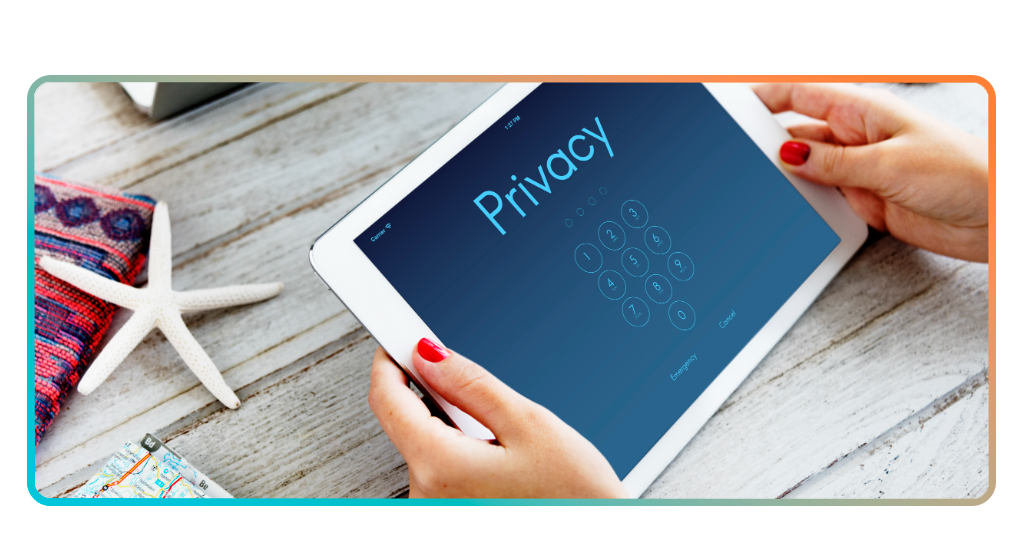
Best App to Hide Apps on iPhone
In this article, we are talking about safety and privacy. That’s why choosing the best platform to hide apps depends on many factors.
For example, it’s important to know how visibility control integrates with everyday device use. Privacy tools need to work quietly in the background without disrupting normal workflows.
For a better iOS experience, App Lock offers a practical proposition to app hiding through access control that limits visibility and interaction with selected apps.
The app operates as an additional protection layer, reinforcing privacy habits already present on the device.
This type of solution suits situations where phones are shared, briefly handed to others, or used in public spaces, as it reduces exposure without requiring constant manual intervention.
In these situations, control remains intentional, aligning privacy with organization instead of secrecy.
For iPhone users seeking structured visibility management, App Lock presents a straightforward option that supports digital control and responsible privacy.
If you want to keep your private apps truly private, download App Lock directly from the App Store, and protect your personal data.
Tips to Protect Your Data and Prevent Unauthorized Access
Protecting personal data starts with recognizing how often smartphones are exposed to shared environments, public spaces, and brief moments of unlocked access that can lead to unintended interaction.
In this scenario, simple adjustments in visibility and access settings strengthen control without changing how the device is used day to day.
When adjustments are done alongside strong authentication methods, they reinforce security, since passcodes, biometrics, and restricted app visibility work together to limit exposure during casual handling.
This layered approach reduces reliance on a single safeguard and supports more resilient protection habits.
Also, regular review of permissions and notifications contributes to safer use, as sensitive content can surface on lock screens or previews without direct app access.
Taken together, these practices frame data protection as ongoing digital management instead of a one-time setup.
Preventing unauthorized access relies on consistent habits, and using App Lock, that support privacy without complicating everyday phone use.
What Hiding Apps Does and Does Not Protect
We already listed the importance of the hide apps, but we wrote this section to reinforce this idea and to show which situations App Lock won’t protect you.
Firstly, hide apps protect visibility and casual access, which means sensitive tools are less likely to appear during shared use, public handling, or brief moments when a phone is unlocked.
On the other hand, what App Lock does not protect is the device itself when core security measures are weak.
This happens since visibility control works best alongside strong passcodes, biometrics, and system-level protections.
If a phone is fully compromised or intentionally accessed, hidden apps alone cannot substitute for broader security practices.
In short, App Lock supports intentional privacy management through controlled access, helping users define boundaries around specific apps while keeping the rest of the device accessible.
Understanding these limits helps users apply app hiding responsibly, using it as part of a layered privacy strategy that balances convenience and everyday security habits.
Keep Your Privacy: Learn How to Hide Apps on Your Phone Safely – Conclusion
Now you know hide apps practices reflect a broader shift toward intentional digital control, where users manage visibility and access based on real-life situations rather than fear or secrecy.
They work best as part of a layered approach that combines visibility management with strong authentication and responsible device habits. Used this way, it supports organization and access boundaries while reinforcing security.
Adopting these practices helps users align privacy with confidence, turning protection into a routine choice. Try App Lock now to maintain control over your digital space and habits designed for modern phone use.
Correlato: Hide Instagram Activity for maximum privacy today
Enjoyed this article? Save the Insiderbits blog to your favorites for the latest tools, creative tech tips, and photo editing breakthroughs.