Home renovation can easily become a financial burden when the cost of custom furniture and professional interior designers exceeds the initial budget for a project. Thankfully, we have Moblo (iOS/Android), a furniture design app that puts a professional studio in your pocket, so users can create perfect pieces for their homes in under 60 seconds.
When you design custom furniture independently, you can save up to 70% by sourcing materials yourself without needing technical skills. And now, holding a furniture design app that provides a professional modeling environment, it’s possible to visualize unique items before spending a dime on construction or professional consulting services. Changing your room design is way easier with Moblo!
- Furniture assembly manual: step-by-step guide app
- 3D Furniture Design: Best AR Apps to Visualize Your Space
- Learn How to Restore Old Furniture Using DIY Refurbishing Apps
What’s the best furniture design app?
The best furniture design app must excel over many others in the market. It is not an easy task, since technology keeps evolving more and more nowadays.
Also, if you need something that could guide you, finding a platform that balances professional 3D modeling power with an easy interface for beginners is a must-have.
The Moblo app (iOS/Android) stands out because it allows for the creation of complex items like coffee tables or shelving units through simple touch interactions on a smartphone.
Visualizing your ideas in a digital space removes the uncertainty of manual sketching while ensuring that every dimension matches the specific requirements of your living area.
With over 2 million DIY enthusiasts worldwide, the software has proven to be a reliable choice for those looking to bypass expensive design firms.

4/5
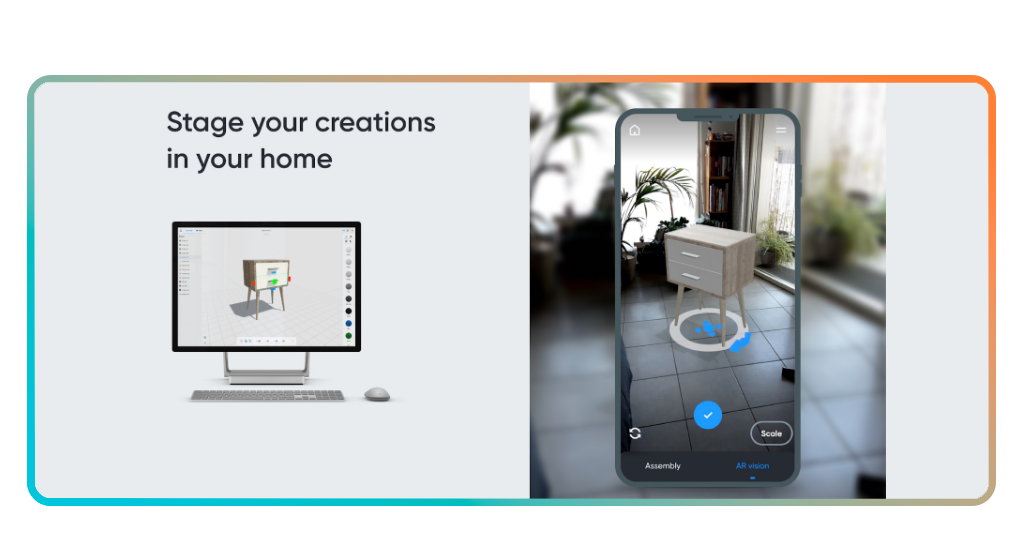
Features available in the app
Moblo’s modeling engine supports the assembly of various components to create unique furniture layouts that reflect personal style and functional needs.
Its real-time rendering allows users to see how different materials and colors interact, aiming to allow for better aesthetic choices before purchasing any physical supplies.
Also, precise measurement tools ensure that every part of the design is technically accurate, which helps to avoid common mistakes during the actual building phase.
Through its intuitive interface, you can keep the focus on the creative process rather than technical hurdles, making the tool accessible to homeowners and hobbyists alike.
Step-by-step: how to design furniture independently using the Moblo
Follow the steps below to make digital models translate perfectly into physical furniture pieces that fit your space:
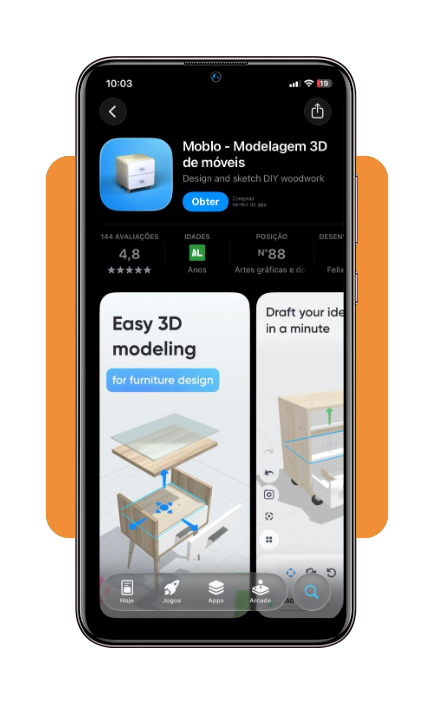
Step 1: download the application
Install the Moblo 3D furniture design app from the official store (iOS/Android) to begin your first project.
Step 2: create a new 3D project
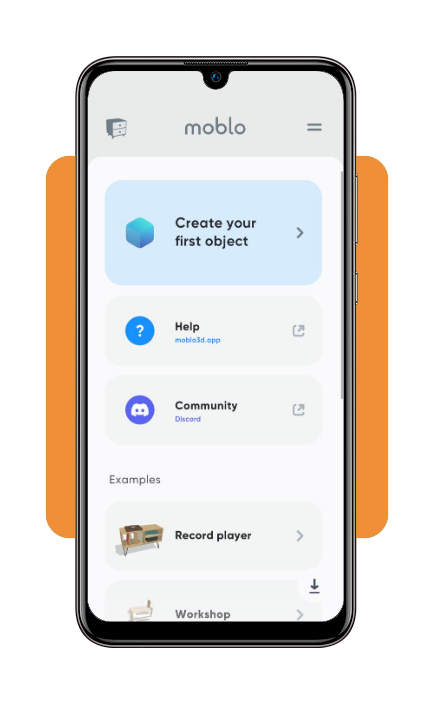
Open the app and start a fresh scene where you can add basic geometric shapes that will form the foundation of your furniture piece.
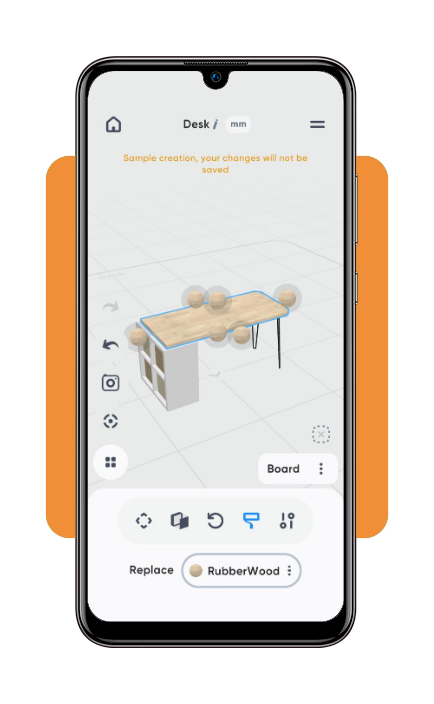
Step 3: adjust dimensions and materials
Modify the height, width, and depth of each component while applying textures like wood or metal to visualize the final appearance.
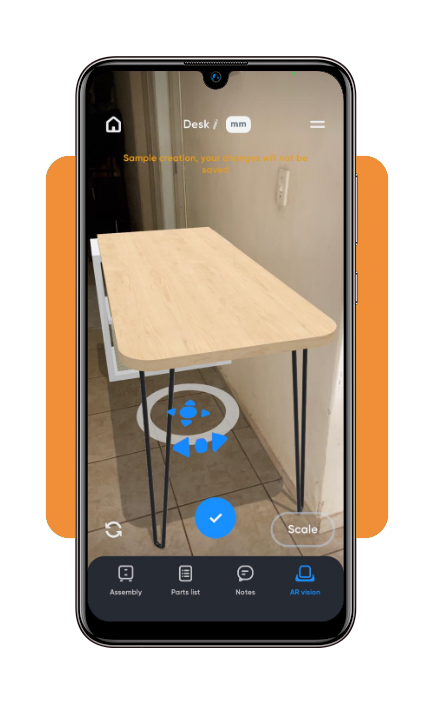
Step 4: view in Augmented Reality
Use your phone’s camera to visualize the 3D creation directly in your home, ensuring the design fits perfectly within your existing environment.
Tips for better designs
First of all, understanding of the available space prevents the creation of oversized pieces that could dominate a room or obstruct movement.
So, it’s important to measure the intended location multiple times to provide the necessary data to ground your digital design in reality while ensuring the product’s functionality.
Combining different materials can add a modern touch to your creations. Trying combinations of glass or other materials within the furniture design app is a good practice.
Keeping designs simple often leads to better results for beginners, as complex joinery might be difficult to execute during the actual assembly process.
Furniture ideas for you to design
Modular shelving units serve as an excellent starting point because they rely on repetitive shapes that are easy to model and adjust for different wall sizes.
Or you may try creating a custom TV stand or a minimalist desk that allows you to incorporate specific cable management solutions that commercial furniture often lacks.
Outdoor benches and garden tables are also popular projects that benefit from 3D visualization to ensure they match existing patio decor.
Using Moblo (iOS/Android) to experiment with these ideas builds confidence in your modeling skills before moving on to more intricate bedroom or kitchen furniture.
4/5
When custom design becomes a household standard
In general, accessing professional-grade design tools democratizes the way homeowners approach interior decoration and furniture acquisition in the modern era.
Digital modeling reduces the fear of buyer’s remorse since every piece is tailored to the exact specifications and aesthetic preferences of the user, making the whole process safer.
What begins as a simple curiosity about 3D modeling often evolves into a productive hobby that adds significant value to a home through unique and personal touches.
Cost savings and creative freedom make furniture design apps an essential resource for the modern DIY enthusiast.
Correlato: Floor Plan Creator App: Build Your House Plans
Enjoyed this article? Save Insiderbits to your favorites and discover the most useful tech tips.