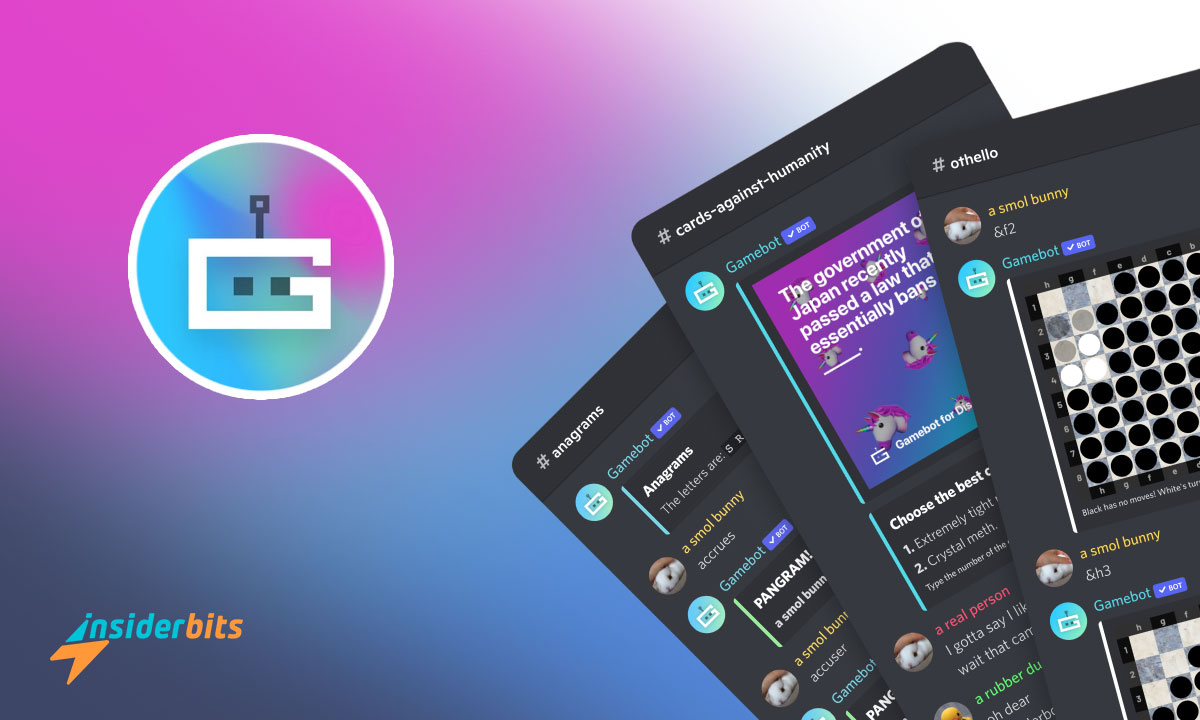
Discord is the most popular group chat nowadays. Friends gather to chat while playing, stream their screens, make video calls, and more. Now, you can use Discord game bots during those calls to challenge your friends.
These bots allow players to enjoy a variety of games directly in their chat rooms. Do you wanna know how to use it and the best Discord game bots? Read the article below and get all these answers.
What Are Discord Game Bots?
Discord game bots are automated programs created to enhance the gaming experience within Discord servers.
These bots allow users to play various games directly in chat, facilitating interaction among members. These bots can host a wide range of activities, from trivia quizzes and card games to more complex role-playing games.
With some specific commands, users can initiate games, track scores, and even compete against one another.
The integration of game bots not only adds fun but also fosters a sense of community among players, making Discord a lively platform for gamers to connect and enjoy their favorite activities together.
The main goal of these bots is to enhance the community aspect of gaming by allowing users to play together without needing to leave the chat platform or download any program/game.

4.7/5
How Do Discord Game Bots Work?
Once a bot is added to a server, users can interact with it using specific commands. For example, typing a command might start a trivia game or allow players to join a virtual card game.
Many bots also include features like leaderboards, achievements, and in-game currencies that encourage friendly competition among server members.
What is the Best Discord Game Bot?
When it comes to discord game bots, one name consistently rises to the top: Mudae.
This bot is popular among anime fans and gamers alike. Mudae allows users to collect characters from various anime and video games, start battles, and even trade characters with other users.
Mudae holds more than 95000 characters and offers a rich experience for those who love character-collecting games.
Another notable mention is PokeMeow. In this bot, players can catch Pokémon, trade them, and battle against each other, creating an interactive environment that keeps users coming back for more.
Are Discord Game Bots Legal?
As with any other kind of bots or AI technology, the legality of discord game bots often depends on the content they provide and how they operate.
Most game bots that are widely used are legal as they operate within the guidelines set by Discord.
They do not host pirated content or violate copyright laws. Instead, they use publicly available information or user-generated content.
It is important to take note because the use of Discord game bots that infringe on copyrights or engage in malicious activities can lead to server bans or account suspensions.
What is the #1 Discord Bot?
While there are many contenders for the title of the number one Discord bot, Dyno is regarded as the best all-around bot for managing servers effectively.
With features that include moderation tools, custom commands, announcements, and even music playback capabilities, Dyno is versatile enough to cater to various server needs.
However, as we highlighted above, focusing specifically on gaming functionality within servers, Mudae often takes the crown.
Does Discord Have NSFW Bots?
Yes, Discord does have NSFW (Not Safe For Work) bots available for adult-themed servers.
These bots can offer various functionalities ranging from adult games to content sharing tailored for mature audiences.
However, it’s crucial for server owners to implement these bots responsibly:
- Age Verification: Ensure that your server has proper age verification measures in place to restrict underage users from accessing NSFW content.
- Server Settings: Utilize Discord’s built-in settings to mark channels as NSFW so that users are aware of the content they are entering.
- Compliance with Guidelines: Always check that any NSFW bot you add complies with Discord’s community guidelines to avoid potential issues.
4.7/5
Have a Fun Time Using Discord Game Bots – Conclusion
Discord game bots can be a good choice to make your server more lively and fun by providing some interactive ways for members to engage with each other through gaming.
Now you can start to consider adding one of these bots options on your server and create a new interactive den for gamers.
Correlato: Esplora le 4 migliori alternative a WhatsApp: Telegram, Viber, Signal e Discord
Vi piace questo articolo? Aggiungete il blog Insiderbits ai vostri preferiti e venite a trovarci ogni volta che volete apprendere nuove ed entusiasmanti informazioni sulla tecnologia e molto altro ancora.