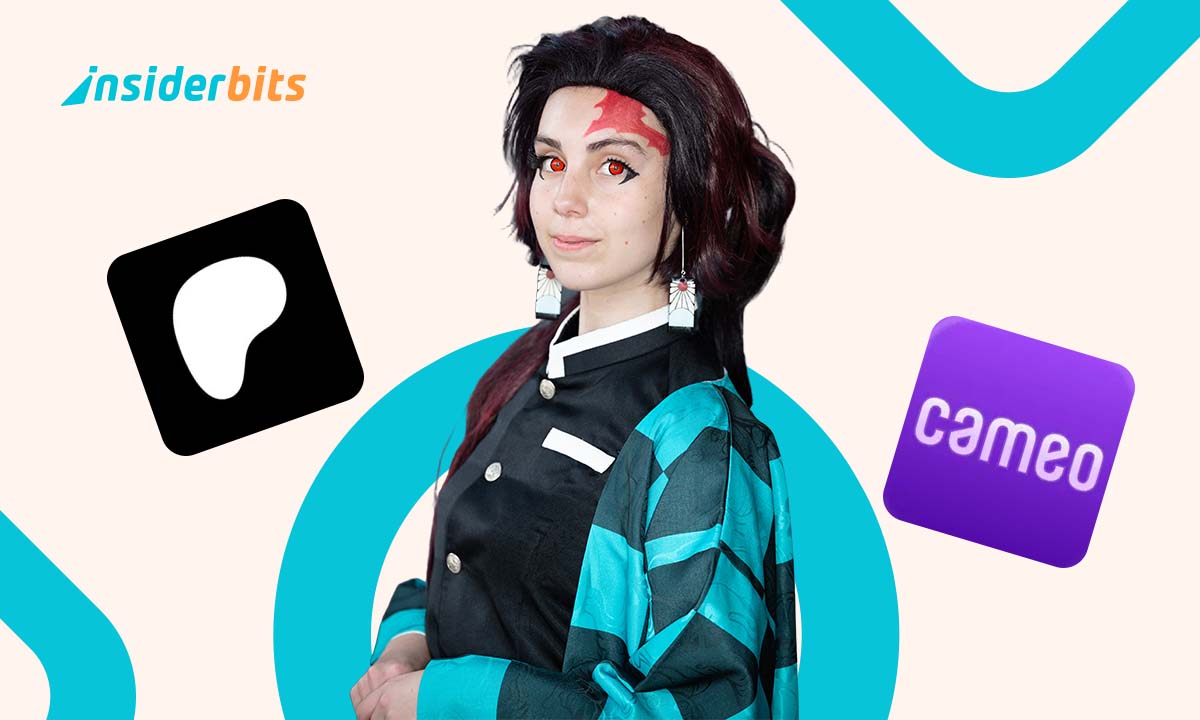
The fandom economy is booming, turning passion into real income. Fans are no longer just spectators; they’re creators, entrepreneurs, and innovators shaping entertainment culture.
From selling fan art to earning through Patreon, fans worldwide are transforming their hobbies into thriving businesses. Platforms like Ko-fi and Cameo make monetization easier than ever.
This guide by Insiderbits was carefully put together to show how fans are building careers and brands around what they love. Read on to discover the strategies behind this phenomenon!
Correlato: Navigare nell'economia freelance: Le migliori app per i freelance nel 2025
What Is the Fandom Economy & Why Is It Booming?

Fans are no longer just spectators. They are building communities, creating content, and making money from what they love, whether it’s gaming, movies, or music.
Digital platforms have made it possible for anyone with passion and internet access to share art, ideas, or reactions. What was once a hobby can now pay the bills.
Il fandom economy thrives on this shift. Fans turn their passion into profit using tips, subscriptions, and exclusive content while connecting with people who appreciate their work.
From streaming niche podcasts to selling fan art or personalized videos, creators are proving that consistency and creativity can lead to real and sustainable income online.
The Rise of Fan-to-Fan Commerce
Fan-to-fan commerce is thriving as people buy directly from creators they like. This exchange builds trust and loyalty, turning followers into customers and casual viewers into supporters.
Artists like Loish, known for digital illustrations, and YouTuber Marques Brownlee earn a steady income through merch and sponsorships powered by the audiences they’ve built over time.
This creator-driven approach is a key force in the fandom economy. Fans support each other by purchasing art, zines, livestream access, or digital goods directly from fellow enthusiasts.
Platforms like Patreon, Ko-fi, and Buy Me a Coffee make it easy to monetize creativity, offering tools that help fans support their favorite creators consistently.
How Fans Are Monetizing Their Passion in 2025
- Selling Digital Art: artists are creating stickers, prints, and illustrations inspired by pop culture and selling them through personal shops or supporter-based platforms;
- Offering Exclusive Content: creators build paid communities on Patreon and Ko-fi, sharing behind-the-scenes content, tutorials, or early access in exchange for support;
- Hosting Livestreams: from Q&A sessions to virtual concerts, fans pay to engage with creators in real time, strengthening ties within the fandom economy;
- Launching Merch and Products: limited-run T-shirts, pins, and accessories featuring fan art or inside jokes are popular ways to monetize and connect with niche audiences;
- Running Online Classes: skilled fans teach digital drawing, cosplay design, or writing through Zoom or platform-integrated tools, turning knowledge into income streams;
- Building Niche Channels: fans with strong opinions and storytelling skills attract listeners and sponsors by producing content tailored to very specific fan communities.
Platforms That Help Fans Make Money Online

Making money from fandom is no longer a dream. With the right platform, fans can turn creativity, connection, and content into a steady and meaningful income.
From tipping jars to monthly subscriptions and custom shoutouts, different platforms offer tools that fit various creator styles. Each one plays a role in supporting fan-powered success.
Patreon

4.9/5
Patreon has changed how creators earn, offering a direct way for fans to support their work. Monthly memberships unlock exclusive content, fostering closer connections.
In the fandom economy, Patreon allows creators to build sustainable income without relying on ads or sponsorships. Supporters enjoy perks while helping their favorite artists.
Membership tiers offer benefits like behind-the-scenes access, early releases, and one-on-one interactions. This model gives fans a more personal experience while funding creators’ projects.
Many artists, podcasters, and writers depend on Patreon for financial stability. By supporting creators directly, fans help independent talent thrive in an increasingly competitive digital space.
Patreon’s Best Features
- Membership Tiers: creators offer different levels of support with exclusive perks like early access, behind-the-scenes content, and private community interactions;
- Direct Fan Engagement: Patreon strengthens creator-fan relationships and fandom economy by offering direct messaging, Q&A sessions, and personalized rewards;
- Recurring Income: monthly subscriptions provide financial stability, allowing creators to focus on producing content without relying on ad revenue or sponsorship deals;
- Exclusive Content Hosting: creators can share patron-only podcasts, videos, artwork, and written content, ensuring supporters receive valuable and original content.
Cameo

4.9/5
Cameo connects fans with celebrities through personalized video messages. Athletes, actors, musicians, and influencers create custom shoutouts and greetings for those willing to pay.
Cameo’s direct engagement model brings many benefits to fandom economy. Fans get exclusive interactions, while celebrities and creators earn by offering personalized experiences.
Users browse a list of available personalities, select their favorite, and request a message. Celebrities set their own prices, making earnings flexible and scalable.
Cameo has expanded beyond shoutouts, offering live calls and business promotions. This makes it a valuable tool for creators looking to connect and profit in new ways.
Cameo’s Best Features
- Personalized Messages: fans can request custom shoutouts, birthday greetings, or pep talks from their favorite celebrities, creating a special and memorable experience;
- Celebrity Pricing Control: public figures set their own rates, allowing flexibility in earnings while catering to different budgets and fan engagement levels;
- Fan-Celebrity Connection: in the fandom economy, Cameo strengthens relationships by offering exclusive interactions that wouldn’t be possible through traditional media;
- Live Calls & Business Requests: beyond personal messages, Cameo provides options for live video calls and promotional content for brands looking to collaborate.
Ko-fi
| Prezzi: | Gratuito. |
| Disponibile per: | Web. |
Ko-fi is a platform where creators receive direct support through one-time donations, memberships, or commissions. Artists, writers, and gamers use it to fund their creative work.
The fandom economy benefits from Ko-fi’s flexibility, allowing creators to earn without monthly commitments. Supporters contribute whenever they want, making it an accessible option for all.
Unlike subscription-based platforms, Ko-fi lets fans give instant support with no long-term obligation. Creators also sell digital products, offer commissions, or set up campaigns.
Many freelancers and independent artists rely on Ko-fi for extra income. It provides a simple, low-fee system where every contribution directly supports their creative efforts.
Ko-fi’s Best Features
- One-Time Donations: fans can show appreciation with instant contributions, offering creators a simple way to earn without requiring ongoing subscriptions or commitments;
- Commission-Based Earnings: artists and freelancers can sell custom work, letting supporters request illustrations, writing, or designs while directly funding creators;
- Multiple Income Streams: Ko-fi supports the fandom economy by allowing creators to earn through donations, memberships, digital sales, and crowdfunding, all in one place;
- No Platform Fees on Donations: creators receive 100% of one-time donations, making Ko-fi a cost-effective choice for those relying on direct fan support.
Correlato: Fandom App: Free Platform
The Role of NFTs & Digital Collectibles in Fandom
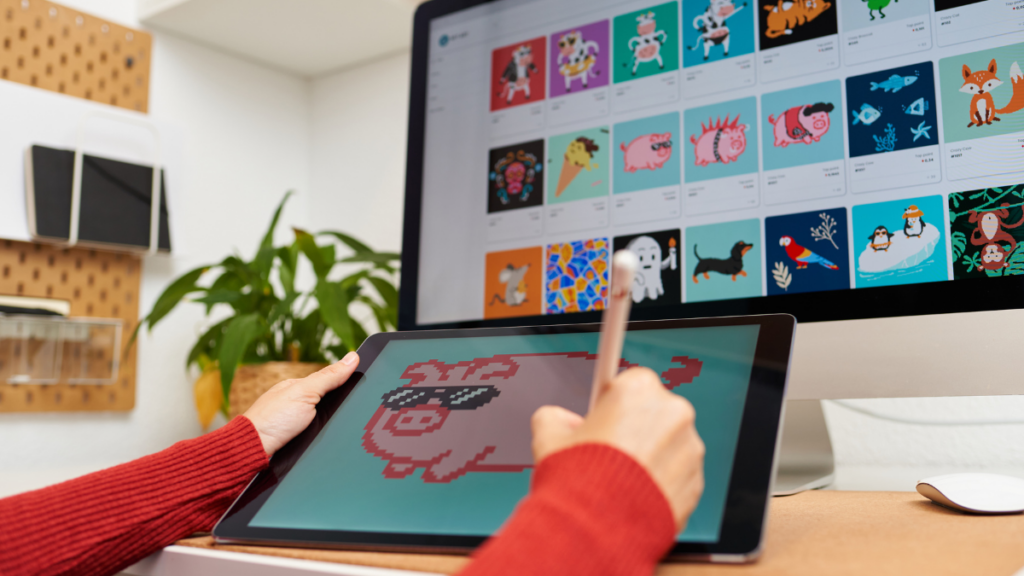
Digital collectibles and NFTs have become prized fan items. They offer a way to own a piece of internet culture, art, or fandom history forever.
Unlike physical merchandise, NFTs let creators mint original content that’s trackable and tradable. Fans can collect artwork, clips, or even moments with value tied to authenticity.
These assets are now part of the broader fandom economy, expanding how fans support creators and how creators build value around shared passion and identity.
Why Fans Are Buying Digital Collectibles
Fans are purchasing NFTs to own limited-edition items that feel personal and exclusive. It’s a modern take on collecting autographs, posters, or concert memorabilia.
Buying digital collectibles gives fans bragging rights and digital proof of support. Many see it as both emotional investment and a bet on future cultural relevance.
This fandom economy thrives when collectibles are tied to meaningful moments. NFTs let fans participate in creative ecosystems, not just consume content passively.
NFT Success Stories in Fandom: From Memes to Millions
From meme-based tokens to limited fan art drops, several NFT projects have made headlines by selling out fast and pulling in thousands or even millions.
Grimes, for example, sold digital art as NFTs for millions. Independent creators have also found success, building niche audiences that support each limited collection.
This side of the fandom economy shows how digital ownership fuels creator freedom, turning viral moments and fan culture into powerful new earning opportunities.
Controversies and Challenges in the NFT Space
Despite the hype, NFTs face criticism for their environmental impact, market speculation, and association with scams. Some fans question their long-term relevance and accessibility.
Many creators struggle to stand out or get fair recognition, with the NFT space still favoring those with existing fame or tech-savvy marketing strategies.
As NFTs become a bigger part of the fandom economy, ethical concerns and transparency are now just as important as creativity and innovation in this evolving digital landscape.
The Future of Fan-Driven Content & Communities

Fan-driven content is evolving. Creators now build thriving communities that influence trends, shape online culture, and even compete with mainstream entertainment in reach and relevance.
These communities aren’t just about content anymore. They’re spaces for collaboration, creativity, and shared identity where fans become co-creators and even business partners.
As this ecosystem grows, the fandom economy continues to blur the lines between audience and creator, rewarding passion with profit and influence in ways never seen before.
How Major Brands Are Tapping Into Fan Power
Brands are no longer just advertisers. They’re entering fandom spaces to listen, collaborate, and create with communities that drive engagement and spark viral cultural moments.
From LEGO working with adult fan designers to Netflix launching fan clubs, companies are learning that genuine fan involvement boosts both creativity and customer loyalty.
In doing so, they tap directly into the fandom economy, leveraging built-in audiences and emotional investment to fuel campaigns that feel more like movements than marketing.
Community-Led Growth: A New Business Model?
Fan communities are now building their own platforms, launching zines, games, and events with little more than shared vision and the power of online connection.
These groups bypass gatekeepers, creating spaces where fans support each other financially through merch sales, crowdfunding, or subscriptions managed by the community itself.
This shift reflects a broader fandom economy trend where grassroots leadership and shared ownership are shaping new kinds of sustainable and decentralized creative businesses.
What’s Next: Predictions for Fandom Economy
Expect tighter bonds between fans and creators, with tools that reward participation, not just payment. Platforms may soon track loyalty and influence alongside financial support.
Artificial intelligence could personalize fan experiences further, while blockchain-based tools may offer new ways to prove ownership and value in digital fan spaces.
Looking ahead, the fandom economy is poised to become even more creator-driven, with fans shaping not only what content gets made but how it’s monetized and shared.
Correlato: Patreon: Accedi ai contenuti esclusivi dei tuoi creatori preferiti
Fan Communities Keep Expanding and Evolving
Fans are turning passion into income, creativity into career, and communities into thriving ecosystems. What once felt like a hobby now powers an exciting and growing digital culture.
Insiderbits took a closer look at how people are making real money through the fandom economy, where every like, post, and creation can mean something bigger.
Curious minds like yours deserve more than surface-level content. Stick around Insiderbits and discover more smart reads that make sense of the fast-changing digital world.