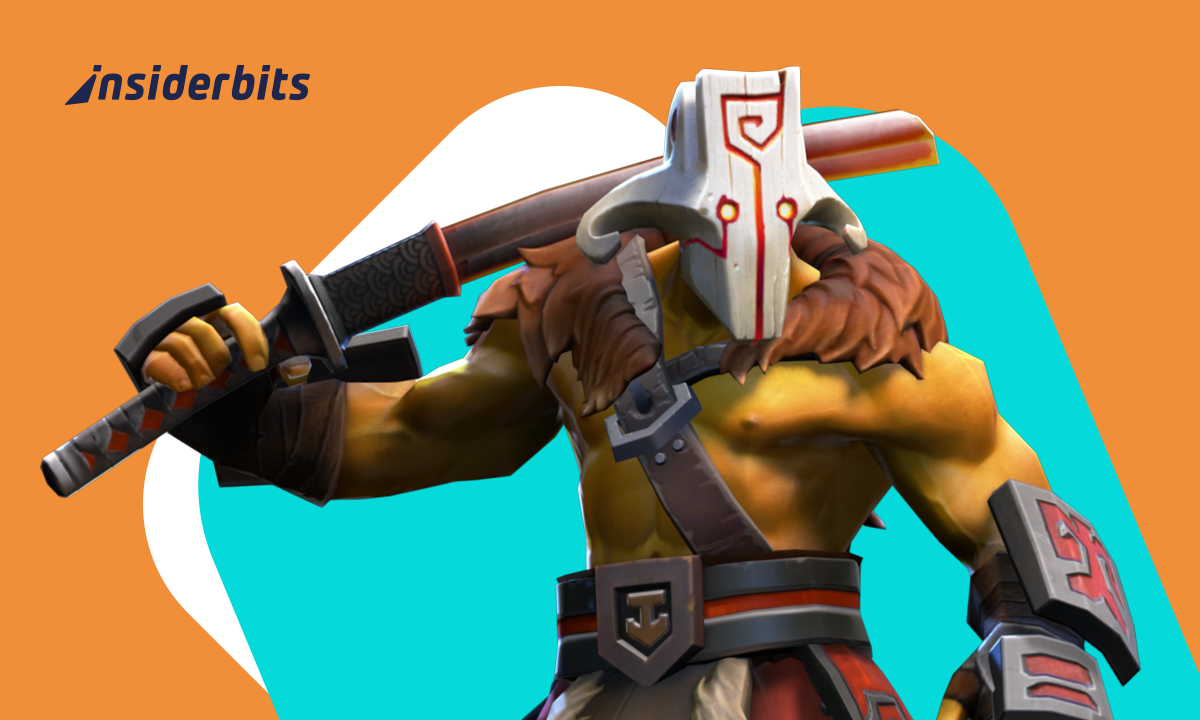
Many players dream of carrying their favorite MOBA everywhere, despite that Dota 2 still feels chained to a desk setup built for long sessions and, of course, that one teammate who always forgets to buy wards. The PC heritage makes running it on a phone sound unrealistic at first, although cloud technology completely changes that expectation by turning almost any device into a portable gateway for full matches. The experience becomes surprisingly natural once everything connects, and the freedom to jump into a game away from home adds a refreshing charm to a title known for its complexity.
The rise of remote play tools recently pushed fans to explore Dota 2 Mobile as an alternative for commutes, casual breaks, or moments when you simply want to continue your MMR climb without sitting at your desk. GeForce NOW handles the heavy lifting while your phone becomes a streaming window that responds quickly enough for most casual matches. If mobility excites you even slightly, start playing Dota 2 anywhere and discover how streaming expands the way you experience the game.
- 10 meilleurs jeux RPG pour enfants
- 10 meilleurs jeux mobiles hors ligne
- 3 applications de sécurité pour votre sécurité mobile
Why Players Are Bringing MOBA PC Titles to Mobile
Players shift to mobile solutions to blend long, intense matches with daily routines, and this flexibility works especially well for fans who maintain multiple heroes or experiment with different roles.
The rigid structure of PC gaming no longer limits how or where you can progress, which makes the transition to mobile feel natural for people who value momentum in their ranked grind.
MOBA titles thrive on fast decision-making, and mobile streaming allows players to stay connected with their strategies even outside traditional gaming setups.
Some enjoy reviewing builds during breaks, while others appreciate the freedom to play unranked matches from comfortable settings that don’t involve a desk chair.
Cloud platforms smooth the experience by offering stable performance without relying on powerful hardware, and this opens Dota 2 to more situations and environments than the original design ever anticipated.
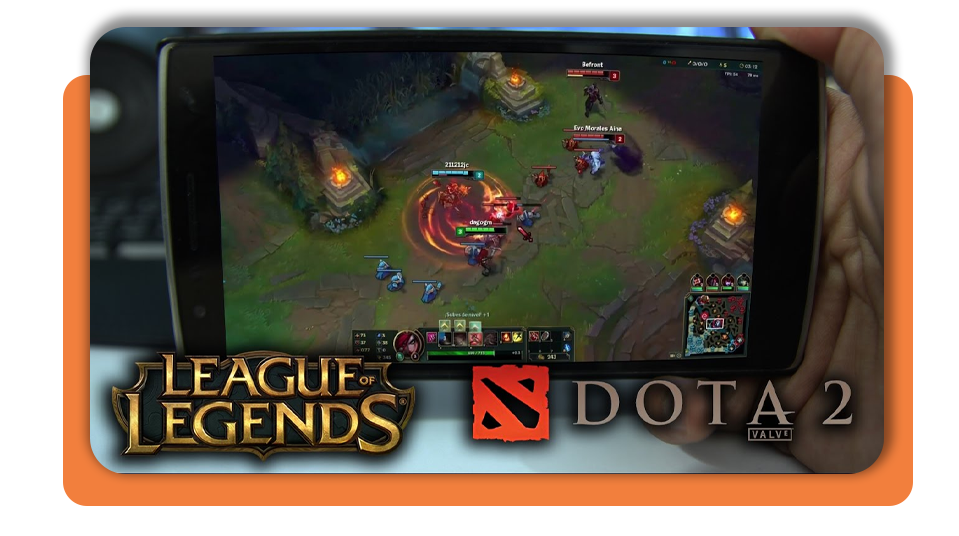
How to Play Dota 2 Mobile Using Cloud Streaming Apps
Cloud streaming works as the bridge between your PC library and your mobile device, and GeForce NOW delivers a structured method for accessing the game without installing anything locally.
Here is a clean step-by-step guide to start playing Dota 2 Mobile:
- Firstly, install GeForce NOW from Google Play if you plan to use Android devices. If you have an iOS device, you must install it from the site officiel;
- After installing it, open the app and log in using your NVIDIA account to synchronize your library;
- Search for Dota 2 inside the service and add it to your play list so the system prepares the stream;
- If you prefer, pair a Bluetooth controller for better precision, since touch controls struggle with fast hero movement;
- Don’t forget to connect to Wi-Fi 5, Wi-Fi 6, or a stable 5G network to ensure consistent responsiveness;
- Launch the game from the GeForce NOW menu and adjust the resolution until the stream feels smooth.

3.5/5
Best Controls, Sensitivity Settings, and HUD Layout Tips
Controls matter more than anything when adapting Dota 2 to a mobile setting, and the right combination of hardware and adjustments helps your actions remain precise.
With that in mind, players who use Bluetooth controllers often report a better rhythm, since the analog sticks can replicate mouse movement more comfortably than tapping on a screen.
Also, sensitivity is the next area to refine since heroes require fast directional changes, and a slightly higher setting tends to help mobile players compensate for smaller inputs.
HUD elements, for example, benefit from minor rearrangements that keep essential buttons within comfortable reach, especially abilities that demand quick reactions.
The aim is not to mimic your PC layout perfectly but to create an arrangement that works with the limitations of mobile streaming. Small tweaks dramatically improve consistency during fights and skill-shot trades.
How to Reduce Lag and Improve Mobile Performance
Of course, performance varies depending on your network, and the most reliable improvement comes from using routers that support modern Wi-Fi standards.
Consequently, a stable signal reduces delay between your inputs and the actions on-screen, which helps you maintain control during chaotic team fights.
Meanwhile, lower streaming resolutions often increase responsiveness without affecting the overall experience, and this small adjustment gives you a steadier frame pace during long matches.
Mobile players also benefit from clearing background apps to free processing power and ensure smoother performance from both the streaming service and the phone.
Choosing play environments with minimal interference helps prevent spikes in latency, and this habit becomes especially valuable during ranked games where timing is everything.
3.5/5
Play Dota 2 Mobile: Learn the Fastest Ways to Stream and Control – Conclusion
Dota 2 can be surprisingly accessible when approached through cloud streaming, and the mobile format reveals new ways to enjoy the game without sacrificing the depth that defines it.
Mobile flexibility adds variety to your play sessions by allowing quick games during free moments or more strategic reviews when away from your PC, helping to maintain a steady improvement curve since you interact with the game more consistently.
Players who embrace this format gain a portable version of Dota 2 that still feels authentic to the core experience, and the result is a more relaxed relationship with a game famous for its intensity.
En rapport : Marvel Rivals Season 4: Play the Latest Version Today
Enjoyed this article? Save the Idées reçues blog to your favorites for the latest tools, creative tech tips, and photo editing breakthroughs.