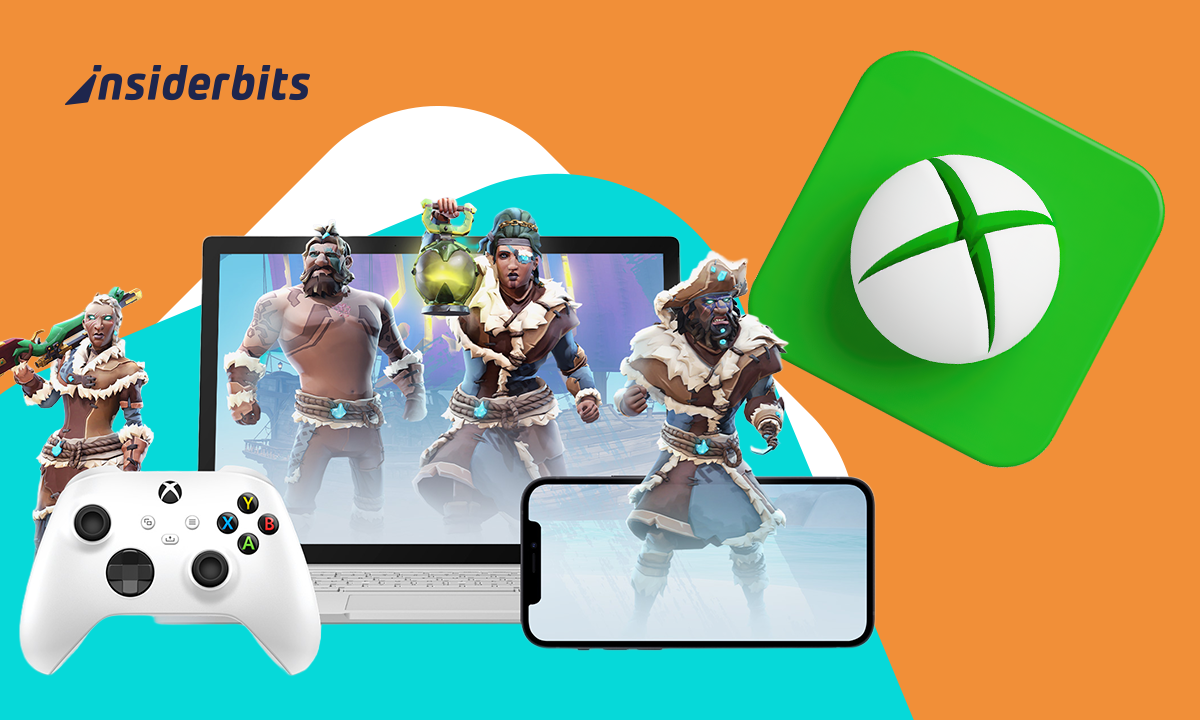
Your Xbox is probably gathering dust while you’re stuck at your desk working, studying, or pretending to be productive. But what if you could play Starfield from your laptop during your “lunch break” or dive into Forza Horizon from your iPad in bed? Thanks to Xbox’s streaming features, your entire console library can now follow you anywhere. No cartridges, discs, or guilt required.
This is available right now, and it’s shockingly easy to set up. Microsoft has quietly been turning every device with a screen into a potential Xbox portal. Whether you want to play on your PC while “working from home” or continue your game on your phone while someone else hogs the TV, here’s how to stream Xbox games.
- Xbox Game Pass in 2025: what’s new and worth playing
- No downloads needed: Play Xbox games on your phone
- 10 meilleurs jeux RPG pour enfants
How to set up Xbox streaming on your PC
To stream Xbox games is easier than explaining to your significant other why you need to game instead of doing chores.
Microsoft has finally made the process almost idiot-proof, requiring just a few clicks rather than a computer science degree.
Here’s how to turn any screen into an Xbox portal in under five minutes.
Step 1: enable remote features on your Xbox
- Press the Xbox button on your controller and go to Profile & system > Settings > Devices & connections > Remote features;
- Check “Enable remote features” and make sure your console is in Instant-on mode (not Energy-saving);
- Your console must be set as your home Xbox for this to work seamlessly.
Step 2: install the Xbox app on your streaming device
Télécharger le Xbox app for Windows or the mobile versions for iOS ou Android.
Step 3: connect and play
- Open the app and sign in with your Microsoft account;
- Select Console icon > Stream;
- Pair your controller via Bluetooth or USB;
- Your Xbox screen now appears on your device—start playing.
Pro tip: for best performance, connect your Xbox via Ethernet rather than Wi-Fi.
4.2/5
Stream Xbox games to your PC without extra devices
The beauty of this system? Zero additional hardware costs. If you own an Xbox and have a decent internet connection (15 Mbps minimum), you’re already equipped.
Your controller connects directly to your PC or mobile device via Bluetooth, and the Xbox app handles the rest.
For cloud streaming without a console altogether, Xbox Game Pass Ultimate subscribers can access hundreds of games directly from Microsoft’s servers. You can also access it on your Android ou iOS.
This means you can play Halo Infinite on your phone without owning an Xbox—just a compatible controller and the Game Pass app.
Play your console games remotely in full HD
Stream quality has improved dramatically since the early days of laggy, pixelated messes. Current streaming supports:
- 1080p resolution at 60fps (depending on your internet speed);
- Near-instant input response when on the same network;
- Low latency even when playing remotely (if you have 5GHz Wi-Fi or Ethernet);
- HDR support for compatible games and displays.
For those with multiple gaming ecosystems, Lien Steam also offers surprisingly good Xbox streaming through its app for iOS et Android, though the native Xbox app generally provides better integration.

4.1/5
Why this feature is a game changer for gamers
Xbox streaming fundamentally changes what it means to own a console.
Suddenly, your $500 investment isn’t trapped under your television but liberated to every device you own.
It solves the eternal household battle over the TV, eliminates the need to buy multiple consoles, and might just be the most consumer-friendly feature Microsoft has ever released.
Household harmony
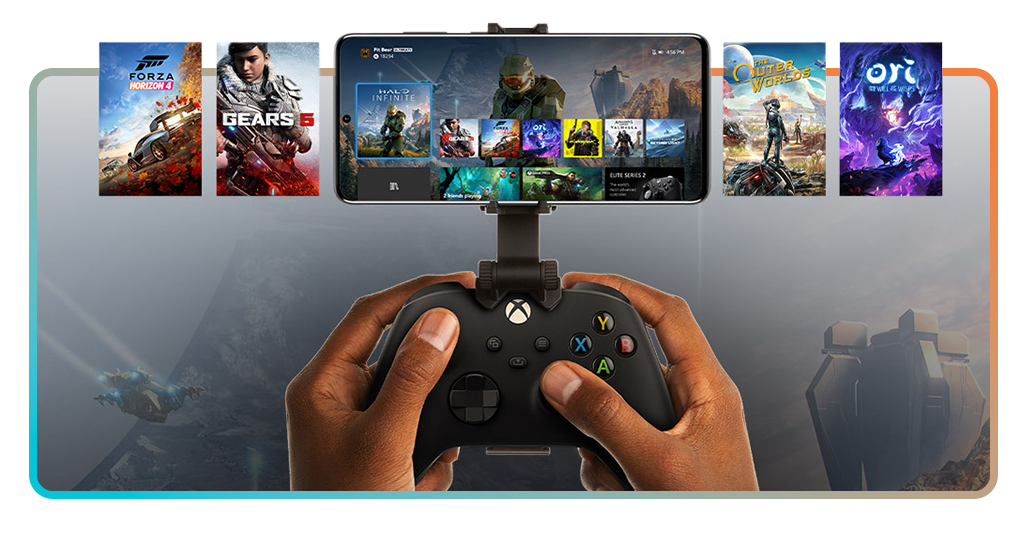
No more fighting over the TV. While someone watches reality shows, you can be finishing open-world adventures on your laptop.
Portable play
Your phone or tablet becomes a handheld Xbox—perfect for travel or those moments when you’re stuck somewhere boring.
Multiplatform freedom
Combine this with PlayStation Remote Play and Lien Steam, and every screen in your house becomes a gaming station.
Game preservation
Streaming ensures your game progress and library remain accessible even if your console hardware fails.
Microsoft’s Xbox Cloud Gaming service continues to expand, recently adding keyboard and mouse support for certain titles. The barrier between console and PC gaming has never been thinner.
Final thoughts: your entire library, now portable
Xbox streaming transforms how we think about console gaming.
No longer tethered to your living room, your games can now travel with you—whether that’s to another room, another city, or just to avoid sharing the TV.
The technology works surprisingly well, costs nothing extra for console owners, and might just change how you game forever.
Now, if you’ll excuse me, I have a date with Hellblade II on my iPad while someone else uses the actual Xbox. The future is wonderfully convenient.
For more on Xbox’s streaming options, check Microsoft’s official streaming gallery for supported games and devices.