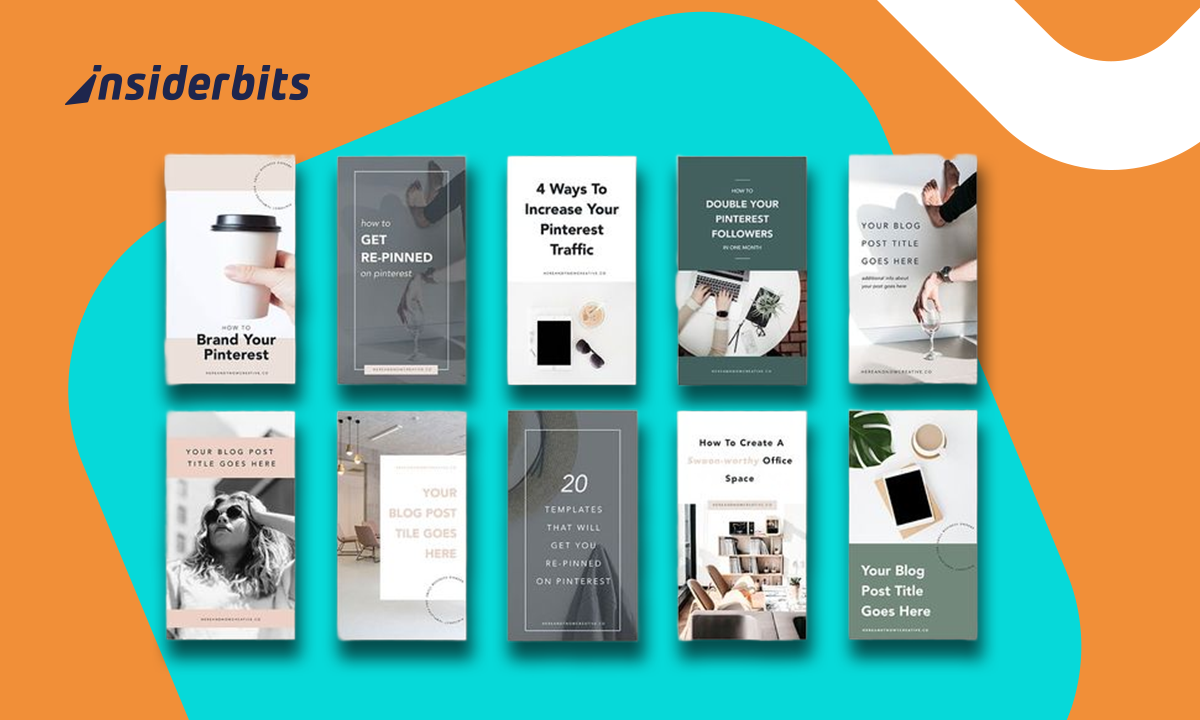
If you’ve ever fallen into a Pinterest rabbit hole, drooling over minimalist planners, dreamy mood boards, or perfectly curated Notion dashboards, here’s a thought: what if vous were the one making money from those pins? To sell templates on Pinterest is one of those rare internet hustles that’s equal parts creative and profitable.
These days, Pinterest is more than just inspiration boards. Ideas are turned into products on this visual search engine, and creators, ranging from designers to independent contractors, are subtly converting those “pin-worthy” concepts into reliable revenue. This is where your creative side and your entrepreneurial spirit come together.
- DIY Home Organization: Smart Apps for Pinterest-Worthy Spaces
- Applications de photographie culinaire : Créer des photos prêtes pour Instagram et Pinterest
- How to Monetize Your Pinterest Account
Sell templates on Pinterest: step-by-step guide
Before you start pinning like a pro, let’s get the basics straight. Selling templates on Pinterest doesn’t mean uploading your files directly there.
Pinterest is your marketing stage, not your store. You’ll use it to showcase your designs and drive traffic to your actual sales platform, whether that’s Etsy, Gumroad, or your own site. Here’s how to do it right:
Step 1: set up your Pinterest business account
A personal profile won’t cut it. A business account gives you access to analytics, ads, and engagement tools. Go to Pinterest.com (also available for Android et iOS) and switch your profile type in settings.

4.8/5
Step 2: define your niche
Templates come in all shapes — planners, social media kits, resumes, digital journals, wedding invitations. Choose a focus and target a specific audience.
Step 3: create and upload eye-catching Pins
Use strong visuals and keyword-rich titles. Every Pin should link to your product page or portfolio.
Step 4: link to your sales platform
Etsy is a crowd favorite, but you can also use Gumroad or Sellfy. If you’re already a visual creative, try selling photos online as an extra income stream.
Step 5: optimize your descriptions
Keywords matter — “sell templates”, “Canva template”, “digital planner”, “Notion dashboard.” Sprinkle them naturally throughout.
Step 6: monitor analytics and tweak
Track impressions, saves, and clicks through Pinterest Analytics. Adjust your visuals and captions for better performance.
Once you’ve nailed this setup, you’ll see how traffic snowballs. Pinterest users are planners by nature, and your templates could be exactly what they’re looking for.
How to create engaging pins that drive sales
Think of each Pin as a digital storefront. If it doesn’t grab attention within two seconds, you’ve lost the scroll war. Here’s how to make your Pins irresistible:
- Design for mobile: most users browse Pinterest on their phones, so vertical Pins (1000×1500 px) work best;
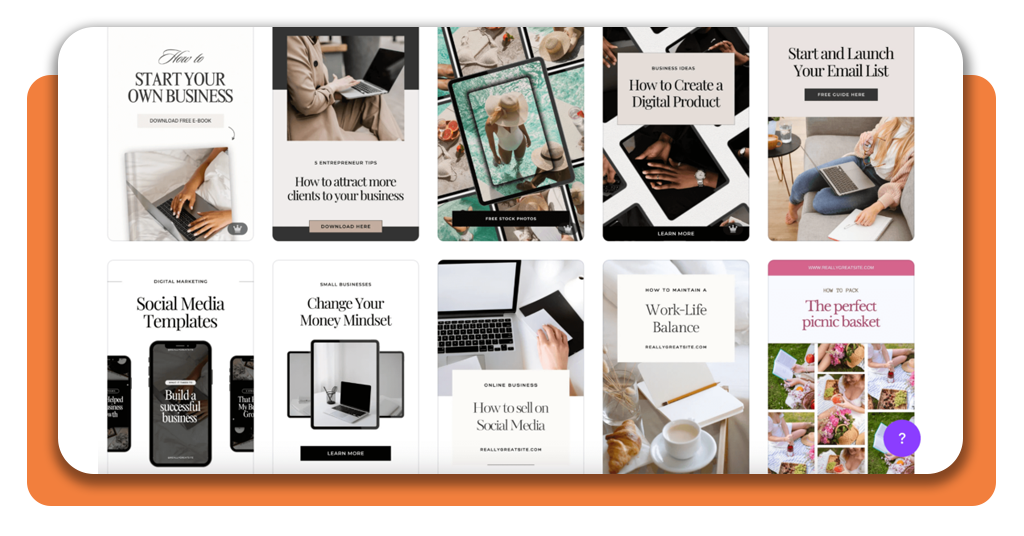
- Use clear visuals: show off your template in use — not just a flat cover image. A “before-and-after” style often converts well;
- Add text overlays: a bold headline like “Editable Canva Template” or “Notion Weekly Planner” instantly tells users what they’re looking at;
- Stay on-brand: stick to a consistent color palette and tone. It builds recognition and trust;
- Use video Pins: motion grabs attention. A quick scroll-through of your template’s features can boost engagement.
Pinterest’s own guide to creating Pins gives you all the specs, but the real secret? Clarity beats clutter. Every design decision should help users instantly understand what you’re selling.
Free tools to design and promote your templates
You don’t need a design degree or a big budget to make professional-looking templates and Pins. Here’s a quick toolkit for the modern side hustler:
- Canva: the holy grail of template creation. It’s easy to use, offers free assets, and lets you sell your designs commercially;
- Notion: for creators who love productivity layouts and dashboards — it’s trending like crazy;
- Flodesk: great for building landing pages or newsletters to promote your templates to your followers;
- Pinterest Trends: Helps you spot what’s hot in your niche before everyone else jumps on it;
- Tailwind: a scheduling tool that automates posting and keeps your Pins consistent across boards.
Want to take your template visuals up a notch? Explore Canva’s own guide to Pinterest marketing. Start to sell templates and grow your business on Pinterest today.
How to promote your Pins
Even the most gorgeous Pins need visibility. Here’s how to get yours in front of the right eyeballs:
- Join group boards: collaboration is your friend — find community boards in your niche and share your Pins there;
- Use Pinterest SEO: write keyword-rich titles and descriptions. Think like your buyer — what would they type?;
- Run promoted Pins: a small ad budget can amplify reach, especially for new creators testing designs;
- Post consistently: the Pinterest algorithm rewards regular posting. Schedule a few Pins per week instead of dumping 20 at once;
- Engage with comments and messages: yes, Pinterest is social. Reply, thank users, and build relationships that lead to loyal customers.
Pinterest recently introduced new AI and automation campaign tools that make managing ads simpler for small businesses.
If you ever feel ready to scale, it’s worth testing out. Start small, monitor conversions, and adjust your visuals accordingly.
Why Pinterest is a goldmine for creators
Unlike other social media platforms that bury your content in a 24-hour cycle, Pinterest Pins have long lives. A well-optimized Pin can keep driving traffic and sales for months or even years. That’s passive marketing at its finest.
For designers and digital creators, it’s also one of the few spaces where quality still trumps quantity. You don’t need to post daily dances or selfies; you just need great visuals that solve a problem.
If your template helps someone plan their week, organize their finances, or beautify their feed, they’ll save it. And eventually, they’ll buy it.
4.8/5
Share your designs, reach millions, and make money from your creativity.
Key takeaways
Selling templates on Pinterest is less about luck and more about smart, consistent strategy.
- Choose a specific niche and create high-quality templates;
- Optimize your Pins for clarity, keywords, and visual appeal;
- Use Pinterest analytics and trends to stay ahead;
- Build traffic to your store or portfolio with consistent engagement.
It’s creative work that pays off, literally. As Pinterest continues to evolve, with better search tools and creator programs, there’s never been a better time to jump in.
Turn your creativity into income by selling templates on Pinterest. Start small, stay consistent, and watch those Pins turn into profits.