
Not every call deserves your time. Scam Shield filters the noise, flags threats early, and keeps your phone from becoming a target for unwanted or risky interruptions.
Free for all T-Mobile users, it works quietly in the background while giving you tools to take control. Think of it as a guardrail, not a wall, and a simple way to stop fraud in its tracks.
This guide by Idées reçues shows how to activate features, recognize scams, and make this feature work for you. Stay one step ahead of phone scams with real-time protection!
En rapport : Detect WiFi Intruders on Your Network for Free
Scam Shield: how it keeps you safe from fraud
Every day brings unfamiliar numbers with fake deals, urgent demands, or vague threats. Some are harmless. Others are crafted to trick, pressure, or steal your attention.
Caller ID alone won’t cut it anymore. Knowing who’s on the other end helps you avoid mistakes, wasted time, and risky interactions you never asked for.
That’s where T-Mobile’s Scam Shield becomes essential. It filters what’s real from what’s risky, letting you stay one step ahead of phone scams with real-time protection.
T-Life: Your security hub inside T-Mobile
T-Life helps you stay informed before answering unknown calls. It alerts you to possible scams instantly, turning your phone into a safer space for everyday communication.
You don’t need to guess who’s calling. With built-in scam detection, the app highlights risky numbers so you can decide what deserves your time and what doesn’t.
It’s more than caller ID. These alerts work in real time, helping you avoid fraud attempts, suspicious charges, and misleading messages designed to trick you into reacting fast.

4.8/5
Why scam calls are rising and how Scam Shield responds
Scammers are persistent because they don’t need many people to fall for it, just a few. Fake contests, fake bills, fake emergencies. All designed to catch someone off guard.
With robocalls and spoofing tools so easy to use, it’s no wonder these calls keep growing. They’re faster, cheaper, and more anonymous than ever before.
Scam Shield steps in with smart filters that catch patterns, spot shady activity, and warn you before you answer. You get control back without doing anything complicated.
Real examples of scams the app blocks every day
Someone pretending to be from your bank says your account is locked and asks you to confirm card details. Looks official, sounds urgent, but it’s a scam.
Fake delivery messages show up saying you owe a small fee to release a package. One tap leads to a phishing site asking for your full information.
Scam Shield flags these sneaky moves before they reach you. It works behind the scenes to spot the warning signs, then lets you decide what happens next.
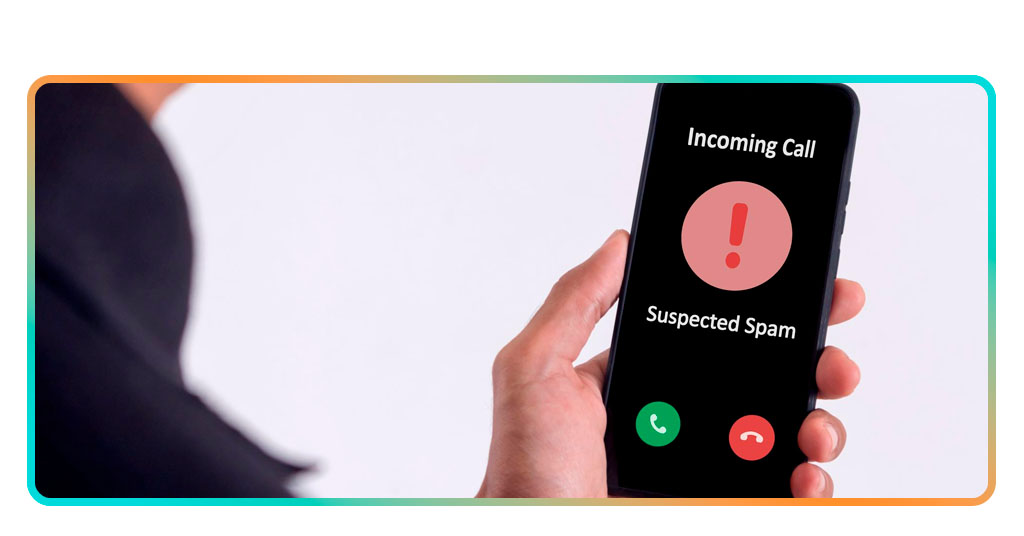
Features that protect your calls and privacy
Silence is underrated. No one wants fake alarms, weird texts, or unknown callers at dinner. Good features work quietly in the background and keep things calm.
Instead of checking every number online or guessing who’s real, the right tools make decisions easier. It all happens automatically, without needing to dig through settings.
This app stops fake calls, shows real names, and blocks shady activity without slowing you down. Every feature is designed to keep your phone experience hassle-free.
Automatic detection that flags threats before you pick up
Scammers don’t come with warnings, but Scam Shield catches patterns fast. It spots suspicious behavior, flagged numbers, and robocalls. The app sees them coming and warns you quickly.
Before your phone even rings, detection tools are already working. Numbers linked to fraud get blocked or labeled clearly, so you know what’s real and what’s not.
That second of hesitation before answering? It disappears when alerts show up first. The system gives you more time to think and fewer regrets after hanging up.
Caller ID tools that reveal who is really calling
Unknown numbers can actually create confusion. Is it a job offer or a scammer? Caller ID gives you a name so you’re not answering blind anymore.
Numbers that used to show nothing now show context like who’s calling, if it’s been flagged before, or if others reported issues through Scam Shield’s shared database.
Names give power back. Caller ID strips away the guessing game and helps you make fast decisions without stress, especially when phones start ringing nonstop during the week.
Privacy controls that keep your data from scammers
Some apps collect too much. This one doesn’t. You control what’s shared, what’s blocked, and who gets to reach you, even without changing your phone number.
Your number stays private when you want it to. With custom controls, you decide how open or closed your call experience feels, no matter who’s calling.
Data protection isn’t a luxury, it’s a basic need. Scam Shield adds a privacy layer built into every feature, keeping unwanted access away while letting real calls through.
En rapport : Check if your personal data is exposed online for free
Where to download the Scam Shield app
You don’t need to search long to find protection. T-Life is available on all major mobile platforms and takes just a minute to install and activate.
Both Android and iOS users can download the app through official app stores. It’s designed for convenience, fast access, and minimal setup without extra steps or confusion.
Before another scam attempt slips through, take control of your calls now. Open your store, download Scam Shield and block fraudulent calls instantly.
Download From Google Play or App Store
Finding the app is simple on both Android and iOS. Just search and tap install. You’ll be guided through permissions with no unnecessary steps or guesswork.
Android users will see instant compatibility with most devices. iPhone users benefit from full integration and a clean interface that adapts quickly to your current call settings.
Updates roll out automatically, so you’re never left exposed. Both versions support real-time alerts, background protection, and automatic threat detection based on known scam patterns.
Getting it from Google Play
- Open Google Play Store and search for T-Life;
- Tap the icon with the pink background to open the details page;
- Press the “Install” button and wait for installation to finish;
- Open the app and follow prompts to enable scam call detection tools.
Getting it from the App Store
- Open the App Store and search for T-Life using the search bar;
- Tap the matching result with developer details and description;
- Press “Get”, then confirm with Face ID or your Apple ID credentials;
- Once installed, open and adjust settings as prompted during first-time setup.
4.8/5
Access Scam Shield directly through T-Life
If you already use T-Life, there’s no need to install another app separately. Access the protection feature directly inside your existing mobile account management hub.
From the T-Life home screen, scroll to the section that highlights privacy tools. Scam Shield appears as an integrated option under device and line settings.
T-Mobile keeps features bundled together, including Scam Shield, for easier management. You get alerts, controls, and scam filters all in one familiar place without additional downloads.
What to expect from the app
The first time you open the app, things feel clear and simple. You’ll see smart toggles, safety summaries, and tools labeled in a way that actually makes sense.
It doesn’t bombard you with pop-ups or pressure. You just allow permissions, set your call preferences, and the app starts protecting your number in the background.
After the short intro, you’re all set. No extra steps, no learning curve, just useful features that start working without delay. Scam Shield handles the rest without interruptions.
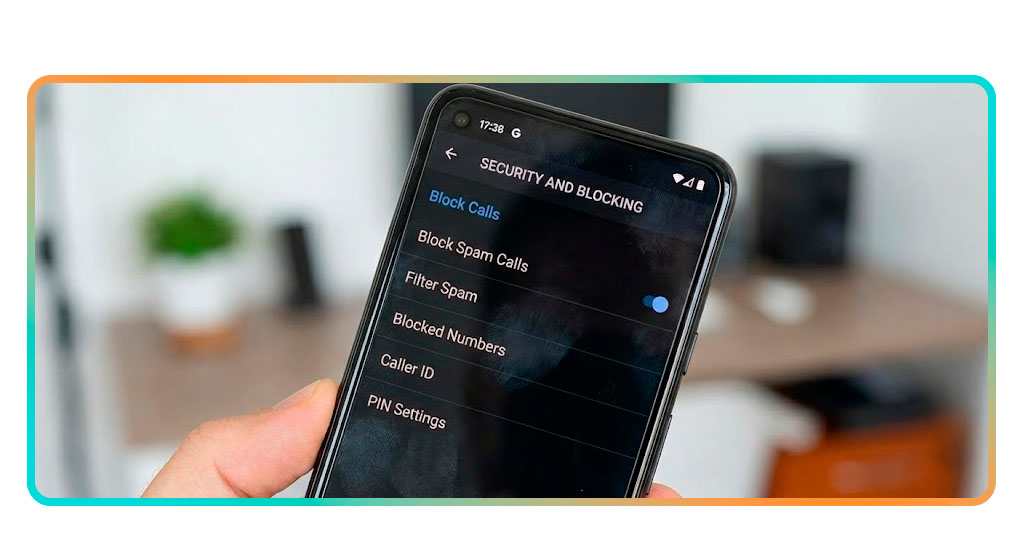
Step-by-step: How to enable scam blocking
Stopping unwanted calls does not require advanced knowledge. With a few taps, scam blocking begins working quietly in the background while you focus on your day.
The app keeps everything simple to navigate. From the moment it opens, every option guides you clearly so blocking feels natural and never complicated.
Setup takes only moments and adjustments stay available anytime. Your protection begins the moment you activate the feature, so protect your number — turn on Scam Shield for free today.
Step 1: find Scam Shield inside your T-Mobile account
Unlock your phone and open the T-Life app. That’s where your protection tools live, waiting quietly until you’re ready to take control of calls.
Look for the feature on your home screen or inside the security section. It may appear as a card, tile, or shortcut depending on your latest app version.
If it’s not visible right away, try the search bar or open account settings. The feature is always available, and you only need to activate it once.
Step 2: turn on scam blocking in a few taps
After opening the app, you’ll see clear options like “block scam calls” or “enable protection”. Tap once, and the main security features get activated.
Right below those toggles, you’ll find caller alerts and filtering preferences. Adjust them to fit your needs and let Scam Shield do the work from there.
No codes, no forms, no endless confirmations. Scam blocking turns on with less effort than setting an alarm, and the difference in peace is almost instant.
Step 3: navigate optional settings to tighten your protection
Looking for more control? Open the advanced settings inside the feature. You’ll find options to block call types like telemarketers, surveys, or suspected spam.
Fine-tuning these filters helps your phone stay one step ahead. Silence unknown numbers, send calls to voicemail, or block flagged contacts before they even ring.
These adjustments make a noticeable difference. Scam Shield turns basic security into something stronger by giving you full control over how your phone handles potential threats.
En rapport : Social Media Privacy Settings You Should Know: Protect Your Data Today
Take control of your calls and keep scammers out
No one wants unwanted callers disrupting their day. When protection works quietly in the background, your phone stays calmer, safer, and much more pleasant to use.
This guide was created by Idées reçues to show how Scam Shield supports your calls, why prevention matters, and how simple tools reduce the pressure of dealing with suspicious activity.
If you want guidance on safer browsing, stronger privacy habits, or reliable protection apps, keep browsing Idées reçues for more articles designed to help you avoid digital trouble entirely.




