
Many home gardeners begin with enthusiasm, only to watch plants struggle after a few missed watering days. Busy routines and changing weather can turn a promising garden into a patch of wilted leaves. A plant care app is a tool for people who want help keeping their plants healthy. At Idées reçues, we trust in small reminders to make gardening more approachable.
Successful gardening usually depends less on luck and more on consistency. Digital tools now track watering schedules, sunlight exposure, and seasonal needs for specific plants. With a plant care app, users receive timely alerts instead of relying on guesswork. That helps plants thrive and can keep families engaged with the rewarding rhythm of growing things.
- Plantum – A Plant Identification App for Nature Enthusiasts
- AI-Powered Plant Care Guide: Bing’s Tips for Healthy Growth
- 5 Pet Care Apps That Every Pet Owner Needs to Have
What’s the best plant care app?
Although a variety of tools are available, Planta has emerged as the best option for home gardeners. It serves as a virtual link between your smartphone and your home and is compatible with both iOS et Android.
While offering the in-depth technical insights that seasoned horticulturists yearn for, it is made to be easily understood by novices.

4.8/5
Features available in the Planta app
Planta offers a suite of tools that act like a digital shield for your garden:
- Smart care reminders: individual schedules for watering, fertilizing, misting, and repotting based on your specific plant species;
- Light meter: uses your phone’s camera to measure the LUX levels in a room or backyard spot, telling you if a plant will thrive or wither in that location;
- Dr. Planta (health scanner): snap a photo of a yellowing leaf, and the AI identifies the disease or pest, providing a step-by-step treatment plan;
- Plant identification: instantly recognize over 10,000 species, helping kids identify the “mystery sprouts” popping up in the backyard.
Step-by-step: how to track your plants’ growth using Planta
Turning your backyard into a living laboratory is easy when you follow a structured plan. Here is how to launch your gardening mission:
Step 1: create your digital greenhouse
After downloading the app, start by adding your plants one by one. You can use the identification tool to name them.
For each entry, specify the plant’s location (e.g., “Kitchen Window” or “Backyard North Corner”). This allows the app to factor in local light and temperature conditions.
Step 2: set up the watering shield
Once your plants are listed, Planta calculates a custom schedule. Instead of a generic “water once a week” rule, the app considers the pot type, soil drainage, and even the local weather forecast.
This ensures you never overwater—the #1 killer of household plants.
Step 3: document the journey with progress photos
Use the “Diary” feature to take weekly photos. This is the most engaging part for children, as they can see a time-lapse of a tiny seed becoming a tall sunflower.
Tracking growth visually turns a slow biological process into a rewarding visual history.
Step 4: expand your knowledge
Gardening is a lifelong skill. Once you’ve mastered the basics of tracking, consider leveling up your expertise by checking out our complete gardening course to learn about advanced soil health and seasonal rotation.
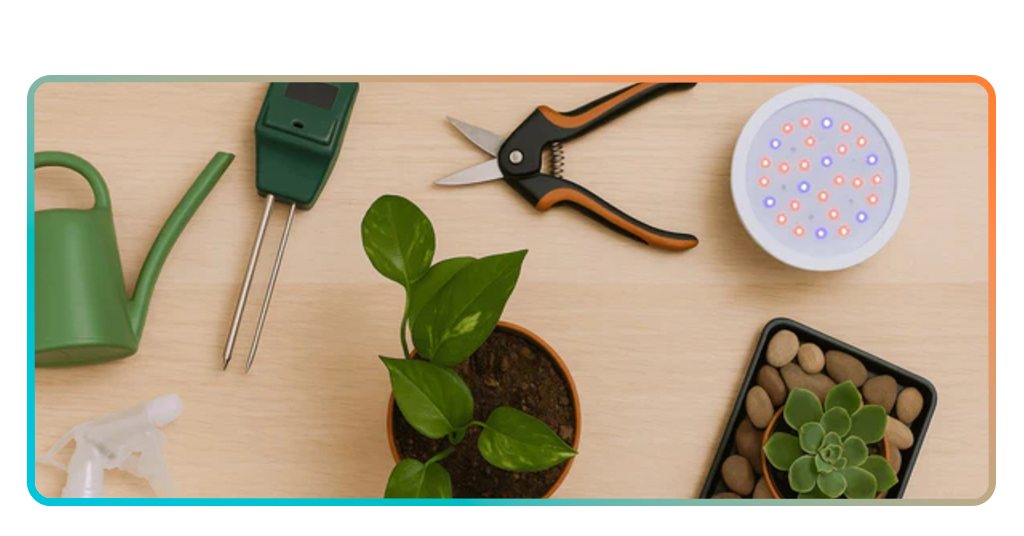
Tips on how to properly grow your garden
Technology is a great guide, but understanding the basics of plant biology will ensure your garden flourishes.
Quoting research on the therapeutic benefits of gardening, the act of nurturing a plant reduces cortisol levels and improves focus, especially in children with high sensory needs.
Focus on the foundation
Before you plant, check your soil. Healthy plants start with healthy roots. If your soil is too compacted, air and water can’t reach the surface, leading to “pooling” or runoff, and your plants eventually suffocate in an anaerobic (oxygen-free) environment.
You can check for compaction at home by trying to push a simple wire flag or a screwdriver into moist soil; if it bends or stops within the first 4 inches, your soil is likely too compact.
Using a plant care app allows you to identify your soil’s texture—Sandy, Loamy, or Clay—and match it to the right species:
- Sandy soil: large particles with excellent drainage. It warms up quickly in the spring but loses nutrients and water just as fast. Best for root vegetables and Mediterranean herbs;
- Clay soil: tiny particles that hold nutrients and water extremely well but are prone to heavy compaction and poor drainage. Best for hardy shrubs and certain fruit trees;
- Loamy soil: the goldilocks of dirt. It is a balanced mix of sand, silt, and clay that provides the perfect ratio of drainage and moisture retention. This is the ideal foundation for almost all garden vegetables.
Light is life
Not all sun is created equal. Morning sunlight (typically from sunrise to 11 AM) is better for tender plants, leafy greens, and indoor tropicals.
Because the sun is lower in the sky, its rays travel through more of the Earth’s atmosphere, which filters out the harshest UV radiation.
Afternoon sun (from 12 PM to 5 PM) is significantly more intense. During these hours, the UV index peaks and light intensity can be 2–3 times greater than in the morning.
To find your garden’s sweet spot, take a reading at 10 AM and another at 2 PM. If your medium light plant is hitting 15,000 Lux in the afternoon, it’s time to move it or provide a sheer curtain.
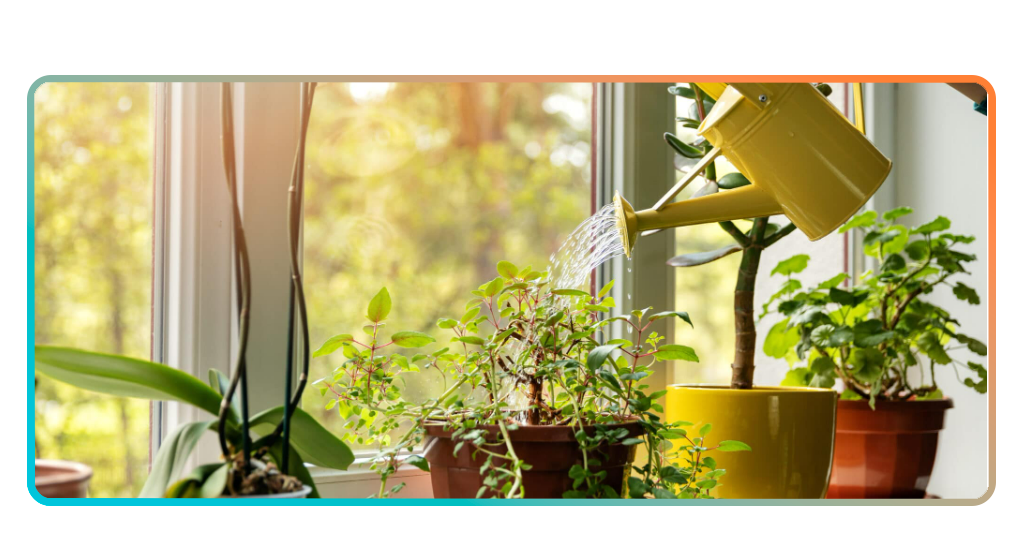
Grow your own future
A garden can be more than a patch of greenery. It becomes a quiet classroom where patience, care, and consistency shape the results. A plant care app helps remove much of the guesswork from that process.
With reminders and plant specific guidance, the routine becomes easier to manage. Instead of relying on memory, gardeners can follow clear cues for watering, feeding, and sunlight.
Over time, that structure turns small daily actions into healthier plants and a more rewarding garden.