Not all screen recorders are created equal. Some slap giant watermarks on your videos, others crash right when you’re about to nail that perfect tutorial take. Enter OBS Studio, le best broadcast app for anyone who takes their recordings seriously, in case you’re a gamer, teacher, or content creator.
Open Broadcaster Software (yes, that’s what OBS stands for), is not your typical recorder. This top-notch tool offers live editing, streaming, and high-quality video capture without costing a dime. There are no tricks or subscription traps—just open-source genius that has been attracting Windows users for years.
- Best Operating System 2025: Windows, Mac, Linux or Chrome?
- Customize Your Windows PC: Best Tools and Tips for a Personalized Experience
- Google Play Games Now Available on Windows
Best screen recorder app: record anything on your screen
At its core, OBS Studio is a broadcast app designed for total flexibility. It lets you record your screen, webcam, and microphone at the same time, ideal for tutorials, presentations, or gameplay streams.
You can even capture multiple sources and switch between them on the fly, just like a live TV studio. You may record a coding tutorial, a product demo, or your latest gaming session, OBS handles it effortlessly.
Unlike other “free” tools that limit recording time or add logos, OBS gives you full HD quality with no watermarks, no limits. Record your screen in full HD for free — no watermark, no limits.
The best thing about it is because of its complete open-source nature, it is continuously improved by users and developers worldwide.
Step-by-step: set up OBS Studio for high-quality videos
NASA once streamed space experiments using an open-source OBS setup — proving even rocket scientists trust it; but I promise, using it is no rocket science.
Getting started with OBS might look intimidating at first, but it’s surprisingly simple once you know the basics. Here’s how to go from download to recording in minutes:
- Install OBS Studio from the site officiel;
- Open the auto-configuration wizard; it’ll optimize settings for your system automatically;
- Add your sources; choose your screen, window, webcam, or game capture;
- Adjust your audio inputs; you can use your microphone, desktop audio, or both;
- Hit “Start Recording” or “Start Streaming” — and you’re live.
That’s it. The interface is clean and customizable, with controls that make sense whether you’re a beginner or an experienced creator.
If you want a detailed guide straight from the developers, the OBS Quick Start Guide walks you through everything step-by-step.
Features that gamers and creators love
OBS is a creative toolkit that gives users control over every pixel, making it a go-to broadcast app for both casual and professional use. Here’s what makes it stand out:
- Unlimited recording length: capture hours of gameplay or entire lectures without worrying about limits;
- Customizable layouts: mix multiple scenes, transitions, and sources to create professional-quality broadcasts;
- High-performance video encoding: record and stream in HD or even 4K using your GPU for better efficiency;
- Audio mixer with filters: control volume levels, noise suppression, and gain for crisp sound;
- Plugin support: expand OBS with community-created tools for effects, captions, or integrations;
- Stream integration; connect to platforms like Twitch, YouTube, and Facebook Live with one click.
It’s no wonder OBS has become a staple for streamers, YouTubers, and educators. It’s the same software used by professionals who broadcast news, run webinars, and host virtual events.
For creators who spend long hours editing or recording, pairing OBS with a comfortable setup is essential, check out this guide to ergonomic chairs to keep your workspace as efficient as your workflow.
Where to download OBS
OBS Studio is free, open-source, and available for Windows, macOSet Linux. There’s no premium version or hidden upgrade — just download it, install, and start creating.
- Official website: https://obsproject.com/;
- Community resources: OBS Studio Overview;
- Tutorials and streaming tips: Restream OBS guide.
Other side of live streaming
Behind every smooth stream lies a world of quirky stories and technical marvels. The broadcast world, especially with tools like OBS Studio, has more surprises than most realize.
Did you know that some of the earliest live broadcasts date back to the 1930s, when engineers experimented with transmitting radio plays over primitive television systems?
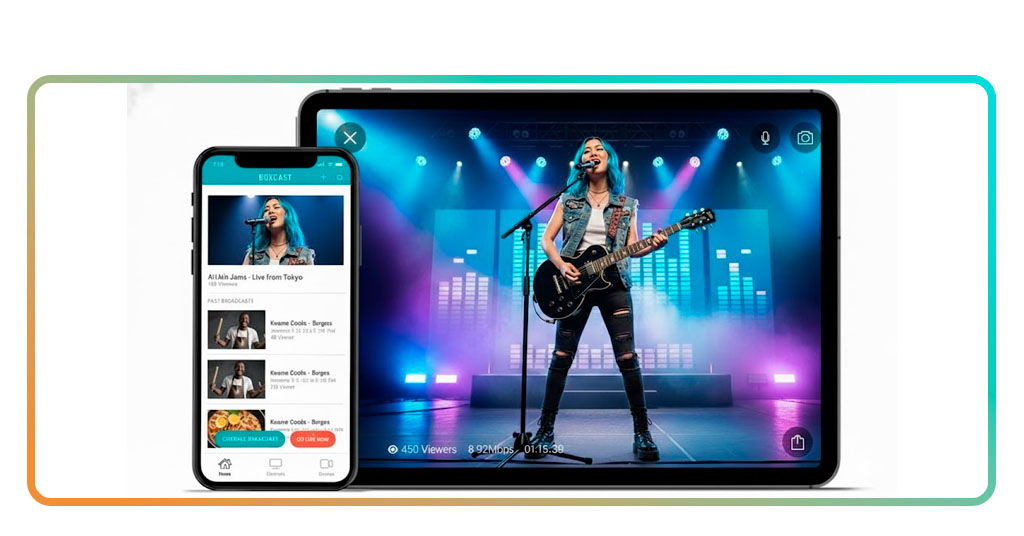
Fast-forward to today, and creators can host multicam livestreams in 4K from a bedroom using nothing but a laptop and free software.
For example, during the pandemic, virtual classrooms and indie musicians turned OBS into their stage, making “broadcasting from home” a cultural norm.
Talk about progress.
Why OBS remains the best broadcast app in 2025
Despite a wave of flashy new recording tools hitting the market every year, OBS Studio continues to dominate, and for good reason.
The platform is not chasing trends but setting standards. From casual users making tutorials to professional streamers running multi-camera setups, the platform adapts to every need.
It’s also built around community-driven innovation. Users can customize every aspect of their broadcast, from hotkeys to overlays, and share their setups online. The flexibility is unmatched, especially for a free app.
Plus, OBS plays nicely with nearly every major platform, meaning you can stream to Twitch, YouTube, or even custom RTMP servers without a hitch, a kind of reliability that makes you forget what “technical issues” even mean.
Final thoughts
If you’re serious about creating video content in 2025, no matter if it’s gaming, education, or professional streaming, OBS Studio is the only broadcast app vous avez besoin.
Télécharger OBS and start recording like a pro today. No watermarks, no limitations, no nonsense. Just clean, professional-grade results every single time. Create tutorials, streams, or demos easily with one tool.