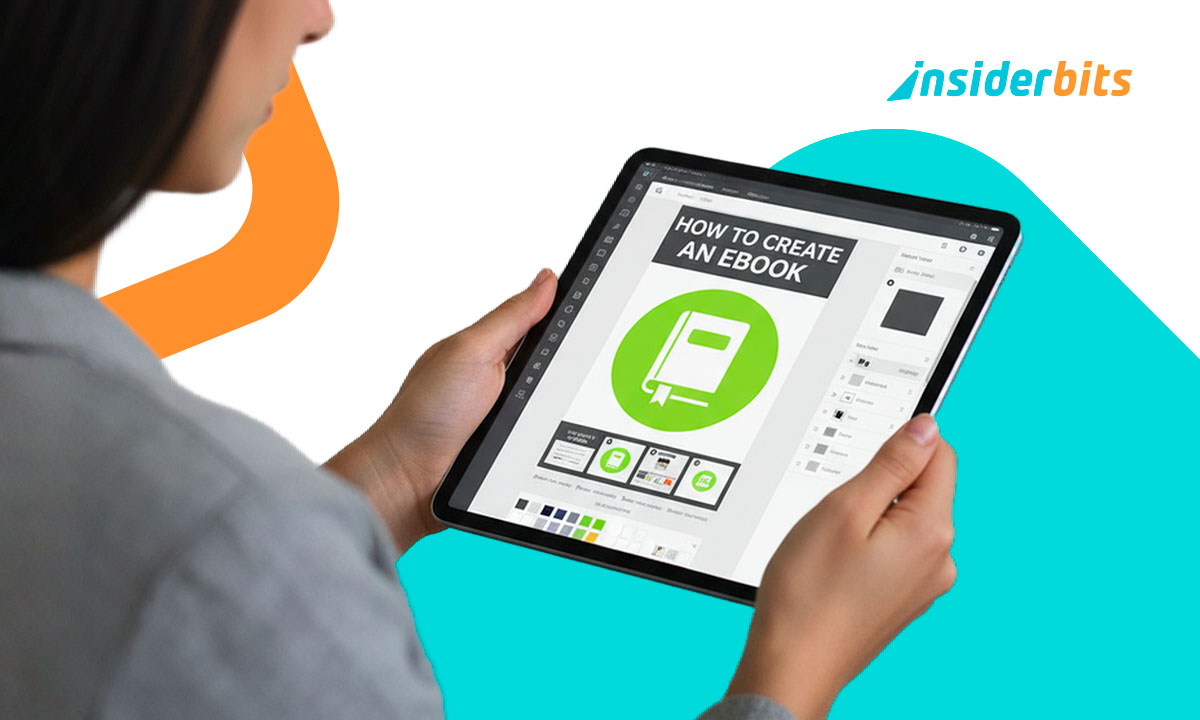
Everyone has a project waiting to escape from the “someday” folder, something like a guide you’ve been meaning to share, a collection of notes that deserves more than your hard drive, or maybe that personal story you keep telling yourself you’ll write one day. The good thing is that the day to create ebooks on your own can be closer than you thought. If you don’t know yet, it just got super easy to start creating your free ebook today.
With Canva, you don’t need to be a designer, publisher, or digital wizard to create something professional. You just need an idea and a few minutes. The platform does the heavy lifting, such as templates, fonts, layouts, they are all ready for you to personalize. It’s the kind of tool that makes you think design is way easier than you ever thought, because yes, it really can be that simple. Design and publish your ebook in minutes!
- Create & Sell Digital Stickers With Just Your Phone
- Créer un journal numérique avec l'application Day One Journal
- 15 Ways to Create Fun Status Updates for WhatsApp
How to Create Ebooks With Canva
Gone are the days when the time to create ebooks meant wrestling with formatting, resizing images for hours, or begging a friend who knows design for help.
Since its release, Canva flipped the process upside down. With this app, you start with a finished-looking template instead of a blank page.
Right when you log in at canva.com/create/ebooks, you’ll find a gallery of options: minimalist workbooks, bold marketing guides, travel diaries, or storytelling layouts that make any topic look polished. Choose one that fits your vibe, or your brand, and start editing.
You can drag and drop photos, switch colors, shuffle pages, and play with typography until it feels right.
And if you’re allergic to design decisions, you can stick with the default, Canva’s layouts already look good enough to publish as they are.
Best of all? It’s completely free to get started, and you can export your ebook in PDF format with one click.
When we say it’s free, it’s because it really is for free. You will find no watermarks and no hidden fees pretending to be premium features.
Step-by-Step: From Blank Page to Published Ebook
If you’re still not convinced about how easy this is, let’s break it down into something even easier:
- First of all, access Canva website or download and open Canva on your phone. You can find the app available for iOS et Android;
- Now, with Canva open, you need to search for “Create ebooks”;
- Pick a layout that fits what you’re writing, maybe a clean, text-heavy design for a study guide or something colorful for marketing;
- After picking the best layout, add your content. It can be text, images, quotes, graphs, whatever tells your story;
- Don’t forget to customize it. Change colors, fonts, or covers to match your personality;
- Once it’s done, download your finished ebook as a PDF or share it directly via link;
- That’s it. You can even collaborate with others, and edit the same project together in real time. It’s like Google Docs, but dressed up for publishing.
And because Canva saves your progress automatically, you can close your laptop mid-idea without losing anything.

4.9/5
Design Features That Make Your Ebook Look Professional
Here’s where Canva really shines. The app gives you the kind of polish that usually takes designers hours to achieve, that’s why you can create ebooks in minutes.
You can apply a Brand Kit, keeping your fonts, colors, and logo consistent on every page. It’s perfect for freelancers who want their work to look credible and cohesive.
And if you want interactive elements, it’s possible to add clickable links, navigation buttons, or embedded visuals.
Well, if you’re into marketing, you’ll love Canva’s mockups. You can place your finished ebook inside a tablet or laptop frame for promotional posts, a small detail that instantly makes your project look “real”.
Even if you’ve never designed anything in your life, Canva’s templates guide your hand subtly. You tweak, experiment, undo, and suddenly realize you’ve made something you’re proud of.
Tips to Promote and Share Your Ebook Online
Once your ebook is ready, don’t let it gather digital dust. Canva makes sharing it as easy as creating it.
To start promoting your Ebook, download it as a PDF to send via email or upload it to your website. You can also share it directly from Canva with a public link, which is great for newsletters or social media.
If you’re building an audience, offer your ebook as a free download in exchange for sign-ups, it’s an easy way to grow a mailing list while giving value.
Creators who want to sell their work can host their files on platforms like Gumroad, Payhip, or Etsy, all compatible with Canva’s export formats.
To spread the word, use Canva again. For real. Create matching social posts, teaser graphics, or banners that echo your ebook’s style. A consistent visual identity makes your project look professional and memorable.
After all, good design isn’t about showing off, when we talk about how to create ebooks, we focus on being confident and easy to find.
4.9/5
Create Ebooks for Free: Design and Publish Online in Minutes – Conclusion
Creating an ebook once sounded like a project for experts. Today, it’s closer to making a slideshow, except the result looks ten times better.
With Canva, you can turn your rough notes or class materials into something polished, readable, and shareable in a single afternoon.
It’s creative without being complicated, professional without being expensive, and best of all, fun to use.
Now you know Canva, and how this design tool works, it’s time to share your story with the world — for free.
En rapport : How to Make WhatsApp Stickers with Your Own Photos
Aimé cet article ? Enregistrez le Idées reçues favoris pour retrouver les derniers outils, les astuces de technologie créative et les innovations en matière de retouche photo.