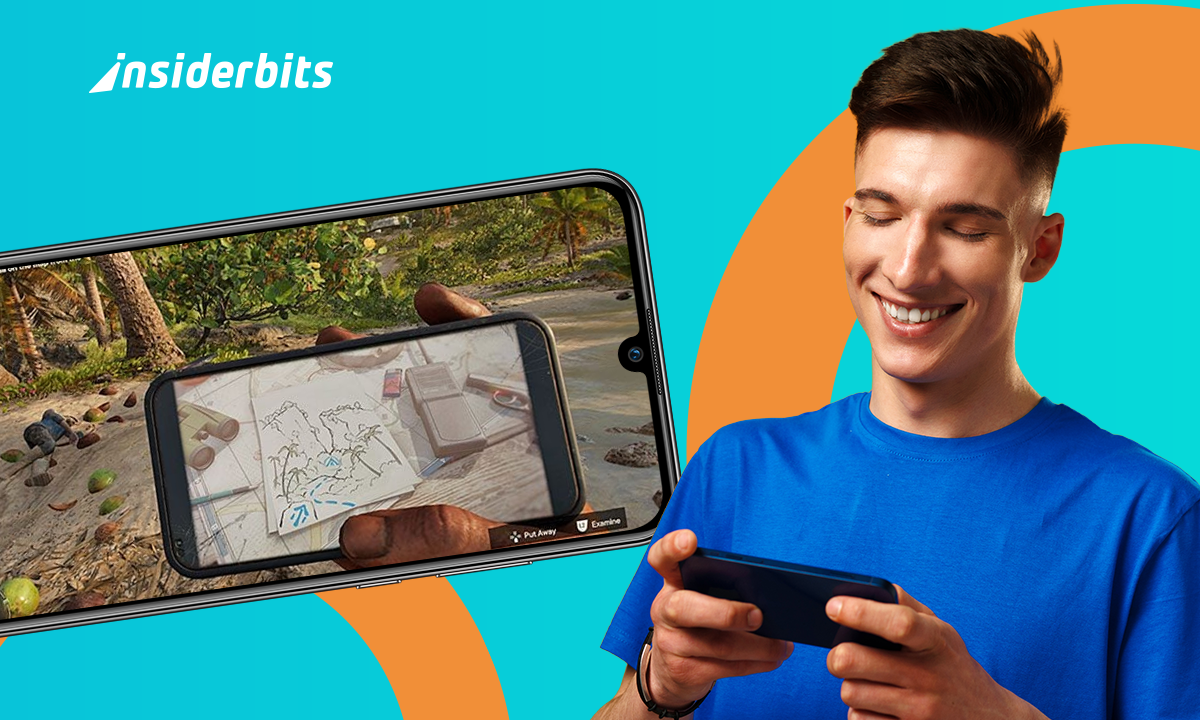
Ways to Play Far Cry on Mobile Without a Dedicated App
Playing Far Cry on a phone might sound impossible, but it makes sense for anyone short on time or away from their console. You don’t need to miss out!
Even without an official mobile app, there are real ways to make it work. Cloud gaming, remote play, and clever tweaks bring the full experience to your hands.
Insiderbits explains how to set it all up. We guide you through each step so you can start playing Far Cry mobile without stress or confusion.
Best Platforms to Stream Far Cry on Your Smartphone
Streaming Far Cry straight to your smartphone puts full missions, chaotic shootouts, and intense choices directly in your hands without needing a console or expensive hardware setup:
Explore Amazon Luna for access to select Far Cry games. Once signed in, just tap to play and stream each mission straight from the cloud to your phone.
Open NVIDIA GeForce NOW and link your Ubisoft account. Launch Far Cry instantly from your library and play using on-screen controls or a connected gamepad;
Activate Xbox Cloud Gaming with Game Pass Ultimate. Far Cry titles in the catalog stream directly to your phone without downloading large files or using extra storage;
Use Steam Link to mirror Far Cry from your PC. Once connected to strong Wi-Fi, your phone becomes a live window into your running desktop game;
Launch PS Remote Play if you already own Far Cry on PlayStation. Connect your console and jump back into action anytime using mobile-friendly remote access;
PRO ADVICE: OPTIMIZE YOUR TOUCH CONTROLS BEFORE STARTING MISSIONS
Custom controls give you an advantage that presets rarely match. Adjust sensitivity, button placement, and camera speed until they feel natural. Quick reactions during firefights or vehicle chases depend on controls tailored to you. A short setup session creates smoother movement, faster aiming, and fewer mistakes when action heats up, helping you enjoy Far Cry on mobile with greater control.
Ce dont vous avez besoin
Far Cry on mobile requires a few preparations before diving into missions. With these elements in place, the experience feels sharper and more rewarding from the very first moment.

A compatible device
Phones that meet system requirements handle graphics properly and avoid performance drops.

Game account access
Profiles track mission progress, achievements, and rewards across devices securely.

Stable internet connection
Strong connectivity supports reliable downloads, updates, and consistent multiplayer matches.

Enough storage space
Sufficient memory prevents interruptions and keeps mission progress secure.

Controller or optimized touch layout
Custom setups provide faster aim, tighter control, and smoother handling during missions.
WARNING: SAVE PROGRESS FREQUENTLY
Far Cry missions may last longer than expected, and mobile devices can be unpredictable. Sudden app crashes, battery drain, or network drops may wipe progress instantly. Use manual saves whenever available and confirm auto-save is working. Consistent saving avoids frustration and keeps those hard-earned victories safe.
Conclusion
Far Cry on mobile turns every mission into a chance to test your limits and sharpen your skills. With preparation and Insiderbits guidance, each session becomes more rewarding, pulling you deeper into landscapes filled with danger and discovery. Stay connected with us, and keep turning ordinary moments into extraordinary adventures that fit right into your hands.
FAQ
Is there an official Far Cry mobile game?
No official standalone Far Cry exists for mobile. However, players can stream the full series on phones through cloud gaming services, enjoying the same missions, maps, and storylines.
How can I play Far Cry on my phone?
Far Cry streams through cloud gaming services such as GeForce Now or Xbox Cloud Gaming, and Insiderbits highlights how these options turn your device into a battlefield on demand.
Do I need a controller to play Far Cry on mobile?
A controller is not required. The game supports touch controls, but many players prefer using a controller for better aiming and navigation during action-heavy missions and longer play sessions.
What’s the best cloud gaming service for Far Cry?
Both GeForce Now and Xbox Cloud Gaming provide reliable access. The best choice depends on your internet connection, pricing, and personal preference for interface and experience.
Is it free to play Far Cry on a smartphone?
No, Far Cry requires purchase or a subscription through a supported cloud service. Once you have access, gameplay runs fully on your smartphone without additional charges.