
Money trouble piles up fast, and when bills outpace your paycheck, you might wonder if real help exists. USA Gov has a missing benefits tool that can bring the support you need right now.
In this article, Idées reçues shows how to search what applies to you, sidestep mistakes, and even find loans and life insurance worth considering. Your next bit of relief is one click away!
En rapport : Benefits for Immigrants With Children: What You Can Claim
How does the missing benefits tool work?
You probably picture government programs as buried paperwork and long phone calls, but the benefit finder cuts through that, turning hours of searching into something simple and quick.
It works by asking a handful of questions about your age, household, and the help you need. Based on those answers, this missing benefits tool builds your list.
You don’t need to know which agency runs what, since the website sorts that for you. You bring your situation, and it brings back options made for you.
Uncover programs you never considered
Most people only know about the benefits their friends or family mentioned, so a lot of aid goes unnoticed. Programs for disability, retirement, or losing someone rarely come up in talk.
The tool lays out categories you’d never think to search for, covering housing, education, and disaster relief. You get a full picture tailored to your own life situation.
Save hours of scattered online searching
Trying to track down government help by yourself often means opening a dozen browser tabs and bouncing between agency pages, never quite sure if you landed on the right one.
This tool gathers every relevant program in one place, organized around your specific life event rather than spread across dozens of unrelated government websites you’d have to dig through.
Get pointed straight to official applications
The missing benefits tool only links to official government pages, so you never have to wonder whether you landed on a legitimate site or one trying to charge you money.
Every result takes you straight to the real application on a .gov page, completely free to use, so there’s no middleman standing between you and the program you’re after.
Step-by-step: how to search for benefits online
Looking for government assistance shouldn’t feel like chasing rumors or piecing together advice from people who might not even have the full picture themselves about your situation.
The process is actually pretty simple once you know where to look, and you can finish the entire process from your phone or laptop without leaving your house at all.
This walkthrough covers everything you need, from opening the missing benefits tool to landing on the program page where you submit your application and wait for a response.
Step 1: visit the official benefit finder website
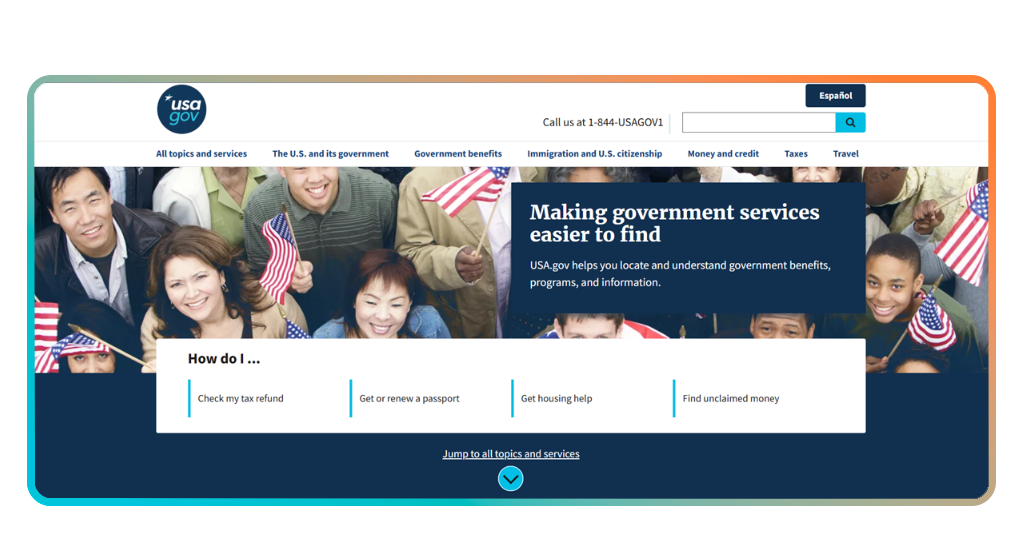
Open your browser and head to https://www.usa.gov/, the federal government’s main hub for finding services, programs, and resources without sorting through random search results first.
Once you’re there, look for the benefit finder link near the top of the page, and click through to start the questionnaire that leads to your personalized results.
Step 2: pick your life event or category
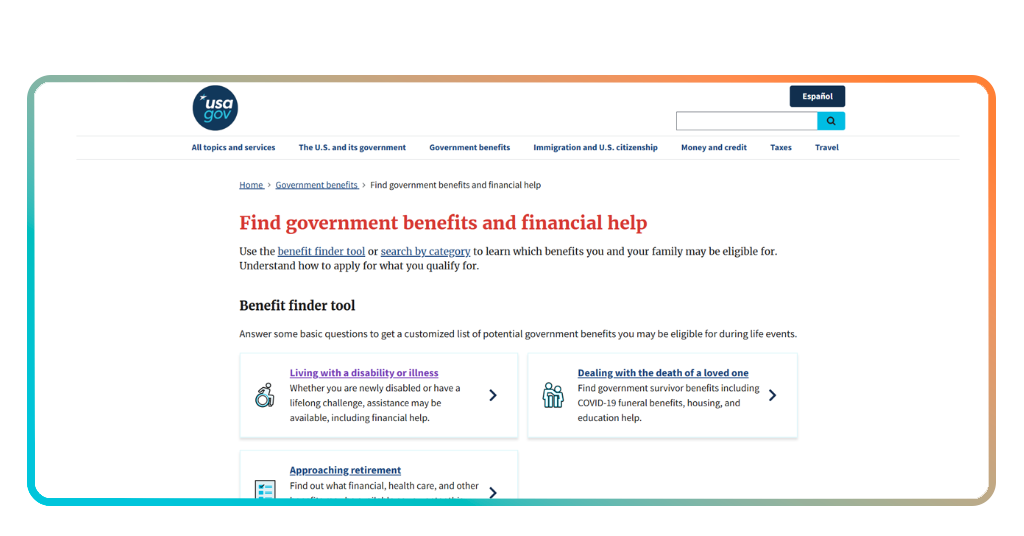
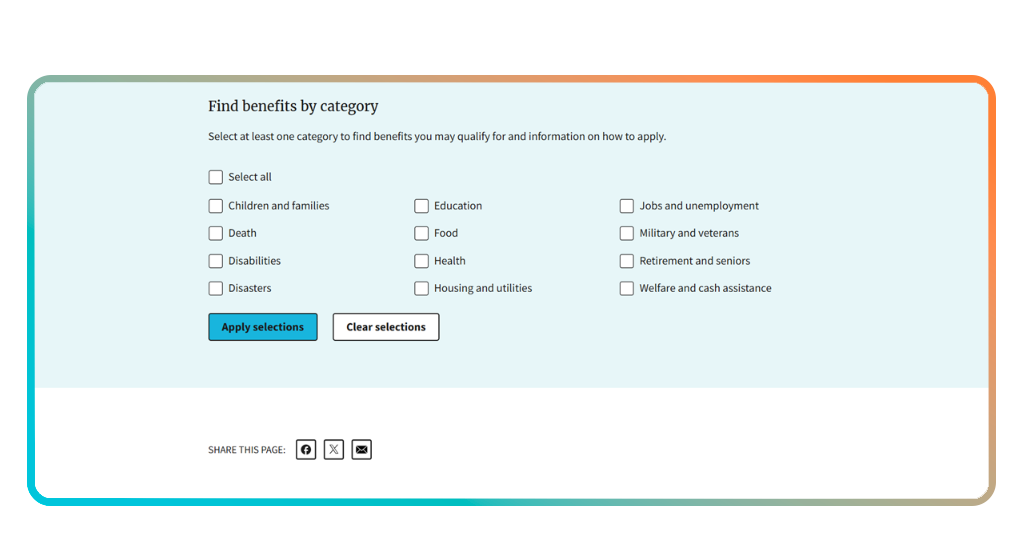
You’ll see a short list of major life events like disability, retirement, or losing someone close to you, along with broader categories covering housing, food, and education.
Choose whichever option fits your current situation best, since this choice shapes the questions you’ll answer next and narrows down which programs show up later.
Step 3: answer the eligibility questions
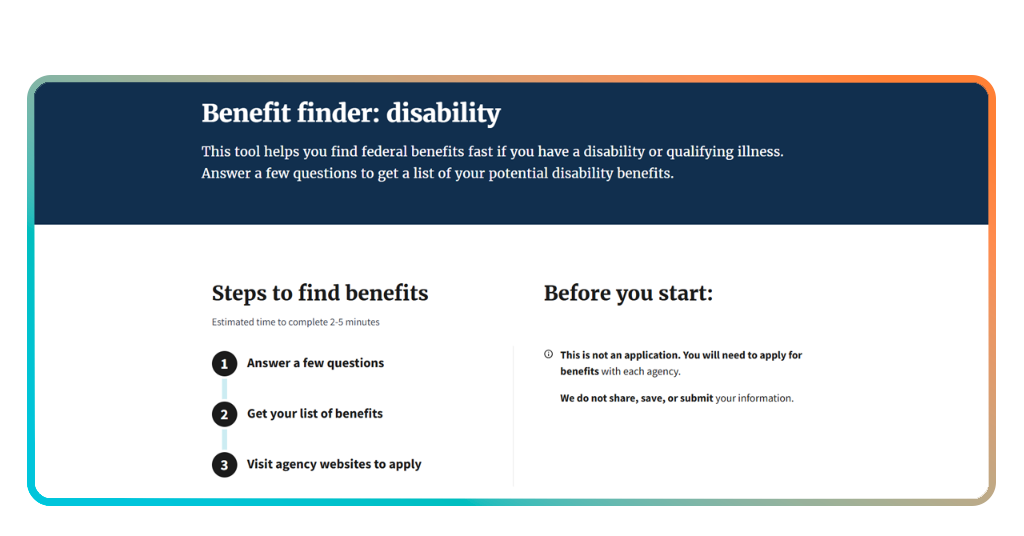
If you choose a major event, such as ‘disability’, the site will ask a handful of questions about your age, marital status, citizenship, and circumstances, all designed to figure out if you qualify.
Take your time here and answer honestly, since this missing benefits tool relies on accurate details to build an answer that could truly change your current situation.
Step 4: review your results and apply
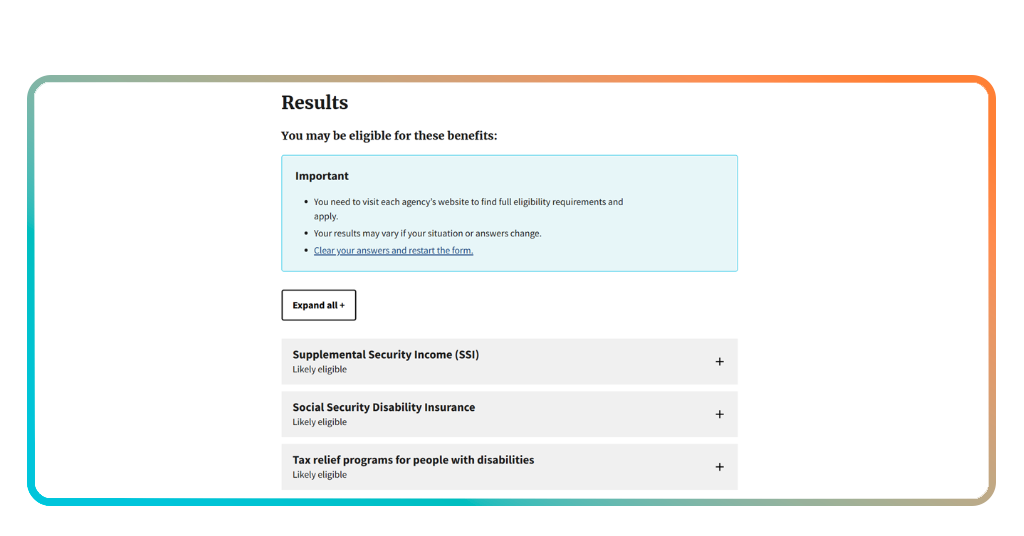
Once you submit your answers, you’ll get a list of programs matched to your circumstances, each one explained briefly so you understand what it offers before clicking further.
Click into any program that interests you, and you’ll land on the official application page where you can start the process right then and there.
En rapport : Changes to Social Security in 2026: new rules for benefits
Common mistakes to avoid when applying
Filling out applications for government programs comes with a learning curve, and plenty of people stumble over small details that end up costing them time or leading to a denial.
Most of these slip-ups have nothing to do with whether someone qualifies, since they happen during the process itself rather than from a lack of eligibility on paper.
Avoiding them takes a bit of attention and patience, and once you know what to watch for, the missing benefits tool becomes much easier to use the right way.
Skipping categories that seem irrelevant
People often glance at a category and assume it doesn’t apply to them, when in reality the programs listed underneath cover situations far broader than the title suggests.
Take a moment to open categories you’d normally scroll past, since you might find a program tucked inside that fits your circumstances better than anything you expected.
Missing required documents on file
Applications can stall out simply because someone forgot to attach a document the program required, like proof of income, a birth certificate, or recent tax paperwork.
Gather your documents ahead of time and keep digital copies saved somewhere easy to reach, so you’re not scrambling to find paperwork once you’re already mid-application.
Waiting until the deadline approaches
A lot of the available programs work on limited funding or strict cutoff dates, and applying at the last minute leaves little room to fix mistakes or resubmit anything missing.
To avoid this mistake, once the missing benefits tool points you toward a program, apply as soon as you can rather than letting the deadline creep up while you put it off.
Best online personal loans for fast financial relief
Government programs take time to process, and while you wait for approval, bills don’t pause just because help is on the way through official channels.
That’s where personal loans come into play, giving you breathing room to cover rent, utilities, or any urgent expense without putting your finances on hold.
If the missing benefits tool pointed you toward programs that take weeks to kick in, a personal loan can cover what you need right now.
Upstart Personal Loans
Upstart looks past your credit score alone, factoring in your education and work history to decide what you qualify for and at what rate.
Loan amounts range from $ 1,000 to $ 75,000, with fixed rates between 6.2% and 35.99%, and checking your rate won’t affect your credit score at all.
Avant Personal Loans
Avant keeps things simple with loans from $ 2,000 to $ 35,000, designed for people who need a manageable amount without an overly complicated approval process.
Rates run from 9.95% to 35.99% APR, and most approved borrowers receive their funds the next business day after accepting their loan offer.
LightStream Personal Loans
LightStream caters to borrowers with strong credit, offering loans from $ 5,000 up to $ 100,000 with some of the lowest rates among online lenders.
If another lender beats your approved rate, LightStream will match it and lower yours by 0.10 percentage points through their rate guarantee program.
En rapport : Apply for unemployment benefits online
Affordable life insurance options to secure your family
Losing someone close to you brings emotional weight, but it also brings financial pressure that government programs alone usually can’t cover in full.
Survivor benefits help with certain costs, yet most families still face gaps in income, mortgage payments, or daily expenses once that support runs out.
If the missing benefits tool led you to survivor programs already, life insurance fills in what those programs don’t reach for your loved ones.
Symetra
Symetra offers SwiftTerm, a fully online policy that gets you approved in as little as 18 minutes for straightforward applications without a medical exam.
Coverage ranges from $ 100,000 to $ 5 million across terms of 10, 15, 20, or 30 years, with premiums locked in for the entire term.
Pacific Life
Pacific Life has built its reputation over nearly 160 years, backing term policies through licensed financial professionals rather than a fully automated online process.
While the missing benefits tool handles government programs on your own, Pacific Life pairs you with someone who walks through your options in person.
Penn Mutual
Penn Mutual works as a mutual company, meaning policyholders share in profits through dividends paid out every year since the company started in 1847.
Their convertible term policies let you switch to permanent coverage later without new medical underwriting, giving you flexibility as your needs change over time.
Turning overlooked programs into real support
You now have a path toward support you might’ve missed, along with options that fit your situation, whether you need government aid, a personal loan, or life coverage.
In this guide, Idées reçues showed you how a missing benefits tool can help you find programs you qualify for, plus a few personal loans and life insurance options.
Browse more Idées reçues articles for other ways to track down government benefits, stretch your budget further, and protect the people who depend on you most.