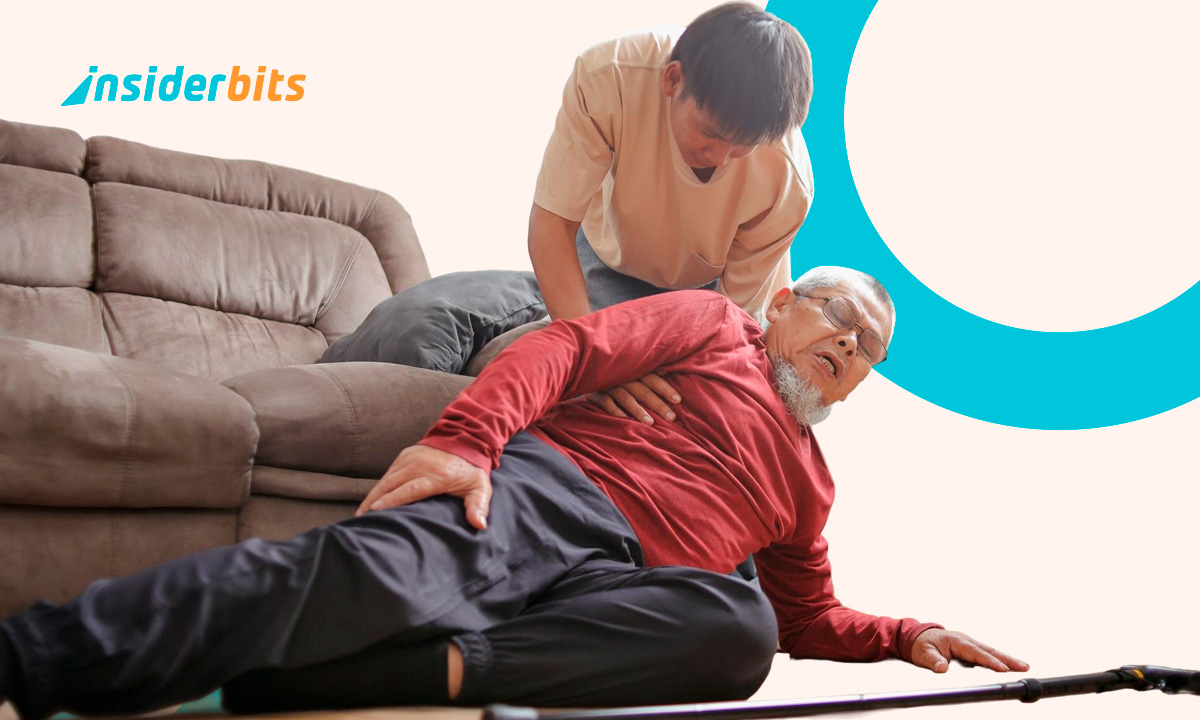
Imagine the nightmare scenario: your aging parent is home alone, they lose their balance in the hallway, and they can’t reach the phone to call for help, which is exactly where fall detection becomes critical. For millions of families, this is not just a “what if”, but a daily source of crippling anxiety. In fact, 1 in 4 adults over 65 falls every year, making it the leading cause of injury-related emergency room visits for seniors.
Well, while the world is obsessed with the latest AI for making memes, the real “deal” is happening in safety tech. You no longer need to force your loved ones to wear a clunky, stigmatized “help” button around their neck like a leash. Modern fall detection evolved into an invisible AI guardian that lives right inside a smartphone or tablet, so existing tech can turn into life-saving monitors. Learn this and more on Insiderbits.
What a fall detection device is and what it does
In the simplest terms, a fall detection system is an automated insurance policy for your physical safety.
Traditional systems used basic accelerometers in pendants, but the latest generation of tech—like that offered by Medical Guardian—utilizes sophisticated triaxial accelerometers and AI movement analysis.
And because of that, they can distinguish between a “hard fall” and someone simply sitting down quickly on the sofa.
These systems monitor for three specific variables: vibrations at the waist, head-to-toe orientation, and posterior upward movement.
If the AI senses an abrupt, anomalous change in these patterns, it triggers an alert, working even if the person is unconscious or unable to speak.
The device “knows” something is wrong and initiates a call to a 24/7 monitoring center automatically.
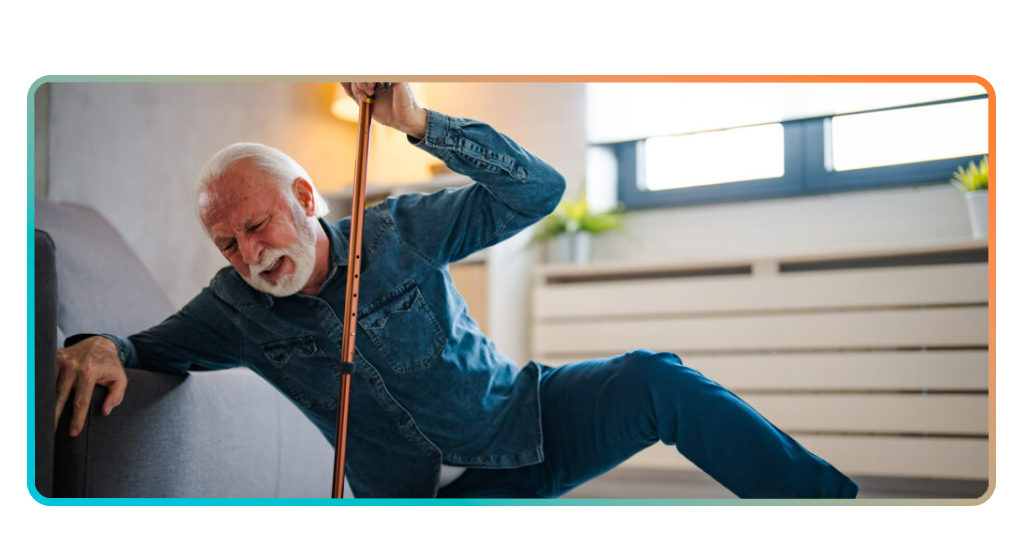
Step-by-step: how to set up a fall detection device
Setting up a modern safety net is surprisingly low-tech for the user.
Whether you’re using a device like the MGHome Cellular ($37.95/mo), the MGMini ($39.95/mo), the MGMove smartwatch ($39.95/mo), or an AI-powered app, the process follows a simple logic:
Step 1: placement is key
For home-based units, place the base station in a central area. For mobile users, ensure the MGMini or MGMove is charged (the Mini lasts up to 5 days, while the Move watch needs a daily 24-hour charge cycle).
Step 2: calibration
Most AI systems calibrate to the user’s height and movement style during the initial setup to reduce false alarms.
Step 3: the “shower test”
Since the bathroom is the #1 place for falls, ensure the device is water-resistant. Medical Guardian devices are “shower safe,” meaning they should be worn even while bathing.
Step 4: emergency contact list
Define who gets notified first—the monitoring center, a family member, or local EMS.
Step 5: test the connection
Every setup should begin with a manual test button press to ensure the signal is reaching the operators.
Setup time, response speed, and notification alerts
When it comes to fall detection, speed is the only metric that matters. Medical alert systems are designed to bridge the “Golden Hour”—the critical window where medical intervention is most effective after an injury.
- Setup time: most systems are “plug and play,” taking less than 15 minutes to go live
- Response speed: once a fall is detected, the device usually waits 15-30 seconds to allow for a manual cancellation (in case you just dropped the device). If not canceled, a Life Safety Consultant typically responds within 30 to 45 seconds
- Notification alerts: if a fall is confirmed, the system sends an instant notification to a pre-defined “circle of care” via SMS or a dedicated app, keeping the whole family in the loop in real-time
Common mistakes to avoid when using a fall detector
Even the best AI can be thwarted by human error. If you want 99% accuracy, avoid these common pitfalls:
Forgetting the charger: a dead battery is the same as having no protection. The MGMove watch is great for active seniors, but it requires a 24-hour charging routine;
Hiding the device under heavy clothing: while devices can be worn under a shirt, burying a fall detector under multiple thick winter layers can occasionally muffle the sensors or make the manual button hard to reach;
The “false alarm” panic: many seniors avoid using the device because they are afraid of “bothering” the operators with a false alarm. It is vital to explain that false alarms are expected and easily canceled;
Taking it off at night: many falls occur during late-night trips to the bathroom. The device should be within arm’s reach or worn (if it’s a wristband) 24/7.
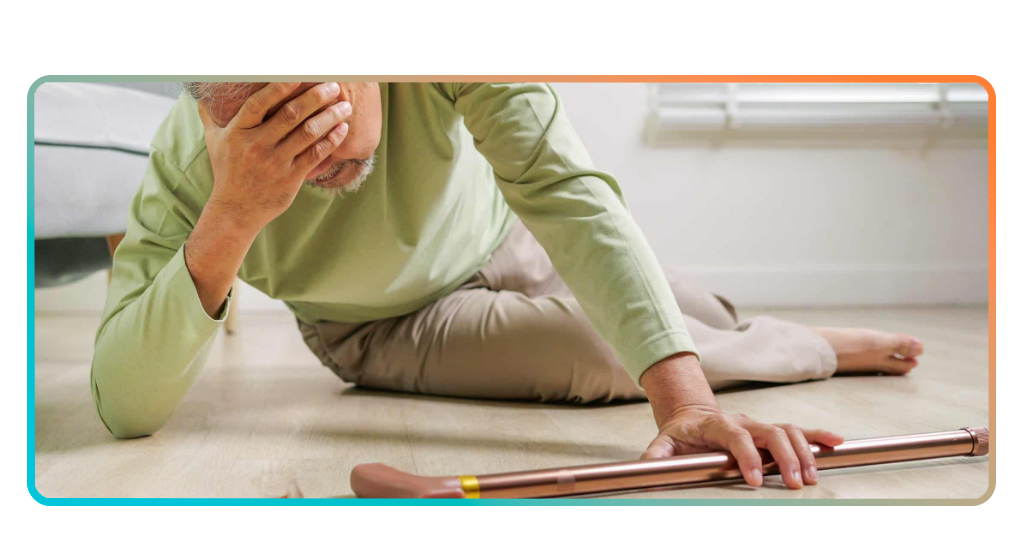
Other ways to protect your family
Fall detection is a reactive tool, but a total safety strategy should be proactive. Beyond the tech, consider these protective layers:
- Home modification: remove “trip hazards” like throw rugs and install grab bars in the bathroom. The National Institute on Aging highlights that simple lighting upgrades can reduce fall risks by up to 30%;
- Digital security: seniors are targets for more than just physical falls. Protecting their “digital health” is just as important; check out these tips on stopping senior scams and identity protection to ensure their finances are as safe as their physical person;
- Medication reviews: some sedatives and blood pressure medications increase dizziness. A quick chat with a doctor can identify meds that might be contributing to a “high-risk” fall profile.
The price of peace of mind
How much is it worth to know your parents are safe while you’re at work?
For most, the monthly cost—ranging from $37.95/mo for MGHome to $39.95/mo for the MGMini—is a small price to pay for avoiding the trauma of a “long lie” (lying on the floor for hours after a fall).
We now have the tools to ensure no senior has to feel alone in an emergency.
So if you choose a wearable watch or a cellular home base, the goal of fall detection is simple: to give seniors back their independence and give their families back their sleep. Don’t wait for a fall to happen; set up the guardian.