Your calendar is full, your inbox keeps growing, and somehow the real work always starts late in the day. The cycle is exhausting because too much of your time is consumed by manual repetition, but AI productivity tools can change that dynamic by operating as digital assistants that handle transcription, summaries, and organization automatically.
The real opportunity is not working more, but working smarter. When you are able to recover even ten hours weekly, it can mean deeper focus and more time for strategic thinking. Well, if your routine feels buried under administrative noise, this is where intelligent automation begins to pay off.

4.7/5
How to Save 10 Hours Weekly Using AI Productivity Tools Like Otter.ai
In order to save several hours each week, start by calculating how much time meetings truly consume.
You may waste one hour in the call, another thirty minutes rewriting notes, fifteen more clarifying action items, plus scattered follow-ups across email and chat.
Then you multiply that by five or six meetings, and you are easily approaching a full workday lost to documentation alone.
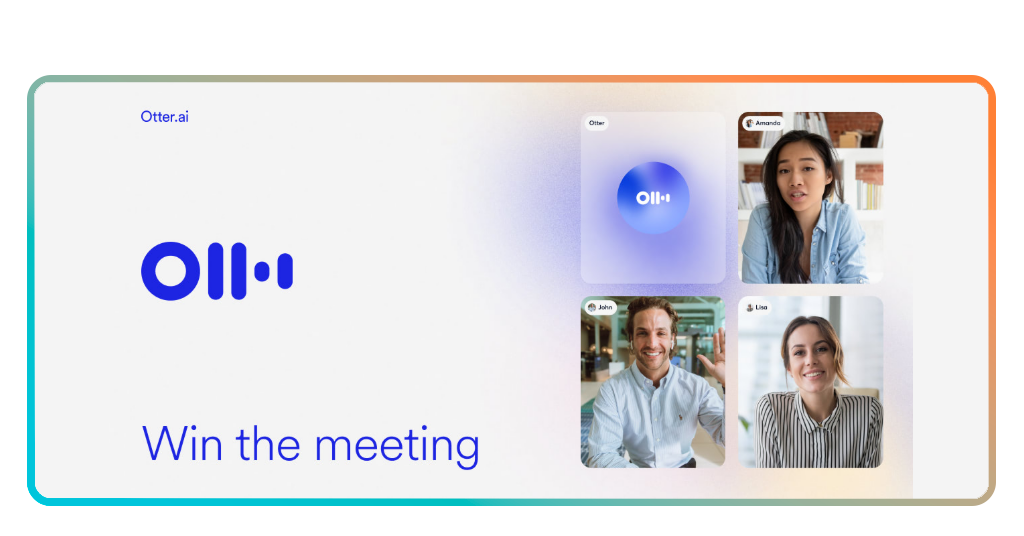
This is the exact moment when Otter.ai (iOS/Android) shows up as your assistant that will organize everything for you without complaining.
This AI productivity tool records conversations in real time, generates searchable transcripts, edits highlights, and produces summaries automatically.
Mit Otter.ai, there’s no need to split your attention between listening and typing. You stay fully present in the discussion while the AI captures everything in the background.
Over the course of a week, you will feel how these features eliminate repetitive writing and prevent forgotten commitments.
Otter.ai is one among the AI productivity tools that doesn’t change the number of meetings you attend, but drastically reduces the friction surrounding them.
- 5 AI Tools That Feel Like Cheating (Get Viral Ideas & 1-Click Edits)
- 5 AI Tools You Should Know Before Everyone Else Does
- 6 coole KI-Tools für das iPhone, während Sie auf Apple-OpenAI warten
Setting Up Otter.ai to Automate Your Meeting Notes and Action Items
Getting started with Otter.ai takes only a few minutes, but the impact is felt across every meeting you attend.
Once you create an account on the Website or install the app on Android oder iOS, it guides you through connecting your calendar so it can automatically join scheduled meetings.
After integration, Otter can automatically enter virtual meetings as a participant, and you no longer need to remember to press record to capture key points while others are speaking.
To maximize efficiency, enable automatic summary features and review how action items are highlighted within the transcript.
You can also organize transcripts into folders by project or client, transforming meeting records into a searchable knowledge base.
And when a question arises weeks later, for example, you simply search keywords and instantly have that old and forgotten note in your hands.
After you set up these AI productivity tools, they run in the background while you focus on the discussion.
The result is a workflow where documentation happens automatically and your cognitive load drops significantly.
Why Modern Professionals Are Using AI to Master Their Workload
Since remote jobs and the expansion of digital tools, the modern workday is focused more on constant switching between meetings, messages, documents, and deadlines.
With that, even highly organized professionals struggle to maintain simplicity when administrative tasks multiply faster than strategic priorities.
Therefore, AI Productivity Tools are gaining space because they absorb repetitive tasks that drain attention. Of course, this reallocation does not reduce human value. It amplifies it.
When artificial intelligence manages documentation and organization, managers can concentrate on the most important decisions and on their leadership.
That’s the main reason why modern professionals are adopting AI productivity tools. They are capable of restoring control and creating systems that protect focus.
Reclaiming Your Time: Your New AI-Driven Daily Workflow
Firstly, imagine starting your day without the mental weight of unfinished meeting notes or facing random action items from yesterday.
Well, you can change that through an AI-driven workflow, where documentation and organization happen automatically and your attention is reserved for higher-value thinking.
With Otter.ai (iOS/Android) running in the background, summaries are already there and responsibilities are visible.
Then, you notice your daily rhythm changing significantly, with no need to allocate extra time to rewrite notes or confirm who agreed to what.
All you need to do is review the AI-generated summary, make quick adjustments if needed, and move forward.
Over weeks, you’ll feel less cognitive overload, which means better focus. Reclaiming time is always about removing unnecessary repetition so you operate where it matters most.
4.7/5
AI Productivity Tools: Stop Wasting Time and Master Your Workflow – Conclusion
We all know time is the one resource that never expands, still, a lot of professionals lose hours every week to tasks that add little strategic value.
Heute, Insiderwissen showed how AI productivity tools can change that. The hours you recover are opportunities for deeper focus and better performance.
Otter.ai demonstrates how artificial intelligence can reclaim hours and transform how you experience your workday. Once you feel the difference, going back will not be easy.
Verwandt: Never Miss a Task Again with This Deadline Tracker
Enjoyed this article? Save Insiderwissen to your favorites and discover the most useful tech tips!