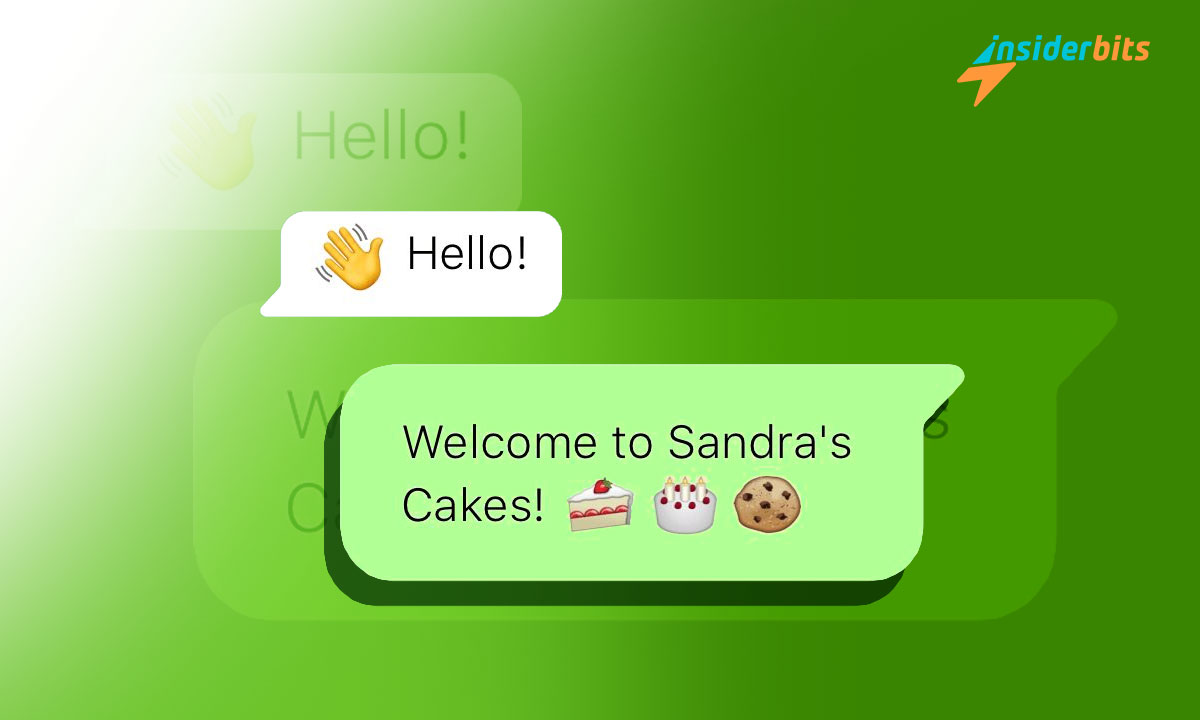
With the use of smartphones, smartwatches, and every kind of technology, staying responsive and having automatic replies on WhatsApp is crucial for maintaining strong customer and friendly relationships.
However, being attentive to multiple conversations can be a difficult task, especially when you’re temporarily unavailable. That’s where automatic replies on WhatsApp come into play.
This feature was created to send pre-programmed messages automatically whenever you’re unable to respond immediately. Read the article below to understand that automatic replies on WhatsApp can save time and also enhance the overall customer experience.
What Are Automatic Replies on WhatsApp Feature?
Automatic replies on WhatsApp are predefined messages that are sent automatically when you’re too busy and unable to respond instantly to your customers, friends, or family.
These messages serve as customer service until you can personally address the issue at hand. Essentially, the automatic replies act as your virtual assistant, ensuring that customers will get some answers even when you’re occupied elsewhere.
This feature is particularly useful for businesses aiming to provide exceptional customer service despite operational constraints.
Who Can Use Automatic Replies on WhatsApp?
Everyone can use this WhatsApp feature, but it’s more common to implement automated responses for businesses that deal with many customers at once.
So, implementing automatic replies on WhatsApp can bring numerous benefits that will be helpful to both businesses and individuals.
Improve Customer Service
By responding promptly, even if it’s just a simple reply, an auto-message sets clear expectations regarding response times. Customers appreciate transparency and immediacy in communication, which boosts trust in your brand or persona.
Save Valuable Time
Manual responses consume significant amounts of time. Auto-replies free up valuable resources allowing you to focus on critical tasks rather than repetitive messaging tasks.
Enhance Communication Consistency
Consistent communication patterns are vital for maintaining professionalism across various channels including social media platforms like WhatsApp Business accounts or standard user profiles alike. Automated responses help maintain consistency even during periods when human interaction isn’t possible.
How to Set Up Automatic Replies on WhatsApp?
- If you haven’t already, download the WhatsApp Business app from the Google Play Store or Apple App Store.
- Open the WhatsApp Business app and tap on the three vertical dots in the top-right corner (Android) or go to Settings (iOS).
- From the menu, select Business Tools and then choose Away Message.
- Toggle the option for Send Away Message to turn it on. Tap on the message to edit your auto-reply text.
- Choose when you want the automatic replies to be sent—options include Always send, Custom schedule, or Outside of business hours.
- After composing your message and setting your schedule, save your settings by tapping the checkmark or Save button.
Using Third-Party Apps for Automatic Replies on WhatsApp
If you’re using regular WhatsApp and want similar functionality, consider third-party apps like AutoResponder.
- Download AutoResponder from the Google Play Store.
- Open the app and configure your auto-reply settings according to your preferences.
- Test it out by sending yourself a message from another account to ensure it works as intended.
Boosting Efficiency and Customer Service Using Automatic Replies on WhatsApp – Conclusion
Setting up automatic replies on WhatsApp can make your communication with friends, and family easier and also enhance your customer service.
As you explore the various options for automatic replies, remember to personalize your messages to reflect your unique voice or brand identity.
With just a few simple steps, you can set up automatic replies that not only streamline your communication but also enhance the overall experience for everyone involved.
Verwandt: How to Have Multiple WhatsApp Accounts on the Same Phone?
Hat Ihnen dieser Artikel gefallen? Fügen Sie den Insiderbits-Blog zu Ihren Favoriten hinzu und besuchen Sie uns, wann immer Sie neue und spannende Informationen über Technologie und vieles mehr erfahren möchten.