
Scrolling before bed keeps your brain alert longer than it should. A blue light filter helps quiet that stimulation without forcing a full break from your nightly routine.
Twilight is an Android app that gradually adjusts your screen based on sunset. Its red-toned filter helps protect melatonin production and supports healthier sleep patterns each night.
This guide by Insiderbits shows how Twilight works in everyday use, why that matters for your sleep, and how it truly helps you wake up rested tomorrow.
Verwandt: Beyond the Screens: Protect Your Eye Health With Apps
How screen glare tricks your brain into staying awake
Your phone isn’t just lighting up the room at night. That glow tells your brain it’s still daytime, which delays natural signals that help you unwind.
This confusion starts in your eyes. Specialized cells detect brightness and color temperature, sending signals to your brain that can interfere with your natural sense of time and sleep.
Without adjusting screen settings, your body keeps producing wakefulness cues. Using a blue light filter helps intercept that signal early so your brain knows when to slow down.
Blue wavelengths that delay melatonin release
Melatonin is your internal sleep switch. It rises when darkness falls, nudging your body toward rest. Blue light exposure keeps that hormone from rising when it should.
Devices emit light that closely mimics morning sun. When your eyes catch this light before bed, melatonin release is postponed and your sleep rhythm starts to shift unnaturally.
Your eyes react as if it’s daytime
The sensors in your retina tell your brain when it’s morning based on color and intensity. At night, screens trigger this response even in complete darkness.
Your brain listens to your eyes more than the clock. When brightness and blue tones dominate your environment, your body delays the wind-down it naturally depends on.
Why brightness alone doesn’t solve the problem
Lowering your screen brightness helps a little, but without a blue light filter, your phone still emits enough disruptive light to confuse your internal rhythm.
To block blue light instantly and effectively, you need color shifting that cuts through the spectrum. Dimming helps, but alone it won’t support true melatonin recovery.
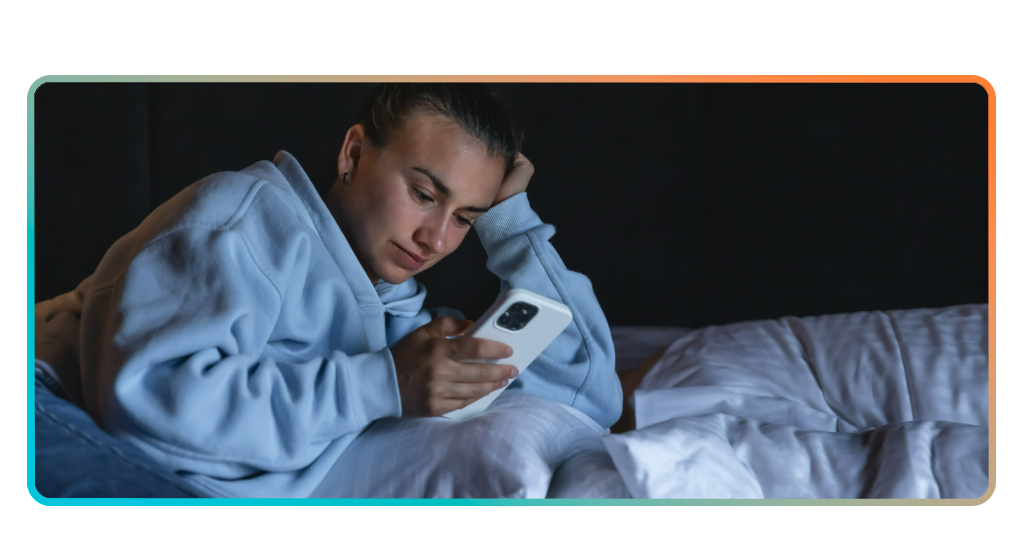
Improving rest with a dedicated blue light filter app
| Preisgestaltung: | Kostenlos, mit In-App-Käufen erhältlich. |
| Verfügbar für: | Android. |
Screens before bed delay rest, but the Twilight app works with your sleep cycle. It gradually adjusts screen tones to help your body wind down naturally.
Twilight filters harsh wavelengths by syncing with your local sunset. As daylight fades, it overlays a warm red tone that reduces stimulation without interfering with screen use.
By replacing intense hues with gentler tones, this blue light filter creates a better environment for melatonin production. It supports calm evenings and helps you sleep better tonight.

4.6/5
Blocking blue light for melatonin balance
Light-sensitive cells in your eyes respond to specific colors. When they detect cooler tones, they tell your brain to stay alert and delay melatonin release significantly.
Twilight reduces this disruption by blocking the wavelengths that interrupt your natural rhythm. That allows melatonin levels to rise at night instead of being suppressed by screen exposure.
The science behind circadian rhythm shifts
Your circadian rhythm runs on light and dark cues. Artificial brightness close to bedtime resets this internal clock and may delay your sense of nighttime by hours.
By mimicking natural sunset transitions, Twilight supports your biological rhythm. It shifts your screen gradually so your brain doesn’t misinterpret evening hours as daytime stimulation.
Twilight as a tool for daily recovery
Installing a blue light filter like Twilight gives you more than comfort. It creates consistency in how your body responds to light every single night.
By aligning with sunset times and adjusting screen warmth automatically, Twilight builds a healthier routine. It helps reduce sleep delays and promotes real nighttime recovery.
Verwandt: How to use white noise apps to improve focus and sleep
Customizing color warmth beyond standard system settings
Most phones offer a limited version of night mode, but those presets rarely match what sensitive eyes need. Twilight gives you full control over screen warmth.
The app goes beyond factory limits, letting you adjust red intensity manually. This feature is essential for those who need more than a subtle visual shift at night.
By using Twilight instead of built-in settings, you apply a blue light filter that works in real time. It helps reduce late-night stimulation and stop eye strain now.
Why Adaptive Color Tone isn’t red enough
Adaptive Color Tone may look warmer, but it leaves a lot of blue behind. That leftover light continues to affect your sleep even at lower brightness.
Twilight removes more of the disruptive wavelengths by default. Its filter goes deeper into the red spectrum, creating a visual tone that feels gentler and more effective.
Twilight’s deeper filter for light sensitivity
People who experience migraines or visual overstimulation need more than casual filtering. Twilight provides a solution with stronger visual adjustments tailored for extreme light sensitivity.
Unlike generic modes, the app accounts for how your eyes respond in real conditions. The result is better nighttime comfort and fewer symptoms triggered by screen exposure.
Fine-tuning red intensity for your screen
Custom levels matter when filtering screens. A blue light filter becomes more effective when users set exact color warmth, matching comfort levels instead of relying on presets.
Twilight allows precise control over how red your screen becomes. This gives you the flexibility to adjust based on your environment, screen type, and personal needs.
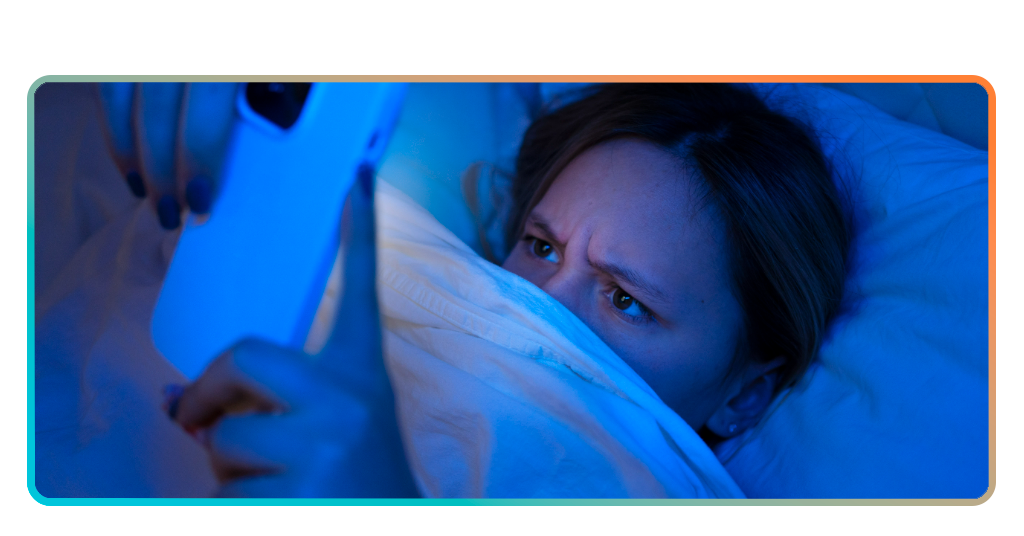
Scheduling auto-dimming to match your circadian rhythm
Your sleep cycle depends on natural light cues. Twilight helps restore those cues by dimming your screen gradually as the sun disappears from your environment.
Instead of relying on manual changes, the app uses your location to adjust brightness automatically. This keeps screen intensity aligned with how your body expects to wind down.
By applying a blue light filter based on sunset and sunrise times, Twilight supports your biological rhythm with more consistency than basic nighttime display modes provide.
Syncing your filter with local sunset
Twilight uses your GPS to track sunset in real time. This allows the screen to shift gently as the natural light outside starts to disappear.
This kind of sync makes transitions less jarring. The change feels natural, which gives your body better cues to begin slowing down at the end of the day.
Automating transitions using Tasker support
Twilight integrates with Tasker to help you create automation routines. You decide when filters activate, how intense they become, and what conditions trigger each transition.
You can tie Twilight’s adjustments to personal schedules. This lets your screen behave predictably across different routines while still protecting sleep regardless of daily changes.
Keeping your sleep rhythm consistent nightly
Even minor disruptions to your schedule confuse the brain. Using a blue light filter that adjusts automatically helps maintain your internal rhythm every single evening.
Twilight gives your body the signals it expects. That consistency builds sleep habits that feel natural, making rest easier to maintain in the long run.
Verwandt: Sleep Syncing Trend: The New Way to Rest Better
Reducing eye strain and headaches for late readers
Late-night screen use puts pressure on your eyes, especially when the room is dark. That contrast creates tension, which can lead to headaches and fatigue.
Twilight reduces this strain by filtering harsh tones and dimming your screen beyond system defaults. It softens the lighting, easing the impact on sensitive or tired eyes.
A blue light filter helps prevent overstimulation during evening reading sessions. It supports longer screen time without discomfort, keeping your focus steady while protecting visual rest.
Dimming below factory screen limits
Most devices stop dimming at a set point, leaving the screen brighter than needed. Twilight lowers the backlight further without reducing readability or usability.
This added control is valuable in low-light settings. Dimmer screens create less glare and reduce the sharp contrast between the device and the surrounding environment.
Reading comfortably without burning your eyes
Twilight softens text edges and tones by adding a gentle filter. This keeps reading easy while reducing the brightness that causes squinting or tension over time.
With warmer tones and reduced intensity, you can scroll or read longer without eye discomfort. This helps you unwind with screens instead of fighting through glare.
AMOLED screens benefit from balanced filtering
Using a blue light filter with AMOLED panels creates more even light distribution. It lowers harsh contrast while reducing wear on the screen’s illuminated areas.
Twilight’s filtering method prevents hotspots by tinting even dark screen zones. This minimizes overstimulation and improves long-term screen health during consistent nighttime usage.
Let your screen support your sleep
Twilight changes how your screen interacts with your sleep. Its subtle filters, smart timing, and warmth help reduce strain and support rest without disrupting your nightly routine.
This was a guide by Insiderwissen built around the Twilight app and its role as a reliable blue light filter for users looking to take better care at night.
For more articles about tech that encourages healthy habits, keep browsing Insiderwissen. You’ll find tools, apps, and ideas that support your screen time without sacrificing your wellbeing.