
Did you know that a logbook app can be a good tool for truckers who need a dependable way to record driving hours with accuracy? Yes, this tool gives drivers a simple digital alternative that aligns with federal requirements and keeps daily operations organized. There are plenty of professionals that rely on clear tracking tools that prevent mistakes during inspections, and a well-designed logbook app helps maintain precise records while reducing stress during long routes where time management influences schedules and earnings.
With that, you track your hours automatically and avoid costly fines, gaining confidence when using a system that updates hours automatically and presents each shift in a format accepted under DOT standards. In this article, Insiderbits will introduce you to everything you need about this app to stay compliant and stress-free with this free logbook app.

4.7/5
Logbook App for Truckers: Track Hours Easily
To begin with, we can say that a logbook app becomes essential when truckers want to simplify record-keeping.
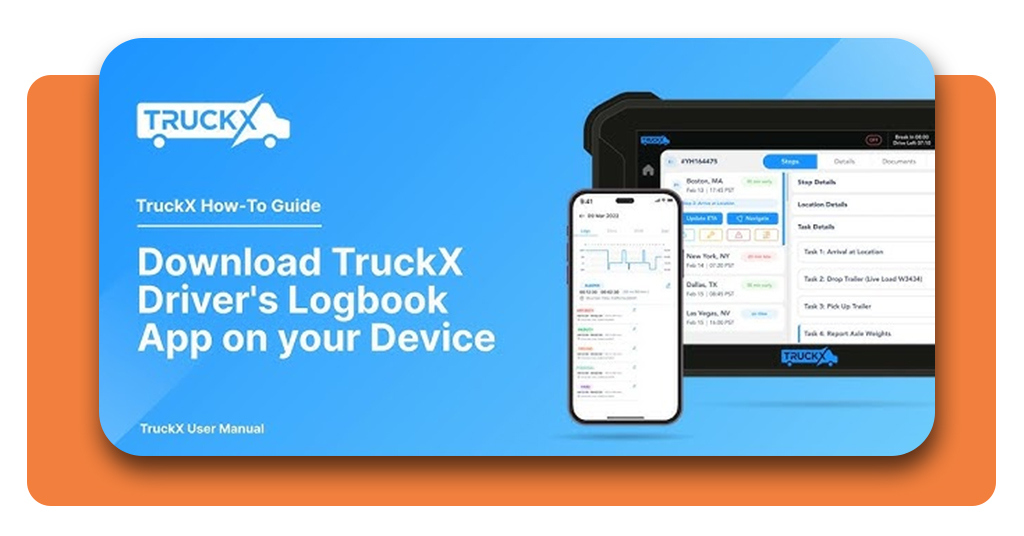
When it comes to tracking records, the app TruckX offers it, blending with a clean interface that captures hours with precision from the moment your shift starts.
Alongside, TruckX keeps your driving and rest periods stored in one location, creating a natural flow that supports schedules during local and long-haul trips.
Drivers enjoy how the app organizes inspections, shifts, and rest breaks into clear categories that match DOT expectations without demanding extra steps.
All that info stored helps to reduce confusion during audits since all data stays visible and easy to verify when officers check compliance.
Lastly, TruckX supports real-time updates that reflect your current duty status, and these adjustments create reliable logs that match your actual work pattern.
- Book Clubs Going Viral: The Trend That’s Redefining Reading
- Book Your Next Flight With the Best Airlines Out There
- 20 Facebook Messenger Hacks, von denen Sie nicht wussten, dass es sie gibt
Step-by-Step: How to Log Driving Hours
- Firstly, you need to download the logbook app directly from the App-Store, if you have an iOS device, or Play Store, if you have an Android;
- Once installed, open the TruckX app to access the dashboard that shows your duty status and current shift data
- Now, tap the status indicator to switch between driving, on-duty, off-duty, or sleeper berth as your schedule changes;
- Confirm your selection so the app records the transition and updates the timeline for your shift;
- Then, enter trip notes when needed to keep inspections, stops, or unusual events properly documented;
- Save your log for the day so your records stay ready for future audits and compliance checks.
Features That Keep You DOT-Compliant
First of all, DOT compliance takes priority for every trucker, and the TruckX logbook app supports this responsibility through an environment that maintains accurate timing across all duty periods.
This way, drivers gain reassurance as the app highlights required rest windows and alerts them when shifts approach critical limits set under federal rules.
The system assembles data into a format recognized during roadside inspections, giving officers clear access to the information they request without delays or confusion.
Moreover, real-time synchronization ensures that logs reflect the current day’s progression even when routes change or schedules shift unexpectedly.
TruckX also stores previous logs in an organized archive, and this helps drivers present older records instantly whenever authorities request documentation during reviews.
Where to Download App
The download process starts when drivers choose their platform, and TruckX offers versions for both iOS and Android through official app stores.
Installation takes only a moment, giving truckers immediate access to a digital logbook designed for clear compliance and simple tracking.
iOS users can download the app from the Apple App Store, where TruckX delivers full ELD features adapted for daily trucking routines.
Meanwhile, Android users find the same structure on Google Play, and the app opens seamlessly on most modern devices.
Once installed, the system connects to your account and displays your log dashboard, giving you instant access to tracking features that assist your daily schedule.
The app strengthens your workflow and encourages consistent organization for each driving period.
4.7/5
Logbook App for Truckers: Track Your Driving Hours for Free – Conclusion
In summary, a logbook app supports truckers with tools that organize hours clearly, store duty shifts accurately, and reduce complications during DOT inspections through reliable digital logs.
TruckX stands out as a free option that offers clear tracking, rapid updates, and an intuitive structure that fits real trucking routines.
Drivers gain smoother management of their schedules through precise data handling, automatic duty adjustments, and accessible archives that store older logs without clutter.
Verwandt: Free online truck driving courses with certificate
Enjoyed this article? Save the Insiderwissen blog to your favorites for the latest tools, creative tech tips, and photo editing breakthroughs.