Ever needed to send a document and realized your photo was “too large”? Or tried to upload a profile picture, only for the website to scream about size limits? We’ve all been there. Oversized images can ruin your workflow faster than a bad Wi-Fi signal. But here’s the good news, you don’t need fancy software to fix it.
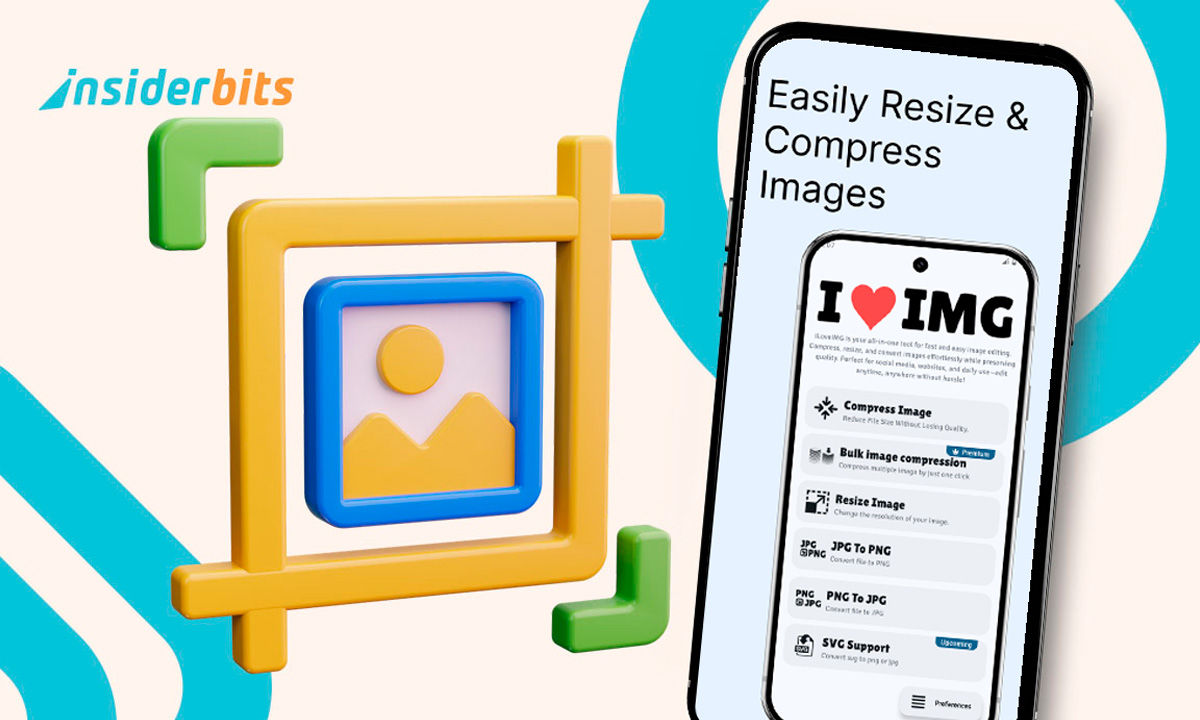
Eingabe ILoveIMG, the ultimate web tool that lets you resize photos online for free, no Photoshop degree required. In just a few clicks, you can shrink, crop, or reformat your images while keeping them crystal clear. If you’re a student submitting assignments, a designer on a deadline, or someone just trying to post that perfect vacation shot, this platform has your back.
- Die 5 besten Foto-Sicherheits-Apps zum Schutz Ihrer Fotos
- App zum Einfärben alter Fotos in weniger als 1 Minute
- Apps to Edit Photos and Make Them More Beautiful
Resize photos online for free: the fastest tool available
If simplicity had a face, it would look like ILoveIMG. The platform’s interface is clean, intuitive, and refreshingly ad-free.
You land on the Resize Image page, drag in your photo, set your preferred dimensions or percentage, and hit “Resize Images”.
That’s it, your optimized photo is ready to download before you’ve even thought about opening a desktop editor.
The real gem? ILoveIMG is part of a powerful suite of tools that also includes compression, conversion, watermarking, and even meme creation (yes, seriously).
The resizing feature, though, stands out for one big reason. It manages to maintain quality even when drastically reducing file size.
If you’re curious about other useful digital tools, check out Insiderbits’ guide on downloading YouTube videos, a handy complement to your image editing kit.
Step-by-step: how to upload and resize in seconds
Let’s break down how ridiculously easy this is. You don’t even need an account—just internet access and your photo.
- Gehe zu ILoveIMG’s Resize Tool, also available on Google Play;
- Click “Select images” or simply drag and drop them from your computer;
- Choose to resize by percentage oder by pixel dimensions;
- Hit the blue “Resize Images” Taste;
- Download your perfectly resized photos immediately.
The process is the same whether you’re using your browser or the ILoveIMG Android app, available on the Google Play Store.
For those who are constantly resizing files for reports or websites, saving the tool as a bookmark is a game-changer. It opens in seconds and eliminates the need for any heavy, laggy desktop software.

4.7/5
Features that keep quality while reducing size
One of the main concerns when you resize photos is losing image quality. Blurry edges and pixelated textures are the usual culprits when you rely on low-quality editors.
ILoveIMG solves that problem with smart optimization algorithms that preserve detail and sharpness. Here’s why the platform works so well:
- Batch resizing, allowing you to process multiple images at once;
- Automatic aspect ratio preservation, so your image never looks stretched or squished;
- Smart compression, reducing file size without noticeable quality loss;
- Custom dimension settings, letting you define height and width manually;
- Cloud processing, meaning everything happens fast without overloading your device.
For reference, if you’re interested in a more detailed technical overview, the platform’s documentation explains how ILoveIMG handles pixel scaling and compression formats.
The app’s precision makes it ideal not just for casual use, but also for professional tasks, think social media managers resizing posts, or e-commerce sellers optimizing product photos for web listings.
Where to access ILoveIMG
ILoveIMG is accessible anywhere, anytime. You can use it directly through your browser or via its mobile app if you prefer working on the go.
- Web version: www.iloveimg.com;
- Android app: ILoveIMG on Google Play.
4.7/5
No login is required for basic resizing, but creating a free account gives you access to additional features such as saved projects and cloud storage integration.
If you’re wondering whether this tool is secure, ILoveIMG makes it clear in its FAQ section: your images are automatically deleted a few hours after upload, ensuring privacy and protection.
Why resizing photos matters more than you think
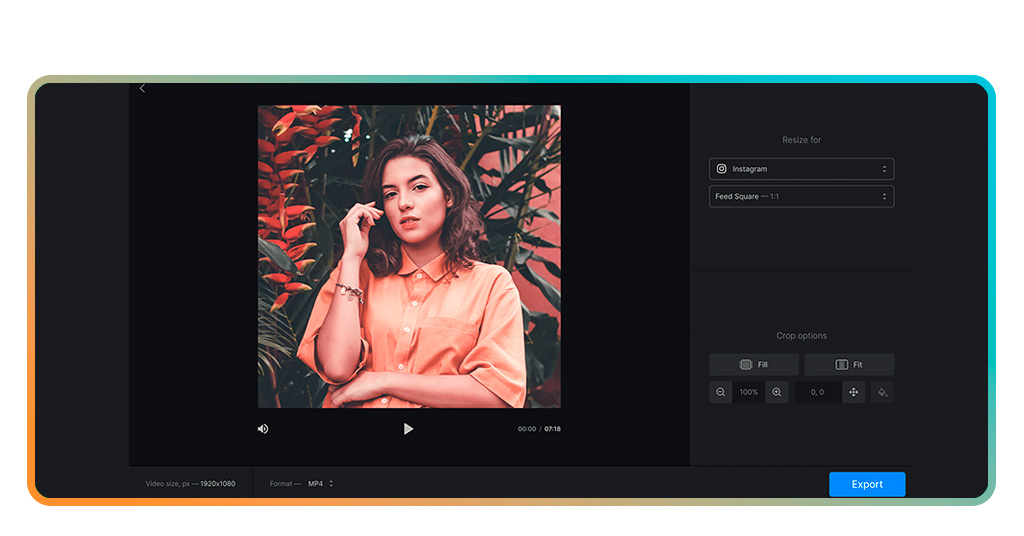
In an era where visuals dominate communication, resizing photos is about optimization. Fast-loading images improve website speed, user experience, and even SEO ranking.
They’re easier to share on messaging apps, take up less storage, and make printing layouts much smoother.
For professionals, proper image sizing means consistency across platforms, because nothing says “unpolished” like a pixelated banner on a brand page.
For everyday users, it’s about convenience. Why wait for a photo to upload when it could take half the time, looking just as good? Upload, resize, and download instantly.
A final note: resize smarter, not harder
At the end of the day, ILoveIMG proves that image editing doesn’t have to be intimidating or expensive. You can resize, compress, and perfect your visuals straight from your browser in under a minute and for free.
It’s the kind of digital shortcut that fits perfectly into modern life: efficient, accessible, and reliable. So whether you’re prepping your next presentation, uploading photos to your online store, or simply cleaning up your gallery, this is your go-to.
And remember, when you resize photos, you’re not just editing—you’re optimizing your time, your workflow, and your digital presence. Resize your photos online free in seconds.