The idea of building a personal signature gains new practicality when digital tools eliminate the need of scanners and paper. With Canva, users get an intuitive space for creating a signature that reflects identity while supporting creative experimentation. This is ideal for people who work with contracts or emails, as they appreciate how a simple design strengthens their professional presence and creates visual consistency across their communication.
A digital signature works as a visual mark that merges personality with consistency, which becomes essential when documents circulate through multiple platforms used for academic, professional, or administrative purposes. This guide will expand that process with accessible methods that help beginners create signature in minutes, allowing it to fit naturally into digital documents with a polished appearance.

4.9/5
Create Your Own Signature for Digital Use
If you don’t know where to start when creating your digital signature, you should know it begins as a personal experiment in which the user tests shapes and letter connections until the name feels natural and easy to repeat.
And Canva provides a safe environment for this exploration because the user can undo, duplicate, and adjust each version without wasting paper or restarting from scratch.
For example, handwritten strokes drawn with a mouse or stylus give the signature an organic appearance that resembles ink while still looking sharp on screens.
This possibility helps professionals who want a human touch on contracts and emails yet need something that remains legible when resized or printed.
Still, many users prefer to combine their own strokes with cursive fonts that guide proportions and letter spacing, which creates a signature that looks polished while staying personal.
This approach works especially well for resumes and cover letters, since the signature keeps the same structure in every document and supports a consistent visual identity.
Once the preferred version is ready, the user saves it as a separate asset and maintains a small library of variations, such as a full-name signature and an initial-only version.
- How to design and share your own custom phone case with Canva
- Erstellen Sie beeindruckende Grafiken mit diesen Canva AI-Tools
- Wie kann ich Canva kostenlos nutzen?
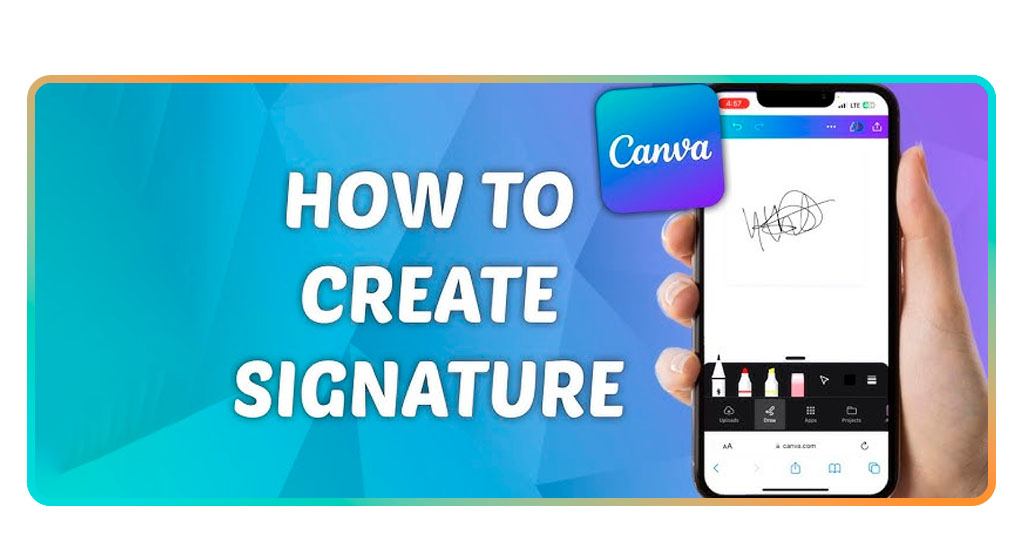
Step-by-Step: Design and Stylize Your Signature
Those are the steps to create your digital signature today with Canva — free and easy to use:
- Firstly, download Canva on the App-Store or on the Google Play Store. The app is available for both Android and iOS devices;
- Then, open Canva and create a new design with a horizontal layout that offers enough space for comfortable handwriting and smooth pen movement;
- Select a simple white background and keep the canvas clean so the signature lines stay visible and easy to refine during the drawing process;
- Choose the Pen or Brush tool, test line thickness on a separate trial stroke, and adjust the size until the result matches the style you imagine;
- Now, start writing your name several times across the canvas, experimenting with different slants and letter connections, and then keep the version that feels the most natural;
- Refine the chosen signature by zooming in and erasing small imperfections, which creates a cleaner result for professional documents;
- If you prefer a typed option to create signature, pick a cursive font with personality, adjust letter spacing, and convert your name into a vector-like signature with clear edges;
- Add subtle visual touches such as a soft shadow or slight glow, keeping the effect gentle so the signature remains elegant rather than distracting on the page.
Tools to Digitize and Add It to Documents
Once you create signature and the visual design feels complete, Canva turns that artwork into a digital file that behaves like a professional element in any document workflow.
The export feature allows the user to select PNG with transparent background so the signature sits naturally over white pages, colored sections, or image-based templates.
To export, the user only needs to drag the file into a PDF editor or upload it to a signing platform, and the signature instantly appears in the correct position.
For those who keep their work inside Canva, the same file can be reused across templates such as letterheads, certificates, or digital receipts with a few simple clicks.
By doing this, you create a unified visual identity because every document carries the same signature style, reinforcing professionalism and reliability in the eyes of recipients.
Email signatures benefit from this asset as well, since many email clients allow image insertion that stays aligned with contact information and branding elements.
Over time, clients and colleagues associate this signature with the person behind the messages, which strengthens trust and recognition during long-term relationships.
How to Remove the Background from Your Signature
Some users start with a signature written on paper, and Canva helps convert this analog version into a refined digital asset without visible background noise.
The process begins with a clear photo or scan where the signature appears in strong contrast against white paper, which simplifies the separation between ink and background.
After uploading the image into Canva, the Background Remover tool analyzes the contrast and removes the paper while preserving the strokes, even in delicate curves.
Then, the user can refine the result with the Erase and Restore brushes, cleaning small dots of leftover texture and recovering parts of letters that might have been cut.
When the signature looks clean, the file is saved again as a PNG with transparency so it behaves exactly like a native digital drawing, allowing someone who feels comfortable signing on paper to keep the practicality of a modern digital signature.
Later, the same user may decide to update the signature or create a bolder version, and Canva makes this process easy because the workflow has already been learned once.
4.9/5
Create Signature: Easily Design and Digitize a Signature for Free – Conclusion
With Canva, designing a personal digital signature becomes a quick and enjoyable experience when the tools remain clear, accessible, and flexible for everyday use.
The app also supports creativity while offering practical exporting options that match professional routines and modern communication demands across documents, emails, and presentations.
Make your mark: design your personal signature in minutes, and strengthen your presence across different platforms without relying on complex software or expensive services.
Verwandt: Sign Documents from Your Phone in Seconds with This App
Enjoyed this article? Save the Insiderwissen blog to your favorites for the latest tools, creative tech tips, and photo editing breakthroughs.