Your LinkedIn profile photo is often the first “handshake” you have with a potential employer or client, making an AI headshot app an essential tool for career growth. Why, you may ask? Because we’re in 2026, and (fortunately) spending hundreds of dollars on a professional studio session is no longer a requirement for looking like a C-suite executive.
Technology is working hard to democratize the professional portrait industry, allowing anyone with a smartphone to achieve studio-quality results in under a minute. See it for yourself: by utilizing advanced neural networks, these applications can simulate complex lighting, premium attire, and high-end camera lenses with incredible anatomical realism.

Photoleap: best ai headshot app
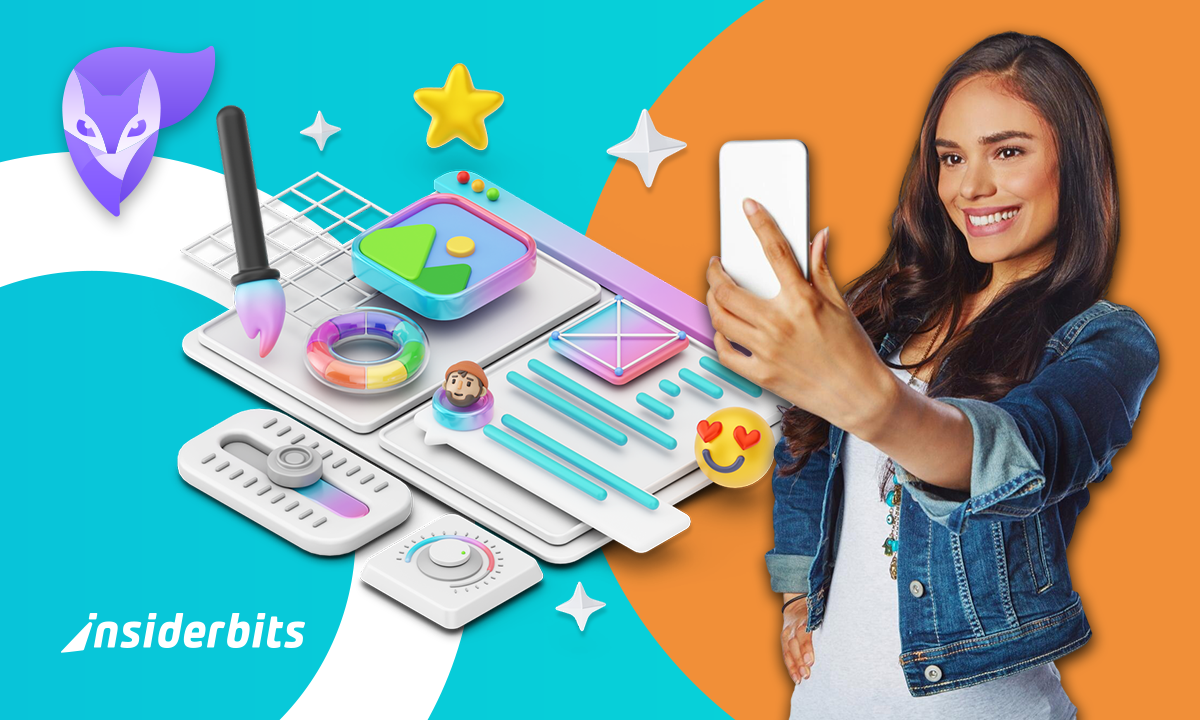
When it comes to realism and professional variety, Photoleap (by Lightricks) has established itself as a favorite AI headshot app among iOS users.
Unlike basic filters that make you look like a plastic version of yourself, Photoleap’s 2026 AI engine focuses on skin texture, lighting accuracy, and anatomical realism, creating images that recruiters trust, rather than “uncanny valley” art.
With over 100 million downloads, the app serves as a full-scale creative suite. However, its dedicated AI Headshot Generator is what makes it a must-have for job seekers.
This app offers specialized styles tailored for different industries—from formal “Suited” looks for lawyers to “Urban” and “Casual” vibes for tech founders and creative directors.
Features available in the app
This AI headshot app is packed with high-end tools. Check ahead:
- Industry-Specific styles: choose from “Office,” “Elegant,” “Suited,” and more to match your professional environment;
- AI replacement and generative fill: don’t like your tie or the background? Use generative AI to swap specific elements without regenerating the whole photo;
- Portrait enhancer: sharpen and upscale existing low-resolution photos into high-definition 4K visuals;
- Natural lighting simulation: the app mimics real studio lighting setups, ensuring your face is properly lit without harsh shadows.
- Face mix and style transfer: subtly blend your features into a professional template to maintain your likeness while upgrading the “vibe”;
- Privacy first: photoleap uses secure processing to ensure your uploaded selfies are handled safely according to updated data standards.
Step-by-step: how to create professional photos with Photoleap
You don’t need a $200 photoshoot to stand out in the job market anymore.
Step 1: open the app and select ai headshots
First, download it to your iOS. Then, look for the “AI Headshot Generator” icon on the main dashboard of the app.
Step 2: upload your best selfies
For the best results, upload 6–10 clear photos. Ensure they are well-lit, feature only you, and show a variety of angles so the AI headshot app can map your face.
Step 3: pick your professional style
Choose a style that matches your target industry. If you’re applying for a corporate role, go with “Formal” or “Business” inside the app.
Step 4: let the AI generate
The app will take about 60 seconds to “train” on your features and generate a batch of portraits.
Step 5: review and refine
Browse through the options. You can use the “AI Enhance” tool to tweak small details like skin clarity or eye brightness before saving.
What you need in a good professional headshot
Recruiters have a keen eye for what builds trust. A successful image from an AI headshot app should follow these current professional trends:
- Approachability: the “stiff” corporate look is out. Aim for a natural, relaxed expression—a slight “smize” or a genuine smile makes you appear more collaborative;
- Environmental context: modern headshots often use blurred office backgrounds or neutral tones like charcoal and deep navy rather than stark, flat white;
- Authentic texture: avoid “over-smoothing.” A high-quality AI headshot app will leave in natural skin details, which signals authenticity and honesty to a recruiter;
- Industry alignment: ensure your attire matches the job. A chef should look like a chef, and a software engineer should look like they belong in a tech hub.
Why the premium version wins
Photoleap offers flexible pricing, including a monthly plan around $6.99 to $9.99 or an annual subscription that typically ranges between $35.99 and $59.99, depending on seasonal promotions.
For professionals who need the highest fidelity for print-ready resumes or large-scale digital displays, the Pro features are non-negotiable.
The Pro offers RAW support and 16-bit image depth, which are essential for tonal adjustments without the “banding” or pixelation seen in lesser apps.
You also gain complete control over your creative environment; you can set the size of your canvas to match specific platform requirements (like a high-res LinkedIn banner) and never worry about losing progress.
Photo sessions are auto-saved, allowing you to start a headshot generation on your commute and finish the fine-tuning later in the day
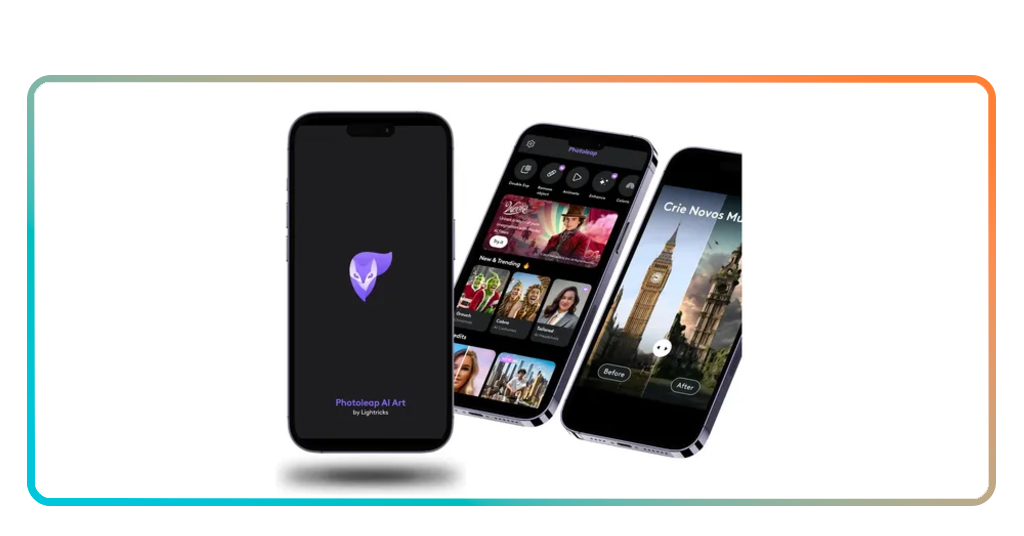
Tips for great photos and device compatibility
The “garbage in, garbage out” rule applies even to the most advanced AI headshot app. To get the most out of Photoleap, keep these technical tips in mind:
- Avoid group photos: the AI can get confused if there are other people in your source images. Stick to solo shots when feeding data into your app;
- Natural light is king: when taking selfies to upload, stand near a window. Even a great AI headshot app works better when the initial “map” of your face has good lighting;
- No sunglasses or hats: anything that obscures your facial structure makes it harder for the AI headshot app to replicate your likeness accurately;
- Check your hardware: Photoleap is optimized for modern mobile hardware. For the smoothest experience, use a device running iOS 15.0+ or Android 10+.
Career ROI
Nowadays, the ROI of a professional image is undeniable. Profiles with polished photos receive significantly more views and are much more likely to get interview requests.
Is no longer a vanity. Utilizing an app like Photoleap isn’t just about vanity but a career investment that costs less than a lunch but can lead to a promotion.
Unter Insiderwissen, we focus on finding the technology that democratizes high-value services. Download Photoleap today, secure your digital assets with a photo lock app, and put your best face forward with the power of an AI headshot app.