
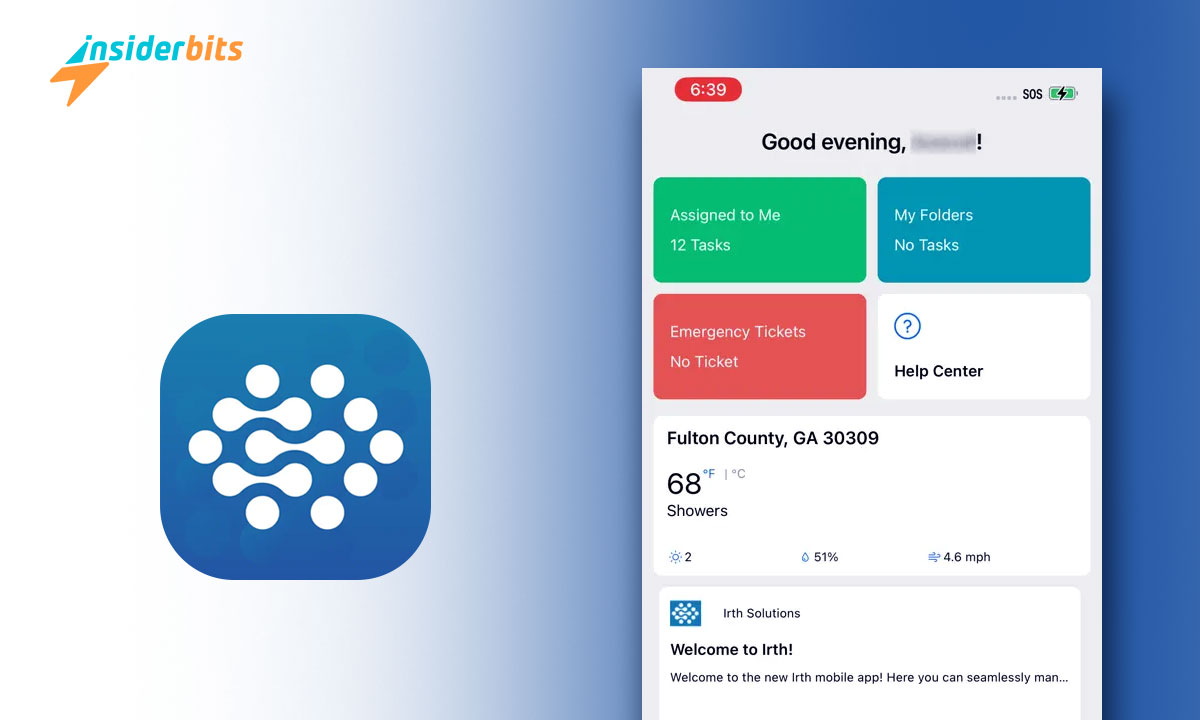
Pregnancy and childbirth can be a transformative yet daunting experience for many expectant mothers. Navigating the complexities of healthcare, finding reliable information, and accessing personalized support can be a significant challenge.
Irth is a platform that empowers expectant mothers with personalized guidance, and a supportive community. Irth recognizes the unique needs and experiences of diverse communities, addressing the systemic biases that often plague traditional healthcare systems.
Through its intuitive interface and innovative features, Irth provides a safe and inclusive space for women to explore their options, connect with like-minded individuals, and make informed decisions about their pregnancy and childbirth journey.
Irth: Birth Without Bias – Review
Irth is an app that is revolutionizing the way Black and brown women approach pregnancy and childbirth. Irth is the first Yelp-like platform that allows users to share and access reviews of healthcare providers and birthing facilities from the perspective of people of color.
Addressing the systemic biases and disparities that plague the maternal healthcare system, Irth empowers expectant mothers to make informed decisions about their care.
With features like provider filters based on race, ethnicity, and income level, as well as icons highlighting critical information like maternal mortality rates, Irth equips users with the tools they need to advocate for themselves and their families.
Irth is not only improving individual birth experiences but also driving accountability and change within the healthcare industry.

Irth: Birth Without Bias – Features
Here are the main features of this birth app:
Community-Driven Reviews: Irth allows Black and brown women, as well as their partners, doulas, and other birthing professionals, to leave reviews of their experiences with healthcare providers, hospitals, and birthing centers.
Comprehensive Review Categories: Users can leave reviews covering prenatal care, the birthing experience, postpartum care, and pediatric care up to the child’s first birthday.
Anonymized Submissions: All reviews on Irth are anonymized to protect user privacy.
Quality Assurance: Irth has a panel of volunteers who review all submissions before they are added to the searchable database. The app only displays reviews if there are at least three for a given provider or facility.
Suchfunktionalität: Users can search for reviews by provider name, hospital name, zip code, city, or state.
Identifying Bias and Discrimination: Irth reviews capture information on whether users felt their race was a factor in the care they received, or if they experienced discrimination or dismissal of their concerns.
Data-Driven Improvements: Irth uses the review data to identify patterns of negative experiences, which it then shares with partner hospitals to help them improve the quality and equity of their care.
Partnerships with Healthcare Providers: Irth has established pilot partnerships with hospitals in several states, working collaboratively to increase the number of reviews and use the data to drive positive change.
Empowering Black and Brown Birthing Families: The app aims to provide a platform for Black and brown families to share their experiences and make informed decisions about their healthcare providers and birthing facilities.
Expanding to New Locations: Irth has already gathered reviews from 46 states, and the team is working to expand the app’s reach and impact across the country.
How to Use the Irth App?
Here is a step-by-step guide on how to use this birth app:
- Start by downloading the Irth app from the Google Play Store or Apple App Store and installing it on your device.
- Sign up for an Irth account by providing your name, email address, and password.
- Use the app’s search function to find healthcare providers, hospitals, or birthing centers that you are interested in.
- Explore the reviews left by other users to get an understanding of the provider’s reputation and the quality of care they offer.
- Share your own experience by leaving a review of the provider, including details about your prenatal care, birthing experience, postpartum care, and any concerns you may have had.
- Use the app’s filtering options to narrow down the reviews based on specific categories, such as prenatal care or postpartum care.
- Take advantage of the app’s additional features, such as the “Favorites” tab to save providers you’re interested in and the “Alerts” tab to receive notifications about new reviews.
- Spread the word about your experience by sharing your review on social media or via email, helping others make informed decisions about their healthcare providers.
- Irth allows you to leave reviews covering a wide range of categories, from prenatal care to pediatric care up to the child’s first birthday.
How to Download Irth?
Follow the steps below to download this birth app.
Für Android:
- Öffnen Sie den Google Play Store auf Ihrem Android-Gerät.
- Search for Irth – Birth Without Bias in the search bar.
- Locate the Irth app from the search results and tap on it.
- On the app page, click the Install button to begin downloading and installing the app.
- Once the installation is complete, you can open and start using Irth on your Android device.
Für iOS:
- Öffnen Sie den App Store auf Ihrem iOS-Gerät.
- Search for Irth – Birth Without Bias in the search bar.
- Locate the Irth app from the search results and tap on it.
- On the app page, click the Get button to begin downloading and installing the app.
- Once the installation is complete, you can open and start to use Irth on your iOS device.
Empowering Choice: Birth Your Way with Irth – Conclusion
The Irth app is a solution that empowers Black and brown expectant mothers to make informed decisions about their healthcare providers and birthing experiences.
Irth addresses the systemic biases and disparities that have long plagued the maternal healthcare system.
With its review categories, user-friendly interface, and commitment to driving positive change, this is an invaluable resource for anyone seeking a more equitable and supportive birthing journey.
Verwandt: Award Season – The Best Trending Entertainment Apps
Hat Ihnen dieser Artikel gefallen? Fügen Sie den Insiderbits-Blog zu Ihren Favoriten hinzu und besuchen Sie uns, wann immer Sie neue und spannende Informationen über Technologie und vieles mehr erfahren möchten!





