In our current competitive landscape, many gamers are not only battling skilled opponents but also latency. A sudden frame rate drop in the middle of a firefight or a mouse that fails to register a quick flick can decide the outcome of a match. In that equation, gaming hardware becomes a critical factor, either supporting performance or quietly holding it back.
Even with professional-level skills, playing on an outdated setup creates a bottleneck that no amount of practice can overcome. However, “better” doesn’t always have to mean “more expensive”. The secret to a faster setup lies in identifying which specific components are holding you back and prioritizing upgrades that offer the highest return on your frame-per-second (FPS) investment.
- AI-Powered NPCs: The Future of Open-World Gaming
- Best Apps for Multiplayer Gaming
- Are You A Gamer? Then You Need To Know This Gaming App
Why your current setup might be limiting your gameplay
If you’re experiencing “stuttering” or “hitchwork”, your system is likely suffering from a bottleneck.
Cyberpunk 2077: Phantom Liberty and Grand Theft Auto VI are examples of modern games that require high-speed data synchronization in addition to raw power.
GPU bottlenecks
If your FPS stays low regardless of your settings, your Graphics Card can’t keep up with the game’s engine.
CPU stuttering
If your game “hitches” or freezes for a millisecond during intense scenes, your Processor is likely struggling to feed data to your GPU.
The RAM crisis
With current market fluctuations in memory pricing, many gamers are stuck with 16GB of older DDR4, which limits multitasking and “1% low” frame stability.
According to PC Gamer, a setup that isn’t balanced will waste the potential of its most expensive parts. A $2,000 GPU is useless if it’s paired with a CPU that can’t process the game’s physics fast enough.
Best gaming hardware: upgrades that improve performance fast
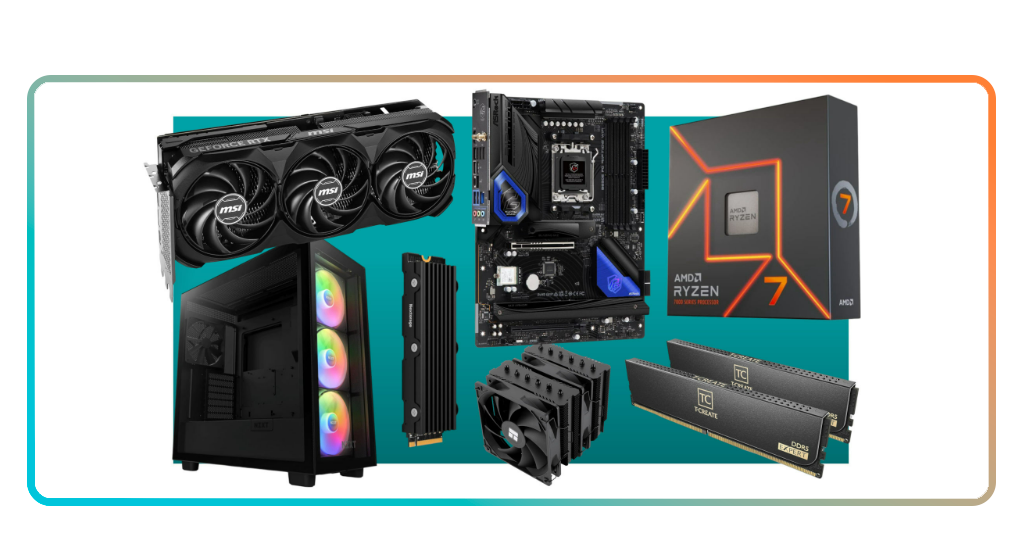
When looking to boost performance with the right gaming hardware, you should focus on the “Core Trinity”: the GPU, the CPU, and the monitor. These three components dictate 90% of your visual experience.
The graphics card (GPU)
For 2026, the NVIDIA RTX 50-series and AMD Radeon RX 9000-series have set new benchmarks. If you are playing at 1440p, aiming for a card with at least 12GB of VRAM is now the standard.
These cards utilize AI-upscaling (DLSS 4 / FSR 4) to generate extra frames, effectively “faking” higher performance with minimal loss in image quality.
The processor (CPU)
The AMD Ryzen 7 9800X3D has emerged as the “Gold Standard” for gaming in 2026. Its 3D V-Cache technology specifically targets game performance, reducing the latency between the CPU and your actions.
For Intel enthusiasts, the Core Ultra 200-series offers excellent single-core speeds for high-refresh-rate 1080p gaming.
High-refresh monitors
You cannot see 144 FPS if your monitor only refreshes at 60Hz. Upgrading to a 144Hz or 240Hz OLED monitor is often more transformative than a new GPU.
OLED technology provides near-instant response times ($0.03ms$), eliminating motion blur and allowing you to track moving targets with clinical precision.
Budget builds vs. high-end rigs — what actually matters
You don’t need a flagship rig to be competitive. The key is matching your hardware to your resolution.
| Setup tier | Targeted resolution | Key components (2026) | Performance goal |
| Budget ($700 – $900) | 1080p | RTX 5060 / Ryzen 5 9600X | 60+ FPS (High Settings) |
| Mid-range ($1,200 – $1,600) | 1440p | RTX 5070 / Ryzen 7 7800X3D | 120+ FPS (Ultra Settings) |
| High-end ($2,500+) | 4K | RTX 5090 / Ryzen 9 9950X3D | 144+ FPS (Maxed w/ Ray Tracing) |
TechRadar notes that the “sweet spot” is the 1440p mid-range build. It offers the best balance of visual clarity and high frame rates without the diminishing returns of 4K hardware prices.
Accessories that boost accuracy, comfort, and reaction time
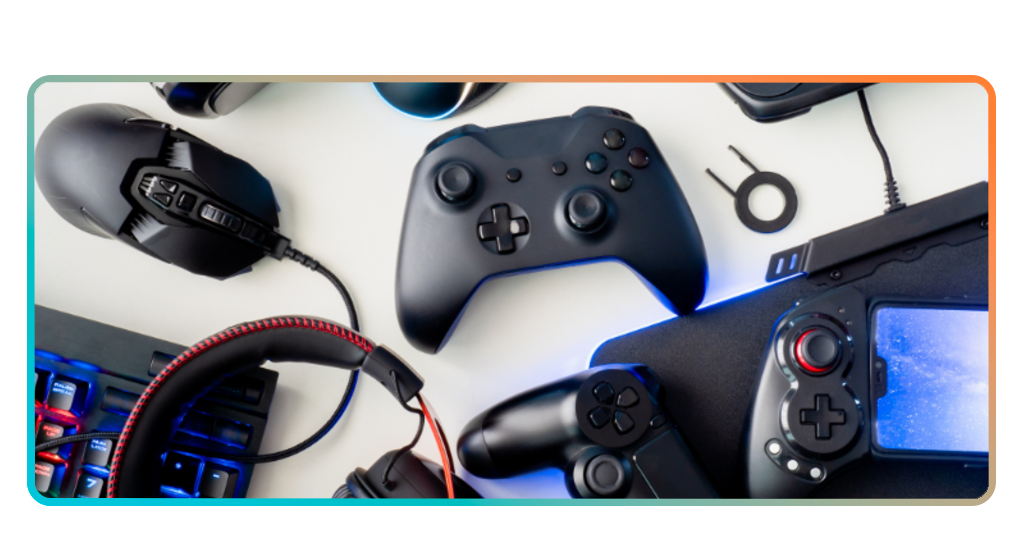
While internal hardware generates frames, your peripherals are how you interact with those frames.
The mouse
Lightweight mouses like the Logitech G Pro X Superlight 2 or Razer Viper V3 Pro are the 2026 favorites. Their sensors provide “pixel-perfect” tracking, and their low weight reduces wrist fatigue during long sessions.
The keyboard
Rapid-trigger mechanical keyboards (like the Wooting 80HE) allow for “snapier” movements. They register the key release instantly, which is vital for “counter-strafing” in shooters like Counter-Strike 2 or Valorant.
The audio
Spatial audio (3D sound) headsets are a tactical tool as well as an immersion tool. Being able to pinpoint the exact direction of a footstep can improve your reaction time and give you a half-second advantage over your opponent.
How to prioritize upgrades for competitive play
If you have a limited budget for upgrading your gaming hardware, avoid replacing everything at once. Instead, try to follow this priority list:
- SSD (storage): if you’re still on an HDD, an NVMe Gen5 SSD is the cheapest way to eliminate loading stutters and “texture pop-in”;
- Monitor: if you have a decent PC but a 60Hz screen, you are playing “blind”. Upgrade here first to actually see your performance;
- GPU: the engine of your FPS. This is usually the most expensive but most impactful swap;
- CPU/RAM: upgrade these together if you notice your GPU is “waiting” for data (low GPU usage in games).
Friendly tip: cloud gaming
If your hardware is truly ancient and you aren’t ready to build a new PC yet, consider Cloud Gaming Services.
These allow you to stream high-end gaming hardware performance to an old laptop or even a tablet, bypassing the need for immediate physical upgrades.
Conclusion: your setup, your choice
The best gaming hardware is the setup that allows you to play without thinking about your computer.
Whether you are building a budget 1080p machine or a 4K beast, focus on balance. A fast PC is a tool; how you use it to secure the win is up to you.