
Waking up tired every day creates a cycle that feels hard to break. Sometimes you sleep for enough hours and still wake up without energy, relying on caffeine during the whole day just to function. In different cases, people focus on how long they’re sleeping, but what really matters as well is how misaligned the internal clock has become, and this is exactly when a sleep cycle app starts to make a difference.
In this article, you will discover how these apps can analyze your patterns and help you adjust timing based on your natural rhythm. And that can be a major change for your body to recover more efficiently, just because waking up at the right moment in your cycle can change how you feel throughout the entire day. In the next sections, Insiderbits explains how to use it to rebuild your energy in a more consistent way.
- AI Sleep Coaches: How Technology is Revolutionizing Rest in 2025
- ASMR for Sleep: How It Helps You Relax & Unwind
- Bedtime Stories Reinvented: Apps That Create Sleepy Readers
What’s the best sleep cycle app?
When the problem is waking up tired even after a full night of sleep, the issue usually comes down to timing.
That’s exactly why the Sleep Cycle app (iOS/Android) stands out, focusing on aligning your wake-up moment with your natural sleep phases instead of relying on fixed alarms.
What makes it effective is how it tracks your sleep using your phone’s microphone or motion sensors, analyzing breathing patterns and environmental sounds throughout the night.
This tracking feature allows the app to map your sleep stages and generate insights about quality, giving you a clearer understanding of what’s actually affecting your rest.
As the standout feature, we highlight the Smart Alarm, which wakes you during your lightest sleep phase within a customizable window.
With that, instead of being pulled out of deep sleep, the app identifies the optimal moment to wake you more naturally, helping you feel more alert from the start of the day.
Beyond tracking, the app also acts as a feedback system.
It builds reports over time, highlights patterns in your routine, and offers guidance based on your data, turning your sleep into something measurable and adjustable instead of random.
Those are some reasons why the Sleep Cycle app remains one of the most complete and best options available.

4.7/5
Features available in the app
We already covered some of the features available, but what makes the Sleep Cycle app (iOS/Android) effective is that it combines tracking and guidance into a single system.
With that, the app continuously monitors your sleep using sound and movement data, building a detailed picture of how your nights actually unfold.
At the core, you get advanced sleep tracking, which identifies some patterns along with interruptions and overall duration.
And there’s also the Smart Alarm. As we already mentioned, this feature is designed to wake you during your lightest sleep phase within a chosen time window.
The AI sleep coach is responsible for analyzing your data and providing insights about habits and potential issues affecting your sleep.
On top of that, features like snore detection and sleep sounds add another layer of understanding, so you can identify disturbances and refine your environment for better rest.
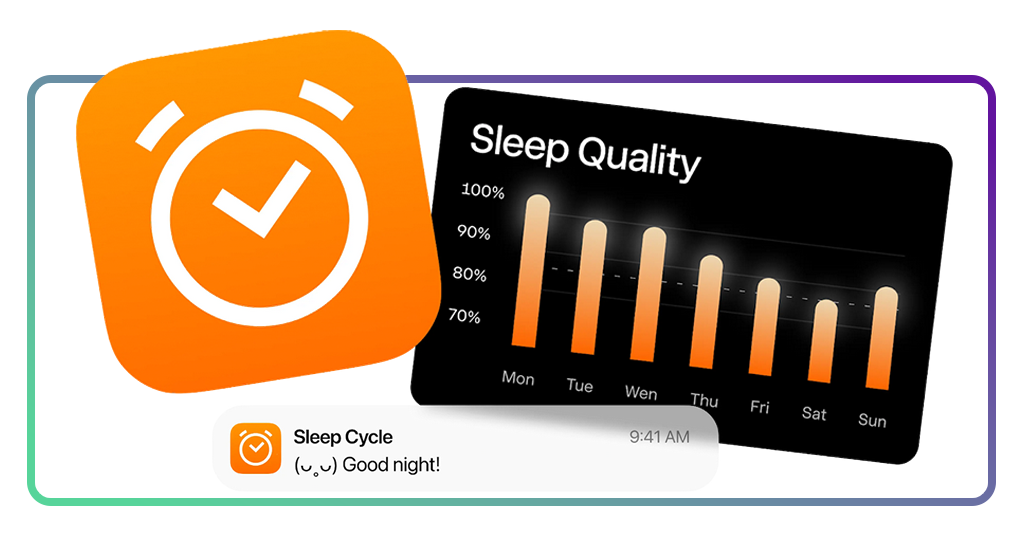
Step-by-step: how to improve your circadian rhythm using Sleep Cycle App
Improving your circadian rhythm takes a consistent pattern that teaches your body when to wind down, when to stay asleep, and when to wake up with less resistance.
- Step 1: begin by downloading Sleep Cycle from the App Store or Google Play and allow the permissions it needs to track your sleep properly;
- Step 2: then, set up your Smart Alarm with a wake-up window that matches the time you realistically need to get out of bed;
- Step 3: place your phone correctly near the bed, following the app’s instructions, so it can detect movement and sleep patterns more accurately;
- Step 4: also start using the app every night so it can collect enough data to show reliable patterns;
- Step 5: check your sleep reports each morning to see how long you slept, how your night was divided, and whether interruptions affected your rest;
- Step 6: adjust your bedtime gradually instead of making drastic changes, since small shifts tend to work better for circadian rhythm correction;
- Step 7: keep your wake-up time as stable as possible, which helps train your internal clock more effectively than changing both ends of the routine;
- Step 8: use the app’s insights over several days to identify the sleep window in which you wake up feeling more restored.
Tips for better sleep hygiene habits
When looking to improve sleep hygiene, it starts with adjusting small behaviors that influence how your body prepares for rest.
When your circadian rhythm is out of sync, even good intentions, like going to bed early, may not translate into better sleep, since your body still operates on a different internal schedule.
That’s why the focus shifts toward creating signals that consistently guide your system into a more stable rhythm.
One of the most effective changes involves managing light exposure throughout the day.
Natural light in the morning helps anchor your internal clock, while reducing artificial light at night supports the release of melatonin.
This contrast between day and night strengthens your sleep cycle and makes it easier to fall asleep at the right time.
Another important factor is how you structure the hours before bed. Activities that keep your brain stimulated tend to delay the transition into rest.
Replacing these activities with lower-stimulation habits, like listening to calming sounds, for example, helps your body shift into a sleep-ready state more naturally.
Ultimately, consistency ties everything together. Going to bed and waking up at similar times each day reinforces your internal rhythm, even when sleep quality varies slightly.
And then, this regularity reduces the effort required to fall asleep and makes your energy levels more predictable throughout the day.
4.7/5
Rebuild your energy from the right timing
Feeling constantly tired leads people to look for quick fixes, even when the real issue sits deeper in how their sleep is organized.
What changes the outcome is not adding more hours in bed, but aligning those hours with your natural rhythm, making sleep more restorative and mornings feel less abrupt.
The Sleep Cycle app (iOS/Android) fits into that adjustment that turns your nights into measurable patterns, tracking sleep and refining wake-up timing.
If you’ve been trying to fix your sleep without clear results, approaching it through your circadian rhythm offers a precise path forward.
Related: How to use white noise apps to improve focus and sleep
Enjoyed this article? Save Insiderbits to your favorites and discover the most useful tech tips.