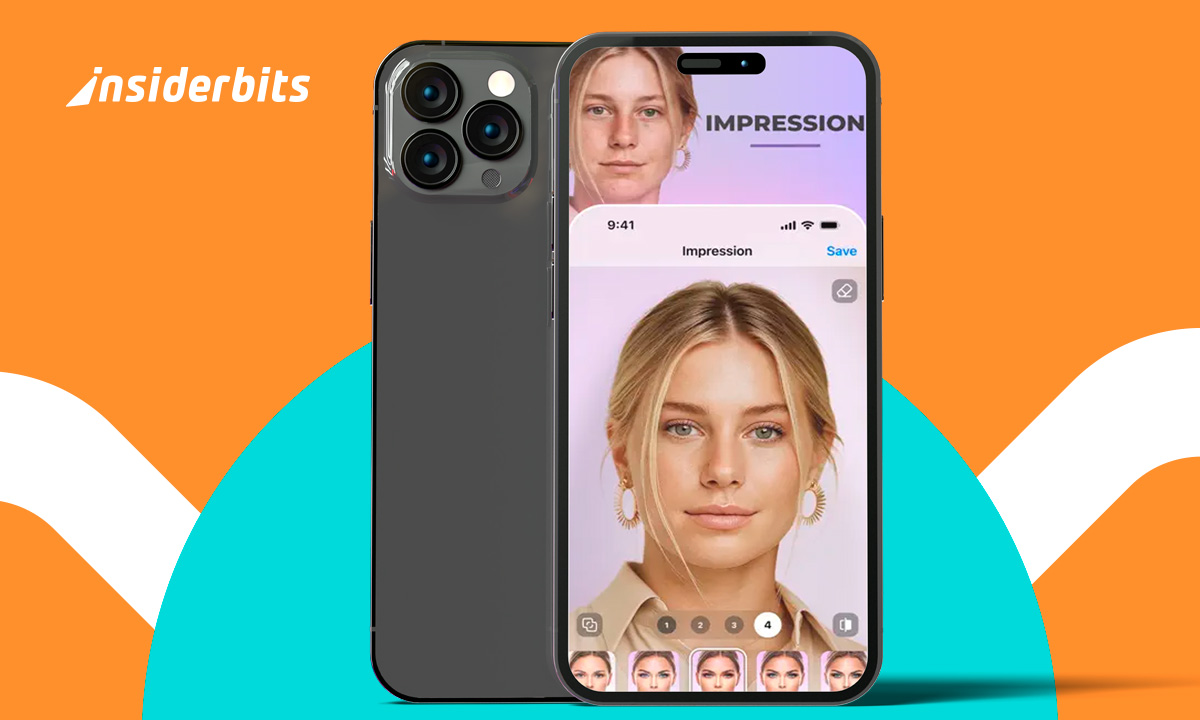
Vintage photography brings charm to everyday pictures. An instant camera app lets you recreate that film look with soft tones, retro frames, and warm textures right from your phone.
OldRoll captures that feeling using classic styles and filters that echo real film photography. Every snapshot turns into something nostalgic without needing edits or extra equipment.
This guide by Insiderbits shows you how to shoot like it’s 1985 using the app. Keep reading and learn how to add classic frames and filters to make every photo timeless!
Related: Create Images With Snapchat AI Lens: Step-by-Step
Instant camera app: capture retro magic
OldRoll brings back retro photography without the bulk of vintage gear. It gives your phone the magic of film, framed in square formats and rich textures.
You’ll find cameras inspired by old classics, from disposable point-and-shoots to elegant Leica recreations. Each one delivers filters with grain, color shifts, and light leaks that feel authentic.
This instant camera app creates a film-style experience in real time. Every feature is designed to evoke nostalgia without needing edits or extra tools after the shutter clicks.
4.7/5
Relive the 80s with every snapshot
The 80s were bold, bright, and full of charm. OldRoll captures that spirit through rich tones, dreamy color casts, and textures that feel lifted from old prints.
Classic cameras like the 503 CW and FX400 deliver realistic film results. Dark shadows, soft highlights, and authentic vignettes recreate the analog feel without extra effort.
Use warm filters, add grain, and frame your memories with Polaroid-style borders. The app lets you bring vintage vibes to your photos and print them instantly.
Polaroid-style filters that look and feel real
There’s something special about seeing a Polaroid develop. This instant camera app recreates that charm digitally using square frames, faded hues, and soft lighting effects.
OldRoll’s INS P camera mimics Polaroid tones perfectly. The filters are playful, nostalgic, and slightly unpredictable, just like physical film from classic instant photo packs once were.
Filters are applied automatically, no editing needed. With OldRoll, all it takes is a click to get retro photos ready for sharing or saving forever.
Why retro aesthetics are trending again
Vintage visuals are everywhere on social media. From fashion to photography, users lean into grain, blur, and muted tones that offer something real in a polished feed.
Nostalgia connects people across generations. These retro photos echo family albums, yearbook shots, and old travel pics. That emotional tie makes them feel warmer and personal.
People love the visual style, but also the slower mood it suggests. That’s why using an instant camera app like OldRoll brings back intentionality and makes moments more memorable.
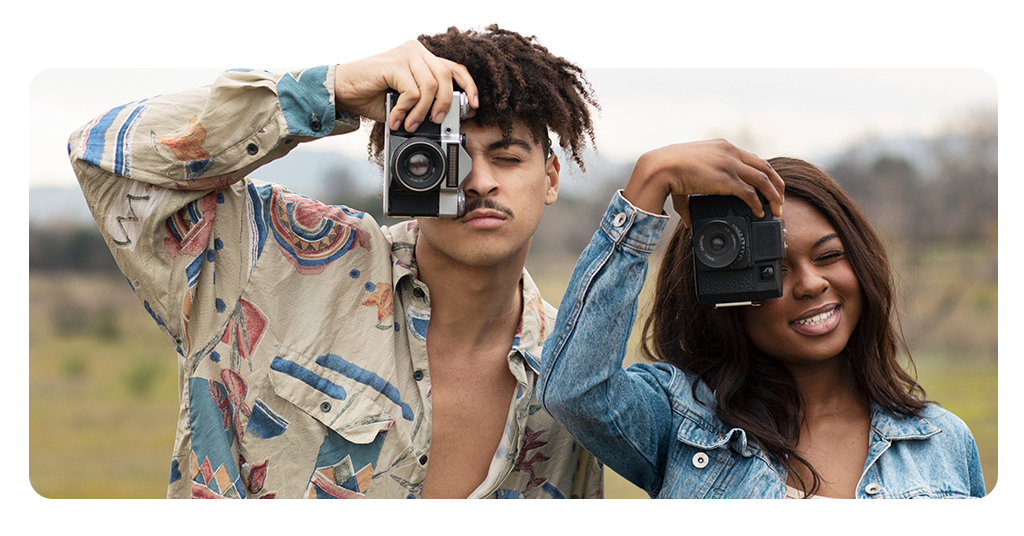
Features that bring vintage aesthetics to life
OldRoll stands out for its ability to recreate the magic of analog photography. Its filters go beyond looks, bringing texture, light distortion, and imperfections.
Each effect was crafted to feel real, not artificial. Colors are purposefully muted or oversaturated, light leaks appear naturally, and every photo has a timeless worn-in quality.
From faded corners to frame borders, OldRoll captures what digital cameras ignore. The app invites you to create images that feel lived-in, imperfect, and deeply expressive.
Classic cameras recreated on your screen
You’ll find options inspired by the Leica M6, Hasselblad 503 CW, and more. Each one replicates tones and shadows based on film photos from decades past.
Instead of basic filters, the instant camera app builds entire moods. It mimics how lenses behaved in low light, cloudy skies, or sunny mornings with soft, cinematic transitions.
Try the TOY K for grainy street shots, or switch to the elegant 120 V for crisp portraits. Every camera brings a nostalgic tone worth revisiting again.
Add character with film scratches and grain
Scratches give digital photos a tactile, aged feel. When paired with grain and blur, they shift the viewer’s focus from perfection to mood and emotional texture.
By adding these imperfections, this instant camera app transforms photos into something that feels pulled from a forgotten drawer, layered with meaning and time’s quiet presence.
You can adjust the intensity of these effects or let the app randomize them. Either way, the outcome is expressive without needing extra edits or effort afterward.
Retro selfies, half-frame fun, and sparkles
Flip the lens and shoot selfies with vintage filters that soften shadows, warm tones, and add subtle blur. Your phone becomes an expressive pocket camera instantly.
The half-frame feature divides your photo into two perspectives, great for storytelling or capturing movement. It offers a creative way to experiment without overthinking.
When sparkle effects meet grain overlays, you get a surreal look that surprises every time. These extras keep each session with the instant camera app fresh and fun.
Related: Best Sites to Sell Photos Online: Start Earning This Year
Step-by-step: how to take pictures with different filters
Shooting with OldRoll starts with choosing your favorite camera. Each one delivers a distinct feel, from soft light leaks to moody shadows and grainy film tones.
There’s no login required and no confusing setup. Just open the app, swipe through the available cameras, and pick one that fits the moment you’re capturing.
Even free users can try creative filters and shake-to-develop effects. It’s easy to begin, experiment, and fall in love. Download Old Roll and capture memories with a retro touch.
Step 1: choose your camera and frame the moment
Each option inside this instant camera app gives a different look. Some with warm tones and soft grain, others add faded blues, strong shadows, or muted vintage color palettes.
OldRoll offers free access to several lenses without registration. You can instantly try the INS G for cozy food shots or INS P for classic Polaroid effects.
Use the viewfinder to test angles and frame thoughtfully. Some cameras even include random borders, so each shot feels spontaneous and never quite the same twice.
Step 2: use the timer or flash for better results
You can tap the timer icon to set a delay so you can pose without holding your phone. It helps with selfies and group shots in any setting.
Some options inside this instant camera app include flash to add subtle lighting. Try flash with black-and-white filters for dramatic contrast in low-light indoor spaces.
Using the timer also reduces blur from movement. It’s a small step that makes a big difference when you’re capturing film-style photos with filters and texture.
Step 3: capture and save your vintage-style photo
Press the shutter and watch the magic happen. There are even cameras that require a shake to “develop” the image, adding a playful detail that mimics the Polaroid feel.
The photo saves automatically with filters applied. You don’t need to edit or retouch anything. What you see is the final result, complete with grain and borders.
After shooting, save it to your gallery or share instantly to social apps. That’s where the instant camera app shines, by turning moments into memories in just a few seconds.
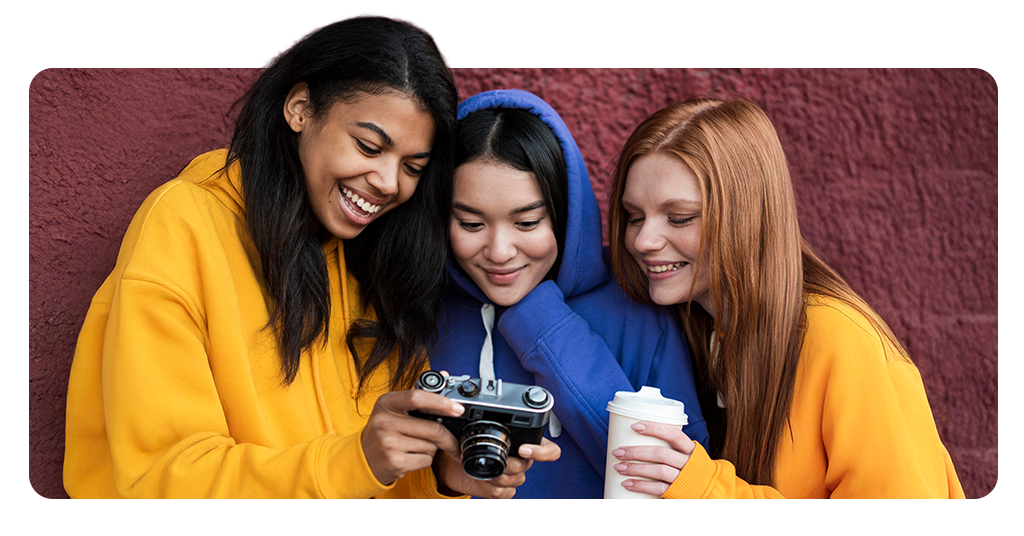
How to upload and edit your gallery pictures
OldRoll isn’t just for live photos. You can bring older shots into the app and transform them with vintage filters, borders, and film-style textures instantly.
Gallery uploads are simple. Tap the photo icon, choose an image, and the app applies camera effects as if the picture were taken right then and there.
You can adjust the filter level or swap between looks. It’s a fun way to revisit your favorite memories and give them that signature retro vibe.
Import photos and give them a retro glow
Gallery imports allow full creative freedom. You can experiment with styles, test different textures, and give everyday photos the look of aged film or faded prints.
This feature works beautifully inside the instant camera app because it applies effects realistically. Even modern selfies look like they were snapped with a Polaroid from 1992.
Use this to upgrade your feed or create a themed album. From vacations to old family photos, every memory feels warmer once you give it a vintage touch.
Try classic filters on your favorite memories
OldRoll’s filter library works just as well with uploads. You can test MINI 11 for Polaroid vibes or use Classic M for warmer tones and soft blur.
Each filter brings a different mood. With this instant camera app, filters aren’t static overlays. They change the feel of lighting, color depth, and even the atmosphere.
You’ll notice how scratches and frames help tell a story. Editing this way isn’t about fixing photos but giving them a new character through timeless visuals.
Print, share, or send to your friends’ screen
Once your photo looks retro enough, you can export it instantly. The app saves everything in high quality, perfect for printing or digital keepsake albums.
There’s also a fun post office feature that sends the image to a friend’s home screen. It’s a surprise delivery wrapped in old-school postcard style.
Nothing beats sharing a photo that feels personal. The instant camera app lets you skip the editing apps and send moments that feel printed straight from memory.
Related: Apps to Edit Photos and Make Them More Beautiful
Turning everyday moments into retro memories
OldRoll makes photography feel fun again. Its filters, textures, and camera styles bring something refreshing to your photos, helping everyday moments carry that retro touch.
Created by Insiderbits, this guide walks through everything that makes OldRoll a standout instant camera app without filters that feel forced or editing that takes away from the experience.
Keep reading Insiderbits for more tools that inspire better photos, creative edits, and fun ways to give your pictures style without turning them into something artificial or overproduced.